Managing Accidental Text Messages: Recovery, Mitigation, and Privacy Protection
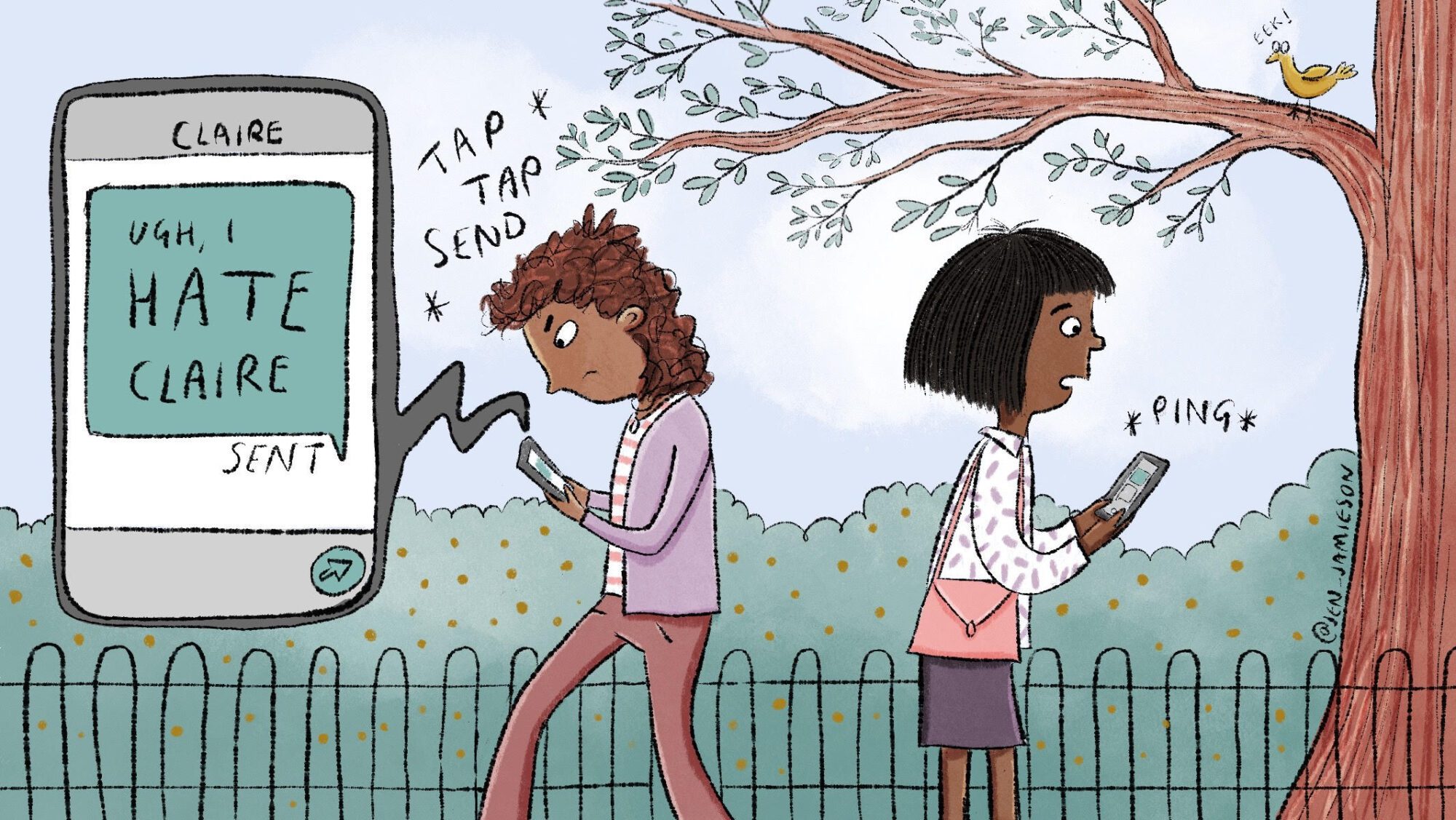
When you send an accidental text message—whether it contains a sensitive typo, an unintended recipient, or private information shared in haste—the immediate response is often panic. By 2026, major mobile operating systems and messaging platforms have integrated features designed to mitigate these errors, allowing users to unsend or edit messages within specific time windows. Understanding these technical capabilities, along with the limitations of network transmission and recipient privacy, is essential for maintaining digital communication hygiene.
Understanding the Mechanics of Message Transmission
To understand why "unsending" a message is not always absolute, one must first recognize the architecture of modern messaging. Messages generally fall into two categories: platform-specific encrypted services (such as iMessage, WhatsApp, or Signal) and carrier-based SMS/MMS protocols.
Platform-specific services act as centralized hubs. When you hit "send," the message is routed through the service provider's servers. If both the sender and the receiver use the same ecosystem, the application can issue a command to the server to delete or replace the message content before the recipient's device permanently renders it. Conversely, standard SMS/MMS (Short Message Service/Multimedia Messaging Service) functions like a postcard; once the message leaves your device and hits the cellular network, it is delivered to the recipient’s carrier and then to their handset. In this environment, the sender has almost no control once the "send" button is pressed.
Official Mitigation Features by Platform
Most modern mobile operating systems provide a grace period for message retraction. However, these features are highly dependent on the software version and the recipient's ability to receive updated instructions.
Apple iMessage
For users on iOS 16 and later, Apple introduced the ability to edit or undo send for iMessage.
- Undo Send: You generally have a two-minute window to retract a message. The recipient will see a notification that a message was unsent, though the content itself is removed.
- Editing: Messages can be edited within 15 minutes of being sent.
- Limitations: If the recipient is using an older version of iOS (pre-iOS 16), the "undo" command may fail to reach their device, leaving the original message intact.
WhatsApp offers a "Delete for Everyone" feature that remains highly effective regardless of the recipient’s device type.
- Timeframe: As of 2026, users have approximately 60 hours to delete a message after sending it.
- Requirements: Both the sender and the receiver must be using the latest version of the application. If the recipient has not updated, the deletion request might not execute.
Android (Google Messages)
Google Messages, utilizing Rich Communication Services (RCS), allows for message deletion and editing in various contexts.
- RCS vs. SMS: If the chat is encrypted via RCS, you may have the option to delete messages for all participants. If the conversation defaults to standard SMS due to network or compatibility issues, the "delete" action only removes the message from your own device, not the recipient's.
Comparison of Messaging Retraction Capabilities
The following table summarizes the operational capabilities for common messaging platforms as of 2026.
| Platform | Feature | Time Window | Dependency |
|---|---|---|---|
| iMessage | Undo Send | 2 Minutes | Both parties on iOS 16+ |
| Delete for Everyone | ~60 Hours | Latest App Version | |
| Google Messages | Delete/Edit | Varies (RCS only) | Active RCS Connection |
| Standard SMS | None | N/A | Network Protocol |
Privacy and Legal Implications of Erroneous Messages
Sending an accidental text message can carry weight beyond mere embarrassment. In professional or legal contexts, these messages can become evidence. If you inadvertently send sensitive data—such as financial records, trade secrets, or protected personal information—the "undo" function may not protect you from a breach of confidentiality.
From a legal standpoint, the act of "unsending" a message does not guarantee the destruction of the data. Recipients may take screenshots, use secondary recording devices, or possess software that archives chat logs automatically. If you are dealing with sensitive, work-related, or legal information, assume that once a message is delivered, it is recorded. Relying on "undo" features for data security is a high-risk strategy that fails to meet compliance standards in most regulated industries, such as healthcare (HIPAA) or finance.
Troubleshooting Failed Retractions
If you attempted to unsend or delete a message and discovered it remained on the recipient's device, consider the following technical reasons:
- Network Latency: In areas with poor cellular data or Wi-Fi, the "delete" instruction may be delayed, allowing the original message to remain cached on the recipient’s device long enough to be read.
- OS Fragmentation: If the recipient is running an operating system version that is several years old, their device may lack the technical hooks required to process the "delete" command sent by your modern application.
- Third-Party Archives: Some users employ secondary applications that automatically back up incoming text messages to cloud services. Deleting the message within the primary app does not necessarily scrub these third-party databases.
- Hardware Sync Issues: If the recipient has their phone off or in airplane mode, the "delete" command might not execute until they reconnect to the internet, potentially occurring hours after you sent the message.
Expert Guidelines for Preventing Accidental Messages
Prevention is the only 100% effective strategy for managing accidental text messages. Adopting these habits will significantly reduce the likelihood of sensitive data leaks or social mishaps.
- Implement a Delay: If your messaging app allows for it, enable a "send delay" feature. This provides a buffer of 5–10 seconds where you can cancel the sending process before it reaches the network.
- Verify Contact Context: Develop the habit of glancing at the recipient's name or contact photo at the top of the chat window immediately before hitting send. This is particularly important when you have similar names in your contact list (e.g., "John Work" vs. "John Home").
- Draft Outside the App: For long, sensitive, or professional messages, draft the content in a secure note-taking application first. This prevents the "accidental send" caused by a thumb slipping on the interface or an erroneous voice-to-text input.
- Use Professional Channels: If the content is professional, move it to an email platform or a dedicated project management tool that offers built-in version control and professional audit trails.
Frequently Asked Questions
Can I unsend an SMS text message after it has been delivered? No. Standard SMS is a legacy protocol that does not support server-side message retraction. Once the message reaches the recipient's cellular carrier, it is typically out of your control.
Why did my message stay on the recipient’s phone after I deleted it? This usually occurs because the recipient is using an outdated version of the app or their device was offline during the brief window when the "delete" command was broadcast.
Does deleting a message from my phone remove it from the recipient's? Only if you use an application that supports server-side deletion (like WhatsApp or iMessage) and the command is successfully processed by the recipient's device. In standard SMS or MMS, deleting a message only affects your local database.
Is it possible for a recipient to recover an unsent or deleted message? Yes. Even if you "unsend" a message, there is no guarantee the recipient has not already viewed the notification on their lock screen, captured a screenshot, or stored the chat in a cloud backup. Always treat digital communication as permanent.
Are there settings to stop accidental sends? While you cannot "stop" sending, you can mitigate the risk by disabling the "Enter key sends" option in many messaging app settings. This forces you to manually tap the dedicated arrow button to send, preventing accidental inputs.
Next Steps and Recommendations
If you have sent a highly sensitive or damaging message, the most responsible action is direct, prompt communication. A sincere apology or a clarifying follow-up message is often more effective than relying on software features. In professional settings, inform your supervisor or IT security department immediately if the accidental message involved proprietary data or a violation of internal security protocols. By acknowledging the error, you manage the fallout more effectively than by hoping the "undo" button worked perfectly.
Image Gallery
Select an image to open it in a new tab.


Zara El-Hashem
Sociocultural Dynamics and Academics Writer
