Finding Accurate Weather Apps for Android: A Comprehensive Guide
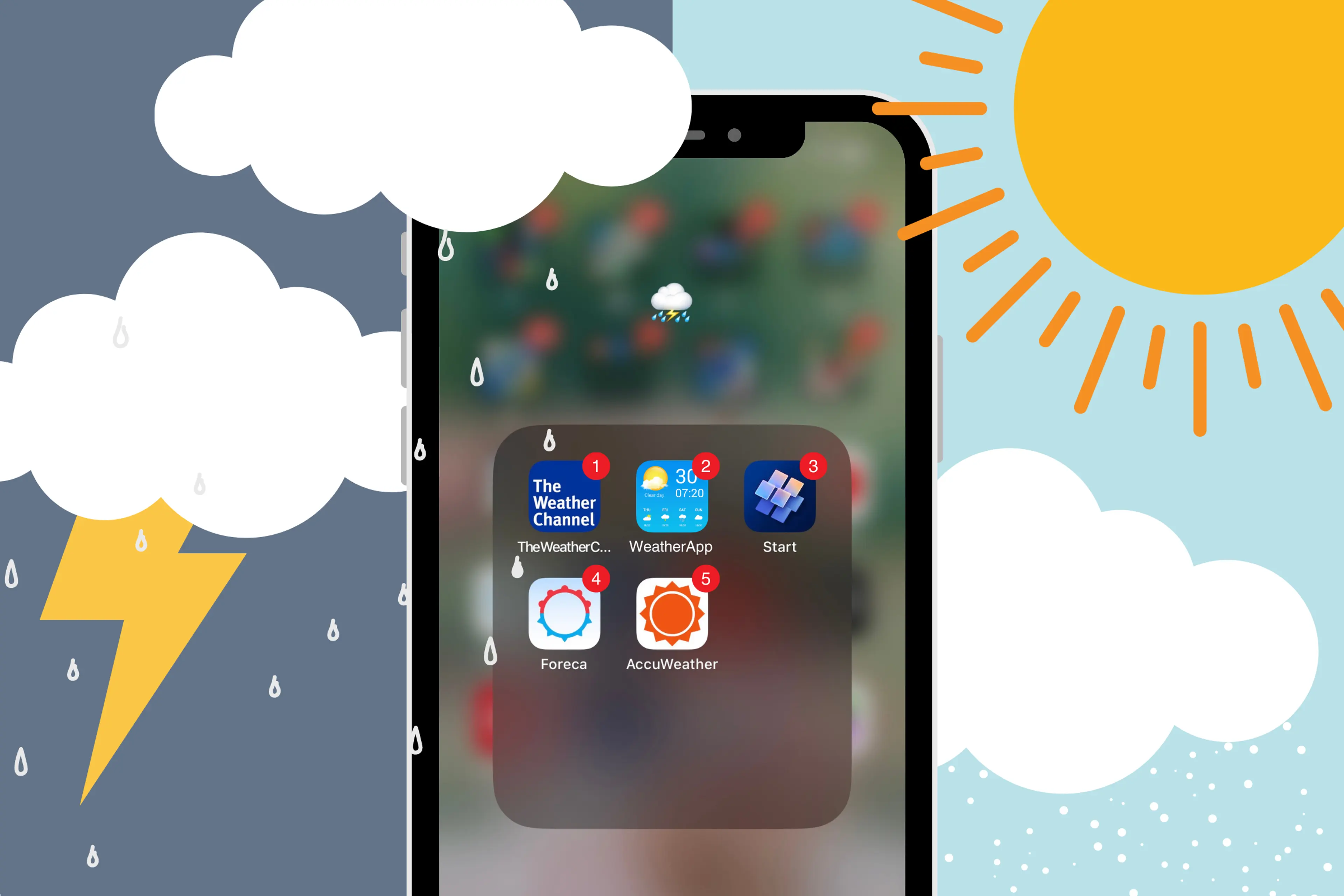
Finding accurate weather apps for Android requires an understanding of how data is aggregated, where the information originates, and how your specific device settings influence the reliability of your forecast. Because "accuracy" is subjective—often depending on whether you prioritize hyper-local precipitation alerts, long-range temperature trends, or wind speed precision—identifying the right tool involves evaluating the underlying meteorological models and the transparency of the app’s data sources.
Understanding Meteorological Data Sources
To determine if a weather app is accurate, you must first distinguish between data providers and data aggregators. Many popular apps on the Google Play Store do not operate their own network of sensors or satellites. Instead, they act as interfaces for meteorological data produced by national agencies or large-scale private entities.
The primary source of reliable weather data is the Global Forecast System (GFS), maintained by the National Oceanic and Atmospheric Administration (NOAA) in the United States, and the European Centre for Medium-Range Weather Forecasts (ECMWF), which is widely considered the gold standard for global numerical weather prediction. When selecting an app, look for those that explicitly disclose these sources. If an app claims "proprietary" technology without citing reputable academic or government forecasting models, it is often simply repackaging publicly available data, sometimes with less frequency or lower resolution.
Factors Influencing Android Weather Accuracy
Even with high-quality data, the app’s performance on your specific Android device is subject to several technical constraints.
- Location Permissions: Most weather apps default to a "coarse" location estimate to save battery life. For hyper-local accuracy—especially regarding sudden rain showers or microclimate temperature variations—you must grant the app "precise" location access. You can configure this in your Android settings under Apps > [App Name] > Permissions > Location.
- Background Data Refresh: Android’s battery optimization features may prevent an app from fetching the latest forecast in the background. If your app only updates when you open it, you may be looking at stale information. Ensuring the app is set to "Unrestricted" in your battery settings allows it to maintain a real-time pulse on current conditions.
- Update Frequency: Some apps refresh their data every hour, while others update every 15 minutes. In rapidly changing weather scenarios, such as tracking a thunderstorm, an app that fetches data only once an hour will appear inaccurate compared to one with higher update frequency.
Comparing Popular Weather Platforms
The following table outlines the different approaches taken by major weather providers available on the Android platform.
| Provider/App | Primary Source Model | Best Suited For |
|---|---|---|
| NOAA Weather Unofficial | NWS/NOAA Data | Official government alerts and high-latitude forecasting. |
| Windy.com | ECMWF, GFS, ICON | Visualizing wind patterns, wave heights, and aviation data. |
| The Weather Channel | IBM/The Weather Company | Daily planning, pollen levels, and general public use. |
| AccuWeather | Proprietary algorithms | Minute-by-minute precipitation tracking (MinuteCast). |
| OpenWeather | Aggregated global stations | Developers and users seeking simple, transparent API data. |
The Role of Microclimates and Topography
Accuracy often fails because of geographic limitations. Numerical models work on a grid system; if you live in a valley or near a large body of water, the grid cell representing your location might be several kilometers wide, smoothing out the differences between your specific neighborhood and the weather station located at the nearest airport.
Apps that offer "Personal Weather Station" (PWS) integration—such as those connected to the Netatmo or Weather Underground networks—can provide higher accuracy for your exact street. By pulling data from private sensors located in residential backyards, these apps can account for localized heating effects or wind channeling that national models miss. If you live in an area with complex terrain, prioritize apps that allow you to toggle between official station data and community-sourced sensor data.
Troubleshooting Persistent Inaccuracy
If your app consistently provides incorrect information, follow these steps to isolate the issue:
- Verify System Time: Android devices rely on network-provided time. If your device time is out of sync, the app’s temporal data requests may be rejected or misinterpreted by the server. Check your settings to ensure Automatic Date & Time is enabled.
- Clear Cache: Over time, cached weather data can become corrupted. Navigate to your app settings and select Clear Cache to force a fresh pull from the server.
- Check Data Integrity: Compare the app’s forecast against the official National Weather Service (NWS) website for your specific zip code. If the NWS forecast is accurate but the app is not, the issue lies in the app's internal processing or the age of the data it fetches.
- Connectivity Limits: In areas with poor mobile signal, some apps fail to connect to secure servers. Try switching between Wi-Fi and mobile data to see if the refresh rate improves.
Strategic Selection: How to Choose
When downloading an app, avoid those that require excessive permissions unrelated to weather—such as access to your contacts, call logs, or microphone. A reputable weather app only needs location permissions and, occasionally, permission to send notifications for severe weather alerts.
Focus on the interface utility. If you are a casual user, an app with a clean UI that prioritizes "feels like" temperatures and precipitation percentages is sufficient. If you are an outdoor enthusiast, you need an app that provides access to radar imagery, dew points, and visibility metrics. The "best" app is the one that aligns its data resolution with your specific needs.
Frequently Asked Questions
Why does my weather app show different temperatures than my physical thermometer? Weather apps report data measured at specific heights (usually 1.5 to 2 meters) and often from stations located at airports or open fields. Your thermometer may be affected by the urban heat island effect, direct sunlight on the sensor, or proximity to buildings, which causes localized deviations from the regional forecast.
Are free, ad-supported weather apps less accurate than paid ones? Not necessarily. Accuracy is derived from the underlying meteorological data source, not the app's monetization model. Many free apps use the same high-quality GFS or ECMWF models as paid versions. The cost usually covers an ad-free interface, more frequent updates, or advanced features like detailed radar customization.
Do weather apps work accurately without an internet connection? No. Weather apps are essentially data clients. They require an active internet connection to ping servers for the latest meteorological model runs. If you are heading into an area with no service, ensure your phone has a built-in barometer; some specialized hiking apps can utilize your phone's internal hardware to predict pressure trends, which can indicate approaching storms without a live data connection.
How can I verify if a weather app is using reliable models? Check the "About" or "Help" section of the app. Reputable developers take pride in their data sources and will explicitly mention if they use European (ECMWF) or American (GFS/NWS) models. If an app provides no information on its source, assume it is using generic, low-resolution aggregated data.
Is there a way to get hyper-local alerts for my specific neighborhood? Yes. Look for apps that support push notifications based on your exact GPS coordinate rather than your general city location. Many modern apps now use "geofencing," which triggers an alert only when a storm cell is projected to enter your specific pre-defined zone.
Final Recommendation
To find the most accurate weather information on Android, start by installing a reliable, data-transparent application like Windy.com or the NOAA Weather Unofficial app. Once installed, manually configure your device to allow "Precise" location access and remove battery restrictions for that app. For the highest level of detail, regularly compare the app's output against official governmental sources like the National Weather Service. By understanding the difference between raw model data and localized sensor data, you can significantly improve the reliability of the weather forecasts on your smartphone.

Image Gallery
Select an image to open it in a new tab.


Akira Tanaka
International Academic Trends Correspondent
