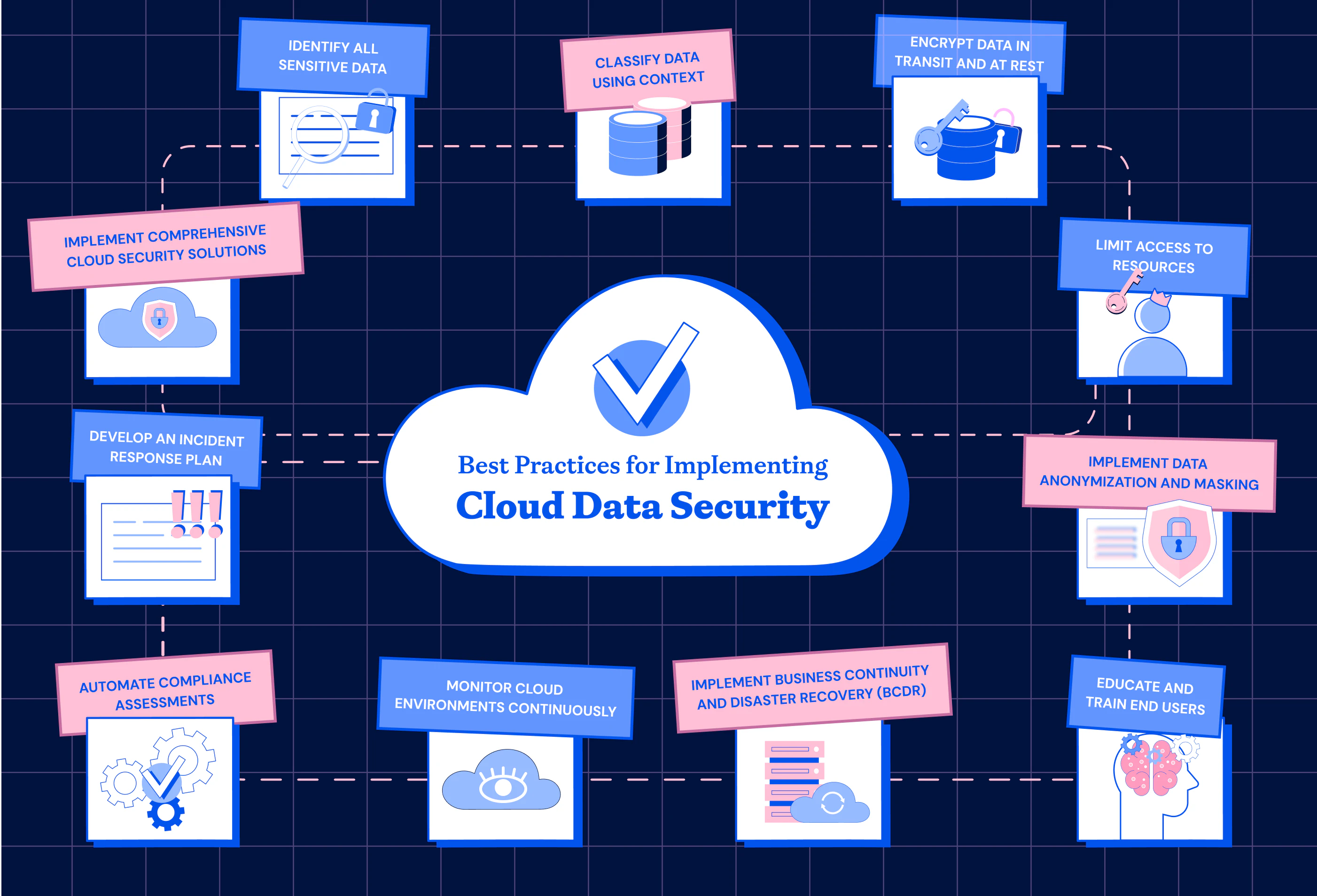
Securing cloud-based environments requires a multi-layered strategy that integrates identity management, robust encryption, and continuous monitoring to protect sensitive assets. Organizations must shift from perimeter-based defense to a Zero Trust architecture, ensuring that every request—whether originating from inside or outside the network—is authenticated, authorized, and validated before granting access to data or application functions.
The Shift to Shared Responsibility
The fundamental premise of cloud security is the Shared Responsibility Model. Cloud Service Providers (CSPs) like Amazon Web Services (AWS), Microsoft Azure, and Google Cloud Platform (GCP) are responsible for the security of the cloud infrastructure, including the physical data centers, networking hardware, and virtualization layers. However, the user remains responsible for the security in the cloud. This includes configuring identity and access management (IAM), securing data at rest and in transit, and ensuring that application code is free from vulnerabilities. Neglecting this distinction is the leading cause of cloud breaches in 2026.
Strengthening Identity and Access Management (IAM)
Identity is the new perimeter. In a cloud-native world, user credentials and API keys are the primary targets for attackers.
- Implement Principle of Least Privilege (PoLP): Grant users and automated services only the minimum permissions necessary to perform their tasks. Audit permissions regularly to identify and revoke excessive access rights.
- Mandate Multi-Factor Authentication (MFA): Require hardware tokens or biometric-based authentication for all users, particularly those with administrative privileges. Password-only access is insufficient for cloud accounts.
- Use Temporary Credentials: Avoid hardcoding long-lived access keys in application source code. Use IAM roles, service accounts, or secret management services like AWS Secrets Manager or Azure Key Vault to rotate credentials automatically.
Data Protection: Encryption and Lifecycle Management
Data in the cloud must be protected throughout its lifecycle, whether it is sitting in an object storage bucket (at rest) or moving between a web application and a database (in transit).
- Encryption at Rest: Enable server-side encryption for all storage services. Manage your own keys using a Cloud Hardware Security Module (HSM) if your industry requires sovereign control over cryptographic keys.
- Encryption in Transit: Enforce TLS 1.3 for all communications. Ensure that internal traffic between microservices within your cloud VPC (Virtual Private Cloud) is encrypted using a service mesh or mTLS (mutual Transport Layer Security).
- Data Classification: Not all data requires the same level of protection. Categorize your data into tiers (e.g., Public, Internal, Confidential, Highly Restricted) and apply encryption and retention policies based on the sensitivity level.
Securing Application Code and Infrastructure
Modern application security focuses on the continuous integration and deployment (CI/CD) pipeline. Security must be shifted left—integrated into the development process rather than being an afterthought.
- Infrastructure as Code (IaC) Scanning: Use tools to scan Terraform, CloudFormation, or Bicep templates for misconfigurations before deployment. Security misconfigurations, such as public write access to storage buckets, are often caught during the deployment phase.
- Container Security: If you use Kubernetes or containerized workloads, scan container images for known vulnerabilities (CVEs) before they reach the registry. Maintain a minimal base image to reduce the attack surface.
- API Security: APIs are the backbone of cloud applications. Implement rate limiting, input validation, and robust API gateway authentication to prevent injection attacks and unauthorized data exfiltration.
Monitoring, Logging, and Incident Response
Visibility is critical for detecting anomalies. Without centralized logging, security teams are effectively blind to what is happening within their cloud environment.
- Centralized Logging: Aggregate logs from cloud control planes (e.g., AWS CloudTrail, Azure Activity Logs), network flow logs, and application logs into a centralized Security Information and Event Management (SIEM) system.
- Automated Alerting: Configure alerts for suspicious activities, such as unusual API calls from unknown IP addresses, unauthorized changes to IAM policies, or massive data egress.
- Incident Response Planning: In 2026, the speed of response determines the extent of data loss. Maintain a cloud-specific incident response plan that includes automated containment scripts, such as instantly revoking an IAM user or isolating a compromised virtual machine.
Security Comparison: Traditional Data Centers vs. Cloud
The following table outlines the key operational differences in maintaining security postures between legacy systems and modern cloud environments.
| Feature | Traditional Data Center | Cloud-Based Environment |
|---|---|---|
| Control | Full physical and logical control | Shared responsibility with provider |
| Visibility | Hardware-centric monitoring | API-driven, log-centric monitoring |
| Agility | Slow (hardware procurement) | Rapid (on-demand provisioning) |
| Perimeter | Static (firewalls at edges) | Dynamic (identity-based/Zero Trust) |
| Scaling | Manual security updates | Automated, policy-driven security |
Frequently Asked Questions (FAQ)
1. How do I ensure my cloud storage remains private? To keep cloud storage private, strictly configure Access Control Lists (ACLs) and bucket policies to block public access by default. Use tools provided by your CSP to monitor for "publicly accessible" flags and use bucket-level encryption with customer-managed keys for an additional layer of security.
2. What is the most common mistake made in cloud security? The most common mistake is leaving administrative ports (like SSH or RDP) open to the public internet. Organizations should use Bastion hosts, VPNs, or cloud-native connection managers (like AWS Systems Manager Session Manager) to access instances without exposing them to the internet.
3. Does moving to the cloud automatically make my data more secure? No. Moving to the cloud shifts the burden of physical security to the provider, but it increases the complexity of logical and configuration-based security. If you misconfigure your cloud environment, it may be significantly less secure than a well-managed on-premises server.
4. How can I protect my application against DDoS attacks? Deploy a Content Delivery Network (CDN) and a Web Application Firewall (WAF) in front of your application. These services act as a buffer, filtering malicious traffic and absorbing distributed denial-of-service (DDoS) requests before they overwhelm your application servers.
5. How often should I audit my cloud security? Security audits should move toward continuous compliance. Use automated compliance monitoring tools that provide real-time dashboards on your adherence to frameworks like SOC2, ISO 27001, or NIST. Perform a deep-dive manual penetration test at least annually.
Next Steps for Implementation
Begin by performing a comprehensive audit of your current IAM landscape. Use your provider’s native tools (e.g., AWS Trusted Advisor or Microsoft Defender for Cloud) to identify immediate risks. Once the low-hanging fruit—such as overly permissive accounts and unencrypted storage—are addressed, prioritize the implementation of an automated CI/CD pipeline security scan to prevent future vulnerabilities from reaching production. Security is an iterative process; prioritize visibility and automation to maintain a posture that keeps pace with your development cycle.
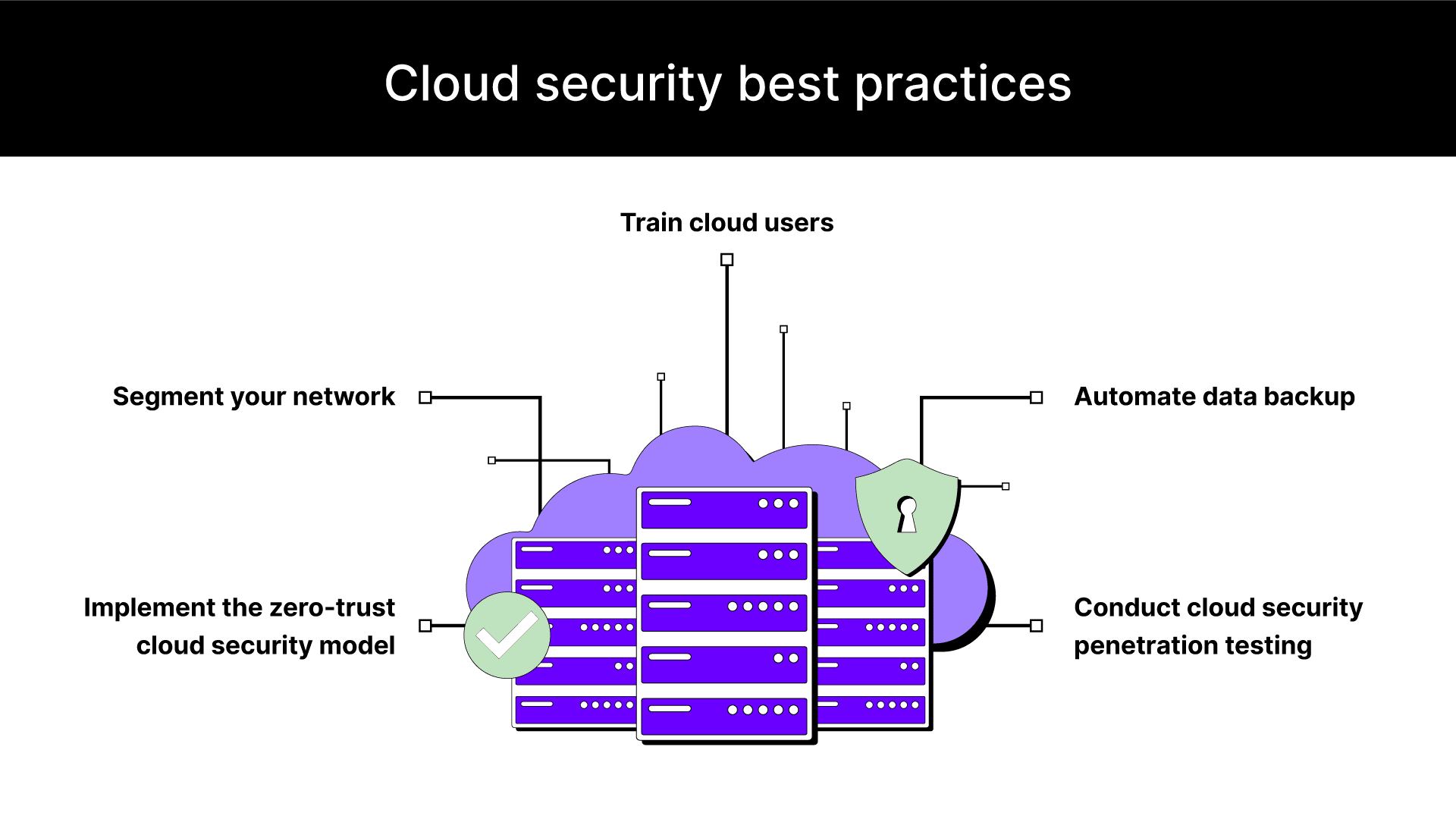
Image Gallery
Select an image to open it in a new tab.


Declan O'Connor
Higher Education and Campus Culture Reporter
