Understanding Float in Programming: Precision, Limits, and Practical Application
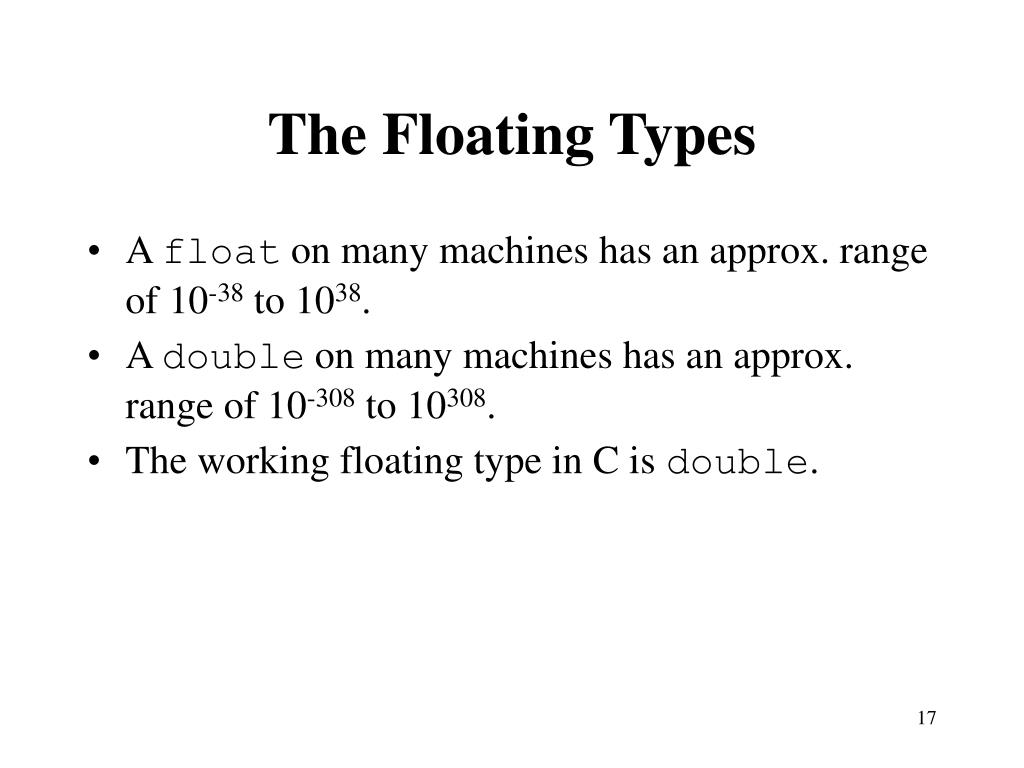
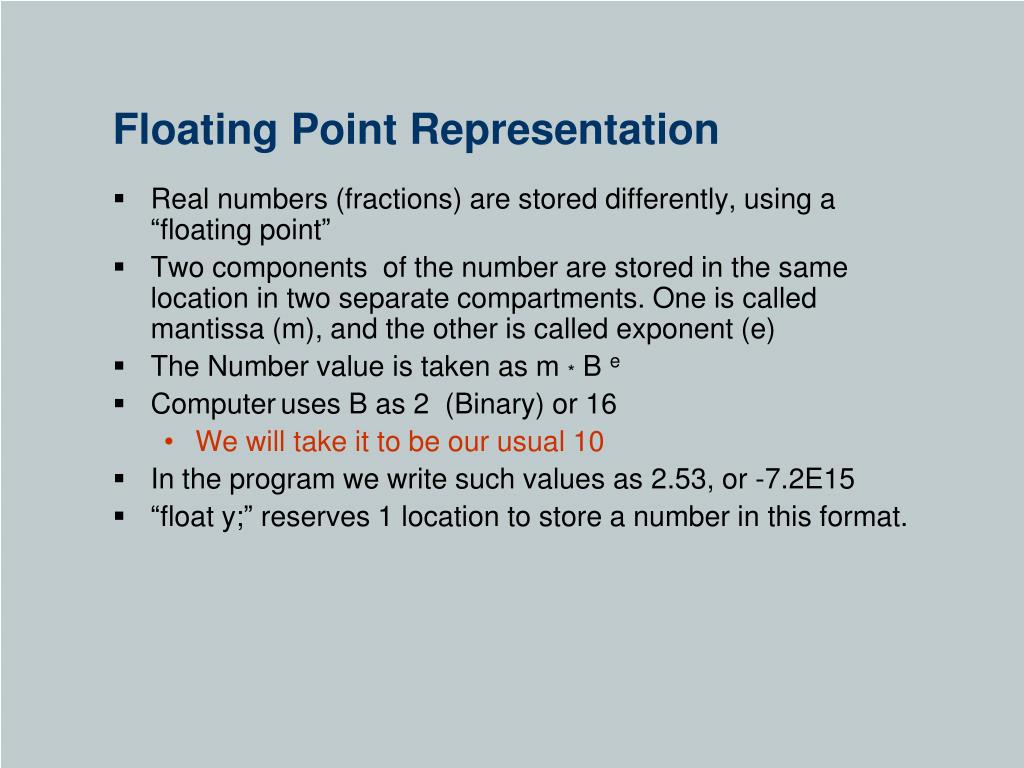
A float in programming is a data type representing a number that contains a decimal point, allowing for the storage of fractional values. Unlike integers, which are limited to whole numbers, floats use a scientific notation structure—specifically the IEEE 754 standard—to balance a wide range of values with memory efficiency, though this design introduces inherent challenges regarding precision and rounding errors in complex calculations.
The Foundation of Floating-Point Arithmetic
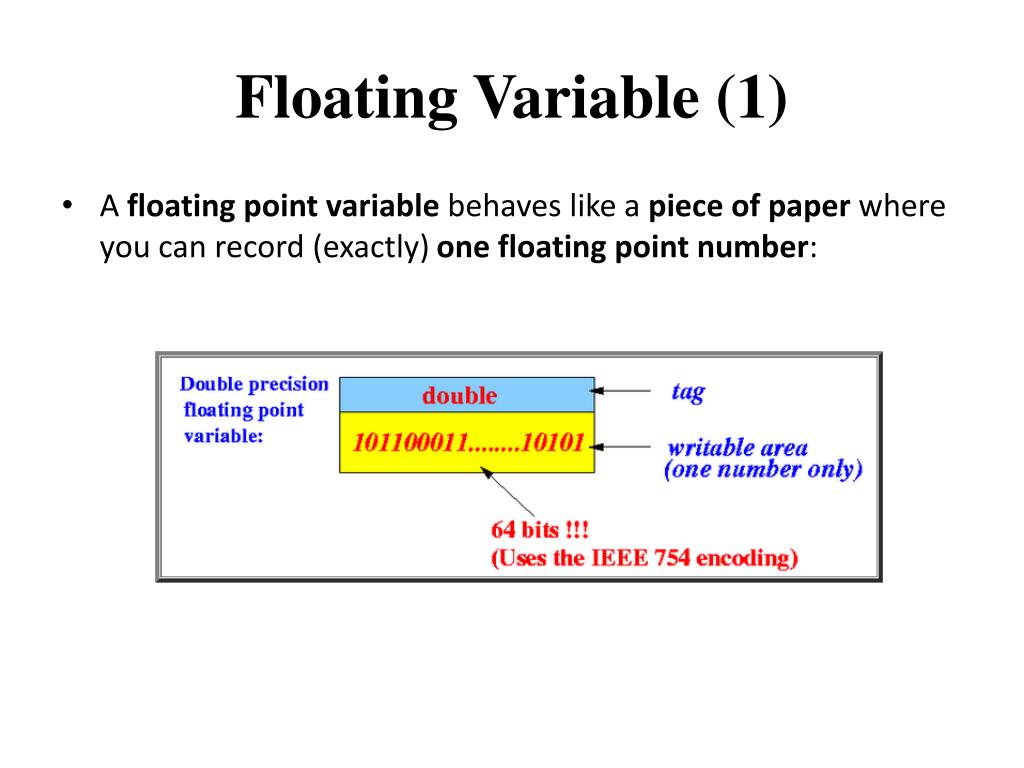
At the hardware level, computers store numbers in binary format. While integers represent values directly as a sequence of bits, floating-point numbers are treated more like scientific notation. A float is essentially divided into three parts: a sign bit (positive or negative), an exponent, and a fraction, also known as the significand or mantissa.
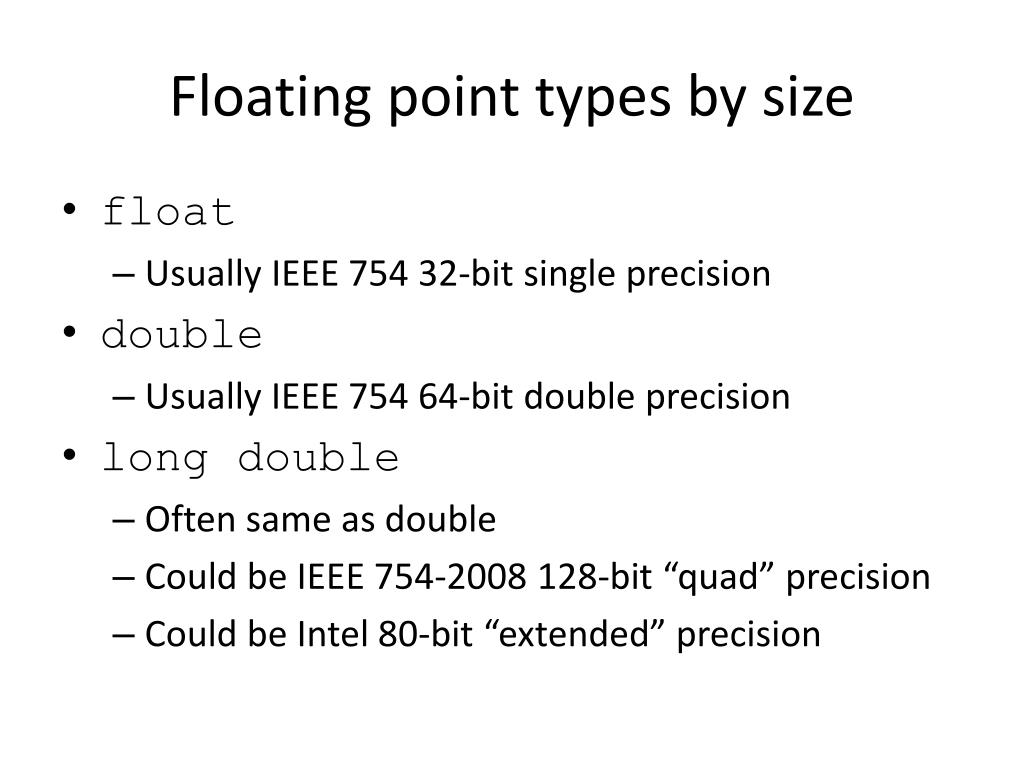
This structure allows programmers to work with extremely large or incredibly small numbers using a fixed amount of memory. For example, a standard 32-bit float (often referred to as a "single precision" float) allocates one bit for the sign, eight bits for the exponent, and twenty-three bits for the fraction. This architecture is governed by the IEEE 754 standard, which ensures that calculations remain consistent across different computing platforms and programming languages, from C++ and Java to Python and JavaScript.
The primary trade-off in this design is that not every decimal number can be represented exactly in binary. Just as one-third (1/3) in decimal results in a repeating 0.333... that can never be perfectly captured in finite space, many common decimal fractions become repeating binary fractions. When a computer tries to store these values, it must truncate or round the number, which leads to the well-known phenomenon of floating-point inaccuracies.
Precision and Performance: Single vs. Double
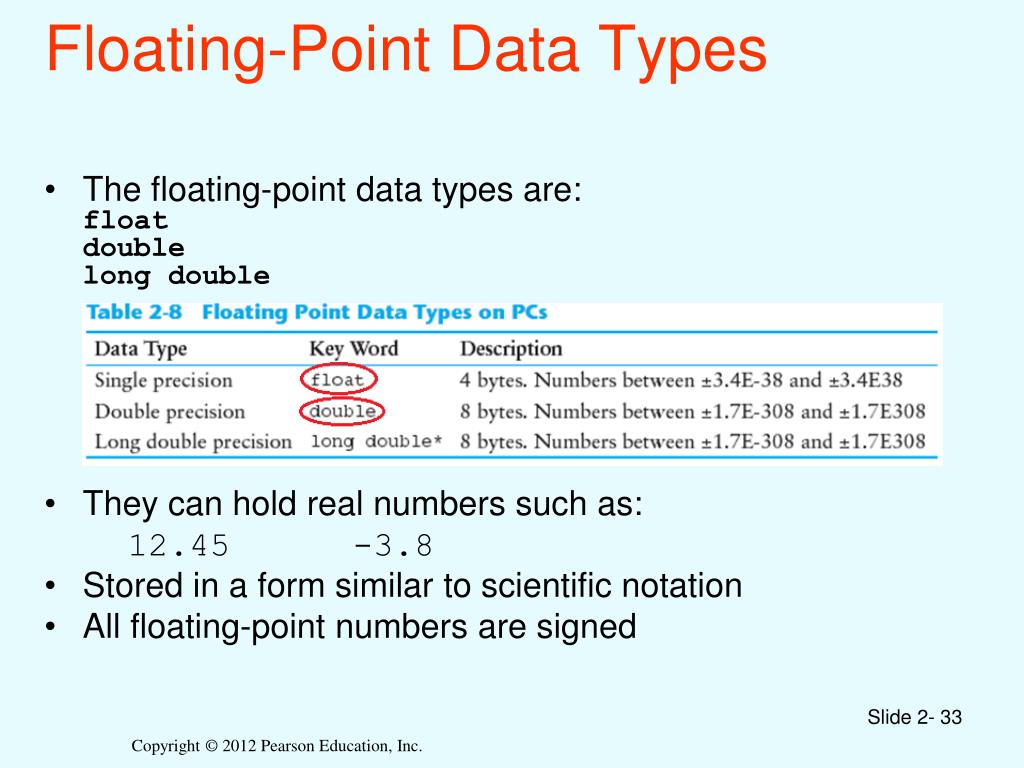
When selecting a numeric type, developers must choose between different levels of precision. The distinction typically lies between "float" (32-bit) and "double" (64-bit).
A 32-bit float is memory-efficient and faster for calculations on hardware that prioritizes throughput, such as graphics processing units (GPUs). However, its limited bit-depth means that it can only represent approximately 7 decimal digits of precision. If your application involves high-frequency trading, scientific simulations, or complex aerospace engineering, this level of precision is often insufficient, as the cumulative rounding errors can lead to massive drifts in the final result.
A 64-bit double, conversely, provides approximately 15 to 17 decimal digits of precision. While it consumes twice the memory of a 32-bit float, it is the default choice for most general-purpose programming tasks because it minimizes the visibility of rounding errors. Modern CPU architectures are optimized to handle 64-bit arithmetic at nearly the same speed as 32-bit arithmetic, making the memory overhead a secondary concern for most software applications created in 2026.
Comparison of Floating-Point Types
| Feature | Single Precision (float) | Double Precision (double) |
|---|---|---|
| Size | 32 bits (4 bytes) | 64 bits (8 bytes) |
| Decimal Precision | ~7 digits | ~15–17 digits |
| Primary Usage | Graphics, Game Development | Scientific, Financial, General |
| Memory Efficiency | High | Moderate |
| Error Margin | Higher accumulation | Lower accumulation |
The Reality of Precision Errors
The most critical skill in understanding floats is recognizing when to avoid them entirely. If you are building an application that handles currency, such as a banking portal or an e-commerce checkout system, using floating-point numbers is a significant architectural flaw.
Because money is base-10, and computers are base-2, the binary representation of currency values will almost always be slightly off. For instance, 0.1 + 0.2 in many programming languages does not equal exactly 0.3; it equals 0.30000000000000004. In a casual application, this is negligible. In a financial ledger, this leads to accounting discrepancies that are difficult to debug and legally problematic.
For these scenarios, professional developers use dedicated "Decimal" or "BigDecimal" classes. These types store numbers as exact base-10 representations rather than binary approximations. While they are computationally slower than native floats, they eliminate the uncertainty associated with floating-point math.
Best Practices for Floating-Point Comparisons
Comparing two floats using the standard equality operator (==) is a common source of bugs. Because of the precision errors mentioned above, a == b will frequently return false even if the two numbers appear identical to the human eye.
To compare floats safely, developers must implement an "epsilon" check. Instead of checking for equality, you check if the absolute difference between the two numbers is less than a very small, acceptable threshold.
Example Logic for Comparison
- Define a small constant,
epsilon(e.g.,0.00001). - Calculate the difference between
valueAandvalueB. - If the absolute value of the difference is less than
epsilon, treat the values as equal.
This technique is essential in game development for collision detection or physics engines, where object coordinates are calculated continuously and may fluctuate by infinitesimal amounts due to the limitations of the underlying hardware.
Common Pitfalls and Troubleshooting
Beyond comparison issues, developers often encounter unexpected behavior when performing operations on numbers of vastly different scales. Adding a very small float to a very large float can result in "catastrophic cancellation" or "absorption," where the smaller value is effectively lost because the significand lacks the bits to represent both magnitudes simultaneously.
When you notice your program yielding "infinity" or "NaN" (Not a Number), it is usually an indicator of an overflow or an illegal operation, such as dividing by zero. While modern languages handle these gracefully by returning these constants rather than crashing, they act as "poison pills" in your calculations. Once a variable becomes NaN, any subsequent mathematical operation performed on that variable will also result in NaN, effectively breaking the chain of logic in your application.
Always initialize your variables and include validation checks. If you are receiving input from a user or an API, ensure that the data is sanitized and that your program logic includes "safe zones"—points in the code where you verify that numbers remain within a reasonable range before performing sensitive calculations.
FAQ: Understanding Floats
Why does my code report 0.30000000000000004 instead of 0.3? This occurs because computers store numbers in binary (base-2). Just as 1/3 cannot be represented as a finite decimal, many fractions cannot be represented as finite binary numbers. The computer stores the closest possible binary approximation.
Should I use float or double for my project?
Use double by default for most applications. Only choose float if you are memory-constrained or if you are working on graphics-heavy tasks where performance bottlenecks specifically related to 32-bit throughput are confirmed by profiling tools.
How do I handle money calculations in programming?
Never use float or double for currency. Use a Decimal type, a library that supports fixed-point arithmetic, or store monetary values as integers (e.g., store cents instead of dollars) to maintain perfect accuracy.
What is the difference between NaN and Infinity?
NaN indicates that a calculation does not have a defined mathematical result (such as 0 divided by 0). Infinity occurs when a calculation exceeds the maximum storage capacity of the data type, usually from dividing a non-zero number by zero.
Are floats consistent across different operating systems? Yes, if the programming language and hardware follow the IEEE 754 standard. While the way data is handled in memory is consistent, the compiler or interpreter's implementation of math functions may vary, so always test critical logic on all target platforms.
Next Actions and Implementation Guidance
To master floating-point usage, start by auditing your current code for any equality comparisons involving decimal numbers. Replace these with epsilon-based comparisons immediately. If your application involves financial calculations, perform a refactor to move from float or double to a dedicated Decimal or BigDecimal library.
When documenting your code, be explicit about why a particular precision was chosen. If you are using a float for performance reasons in a simulation, add a comment explaining that the lower precision is intentional and acceptable for the requirements of that specific module. This level of clarity helps future maintainers understand that the potential for rounding error was not an oversight, but a deliberate technical decision.
Image Gallery
Select an image to open it in a new tab.




Ingrid Bjornson
Global Cyber Policy and Regulation Analyst
