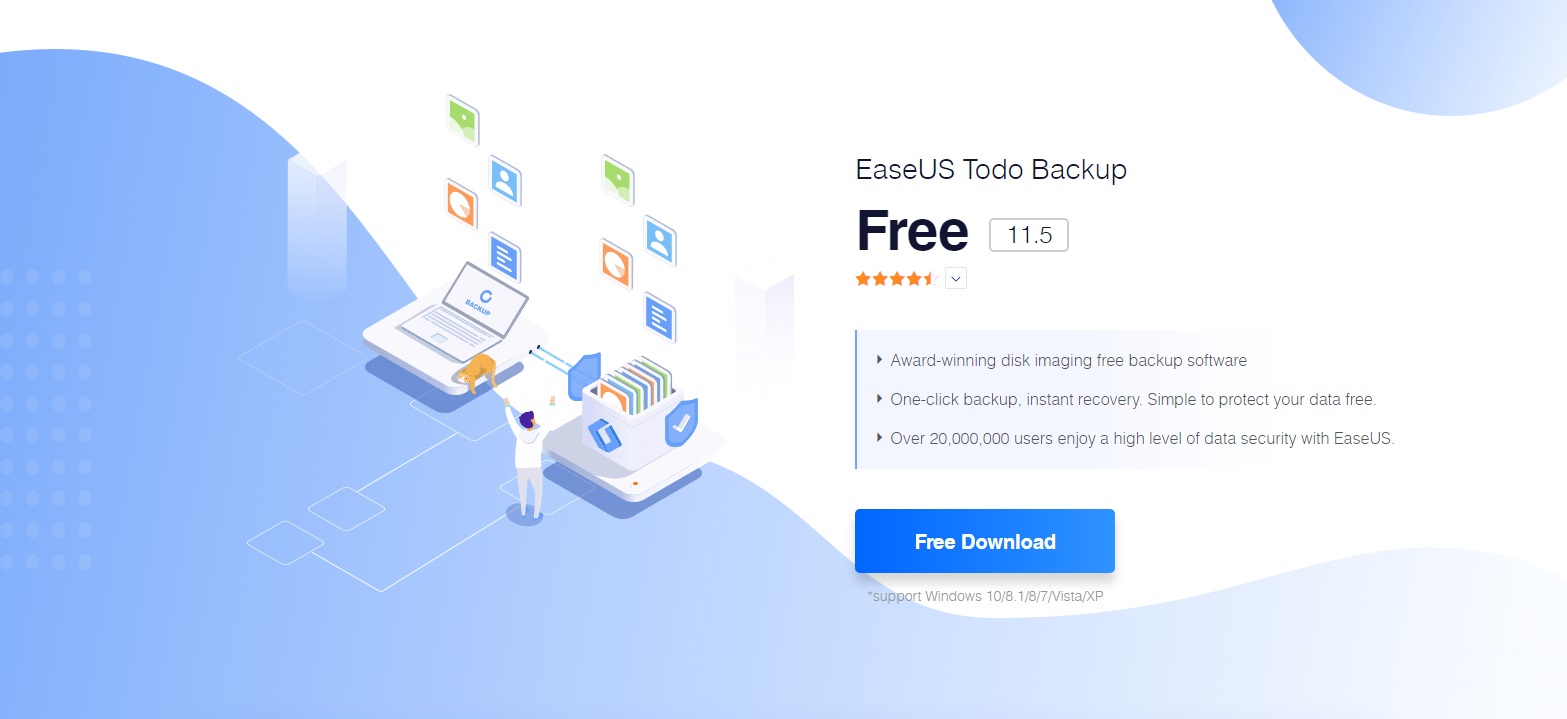
Free network backup software solutions provide a centralized platform to automate data redundancy across multiple workstations, servers, and virtual machines without licensing fees. By utilizing open-source engines or community-edition proprietary tools, organizations can implement robust disaster recovery strategies that include encryption, deduplication, and scheduled incremental backups across a local or wide area network.
Understanding the Landscape of Network Backup in 2026
Network backup differs fundamentally from local backup. While local backup involves a direct connection (like a USB drive), a network backup solution operates over a LAN, WAN, or cloud infrastructure. In 2026, the volume of data generated by even small businesses has necessitated more sophisticated handling of network traffic to prevent "backup windows"—the time required to complete a backup—from interfering with daily operations.
Free solutions generally fall into two categories: Open-Source Software (FOSS) and Proprietary Community Editions. Open-source tools like UrBackup or Bacula offer unlimited scalability but require higher technical proficiency to manage. Proprietary "Community Editions," such as those from Veeam or Nakivo, offer polished user interfaces and professional-grade features but often impose hard limits on the number of workloads (e.g., up to 10 instances) or total storage capacity.
When selecting a solution, it is vital to distinguish between file-level backup and image-level backup. File-level backup targets specific documents and folders, whereas image-level (or bare-metal) backup captures the entire operating system, configuration, and data, allowing for a total system restore on new hardware.
Top Open-Source Network Backup Solutions
Open-source tools are the backbone of many cost-conscious IT departments. They provide transparency and avoid vendor lock-in, though they often rely on community documentation rather than 24/7 phone support.
UrBackup: The Balance of Performance and Simplicity
UrBackup remains one of the most popular free network backup systems because it combines an easy-to-use web interface with powerful client-server architecture. It supports both image and file backups in a way that is largely transparent to the end-user.
One of UrBackup's standout features is its use of block-level hashing. When a client backs up data, the server identifies blocks of data it already possesses from other clients. This global deduplication significantly reduces storage requirements and network congestion. In a 2026 environment where remote work is standard, UrBackup’s ability to perform backups over the internet (via specialized "Internet Clients") makes it highly relevant for distributed teams.
Bacula and Bareos: Enterprise-Grade Complexity
For environments requiring extreme scalability, Bacula (and its popular fork, Bareos) is the industry standard. These tools are designed for heterogeneous networks consisting of thousands of clients across Linux, Windows, and macOS.
Bacula operates using several different components: the Director (which manages the schedule), the Storage Daemon (which handles the physical media), and the File Daemon (installed on the client). This modularity allows IT administrators to separate the management logic from the storage hardware, which is essential for high-security environments. However, the learning curve is steep, often requiring a deep understanding of configuration files and command-line interfaces.
Amanda (Advanced Maryland Automatic Network Disk Archiver)
Amanda is one of the oldest active backup projects, known for its extreme reliability. It is unique because it uses standard tools and formats (like GNUtar or dump) rather than a proprietary backup format. This ensures that even if the Amanda software itself is unavailable, data can still be recovered using native operating system tools. This "no-lock-in" philosophy is a major draw for long-term data archiving.
Proprietary "Community Edition" Solutions
Many commercial vendors offer free versions of their flagship products. These are ideal for small businesses or lab environments that need "enterprise-grade" features but have a limited number of systems to protect.
Veeam Data Platform Community Edition
Veeam is often considered the gold standard for virtual machine (VM) backups. The Community Edition allows users to protect up to 10 "instances" (which can be VMs, physical servers, or workstations) for free. It includes high-end features like Instant VM Recovery, which allows you to run a failed VM directly from the backup storage, and the "Veeam Explorer" tools for granular recovery of Microsoft Exchange or SQL Server items.
Nakivo Backup & Replication Free Edition
Nakivo offers a similar proposition to Veeam, with a focus on simplicity and lightweight installation. The free version allows for the protection of a limited number of workloads but provides an exceptionally modern, fast web-based dashboard. It is particularly well-regarded for its support of QNAP and Synology NAS devices, where the software can be installed directly as an app, turning the NAS into a self-contained backup appliance.
Technical Comparison of Leading Free Solutions
| Software | License Type | Primary Strength | Max Workloads | Supported Protocols |
|---|---|---|---|---|
| UrBackup | Open Source (GPL) | Fast, Block-level deduplication | Unlimited | Proprietary, Internet Backup |
| Veeam CE | Proprietary (Free) | VM protection & Instant Recovery | 10 Instances | iSCSI, NFS, SMB, S3 |
| Bacula/Bareos | Open Source (AGPL) | Massive scalability/modularity | Unlimited | TCP/IP, TLS encryption |
| Duplicati | Open Source (LGPL) | Cloud-sync and encryption | Unlimited | WebDAV, SSH, S3, FTP |
| Nakivo Free | Proprietary (Free) | NAS integration and ease of use | 10 Workloads | iSCSI, NFS, SMB |
Key Technical Features to Evaluate
To ensure a free solution is viable for your network, you must look beyond the price tag and evaluate specific technical capabilities that impact reliability and security.
1. Data Deduplication and Compression
Network backups can quickly saturate your bandwidth. Deduplication ensures that if ten workstations have the same OS files, only one copy is stored on the server. Compression further reduces the storage footprint. In 2026, efficient deduplication is no longer a luxury; it is a necessity for managing the high-definition media and massive databases common in modern workflows.
2. Encryption Standards
Because backup data is sent over the network, it is vulnerable to interception. Any solution you choose should support AES-256 encryption for both data-at-rest (on the storage media) and data-in-transit (as it moves across the wire). According to the National Institute of Standards and Technology (NIST), robust encryption is the primary defense against data breaches involving stolen backup media.
3. Ransomware Protection and Immutability
Ransomware in 2026 frequently targets backup repositories to ensure victims cannot restore their data. "Immutability" is a feature where backup data is locked for a specific period, preventing it from being deleted or modified, even by an administrator with root access. While some free tools do not offer native immutability, they can often be paired with Linux-based "Hardened Repositories" or S3-compatible object storage with Object Lock.
4. VSS (Volume Shadow Copy) Support
For Windows clients, VSS support is mandatory. VSS allows the backup software to create a consistent snapshot of the system even while files are in use. Without this, backups of databases (like SQL Server) or open documents may result in corrupted or incomplete data.
Implementation Best Practices: The 3-2-1 Rule
No matter how sophisticated your free network backup software is, it is only as good as the strategy behind it. The 3-2-1 rule remains the industry standard for data protection:
- 3 copies of data: Your primary data and two backups.
- 2 different media: For example, one backup on a local NAS and another on an external hard drive or cloud bucket.
- 1 copy offsite: To protect against physical disasters like fire or theft.
When setting up a network backup, consider the "bottleneck" factor. If all 50 computers on your network start backing up at 9:00 PM, your local network switch may become a point of failure. Scheduling is critical; staggering backup start times and utilizing incremental-forever backup modes can mitigate network strain.
Common Pitfalls and Troubleshooting
The most common failure in network backup isn't the software failing to copy files; it's the failure to verify. Many administrators set up a free tool and assume it is working until they actually need to restore.
- Database Bloat: Many free tools use an internal database (like SQLite or MariaDB) to track file versions. Over years of use, these databases can grow massive, slowing down the backup process. Regular maintenance and database optimization are required.
- Permission Mismatches: Network backups often fail because the "Backup User" does not have permissions to read hidden system folders or specific user directories. Using a dedicated service account with administrative privileges is usually necessary.
- Network Latency: In 2026, many "local" networks are actually hybrid-cloud environments. High latency or packet loss on the network can cause a backup session to time out, leading to partial backups that are useless during a restore.
Frequently Asked Questions
Can I use free network backup software for a commercial business?
Yes, most open-source licenses (like GPL or MIT) and many proprietary "Community Editions" allow for commercial use. However, you must read the End User License Agreement (EULA) carefully. For example, some free tools are strictly for "Home Use Only," while others (like Veeam Community Edition) are perfectly legal for business environments up to their instance limit.
What is the difference between a "Backup" and "Sync" (like Dropbox)?
Sync tools like Dropbox or Google Drive ensure that files are the same across all devices. If you delete a file on one computer, it is deleted everywhere. Backup software, conversely, keeps historical versions. If you get hit by ransomware and your files are encrypted, a sync tool will simply "sync" the encrypted files. A backup tool allows you to go back in time to a point before the infection occurred.
Is open-source backup software less secure than paid versions?
Not necessarily. In fact, many security professionals prefer open-source software because the code is available for public audit. The security of the backup depends more on your implementation—specifically, whether you enable encryption and how you manage the access keys.
Does free network backup software support cloud storage?
Many modern free solutions, such as Duplicati or Rclone, are designed specifically to use cloud providers (Backblaze B2, Amazon S3, Wasabi) as their storage backend. While the software is free, you will still be responsible for the storage costs charged by the cloud provider.
How do I handle backups for remote employees?
For remote workers, you should choose a solution that supports "Internet Backups" or utilizes a VPN. UrBackup is particularly effective here as it can be configured to back up over the internet using a secure, encrypted tunnel without requiring a permanent VPN connection for the user.
Final Recommendation and Next Actions
If you are just starting with network backups in 2026, the best approach is to start with a pilot program. For small environments with fewer than 10 systems, Veeam Data Platform Community Edition offers the most professional feature set with the least amount of configuration effort. It provides an excellent introduction to enterprise-level data management.
For larger environments or those who prioritize open-source transparency, UrBackup is the recommended starting point. It offers the best balance of speed, ease of use, and advanced features like global deduplication. Regardless of the tool you choose, your next step should be to perform a "fire drill"—a complete restore of a critical system to ensure that your backups are not just finishing, but are actually recoverable.
Image Gallery
Select an image to open it in a new tab.


Akira Tanaka
International Academic Trends Correspondent
