How to Get a Free URL: Navigating Custom Domains, Subdomains, and Free Hosting Providers
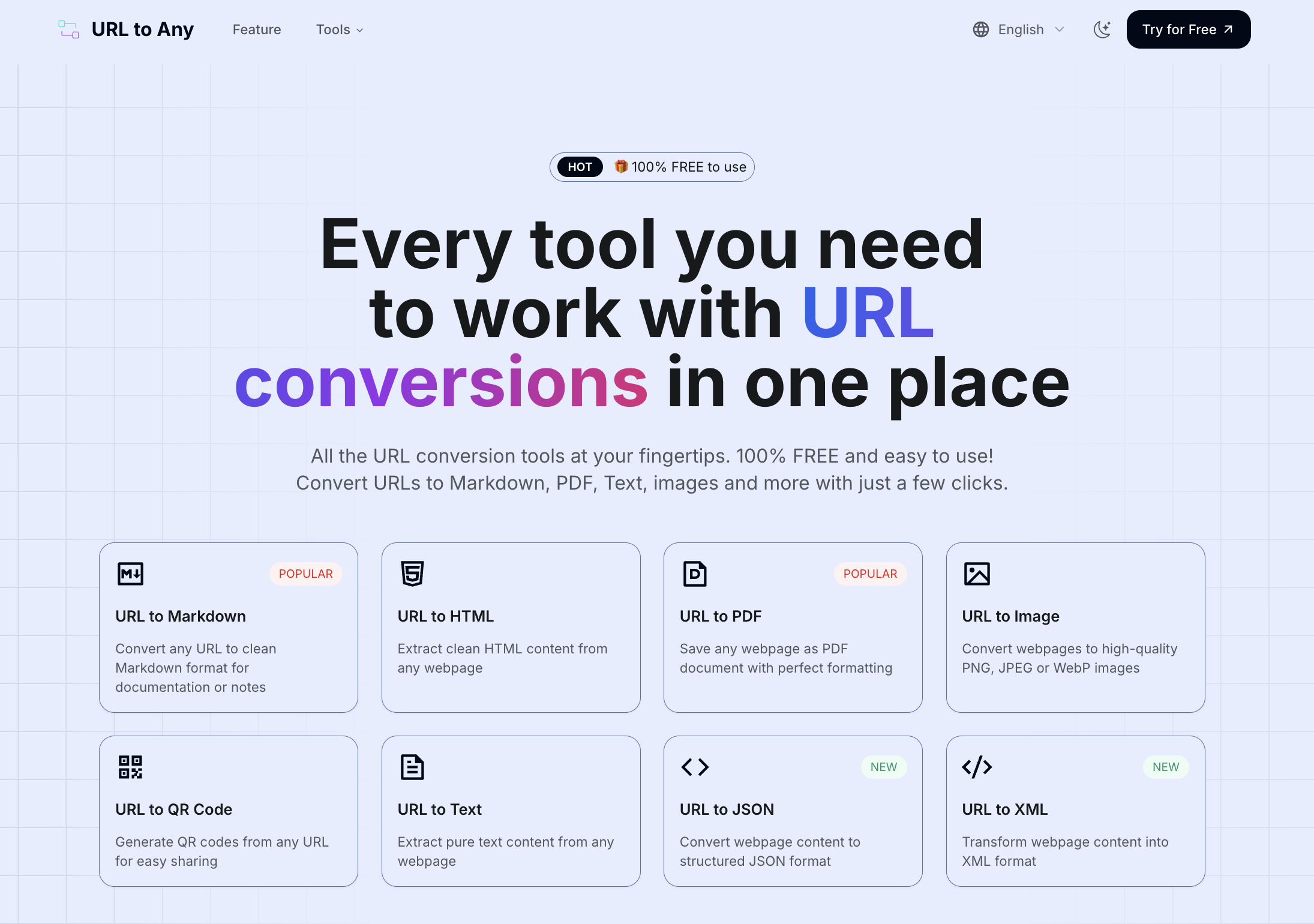
Getting a free URL involves choosing between a free subdomain provided by a website builder or hosting service, or utilizing free redirection services that point to an existing online profile. While top-level domains (TLDs) like .com always require a financial investment, multiple reliable pathways allow individuals and small projects to establish an active web presence at zero cost.
Understanding the Landscape of Web Addresses
Before securing a web address, it is essential to understand the technical components that make up a web link. Many beginners confuse a Uniform Resource Locator (URL) with a domain name. A domain name is the actual identity of the website, such as example.com, whereas a URL is the complete path used to locate a specific resource on the internet, such as https://www.example.com/blog/page.
When people search for a "free URL," they typically mean one of two things: a free custom-looking domain name or a completely free web address that points to a portfolio, landing page, or social media hub. True top-level domains—the extensions at the very end of an address like .com, .org, or .net—are managed by registrars and registries that charge annual registration fees. Therefore, obtaining a truly free URL always involves compromises, usually taking the form of a subdomain (where your site name sits under a provider's main domain, like yourname.wordpress.com) or a free redirection service.
Navigating this landscape requires balancing your project's goals against its budget. While free options are ideal for hobbyists, students, and early-stage prototyping, professional ventures, e-commerce stores, and established brands generally benefit from investing in a paid custom domain to build long-term authority and consumer trust.
Types of Free Web Address Options Available
Several distinct models provide web addresses without upfront financial costs. Each model serves different use cases, ranging from portfolio generation to simple link aggregation.
Subdomains from Website Builders and CMS Platforms
Content Management Systems (CMS) and website builders often include a free tier that assigns you a subdomain. Examples include platforms like WordPress.com, Wix, and Squarespace. Under this model, your address takes the structural form of yoursite.wordpress.com or yoursite.wixsite.com/mysite.
- Pros: Extremely easy to set up, highly reliable hosting included, and built-in site builders requiring no coding knowledge.
- Cons: The address is lengthy, heavily features the brand name of the host, and offers limited control over the root domain configuration.
Free Hosting Providers and Developer Platforms
For technical users, developers, and hobbyists building static websites, platforms like GitHub Pages, GitLab Pages, and Netlify offer free hosting coupled with a free subdomain (for example, username.github.io or projectname.netlify.app).
- Pros: Complete control over HTML, CSS, and JavaScript files; excellent for developer portfolios and open-source documentation.
- Cons: Requires basic knowledge of version control (like Git) or command-line interfaces; not suited for non-technical users looking for drag-and-drop website creation.
Free Link-in-Bio and Profile Pages
If the primary goal is sharing multiple links across social media profiles without managing a full website, platforms like Linktree, Beacons, or Carrd provide a specialized URL structure (such as linktr.ee/yourname).
- Pros: Rapid deployment, mobile-optimized design, and zero technical maintenance.
- Cons: Rigid formatting and branding restrictions on free tiers.
| Type of Free URL | Typical Structure | Best Suited For | Main Limitation |
|---|---|---|---|
| CMS Subdomain | name.wordpress.com |
Bloggers, personal journals | Brand clutter in URL |
| Developer Pages | name.github.io |
Portfolios, code projects | Technical setup required |
| Link Aggregator | linktr.ee/name |
Social media profiles | Not a standalone website |

Step-by-Step Guide to Getting Your Free URL
Securing and launching your web address depends heavily on the platform you select. Below is a detailed walkthrough of how to set up a free subdomain through a popular platform like GitHub Pages or WordPress.com.
Step 1: Define Your Project Requirements
Determine what you want the web address to achieve. If you are building a static resume site, a developer platform is ideal. If you are launching a blog or portfolio with visual editing tools, a managed CMS or website builder is more appropriate.
Step 2: Create an Account with the Provider
Navigate to your chosen provider's official website and sign up for a free tier account. You will typically need to provide an email address, create a secure password, and verify your account via email confirmation.
Step 3: Choose Your Unique Identifier (Subdomain Slug)
During the setup wizard, the platform will prompt you to choose a site name or username. This choice determines the text that appears before the provider's domain name.
- Choose a slug that is short, memorable, and directly relevant to your personal name, brand, or project.
- Avoid special characters, numbers, and hyphens where possible to keep the address clean and easy to type.
Step 4: Publish Your Initial Content
Most free URL providers require you to publish at least a placeholder page or a default template before the URL becomes active on the live web. Upload your index file, complete the site builder prompt, or publish your first draft article.
Step 5: Test and Verify the URL
Once published, open a new private or incognito browser window and enter your new URL. Verify that the page loads correctly, that SSL security (HTTPS) is active, and that no broken links or error screens appear.
Evaluating Limitations, Risks, and Security Considerations
While obtaining a free web address is financially attractive, users must account for several structural limitations and operational risks associated with free-tier services.
Lack of Complete Ownership
When you use a subdomain, you do not own the underlying domain name. If the provider decides to shut down their free tier, change their terms of service, or suspend your account for violating community guidelines, you instantly lose that web address. You cannot transfer a subdomain to another registrar or hosting provider.
Trust and Branding Challenges
Consumers and search engine algorithms generally perceive custom domains (example.com) as more credible and authoritative than subdomains (example.wordpress.com). Free URLs can sometimes trigger spam filters or lower click-through rates in marketing campaigns because they look less professional.
Security and SSL Certificates
Historically, free subdomains struggled with secure HTTPS configurations, but modern providers generally include free SSL certificates via Let's Encrypt or native integrations. Always verify that your chosen free URL provider automatically enforces HTTPS encryption to protect visitor data and prevent browser security warnings.
Common Mistakes to Avoid
Navigating the process of securing a web presence often leads to avoidable pitfalls. Being aware of these errors saves time and prevents branding inconsistencies.
- Choosing overly complex names: Selecting a long, hyphenated subdomain makes verbal communication difficult and increases typing errors.
- Ignoring terms of service: Violating acceptable use policies on free developer or blogging platforms can result in instant domain termination without notice.
- Failing to plan for migration: Assuming you will stay on a free subdomain forever can hinder growth. Design your site so that upgrading to a paid custom domain later is straightforward.
- Neglecting mobile responsiveness: Many free site builders produce desktop-heavy layouts unless explicitly configured for mobile screens.
Frequently Asked Questions
Can I get a completely free .com domain name?
No. Top-level domains like .com, .org, and .net require registration fees paid to accredited registries. Any service offering a free .com usually bundles it with a costly hosting plan or locks you into restrictive contract terms.
Can I connect a free URL to my own custom domain later?
Yes. Most major platforms allow you to start with a free subdomain and later purchase and connect a custom top-level domain as your project grows.
Are free URLs safe for professional business use?
While technically functional, free URLs are generally discouraged for commercial enterprises due to branding limitations, lack of ownership, and potential trust issues among customers.
Do free URLs appear on Google search results?
Yes. Search engines crawl and index pages hosted on free subdomains just like any other website, provided the site contains original, accessible content and adheres to search engine guidelines.
What happens if the free URL provider shuts down?
If the hosting provider terminates its free service, the URL will stop working, and you will lose that specific web address. Maintaining regular local backups of your website files mitigates this risk.
Next Actions for Your Web Presence
To move forward effectively, assess your immediate technical capabilities and project goals. If you need a quick, no-code landing page or blog, sign up for a reputable CMS or website builder's free tier. If you are developing software or static web projects, set up an account with a developer hosting platform. Focus on creating quality content first; you can always transition to a paid custom domain once your project gains traction.
Image Gallery
Select an image to open it in a new tab.


Simon Caldwell
Enterprise Technology and Systems Editor
