
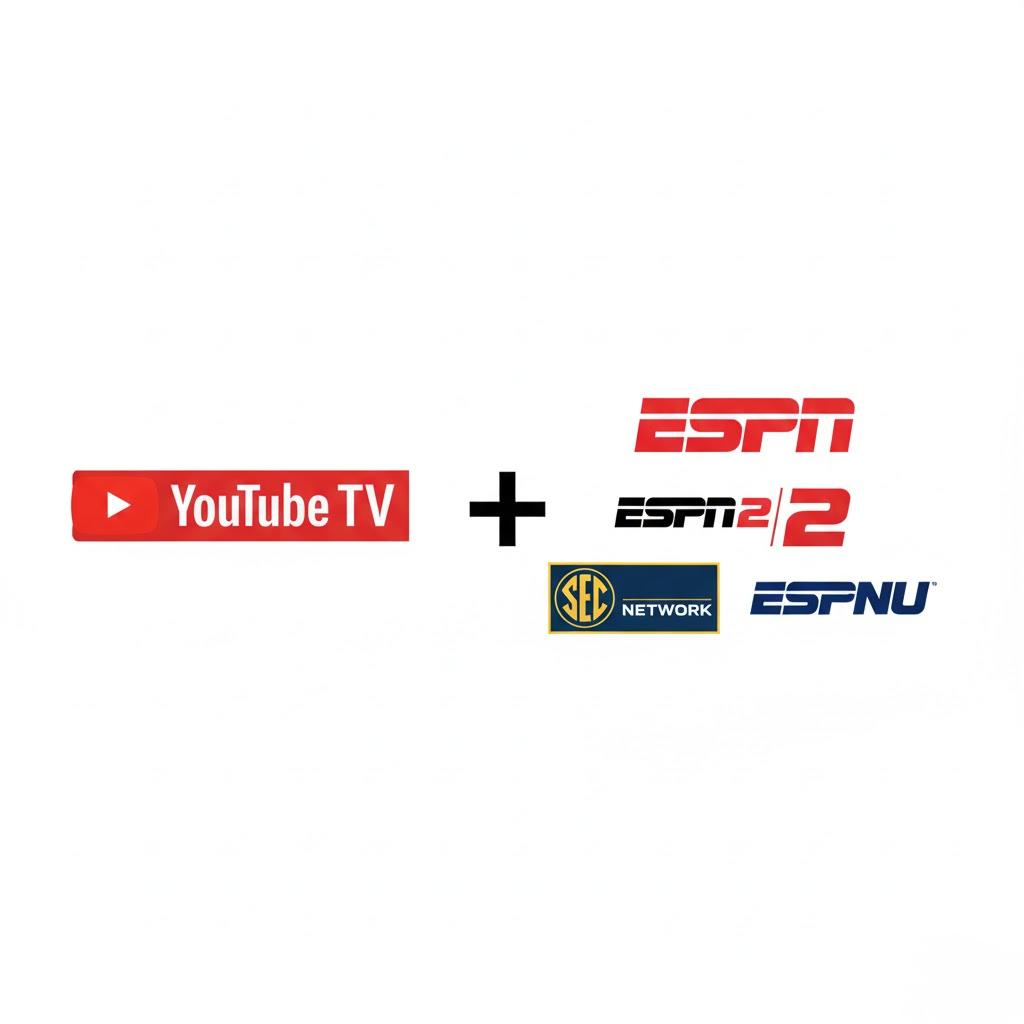
YouTube TV includes core ESPN networks—ESPN, ESPN2, ESPNU, ESPNEWS, SEC Network, and ACC Network—in its standard Base Plan without requiring additional sports tiers. Subscribers can stream live college and professional broadcasts in High Definition (HD), utilize unlimited cloud DVR with a nine-month retention period, and authenticate the stand-alone ESPN application using TV Everywhere credentials.
Complete Overview of ESPN Networks on YouTube TV
For cord-cutters looking to maintain access to live sports, television channel availability remains a primary consideration. YouTube TV carries a robust selection of ESPN-branded channels directly inside its primary channel lineup. Unlike traditional cable providers that frequently push regional college networks or secondary channels into expensive sports add-on packages, YouTube TV includes most flagship ESPN networks within its baseline subscription.
Channels Included in the YouTube TV Base Plan
The Base Plan provides immediate, unlimited access to six main ESPN linear feeds:
- ESPN: The flagship network delivers major live sporting events, including Monday Night Football, the NBA Playoffs, Sunday Night Baseball, Grand Slam tennis tournaments, major college football games, and studio flagship shows like SportsCenter and First Take.
- ESPN2: Functions as the primary secondary network, hosting complementary sports coverage, alternate broadcasts (such as the ManningCast during NFL games), college basketball, WNBA, Formula 1 racing, and international soccer.
- ESPNU: Dedicated entirely to collegiate athletics, ESPNU features live college football and basketball matchups, Olympic sports, collegiate championships, and recruiting breakdown shows.
- ESPNEWS: Focuses primarily on breaking sports news, highlights, press conferences, and rolling studio commentary. During major sporting windows, ESPNEWS frequently serves as an overflow channel when games running long on ESPN or ESPN2 overlap with scheduled programming.
- SEC Network: A national network dedicated to Southeastern Conference athletics. It broadcasts live SEC college football, men's and women's basketball, baseball, gymnastics, and conference studio coverage such as SEC Nation.
- ACC Network: Dedicated to Atlantic Coast Conference sports, offering live broadcasts of football, basketball, baseball, softball, and soccer, alongside conference-focused analysis and original documentary content.
Add-Ons, Standalone Options, and 4K Content
While the Base Plan covers the core linear networks, certain specialized ESPN content requires specific add-ons or separate subscriptions:
- ESPN Deportes (Spanish Plus Add-on or Spanish Plan): Spanish-language coverage of major American sports leagues, international soccer, and fight sports is not part of the standard English Base Plan. Viewers must subscribe to either the Spanish Plus add-on or the standalone Spanish Plan to stream ESPN Deportes.
- 4K Live Sports (4K Plus Add-on): Select high-profile ESPN events—particularly top-tier college football and college basketball games—are produced in 4K HDR. Accessing these ultra-high-definition feeds on YouTube TV requires purchasing the 4K Plus add-on, along with a compatible 4K streaming device and display.
- ESPN+ (Separate Subscription): ESPN+ is a standalone direct-to-consumer streaming service owned by The Walt Disney Company. It is not included as a free channel inside the YouTube TV channel guide. However, YouTube TV subscribers can link their provider credentials inside the separate ESPN app to view linear ESPN channels alongside an ESPN+ subscription in one unified interface.
| Channel / Service | Included in Base Plan? | Maximum Stream Resolution | Primary Sports Coverage |
|---|---|---|---|
| ESPN | Yes | 1080p at 60fps | NFL (MNF), NBA, MLB, Tennis, College Football |
| ESPN2 | Yes | 1080p at 60fps | Alternate Broadcasts, College Sports, WNBA, F1 |
| ESPNU | Yes | 720p/1080p at 60fps | NCAA Football, Basketball, Olympic College Sports |
| ESPNEWS | Yes | 720p/1080p at 60fps | News, Press Conferences, Overflow Game Coverage |
| SEC Network | Yes | 1080p at 60fps | SEC Conference Football, Basketball, Baseball, Analysis |
| ACC Network | Yes | 1080p at 60fps | ACC Conference Football, Basketball, Baseball, Analysis |
| ESPN Deportes | No (Spanish Add-on) | 720p/1080p at 60fps | Spanish-language NFL, MLB, Soccer, Boxing |
| ESPN+ | No (Separate Service) | 1080p at 60fps | NHL, PGA Tour, UFC, Out-of-market College Sports |
Key Features for Watching Live Sports on YouTube TV
Accessing channels is only part of the live sports experience. YouTube TV offers several platform-specific features designed to enhance how subscribers watch ESPN networks.
Unlimited Cloud DVR with Intelligent Game Extension
YouTube TV provides an unlimited Cloud Digital Video Recorder (DVR) to all accounts. Unlike traditional cable set-top boxes limited by hard drive storage, subscribers can record an unlimited number of games, events, and studio shows simultaneously.
- Nine-Month Retention: Recorded broadcasts remain stored in your library for up to nine months from the original air date.
- Automatic Live Extension: One of the historic frustrations of recording sports on legacy DVRs is a recording cutting off during overtime. YouTube TV utilizes machine learning and real-time broadcast monitoring to automatically extend DVR recordings if an ESPN game runs past its scheduled time slot.
- Team and League Recording: Users can select entire teams (e.g., "Alabama Crimson Tide Football" or "Boston Celtics") or full leagues to record every game broadcast on ESPN channels automatically.
Key Plays and Stats View
For fans tuning into a game in progress, YouTube TV includes interactive data features built into the player UI:
- Catch Up with Key Plays: If you join a live ESPN broadcast mid-game, selecting "Catch Up with Key Plays" generates a quick AI-curated playlist of pivotal moments, scoring drives, or turnovers before dropping you into the live feed.
- Stats View: Viewers can pull up real-time team statistics, play-by-play text logs, and player statistics on screen without obscuring the main broadcast or leaving the app.
Multiview for Simultaneous Sports Coverage
During peak sports windows—such as college football Saturdays or early-round basketball tournaments—YouTube TV offers a Multiview feature. This allows users to watch up to four live feeds on a single screen simultaneously. While YouTube TV pre-selects the Multiview combinations based on popular games, ESPN, ESPN2, ESPNU, and SEC/ACC networks are frequently grouped together during major broadcast slots. Audio can be toggled instantly between any of the four feeds using a TV remote directional pad.
Simultaneous Streams and Account Sharing
A standard YouTube TV Base Plan subscription permits up to three simultaneous streams across all supported devices. Subscribers can create up to six individual user profiles per household, allowing family members to maintain personalized DVR libraries, custom channel orders, and sports recommendations. Upgrading to the 4K Plus add-on unlocks unlimited simultaneous streams when devices are connected to the home Wi-Fi network.
How to Access ESPN3 and Extra Streams via TV Everywhere Authentication
Subscribing to YouTube TV grants credentials that extend beyond the YouTube TV app itself. Through the TV Everywhere protocol, your YouTube TV account functions as a validated pay-TV provider login across third-party media applications.
What Is ESPN3?
ESPN3 is a digital linear network operated by ESPN that streams non-televised collegiate events, international sports, secondary camera angles (such as skycams or coach's film rooms), and broadcast feeds not assigned to standard cable channels. ESPN3 is not a standalone channel in the YouTube TV guide, but YouTube TV subscribers receive full access to ESPN3 content via the ESPN app.
Step-by-Step Guide to Authenticating the ESPN App
To unlock ESPN3 and stream linear ESPN networks on official ESPN applications, follow these steps:
Download and install the official ESPN App on your smart TV, streaming box (Roku, Fire TV, Apple TV), smartphone, or tablet. Alternatively, visit ESPN.com on a web browser.
Open the ESPN app settings menu and locate Provider Account or TV Provider.
Select YouTube TV from the list of national television providers.
A web browser window or activation code screen will appear. Enter the activation code on espn.com/activate or log in directly using your Google account credentials associated with YouTube TV.
Once verified, the ESPN app will grant access to all ESPN networks included in your YouTube TV package, alongside live ESPN3 digital streams.
TV Everywhere Flow:
- YouTube TV Account
- Log In via ESPN App / Activate
- Unlocks: Live ESPN Channels + Free ESPN3 Streams
Distinguishing ESPN Linear, ESPN3, and ESPN+
It is crucial to understand how content is segmented within the ESPN digital ecosystem to avoid confusion during major sporting events:
- Linear ESPN Channels (ESPN, ESPN2, ESPNU, etc.): Included in YouTube TV Base Plan; watchable inside YouTube TV app or inside ESPN app via provider login.
- ESPN3: Digital-only events included for free with a verified YouTube TV login inside the ESPN app.
- ESPN+: A standalone paid subscription service cost-added outside of YouTube TV. It hosts exclusive out-of-market sports, original series (30 for 30 library), and select exclusive live games. Having YouTube TV does not unlock ESPN+ content, though both ESPN+ and YouTube TV channels can be viewed side-by-side inside the ESPN app if you subscribe to both services.
YouTube TV vs. Competitors for ESPN & Sports Streaming
When evaluating live TV streaming services for comprehensive ESPN and sports access, platforms differ in price, channel availability, and feature sets.
YouTube TV vs. Hulu + Live TV
Hulu + Live TV is YouTube TV's most direct competitor.
- Channel Selection: Both services carry ESPN, ESPN2, ESPNU, ESPNEWS, SEC Network, and ACC Network in their base packages.
- ESPN+ Integration: Hulu + Live TV includes the Disney Bundle (Hulu, Disney+, and ESPN+) automatically within its base subscription price. For viewers who heavily consume ESPN+ exclusive content, Hulu + Live TV provides integrated value without needing a separate subscription.
- User Interface & Features: YouTube TV generally leads in streaming stability, DVR usability, fast-forward/rewind responsiveness, and custom channel line-up management.
YouTube TV vs. Sling TV
Sling TV offers a lower barrier to entry financially, but presents structural limitations for sports fans.
- Channel Splitting: ESPN, ESPN2, and ESPN3 are located in the Sling Orange package. However, Sling Orange allows only one single stream at a time, creating bottlenecks for households with multiple viewers.
- College Networks: Accessing ESPNU, ESPNEWS, SEC Network, and ACC Network on Sling requires purchasing the Sports Extra add-on package on top of Sling Orange.
- Overall Cost: While base Sling Orange is cheaper than YouTube TV, adding the requisite sports add-ons brings the total monthly cost significantly closer to YouTube TV while providing fewer total channels and more restrictive stream limits.
YouTube TV vs. Fubo
Fubo was built originally as a sports-first streaming service, but has distinct trade-offs regarding ESPN and other networks.
- ESPN Lineup: Fubo includes ESPN, ESPN2, ESPNU, SEC Network, and ACC Network.
- Regional Sports Networks (RSNs): Fubo carries many regional sports networks (such as Bally Sports / FanDuel Sports Networks or NESN) that YouTube TV lacks, making it attractive for local MLB or NHL fans.
- Missing Sports Networks: Fubo currently lacks Turner Sports networks (TNT, TBS, truTV). This creates a major gap during national sports events like the NCAA March Madness tournament or the NBA Playoffs, which split coverage between ESPN networks and Turner channels. YouTube TV carries both ESPN and Turner networks.
Network Requirements and Technical Specifications
Streaming high-definition live sports demands stable local network bandwidth and compatible client hardware. Because live sports are broadcast at 60 frames per second (fps) to preserve motion clarity, bandwidth drops can cause automatic drops in resolution or frame rate.
Minimum Recommended Internet Speeds
- Standard HD (720p/1080p sports): Minimum 13 Mbps stable download speed per stream.
- 4K HDR Streams (via 4K Plus): Minimum 25 Mbps dedicated download speed per 4K device.
- Multiple Household Streams: Houses running three concurrent HD sports streams should maintain an internet connection of at least 50 Mbps to handle overhead fluctuations.
Supported Devices for 60fps ESPN Playback
YouTube TV supports 60fps video output on nearly all modern streaming devices, ensuring smooth tracking of balls and fast-on-screen motion. Supported platforms include:
- Streaming Players: Apple TV 4K, Roku (Premiere, Streaming Stick, Ultra), Amazon Fire TV Stick (4K & Max), Chromecast with Google TV.
- Smart TVs: Android TV / Google TV platforms, Samsung Tizen OS (2016+ models), LG webOS (2016+ models), Vizio SmartCast.
- Mobile & Computers: iOS (iPhone/iPad), Android smartphones and tablets, desktop web browsers (Chrome, Firefox, Edge, Safari).
- Gaming Consoles: PlayStation 4/5, Xbox One / Series X / Series S.
Troubleshooting Common ESPN Streaming Issues on YouTube TV
Even with robust infrastructure, users may occasionally encounter technical disruptions when streaming ESPN channels. Here is how to resolve the most frequent issues.
1. Resolving Regional Sports Blackouts
Certain professional or collegiate games broadcast on ESPN may be subject to regional blackouts if a local network holds exclusive regional broadcast rights in your zip code.
- Check Home Area Location: YouTube TV relies on your home location to determine channel availability. Go to your profile icon > Settings > Location > Home Area and ensure your location is correctly updated.
- Update Current Playback Area: If traveling or using a mobile device, navigate to Location > Current Playback Area and sync your device using your phone's GPS to verify your local physical presence.
- Location Permissions: Ensure the YouTube TV app has location access permissions enabled on your smart TV or mobile device settings.
2. Eliminating Video Buffering or Frame Rate Drops
If an ESPN broadcast switches from crisp 60fps to a pixelated or choppy 30fps image:
- Force Resolution Settings: In the video player controls, click the Gear Icon (Settings) > Quality and change it from "Auto" to "1080p60" or "720p60". This prevents the app from dropping quality due to minor temporary latency spikes.
- Restart Network Equipment: Power-cycle your modem and router to clear routing tables and resolve local congestion.
- Prefer Ethernet Connections: Connect stationary devices (like Apple TV, Roku Ultra, or Smart TVs) directly to your router using an Ethernet cable rather than Wi-Fi to eliminate local wireless interference.
3. Fixing ESPN App Login and Authentication Errors
When using YouTube TV credentials on the ESPN app, users may encounter verification loops or access denied errors.
- Clear App Cache: Go to your streaming device settings, select the ESPN app, clear cache and data, then restart the device.
- Re-authenticate Session: Log out of your TV Provider inside the ESPN app settings, clear device cookies (if on a web browser), and go to espn.com/activate to generate a fresh authentication token.
- Verify Base Plan Status: Confirm that your YouTube TV subscription is active and not currently paused or billing-deferred.
Frequently Asked Questions
Is ESPN included in the basic YouTube TV package?
Yes. The baseline YouTube TV subscription includes ESPN, ESPN2, ESPNU, ESPNEWS, SEC Network, and ACC Network without requiring an extra sports add-on package.
Does YouTube TV automatically include ESPN+?
No. ESPN+ is a separate, direct-to-consumer subscription service operated by Disney. It is not included in the YouTube TV Base Plan. However, you can use the standalone ESPN application to view both your YouTube TV linear ESPN channels and your separate ESPN+ subscription within a single interface.
How do I watch Monday Night Football on YouTube TV?
Monday Night Football games broadcast on ESPN can be watched live directly inside the YouTube TV app by selecting the ESPN channel feed. Games co-broadcast on ABC are also available via your local ABC affiliate channel included in the YouTube TV Base Plan.
Can I record ESPN sports events to watch later?
Yes. YouTube TV offers unlimited Cloud DVR. You can record individual games, add specific teams to your library, or record entire sport series. DVR recordings are retained for up to nine months and automatically adjust for extra time or delays.
Why do some ESPN broadcasts require the ESPN app instead of YouTube TV?
Events broadcast on ESPN3 or specific digital-only auxiliary streams are not broadcast on linear television channels. To view ESPN3 content, you must download the official ESPN app and log in using your YouTube TV credentials under the TV Provider settings.
Are ESPN channels on YouTube TV streamed in 60 frames per second (fps)?
Yes. YouTube TV streams all ESPN channels at up to 60fps in either 720p or 1080p resolution (depending on the native broadcast resolution of the specific network), providing smooth playback for fast-moving sports.
Final Recommendation & Action Plan
For sports enthusiasts seeking a complete, hassle-free cord-cutting solution, YouTube TV offers one of the most balanced ESPN channel lineups on the market.
To optimize your viewing setup:
- Verify Channel Lineup: Ensure that the linear networks you watch most (ESPN, ESPN2, ESPNU, SEC Network, ACC Network) are present in your local guide by logging into YouTube TV.
- Authenticate the ESPN App: Install the ESPN app on your preferred streaming devices and link your YouTube TV credentials immediately. This ensures instant access to ESPN3 auxiliary streams before live game-day windows begin.
- Set Up Team Recordings: Search for your favorite college and professional sports teams in the YouTube TV search bar and click the "+" (Add to Library) button. This ensures every upcoming ESPN broadcast is saved automatically to your unlimited Cloud DVR.
- Optimize Network Connections: For consistent 1080p60 sports playback without quality drops, connect your main streaming device directly to your network via Ethernet or connect to a 5 GHz Wi-Fi band.
Image Gallery
Select an image to open it in a new tab.



Omar Farooq
EdTech Innovation and Virtual Pedagogy Journalist
