
A successful recording session requires rigorous preparation, clear communication between engineers and artists, and a structured technical workflow to ensure that time—which is often the most expensive commodity in the studio—is spent capturing high-quality audio. By standardizing pre-production, session protocols, and data management, you transform the recording process from a chaotic experiment into a predictable, creative environment.
Defining the Professional Recording Session
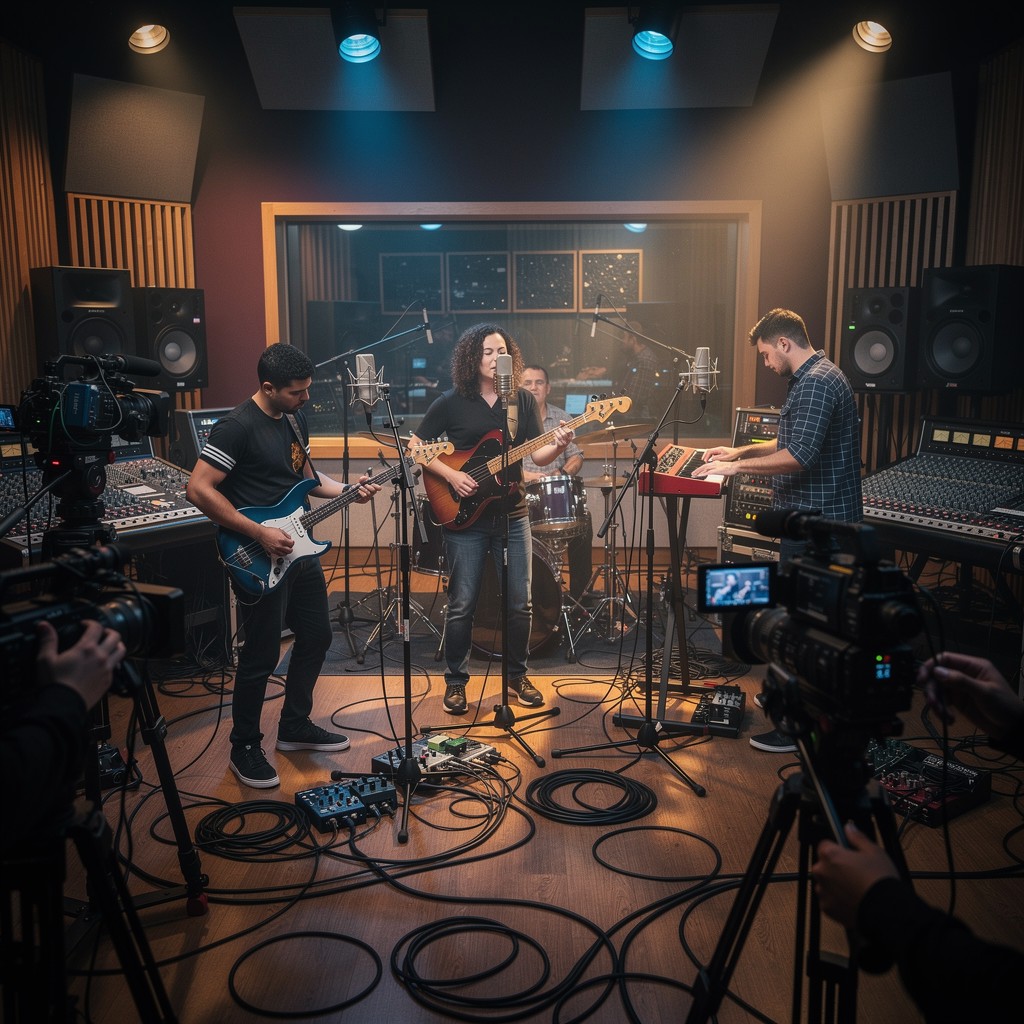
In 2026, the definition of a recording session has expanded beyond traditional high-end studios to include home-based project setups and hybrid remote-collaboration environments. Regardless of the location, the fundamental objective remains the same: the intentional conversion of acoustic or electronic signals into high-resolution digital files.
A session is not merely a period spent in front of a microphone; it is a project lifecycle event. It involves technical setup (signal flow), performance management (monitoring and atmosphere), and critical documentation (session logging). Understanding the boundaries of a session is essential for budget management, as most commercial facilities bill by the hour or by the block (typically 10-hour shifts), and effective session management directly impacts the cost-efficiency of the project.
Phase 1: Pre-Production and Technical Readiness
The quality of a recording session is determined long before the red light turns on. The most common cause of "wasted" time is poor preparation. Professional producers and engineers insist on a detailed pre-production phase to identify potential hurdles.
- Session Files and Templates: Before the artist arrives, your Digital Audio Workstation (DAW) must be primed. This includes having track templates ready with pre-configured inputs, headphone mixes, and essential routing. If you are using industry-standard software like Avid Pro Tools or Ableton Live, ensure your I/O (Input/Output) labels are mapped correctly to the console or interface.
- Instrumentation and Maintenance: Verify that all instruments are in good working order. Stringed instruments should have fresh strings, and drum kits should be tuned and fitted with new heads. Technical delays caused by a broken string or a rattling snare drum are preventable, yet they account for a significant percentage of lost session time.
- The Digital Housekeeping Checklist: Ensure your hard drives have sufficient space, your sample rate and bit depth are finalized for the project, and your backup systems are functional. For 2026 standards, recording at a minimum of 24-bit/48kHz is the industry norm for most commercial deliverables.
Phase 2: Workflow and Signal Chain Optimization
Once the session begins, your primary focus shifts to the signal chain—the path the sound takes from the source to the DAW. The goal is to maximize signal-to-noise ratio while maintaining adequate headroom to prevent digital clipping.
- Microphone Placement: This is a blend of physics and artistry. Experimenting with polar patterns (cardioid, omni, figure-eight) and proximity effect allows you to shape the tone of an instrument at the source. Avoid "fixing it in the mix" by ensuring the microphone captures the desired sound in the room.
- Gain Staging: Improper gain staging can introduce noise or digital distortion. Always calibrate your levels at the preamp stage. While digital systems offer more dynamic range than analog tape, they do not possess the same "soft clipping" saturation characteristics. Monitor your levels so that peaks sit comfortably around -12dB to -6dB FS, leaving enough overhead for natural performance variations.
- Monitoring Environments: The artist’s ability to perform is directly linked to their ability to hear themselves. A custom headphone mix is vital. If an artist cannot hear the pitch or rhythm accurately, the performance will suffer, leading to more takes and more stress.
Comparison of Recording Environments
| Feature | Professional Studio | Home/Project Studio | Remote/Mobile Setup |
|---|---|---|---|
| Acoustic Treatment | Professionally designed | Often DIY or limited | Varies; requires control |
| Equipment | High-end/Vintage gear | Mid-tier/Prosumer | Compact/Portable |
| Cost | High (Hourly/Block) | Low (Capital investment) | Variable |
| Support | Full (Engineer/Tech) | Self-managed | Self-managed |
| Primary Use | Large ensembles/tracking | Vocals/Overdubs | Location/Field work |
Phase 3: The Human Element and Performance Psychology
The role of the studio professional is as much psychological as it is technical. You are responsible for creating an environment where the artist feels safe to take risks. A tense artist delivers a tense performance.
To manage the session energy effectively, consider these strategies:
- Clear Communication: Use professional terminology, but do not obscure instructions. If you need to stop a take, do so gently. Phrases like "Let's capture one more just to be safe" are more motivating than "That was pitchy."
- Managing Fatigue: Ears experience fatigue after approximately 60 to 90 minutes of critical listening. Schedule regular 10-minute breaks to refresh the ears and allow the artist to reset.
- The "Comping" Mindset: Encourage artists to perform in blocks rather than aiming for one "perfect" take. Modern DAW editing allows for seamless comping (combining the best parts of multiple takes). If the artist knows they have a safety net, they often perform with more confidence and spontaneity.
Data Management and Backup Protocols
In the digital age, a recording session is not complete until the files are redundant. The "3-2-1" rule is the gold standard: keep three copies of your data, on two different types of media, with one copy stored off-site.
- File Naming Conventions: Establish a consistent naming structure early (e.g.,
YYYY-MM-DD_ProjectName_Instrument_TakeNumber). This prevents the common headache of finding a folder full of files titled "Audio_01," "Audio_02," and so on, which are impossible to identify later in the mix phase. - Immediate Backups: At the conclusion of a session, copy the project folder to a dedicated backup drive or a cloud-based storage solution. Do not rely on the local drive of the studio computer for long-term storage.
- Verification: Always perform a quick spot-check of the files before the artist leaves. Ensure that no files are corrupted and that the session folder contains the intended audio clips.
Troubleshooting Common Session Issues
Even with perfect planning, unexpected issues occur. Below are common problems and the recommended technical approach:
- Latency Issues: If the performer complains of an echo or delay in their headphones, this is usually caused by the buffer size in your DAW being set too high. Reduce the buffer size to 64 or 128 samples, or use your interface’s internal hardware monitoring to bypass the DAW’s processing entirely.
- Phase Cancellation: If two microphones capturing the same source (e.g., a top and bottom snare mic) sound "thin" or hollow, you likely have a phase issue. Use the phase invert switch on your preamp or DAW channel. If the sound becomes fuller, you have resolved the phase cancellation.
- Ground Loops: If you hear a persistent 60Hz hum, you are likely dealing with an electrical ground loop. Ensure that all audio equipment is plugged into the same power circuit or use a DI box with a ground lift switch to isolate the signal.
Frequently Asked Questions (FAQ)
What is the ideal duration for a recording session? While many studios operate on 4-hour or 8-hour blocks, the ideal duration depends on the material. Complex full-band tracking often requires 8–10 hours, while vocal tracking is typically most effective in 3–4 hour windows before vocal fatigue sets in.
Should I use plugins while recording? Generally, it is safer to record "dry" (without processing) to avoid "baking in" mistakes you cannot undo. However, providing a touch of reverb or a gentle compressor in the artist’s headphone mix can improve their confidence and performance.
How do I handle an artist who is struggling with a specific part? Shift the focus. Suggest a break, try a different microphone or instrument, or move on to a different section of the song. Flexibility is key to keeping the momentum of the session alive.
What is the most important technical check before recording? Gain staging. Ensuring your input levels are consistent and your digital headroom is protected is the single most important factor in maintaining professional audio quality.
Can I use a laptop for professional tracking? Yes. Modern laptop processing power and high-quality Thunderbolt audio interfaces make mobile, high-fidelity tracking entirely possible. The limiting factor is usually the quality of the room's acoustics, not the hardware itself.
Final Recommendation
To maximize your next recording session, focus on the "Pre-Flight" checklist. Spend 30 minutes ensuring your DAW templates, cable management, and hardware settings are perfect before the artist arrives. By treating the session as a structured professional engagement rather than a casual jam, you will reduce stress, improve the quality of your audio assets, and foster a creative environment that encourages your best work. Start by auditing your current workflow for one bottleneck—be it file naming or latency management—and standardize your process to eliminate it before your next booking.

Image Gallery
Select an image to open it in a new tab.



Simon Caldwell
Enterprise Technology and Systems Editor
