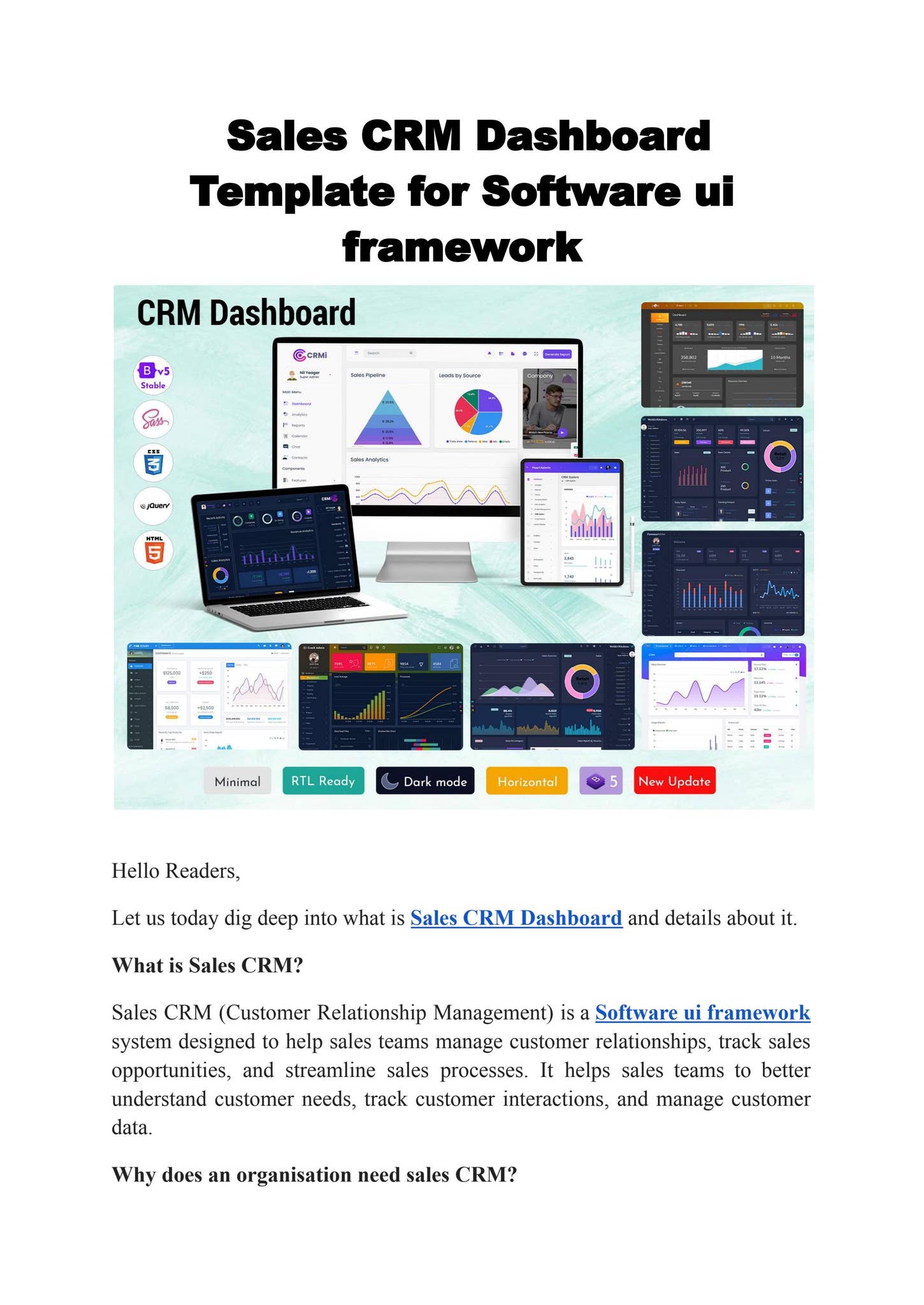
Modern CRM software platforms have evolved into comprehensive business operating systems that synchronize marketing, customer service, human resources, and project management. While originally designed for lead tracking and deal closing, these platforms now act as a unified "single source of truth," eliminating data silos and allowing every department to access a shared, real-time view of customer and organizational health.
The Transformation of CRM into a Central Business Hub
For decades, the term Customer Relationship Management (CRM) was synonymous with sales force automation (SFA). It was the digital "Rolodex" where sales representatives logged calls, managed pipelines, and forecasted revenue. However, as we navigate 2026, the architecture of these platforms has shifted fundamentally. A modern CRM is no longer a standalone tool for a single department; it is the foundational layer of a company’s entire data ecosystem.
The shift toward a holistic CRM approach is driven by the need for a 360-degree customer view. When data is trapped within a sales-only silo, other departments operate in the dark. A marketing team might target an existing customer with "new user" discounts, or a support agent might be unaware that a caller is currently in the middle of a high-value contract renewal. By expanding CRM usage across the enterprise, organizations ensure that every touchpoint—from the first ad click to the latest support ticket—is informed by a complete history of the relationship.
Furthermore, the rise of low-code and no-code development within CRM platforms like Salesforce, HubSpot, and Microsoft Dynamics 365 has allowed non-technical users in various departments to build custom workflows. This flexibility means a CRM can now manage anything that involves a "record" and a "process," whether that record is a customer, a job applicant, a vendor, or a physical asset.
Empowering Marketing Teams with Shared Sales Intelligence
In many traditional organizations, marketing and sales operate as separate entities with often conflicting goals. Marketing focuses on lead quantity, while sales focuses on lead quality. By utilizing the CRM as a shared platform, marketing moves from "guessing" to "knowing."
Precision Targeting and Personalization
Marketing teams use CRM data to move beyond basic demographic segmentation. With access to the full sales history, marketers can create highly granular segments based on purchase frequency, product preferences, and even the specific objections raised during the sales process. For instance, if a sales rep notes in the CRM that a prospect is concerned about "security compliance," the marketing engine can automatically trigger an email sequence or serve LinkedIn ads specifically highlighting the company’s security certifications.
Attribution and ROI Tracking
One of the greatest challenges for marketing is proving ROI. When marketing and sales are integrated into the same CRM, "closed-loop reporting" becomes possible. Marketers can track a lead from the original source—such as a specific 2026 trade show or a targeted AI-driven search campaign—all the way to the final dollar amount of the deal. This allows for data-driven budget allocation, where funds are shifted toward channels that produce revenue, not just clicks.
Automated Nurturing
Marketing automation within a CRM allows for sophisticated "drip campaigns" that react to sales signals. If a salesperson moves a deal to "on hold" because of budget constraints, the CRM can automatically enroll that contact into a long-term nurturing track that shares case studies and industry insights, keeping the brand top-of-mind until the next fiscal year.

Customer Support: Transforming Transactions into Relationships
Customer service is often where the most valuable data is generated, yet it is frequently the most disconnected department. Using a CRM for customer support (often through "Service Clouds" or integrated help desks) changes the nature of the interaction from reactive troubleshooting to proactive relationship management.
Contextual Support Delivery
When a customer contacts support, the agent should not have to ask, "What products do you own?" or "When was your last order?" An integrated CRM provides the agent with a comprehensive dashboard showing the customer’s entire history. This context allows for faster resolution times and a more empathetic user experience. Agents can see if a customer has had repeated issues, allowing them to escalate the matter to a manager before the customer even asks.
Identifying Upsell and Cross-Sell Opportunities
Support agents are often in the best position to identify unmet needs. While their primary goal is to solve the problem at hand, a CRM can provide "Next Best Action" suggestions. If a customer is complaining about a limitation in their current software tier, the CRM can prompt the agent to offer a trial of a higher tier that includes the missing feature. This turns the support center from a cost center into a potential revenue generator.
Sentiment Analysis and Feedback Loops
Modern CRMs in 2026 utilize Natural Language Processing (NLP) to analyze support tickets and call transcripts. This data provides marketing and product teams with real-time feedback on what is working and what isn't. If the CRM detects a spike in "frustration" sentiment regarding a specific feature, the product team can prioritize a fix immediately, rather than waiting for a quarterly review.
Human Resources: Using CRM Frameworks for Talent Management
One of the most innovative uses of CRM technology is in the realm of Human Resources. If you replace the word "Customer" with "Candidate" or "Employee," the core logic of a CRM—managing a relationship through various stages—applies perfectly to HR.
Recruitment as a Sales Pipeline
Modern recruitment is essentially a sales process. Candidates are "leads," and the goal is to move them through a "hiring funnel." HR teams use CRM-style interfaces (often called Applicant Tracking Systems or Talent CRMs) to manage candidate communications, schedule interviews, and track the source of high-quality hires. This allows HR to build a "talent bench," staying in touch with silver-medalist candidates who weren't hired for one role but might be perfect for another six months later.
Employee Engagement and Lifecycle Management
The relationship doesn't end once a contract is signed. CRMs help HR manage the employee journey from onboarding to offboarding. By tracking employee milestones, training certifications, and performance reviews in a centralized system, HR can identify patterns. For example, if data shows that employees who complete a specific internal training course within their first 90 days are 30% more likely to stay with the company for two years, HR can automate that requirement for all new hires.
Operational Efficiency and Project Management Integration
Beyond people management, CRM platforms are increasingly being used to manage the "work" itself. By integrating project management directly into the CRM, the transition from "Deal Closed" to "Project Started" becomes seamless.
Automated Handoffs
A common friction point in business is the handoff from sales to operations. With an integrated CRM, once a deal is marked as "Closed-Won," the system can automatically create a project template, assign a project manager based on current bandwidth, and port over all the requirements captured during the sales process. This eliminates the need for manual data entry and reduces the risk of miscommunication.
Resource Allocation and Capacity Planning
Because the CRM tracks the entire sales pipeline, operations teams can look ahead to see what is coming. If there is a large volume of deals in the "Negotiation" stage, the project management team can begin planning for increased resource needs weeks before the contracts are actually signed. This predictive capability is essential for maintaining service levels in service-based industries.
| Department | Primary CRM Use Case | Key Benefit |
|---|---|---|
| Sales | Pipeline management & forecasting | Increased win rates and revenue predictability |
| Marketing | Lead nurturing & attribution | Better ROI on ad spend and personalized content |
| Customer Service | Case management & sentiment analysis | Higher retention rates and faster resolution |
| Human Resources | Recruitment & employee lifecycle | Improved candidate experience and lower turnover |
| Operations | Project automation & resource planning | Seamless handoffs and improved capacity management |
| Finance | Billing integration & contract renewals | Reduced DSO (Days Sales Outstanding) and accurate billing |
The Technical Architecture of a Modern Multi-Department CRM
For a CRM to function across these diverse departments, it must be more than just a database; it must be an integrated platform. This involves several technical layers that allow data to flow freely.
- Unified Data Schema: A robust CRM uses a common data model. Whether an entry is created by a marketer or a support agent, it updates the same "Account" or "Contact" record. This prevents the creation of duplicate or conflicting data.
- API and Webhook Integration: No CRM is an island. In 2026, CRMs rely heavily on REST APIs to connect with external tools like accounting software (QuickBooks/Xero), communication tools (Slack/Teams), and specialized industry tools. Webhooks allow the CRM to "push" notifications to these systems in real-time when specific events occur.
- Artificial Intelligence and Predictive Analytics: Modern platforms incorporate AI (such as Salesforce Einstein or HubSpot AI) to surface insights that would be invisible to humans. This includes predicting which customers are at risk of churning or identifying which marketing channels are most likely to produce high-lifetime-value (LTV) customers.
- Security and Role-Based Access Control (RBAC): When every department uses the same system, security becomes paramount. RBAC ensures that while data is centralized, it is only accessible to those who need it. A support agent might see a customer’s purchase history but won't have access to the sensitive financial data or HR files associated with that same contact.
Implementation Challenges: Moving Beyond a Sales-Centric Mindset
Expanding a CRM beyond sales is not merely a technical task; it is a cultural one. Many departments may be resistant to using a "sales tool," fearing that it will add unnecessary complexity to their day-to-day work.
To succeed, organizations must focus on user adoption and training. This starts with demonstrating the value to each specific department. Marketing needs to see how the CRM saves them time on reporting; support needs to see how it reduces their call handling time.
Another challenge is data hygiene. When more people have access to the system, the risk of "dirty data" increases. Organizations must establish strict data entry standards and use automated validation rules to ensure the database remains accurate. In 2026, many companies employ dedicated "Revenue Operations" (RevOps) teams whose sole job is to manage the health and integration of the CRM across all departments.
Frequently Asked Questions
Can a small business use a CRM for more than just sales?
Yes, small businesses often benefit the most from multi-departmental CRM use because they have fewer resources. By using a single platform for marketing, sales, and support, a small team can automate repetitive tasks and maintain a professional, organized appearance that rivals much larger competitors.
Is it expensive to add other departments to a CRM?
While most CRM vendors charge per user, the "per-seat" cost is often offset by the elimination of other redundant software subscriptions. For example, using a CRM’s built-in marketing tools can eliminate the need for a separate email marketing service, and using its service features can replace a standalone help desk.
How does a CRM help with data privacy and compliance (like GDPR or CCPA)?
Centralizing data in a CRM actually makes compliance easier. Instead of searching through multiple spreadsheets and databases to fulfill a "Right to be Forgotten" request, an organization can find and manage all of a customer’s data in one place. Most modern CRMs also include built-in tools for managing consent and tracking data processing activities.
Do I need a developer to customize a CRM for HR or Operations?
Not necessarily. Most leading CRM platforms in 2026 feature robust "drag-and-drop" builders that allow business users to create custom fields, workflows, and dashboards. However, for complex integrations with legacy external systems, a developer or a specialized consultant may be required to ensure data integrity.
Strategic Recommendation
To maximize the value of your CRM software platform in 2026, you should move away from the "sales-only" silo and toward an integrated Revenue Operations (RevOps) model. Start by auditing your current departmental data silos. Identify one non-sales department—such as Customer Support—and integrate their primary workflows into the CRM. Once the benefits of shared data are visible, expand the rollout to Marketing and HR. This phased approach ensures that the platform grows with your organizational needs while maintaining data quality and user buy-in.
Image Gallery
Select an image to open it in a new tab.
Celine Dubois
Contemporary Living and Global Arts Columnist
