How to Earn Steam Trading Cards: A Complete Guide to Collecting, Crafting, and Trading
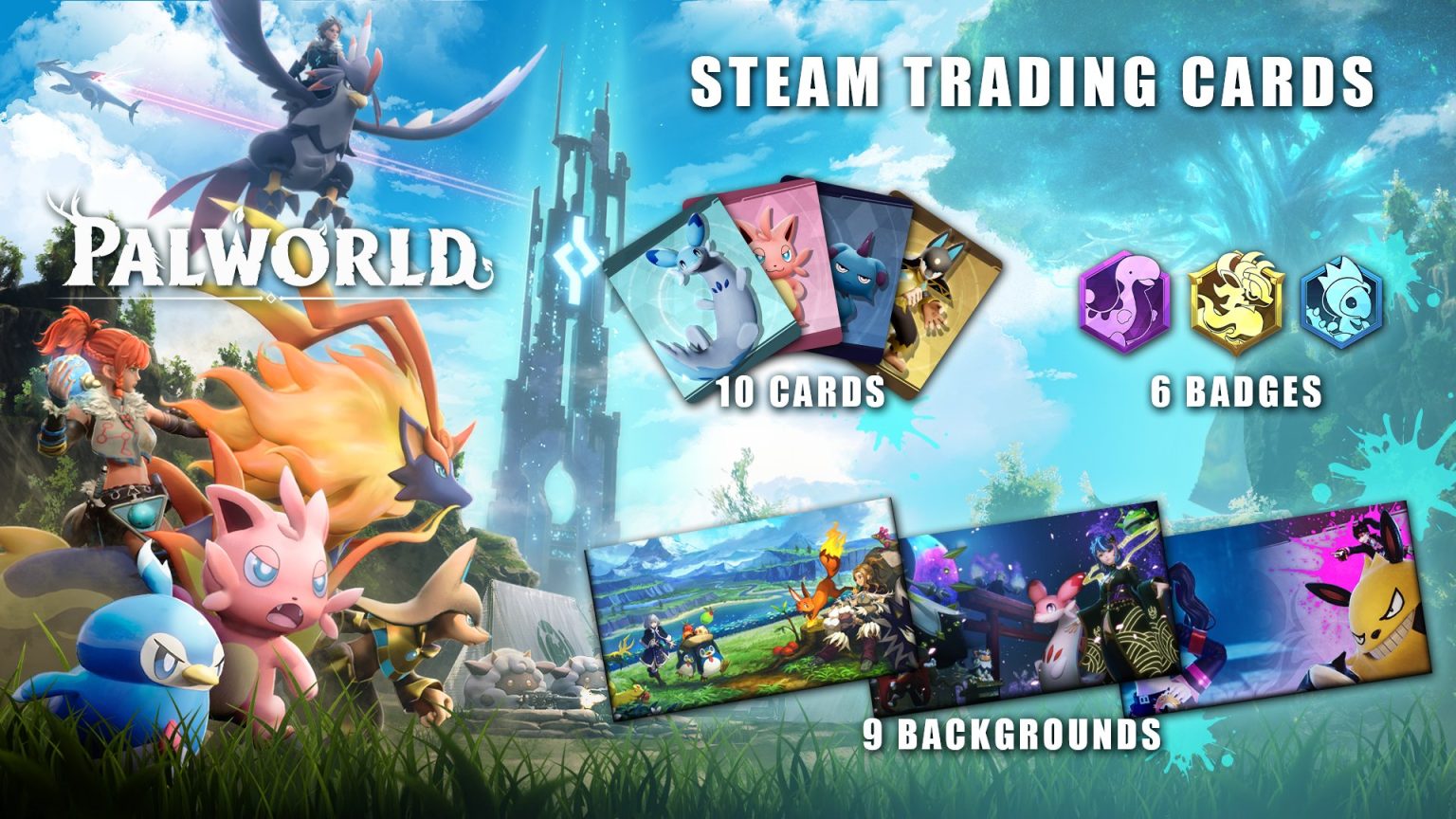
Earning Steam Trading Cards involves playing participating games, utilizing the Steam Community Market, participating in seasonal events, and trading with friends or other users to collect full sets, which can then be crafted into profile badges, emoticons, and coupons.
Steam Trading Cards are a core feature of Valve’s digital distribution platform, adding a gamified layer to your game library. Whether you want to level up your Steam profile, showcase your favorite games, or collect digital items that can be sold for Steam Wallet funds, understanding how the system works is essential. This comprehensive guide details the mechanics of earning, dropping, crafting, and trading Steam Trading Cards, giving you the knowledge required to maximize your collection efficiently.
Understanding Steam Trading Cards and Profile Mechanics
Steam Trading Cards are virtual items dropped to users while playing participating video games on the platform. Introduced by Valve to enhance user engagement, these cards represent specific characters, environments, or items from a game. When you collect a complete set of cards for a specific title, you can craft them into a profile badge.
Crafting a badge yields tangible rewards for your Steam account:
- Profile XP: Increases your Steam level, which expands your friend list capacity and unlocks profile showcase slots.
- Profile Backgrounds: Rare, game-themed artistic backdrops to customize your profile page.
- Chat Emoticons: Unique emoticons usable in Steam chat and community discussions.
- Coupons: Discounts on specific games or DLCs available on the Steam store.
Not every game on Steam features trading cards. Developers and publishers choose whether to integrate the Steam Trading Card system into their titles. Generally, games must meet certain Valve-defined metrics regarding community engagement and sales volume before card drops are enabled to prevent systemic abuse or automated farming.
Prerequisites and Eligibility Requirements for Card Drops
Before you can start earning card drops naturally through gameplay, your Steam account must meet specific eligibility requirements. Valve implements these rules to prevent bot accounts and economic exploitation within the Steam Marketplace.
The primary prerequisites include:
- Account Standing: Your account must be in good standing, meaning it is not restricted, banned, or subject to a community probation.
- Account Status: Your account must not be limited. A limited Steam user (someone who has spent less than $5 USD on the platform) cannot access certain community features, including trading cards, the Community Market, and trading. To lift these limitations, you must add funds or make purchases totaling at least $5 USD.
- Game Ownership: You must own a legitimate copy of the game. Free-to-play games drop cards based on in-game purchases rather than playtime alone; you must spend money within the game's cash shop to earn card drops in free-to-play titles.
- Steam Guard: To trade or sell cards on the Community Market, you must have Steam Guard enabled for at least 15 days via the Steam Mobile Authenticator or email.
Methods to Earn Steam Trading Cards
There are several distinct methods to acquire Steam Trading Cards, ranging from active gameplay to utilizing the community marketplace. Combining these approaches is the fastest way to complete sets.
Earning Cards Through Gameplay (Card Drops)
The most common method for earning cards is simply playing games that support them. When you launch a participating game and keep it running, Steam logs your playtime toward card drops.
- Drop Limit: Each game with trading cards has a specific maximum number of drops you can earn. Typically, a game drops a total of half the cards required to complete a full set (rounded up). For example, if a game has an 8-card set, you will receive 4 drops through gameplay. The remaining cards must be acquired through trading, purchasing, or booster packs.
- Idle Time: Steam measures time the application process is running. You do not necessarily need to be actively playing the game; keeping the game open in the main menu or a safe area will still trigger card drops.
- Drop Rate: Card drops occur at random intervals, usually every 30 to 120 minutes of active gameplay. You can track your remaining drops by navigating to your Profile, clicking "Badges," and selecting a specific game to view its card progress.
Acquiring Booster Packs
Once you have earned all available card drops for a specific game, you become eligible to receive Booster Packs for that title. A booster pack contains three random cards from the set, including at least one foil or rare card depending on drop rates.
To remain eligible for booster packs, you must log in to Steam at least once every week. The likelihood of receiving a booster pack scales with your Steam level:
- Level 10: +20% increase in drop rate
- Level 20: +40% increase in drop rate
- Level 30: +60% increase in drop rate
- And so forth, scaling incrementally.
Using the Steam Community Market
If you are missing specific cards to complete a set, or if you want to sell duplicate cards to fund future game purchases, the Steam Community Market is the primary hub.
- Buying: You can search for individual cards by name or game title and purchase them instantly using funds in your Steam Wallet. Prices are determined by supply and demand, ranging from a few cents to several dollars for rare or foil cards.
- Selling: You can list your duplicate cards on the market. Steam displays the recent average selling price and calculates the transaction fees (Valve takes a cut, and the game developer takes a cut) to show your net earnings.
Trading with Friends and Community Members
Trading is a cost-effective way to swap cards without spending real money. If you have duplicate cards from game drops, you can trade them 1-for-1 with friends who need those specific cards and have extras you require.
You can use third-party trading sites or Steam's built-in discussion forums to find traders. Always verify trade offers carefully within the Steam client before confirming to prevent scams or accidental losses.
| Method | Cost | Time Investment | Best For |
|---|---|---|---|
| Gameplay Drops | Free (Game cost) | High (Playtime required) | Initial collection of base cards |
| Booster Packs | Free (Random drop) | Passive (Weekly login required) | Low-effort random card acquisition |
| Community Market | Low to Moderate (Wallet funds) | Instant | Completing sets quickly or cashing out duplicates |
| Direct Trading | Free (Item exchange) | Medium (Finding partners) | Swapping duplicates without spending money |
Foil Trading Cards Explained
As you browse your badge progress or market listings, you may notice Foil Trading Cards. These are rare, shiny variations of standard cards, marked with a distinct border and icon.
- Rarity: Foil cards drop much less frequently than standard cards during gameplay or in booster packs.
- Function: Foil cards can be used to craft a special "Foil Badge" for a game. These badges offer the same XP rewards as standard badges but feature a unique metallic icon and color scheme on your profile.
- Economic Value: Because of their rarity, foil cards usually sell for significantly more on the Steam Community Market than standard cards. Many players choose to sell foil cards immediately to accumulate Steam Wallet funds rather than keeping them for crafting.
Step-by-Step Guide: How to Check Your Card Progress and Craft Badges
Monitoring your collection status and turning cards into profile rewards is managed entirely through the Steam client or web browser interface. Follow this step-by-step workflow to manage your inventory:
- Access Your Inventory: Hover over your username in the top menu of Steam, click Inventory, and select the Steam tab to view your current cards, backgrounds, and emoticons.
- View Your Badges: Navigate to your Profile page, click Badges on the right-hand menu. This page displays every game you own that features trading cards, along with your current completion status for each set.
- Identify Missing Cards: Click on a specific game badge to see which cards you own and which ones are grayed out (missing).
- Acquire Missing Pieces: Click the "Search the Community Market" button directly from the badge page to instantly find and buy missing cards, or check your friend list to initiate a trade.
- Craft the Badge: Once all cards in a set are collected, the Craft Badge button becomes active. Click it to consume the cards, earn profile XP, and receive random game-themed items.
Common Mistakes and Best Practices
To maximize your efficiency when collecting and trading Steam Trading Cards, keep the following best practices in mind:
- Avoid Crafting Before Sales: During major Steam sales (such as the Summer or Winter sales), crafting badges often rewards players with sale-specific trading cards. Saving your completed sets until a sale begins can yield extra market value or event items.
- Check Market History: Before listing a card for sale, check its recent price history graph on the Community Market. Listing an item too low loses potential value, while listing it too high means it will sit unsold.
- Beware of Scams: Never click external links promising free Steam items, and double-check trade confirmation screens to ensure you are receiving the exact items agreed upon. Official trades occur entirely within the secure Steam client.
Frequently Asked Questions
Can I earn trading cards without playing the game?
Yes, because Steam measures the running process of the game application rather than active mouse or keyboard inputs, many users leave games running in the background to collect drops. However, you must own the game and meet account eligibility requirements.
Do free-to-play games drop trading cards?
Free-to-play games do drop cards, but the mechanism differs from paid titles. Instead of dropping cards based purely on playtime, cards drop based on your in-game microtransactions and purchases. For every $9 USD (approximate) spent within the game's store, you earn one card drop.
What happens to my extra cards once I finish a badge?
You can keep duplicate cards to craft higher-level versions of the same badge (badges can be upgraded up to level 5, plus a foil level), or you can sell them on the Steam Community Market to earn wallet funds.
Why am I no longer receiving card drops from a game?
Every game has a strict limit on the number of card drops it will yield through gameplay (usually half the total set size). Once you reach this limit, the game will display "No card drops remaining" on your badges page, and you must acquire the rest via market purchases, trades, or booster packs.
Can I sell items obtained from crafting badges?
Yes. Profile backgrounds and chat emoticons received from crafting badges are fully tradable and marketable. You can list them on the Steam Community Market immediately or keep them to customize your profile.
Next Actions for Collectors
To begin your card-collecting journey today, open your Steam client, navigate to your Badges page, and identify which games have remaining card drops. Launch one of those titles to start accumulating playtime, or visit the Community Market to purchase missing cards and craft your first profile badge.
Image Gallery
Select an image to open it in a new tab.
Celine Dubois
Contemporary Living and Global Arts Columnist
