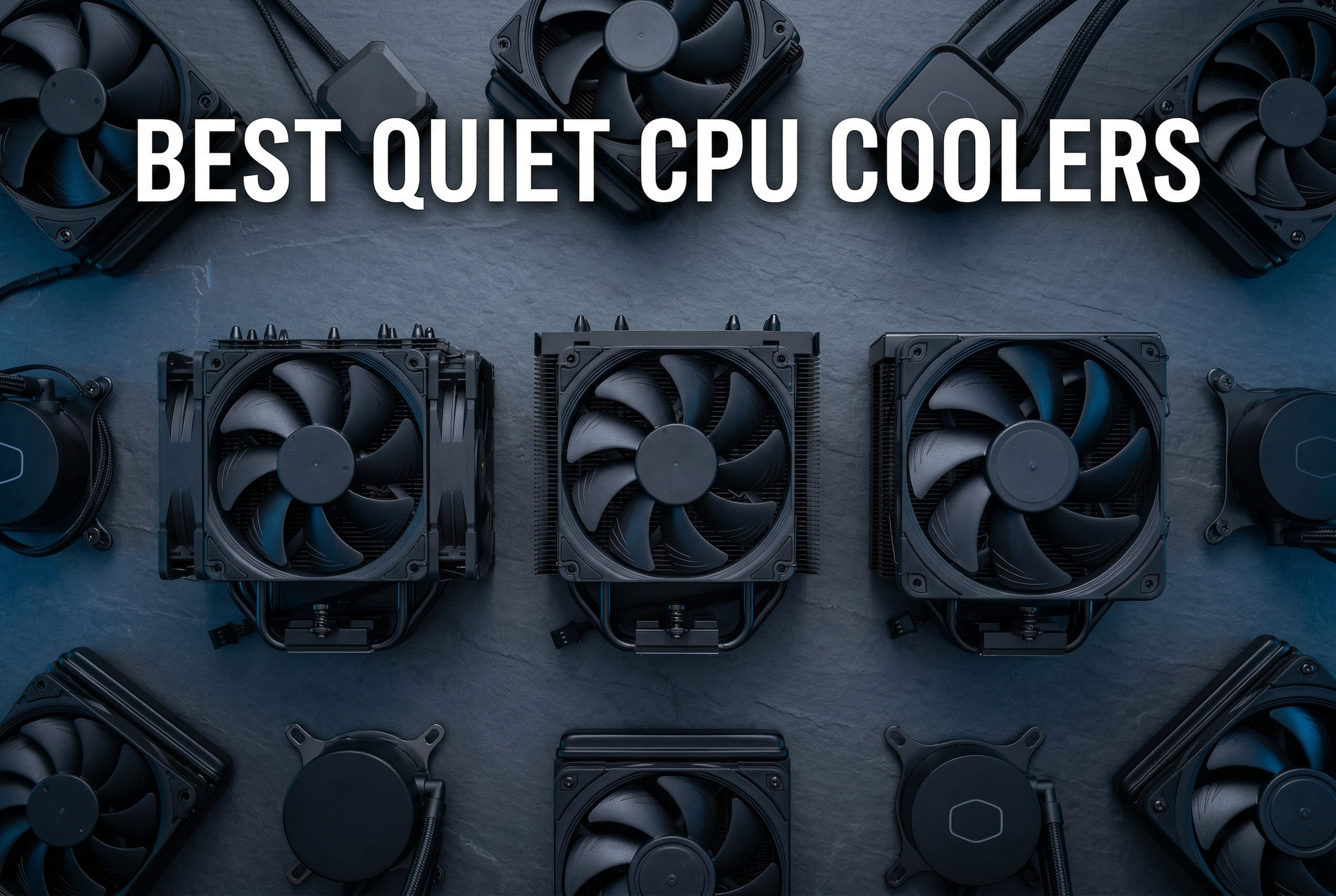
To achieve the best quiet performance in 2026, the Noctua NH-D15 G2 and be quiet! Dark Rock Pro 5 remain the industry leaders for CPU air cooling. For case airflow, the Noctua NF-A12x25 and be quiet! Silent Wings 4 Pro offer the most refined balance of high static pressure and ultra-low acoustic output.
The Engineering Behind Silent Cooling Performance
Quiet performance in PC cooling is not merely about spinning a fan slowly; it is an intersection of fluid dynamics, material science, and electrical engineering. As we look at the hardware landscape in 2026, processors continue to push higher thermal design power (TDP) limits, making the efficiency of the fan blade and the quality of the motor more critical than ever.
Bearing Technology: The Foundation of Silence
The most common source of fan noise over time is bearing wear. High-end fans for quiet performance generally utilize one of three advanced bearing types:
- Fluid Dynamic Bearings (FDB): These use a pressurized field of oil to support the shaft. Because there is no metal-to-metal contact, they are exceptionally quiet and boast lifespans often exceeding 100,000 hours.
- Self-Stabilizing Oil-Pressure (SSO2): A proprietary Noctua technology, this uses an additional magnet to support the axis, ensuring more precise centering and reducing the friction that leads to high-pitched whining.
- Magnetic Levitation (MagLev): While more expensive, these fans suspend the rotor using magnetic fields, nearly eliminating mechanical friction.
Aerodynamics and Blade Geometry
A fan's noise profile is largely determined by the turbulence it creates. Modern silent fans incorporate vortex-control notches and winglets on the tips of the blades. These features break up large air vortices into smaller, less audible ones.
Furthermore, the gap between the fan blade and the frame—known as the tip clearance—is a major factor in efficiency. In 2026, premium fans like the Noctua NF-A12x25 utilize Liquid Crystal Polymer (LCP) materials. This material is incredibly rigid, preventing "impeller creep" where the blades stretch over time due to centrifugal force. This rigidity allows for a clearance of just 0.5mm, which minimizes air leakage and maximizes the pressure needed to push air through dense heatsinks or radiators without increasing RPM.
Top Recommended Quiet Air Coolers
Air coolers are often preferred over liquid coolers for silence because they lack a pump, which can produce a persistent hum or "burbing" noise. The following models represent the peak of silent air cooling.
Noctua NH-D15 G2
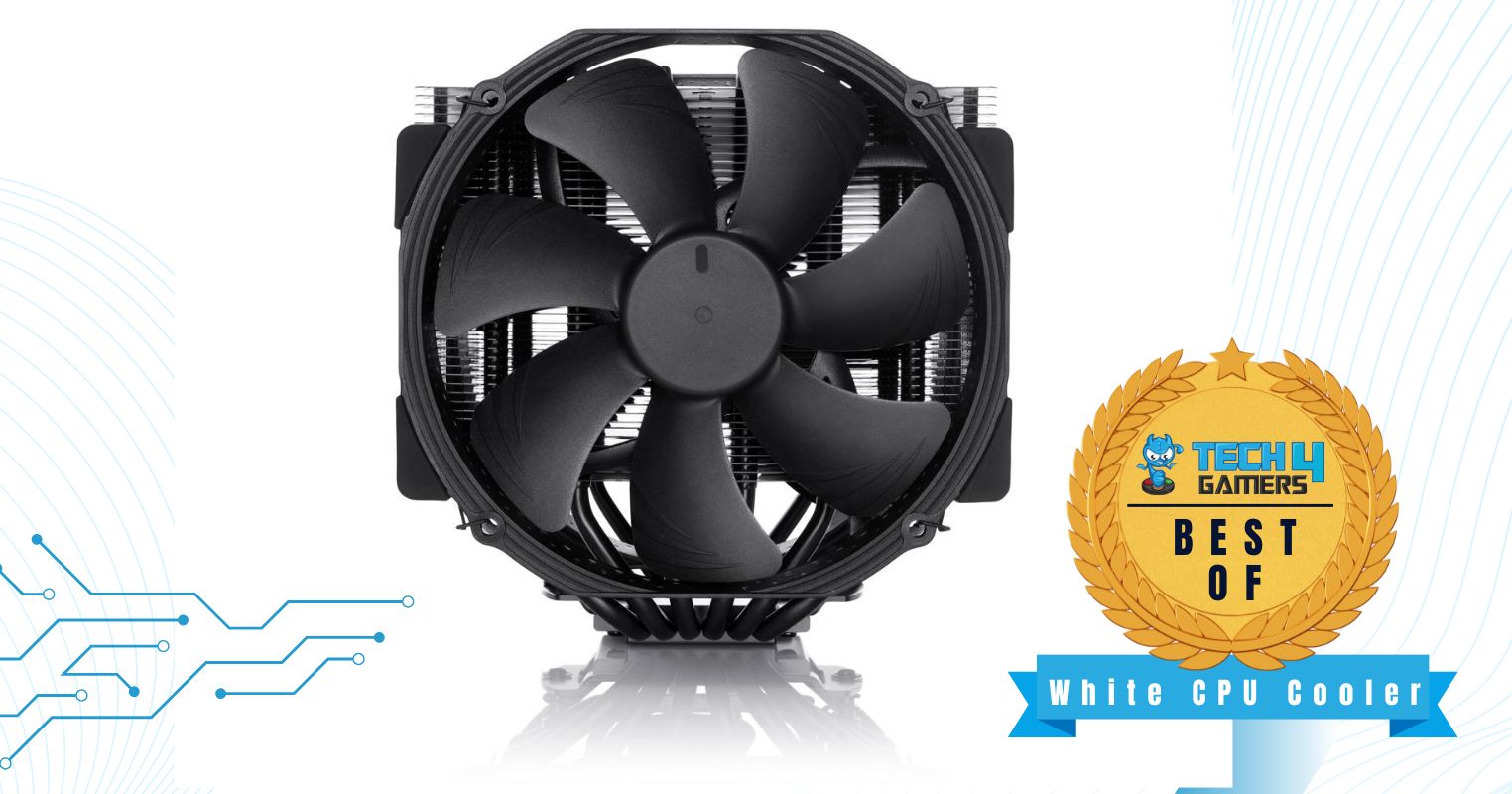
The NH-D15 G2 is the evolution of a legend. In 2026, it remains the benchmark for "silent but deadly" performance. It features a dual-tower design with eight heat pipes and two NF-A14x25r G2 fans.
- Performance Profile: It excels at cooling CPUs with a TDP of 250W and above while keeping noise levels below 24.8 dBA.
- Why it’s quiet: The offset fin design reduces the turbulence caused by air hitting the aluminum stacks, and the fans are tuned to avoid "harmonic frequencies" where two fans spinning at similar speeds create a vibrating hum.
be quiet! Dark Rock Pro 5
Living up to its brand name, the Dark Rock Pro 5 is designed specifically for enthusiasts who prioritize acoustics. It utilizes a 120mm front fan and a 135mm middle fan.
- Performance Profile: It offers a dedicated "Quiet Mode" switch on the top cover, which limits the maximum RPM for users who want a hard ceiling on noise.
- Why it’s quiet: The fans are decoupled from the heatsink using vibration-absorbing rubber elements. The funnel-shaped frame of the Silent Wings fans increases air pressure while maintaining a low decibel count.
Thermalright Peerless Assassin 120 SE
For users on a budget, the Peerless Assassin has disrupted the market by offering performance that rivals $100 coolers at a fraction of the cost.
- Performance Profile: While the stock fans are slightly louder at max RPM than Noctua's, they are remarkably efficient at lower speeds (around 800–1,000 RPM).
- Why it’s quiet: The dual-tower surface area is so large that the fans rarely need to ramp up to audible levels during gaming or standard productivity tasks.

The Best Case Fans for Silent Airflow
The goal of case fans is to move a high volume of air (CFM) with minimal noise. In 2026, the distinction between "airflow" fans and "static pressure" fans has blurred, as modern designs attempt to master both.
1. Noctua NF-A12x25 PWM
This fan is widely considered the most versatile 120mm fan ever made. It uses Sterrox® LCP to achieve unparalleled precision. Whether it is mounted on a radiator or used as a chassis exhaust, its acoustic profile is smooth and free of the motor clicking common in cheaper alternatives.
2. be quiet! Silent Wings 4 Pro
The "Pro" version of the Silent Wings 4 includes a toggle switch to change between "Medium," "High-Speed," and "Ultra-High-Speed" modes. For a silent build, the "Medium" setting provides a virtually inaudible floor while still maintaining enough pressure to move air through dust filters.
3. Arctic P12 PWM PST
Arctic remains the king of value. The P12 fans are famous for their "pressure-optimized" design. While they lack some of the premium materials of Noctua, their performance-to-noise ratio is unbeatable for those building a silent PC on a budget.
Arctic's official technical specifications detail their focus on sine-wave motor technology, which reduces vibration significantly.
Technical Comparison of Leading Quiet Fans (2026)
| Model | Size | Max Noise (dBA) | Max Airflow (CFM) | Bearing Type | Best Use Case |
|---|---|---|---|---|---|
| Noctua NF-A12x25 | 120mm | 22.6 | 60.1 | SSO2 | All-purpose/Radiators |
| be quiet! Silent Wings 4 | 140mm | 13.6 | 51.6 | FDB | Case Intake/Exhaust |
| Arctic P14 PWM PST | 140mm | 22.5 | 72.8 | FDB | Budget Performance |
| Noctua NF-A14x25 G2 | 140mm | 19.2 | 75.2 | SSO2 | High-End Air Coolers |
| Phanteks T30-120 | 120mm | 27.3* | 67.0 | VAPO | Extreme Cooling/Silent at Low RPM |
*Note: The Phanteks T30 is 30mm thick, allowing it to move more air at lower RPMs than standard 25mm fans.
Static Pressure vs. Airflow: Choosing the Right Fan
To keep a system quiet, you must choose the right tool for the job. Using the wrong fan forces it to spin faster, creating more noise.
- Static Pressure fans are designed to push air through resistance. Use these on CPU heatsinks, water-cooling radiators, and cases with thick dust filters or restrictive front panels. They have wider, flatter blades that "seal" the air and force it forward.
- Airflow fans are designed to move as much air as possible in open space. Use these as rear exhaust fans or in cases with high-airflow mesh fronts. They typically have more blades with a steeper pitch.
In 2026, if you are unsure, look for Hybrid designs. Most high-end 120mm fans now utilize hybrid blade shapes that perform well in both scenarios, simplifying the building process.
Optimizing for Silence: Beyond the Hardware
Even the best fans will be loud if they are misconfigured. Silent performance is a result of hardware choice and software optimization.
Setting Custom Fan Curves
Motherboards in 2026 come with sophisticated BIOS and software (such as Fan Control or proprietary brand suites) that allow for granular control.
- Identify the Noise Floor: Stop all fans, then turn one up slowly until you can hear it. This is your "noise floor."
- Hysteresis (Fan Smoothing): Set a delay (e.g., 2–3 seconds) for fans to ramp up. This prevents the "revving" sound when a CPU temperature spikes for just a split second during a task.
- Zero-RPM Mode: For case fans, configure them to stay off entirely when the CPU is below 50°C. Modern components are efficient enough to idle passively.
PWM vs. DC Control
Always prioritize PWM (Pulse Width Modulation) fans. Unlike DC fans, which vary speed by changing voltage, PWM fans receive a constant 12V signal and use a control chip to pulse the power. This allows PWM fans to spin at much lower speeds (sometimes as low as 200 RPM) without stalling, which is vital for a truly silent idle state.
Case Selection and Turbulence
A fan's noise isn't just from the motor; it's the air interacting with the case.
- Avoid restrictive grilles: Honeycomb or circular grilles directly in front of or behind a fan create "chopping" noises.
- Vibration dampening: Ensure your fans have integrated rubber corners. If they don't, use silicone "fan nails" instead of metal screws to decouple the fan from the chassis.
Frequently Asked Questions
Are 140mm fans always quieter than 120mm fans?
Generally, yes. Because 140mm fans have a larger surface area, they can move the same amount of air (CFM) at a lower rotational speed (RPM) than a 120mm fan. Lower RPM almost always results in lower noise. However, check your case compatibility, as many compact cases only support 120mm mounts.
Is liquid cooling quieter than air cooling?
Not necessarily. While AIO (All-In-One) liquid coolers have a higher thermal mass, they introduce a pump as a potential noise source. At low-to-medium loads, a high-end air cooler like a Noctua or be quiet! unit is often quieter because the only moving parts are the fans. Liquid cooling usually only gains an acoustic advantage at extremely high, sustained workloads where an air cooler's fans would have to spin at max speed.
What is the difference between dBA and Sone?
Decibels (dBA) measure sound pressure level on a logarithmic scale. Sone is a linear measure of perceived loudness. A rating of 0.3 Sone is roughly equivalent to 20–25 dBA. Most manufacturers use dBA, but brands like Arctic often use Sone. When comparing, remember that a 3 dBA increase represents a doubling of sound energy, though humans perceive a "doubling" of loudness at approximately 10 dBA.
Why do my fans make a clicking sound at low speeds?
This is usually a sign of a cheap motor or a bearing that is starting to fail. High-quality fans from reputable brands use 6-pole motors and high-quality lubricants to ensure that the transition between magnetic poles is smooth, eliminating the "click" heard at low RPMs.
Does RGB lighting affect fan noise?
Indirectly, yes. To accommodate LEDs in the hub or the frame, manufacturers sometimes have to reduce the size of the fan blades or the motor. Furthermore, RGB fans often use cheaper bearings to keep costs down while maintaining a high price point for the lighting. For the absolute best quiet performance, "blacked-out" or non-RGB fans are typically superior.
Practical Recommendation
If you are building a workstation or gaming PC in 2026 where silence is the priority, begin with a high-airflow mesh case to reduce resistance. Equip it with Noctua NF-A12x25 fans for intake and exhaust, and use a Noctua NH-D15 G2 for the CPU. This combination provides the most reliable, long-term silent performance currently available. If budget is a concern, replace the case fans with Arctic P12 PWM PST units, which provide 90% of the performance for significantly less investment.
Image Gallery
Select an image to open it in a new tab.





Zara El-Hashem
Sociocultural Dynamics and Academics Writer
