If you find a lost iPhone, the most effective action is to keep the device powered on and charged so the owner can track it using the Find My network. You should check for a Medical ID or use Siri to identify the owner. If no contact information is available, the most responsible next step is to hand the device over to local law enforcement or the nearest lost-and-found department.
Finding a high-value piece of technology like an iPhone 15, 16, or the latest 17 Pro Max can be a stressful experience. You want to help, but Apple’s stringent security measures—designed to protect user privacy—can make it difficult to identify the owner. In 2026, with the ubiquity of Activation Lock and advanced "Find My" capabilities that work even when a phone is offline or powered down, returning a device is more about facilitating a connection than "hacking" into the system. This guide outlines the ethical, legal, and technical steps you should take to ensure the device returns to its rightful owner.
Immediate Actions: Keeping the Device "Findable"
The moment you pick up a lost iPhone, your primary goal is to ensure the owner can still locate it. Apple’s "Find My" network relies on the device being able to communicate its position to other nearby Apple devices.
1. Keep the Power On
It might be tempting to turn the phone off to save battery, but this is counterproductive. While modern iPhones (since the iPhone 11) have a "Power Reserve" feature that allows them to be findable for several hours after the battery dies, it is much easier for an owner to track a live device. If the phone is on, leave it on. If you have a USB-C cable (which has been the standard for several years by 2026), consider plugging it in to keep the signal active.
2. Do Not Attempt a Restore
You may think that "resetting" the phone will make it easier to use or return, but this is a mistake. Due to Apple’s Activation Lock, a restored iPhone will remain locked to the owner’s Apple ID. Attempting to bypass this through third-party software is not only generally ineffective but can also be flagged as suspicious activity by Apple’s security servers. A restored phone is often harder for an owner to find because the "Lost Mode" message—which usually contains a phone number—will be erased.
3. Check for "Lost Mode"
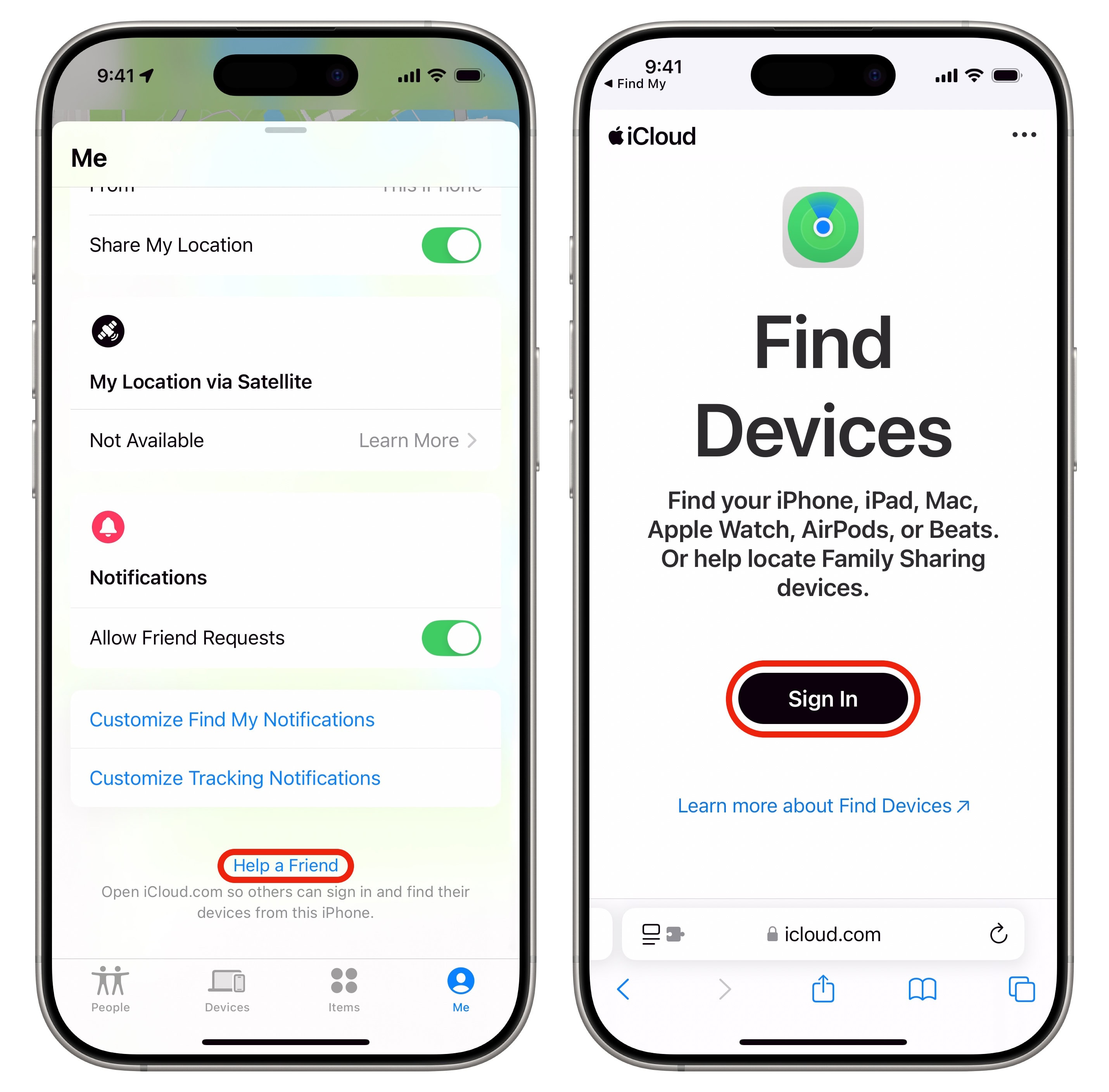
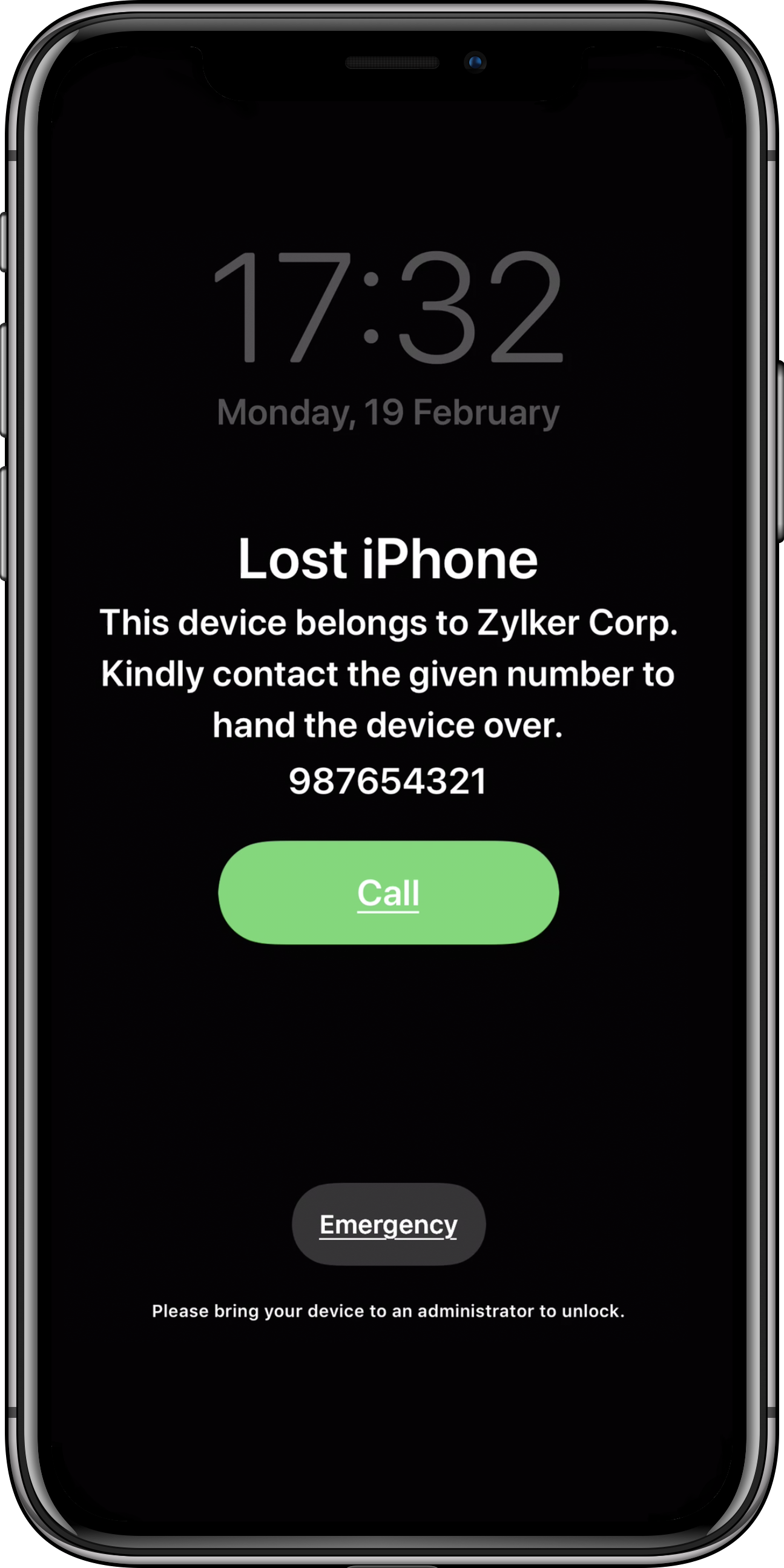
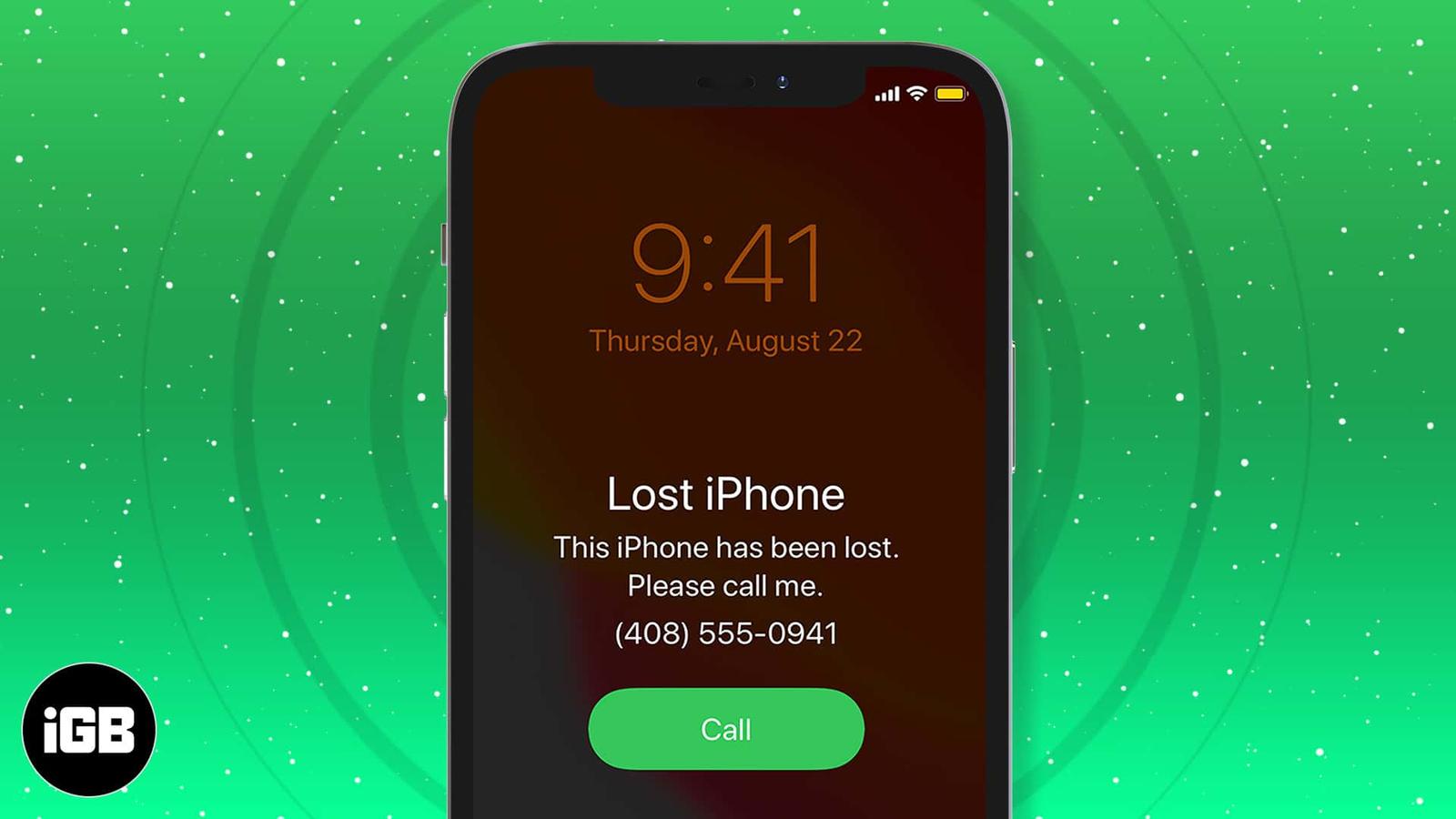
If the owner has realized the phone is missing, they will likely have activated Lost Mode via iCloud. When this happens, the screen will display a custom message, such as "This phone is lost, please call me at [Number]." If you see this, your job is easy: call the number from your own device and arrange a safe public meeting spot.
How to Identify the Owner Without a Passcode
If the phone is locked and no "Lost Mode" message is visible, there are several built-in features you can use to find the owner’s contact information without needing their passcode.
Accessing the Medical ID
The Medical ID is a feature that allows users to list emergency contacts and medical information that can be accessed from the Lock Screen. This is the single most effective way to find a "Mom," "Dad," or "Partner" contact.
- Wake the iPhone: Swipe up from the bottom of the screen (or press the side button).
- Access the Passcode Screen: When prompted for a passcode, do not guess. Instead, look at the bottom left or bottom right for the word Emergency.
- Tap Medical ID: On the emergency dialer screen, the "Medical ID" option will appear in the bottom left corner.
- Call Emergency Contacts: If the user has set this up, you will see their name and a list of emergency contacts. You can tap the phone icon next to a contact to call them directly from the found iPhone, even while it remains locked.
Using Siri to "Call Mom"
If the owner has not disabled Siri on the Lock Screen, the voice assistant can be your best ally. By 2026, Apple’s Intelligence features have made Siri more capable at identifying relationships.
- Hold the side button to trigger Siri.
- Ask: "Who does this phone belong to?" Siri may display the owner’s name and contact card information.
- Ask: "Siri, call Mom" or "Siri, call my wife."
- Ask: "Read my last text message." Sometimes, the last message received will be from a friend or family member asking where they are.
Checking for a Physical SIM or eSIM Info
In the past, you could eject a SIM card and take it to a carrier. In 2026, most iPhones (especially those sold in the U.S. since 2022) use eSIM technology. This means there is no physical card to remove. However, you can still identify the carrier.
If you can access the "Emergency" screen as mentioned above, you can often see the carrier’s name in the top status bar (e.g., Verizon, AT&T, T-Mobile). If the phone is completely locked and you cannot find any owner info, you can take the device to a retail store of that specific carrier. While they won't give you the owner's name for privacy reasons, they can often look up the device's IMEI number and contact the owner on your behalf.
| Method | Ease of Use | Success Rate | Privacy Risk |
|---|---|---|---|
| Lost Mode Message | High | Very High | None (Owner provided info) |
| Medical ID | Medium | High | Low (Only emergency info) |
| Siri Commands | High | Medium | Medium (Requires Siri enabled) |
| Carrier/IMEI Check | Low | Medium | None |
| Police Handover | Low | High | None |

The Legal and Ethical Landscape in 2026
Found property laws vary by jurisdiction, but the general principle of "theft by finding" applies in many regions, including the United Kingdom and several U.S. states. If you find a valuable item and make no reasonable effort to return it, you could technically be charged with larceny or theft.
The Problem with Keeping a Found iPhone
In 2026, keeping a found iPhone is essentially pointless for anyone other than the original owner.
- Activation Lock: Even if you manage to bypass the lock screen, the device cannot be linked to a new Apple ID without the original owner's password.
- IMEI Blacklisting: Once reported stolen or lost to a carrier, the device's IMEI is added to a global blacklist, preventing it from connecting to any cellular network.
- Parts Serialization: Apple has increased the serialization of internal components. Even "parting out" a phone is difficult, as the screen, battery, and camera modules are often digitally "locked" to the original logic board.
Safety First
If you do make contact with the owner, prioritize your safety.
- Meet in public: Choose a well-lit, busy location like a coffee shop or a grocery store parking lot.
- Safe Exchange Zones: Many police stations now offer "Safe Exchange Zones" specifically for online marketplace transactions and lost-property returns.
- Don't go alone: If possible, bring a friend.
Turning the iPhone Over to Authorities
If you have tried the Medical ID and Siri methods and still cannot find the owner, it is time to involve the professionals. Do not simply leave the phone on a park bench or a bus seat; it will likely be stolen by someone with less honest intentions.
Local Police
Taking the phone to a local police station is the most legally sound action. They will log the device in their property room. If the owner calls the station or files a report, they will be reunited with their device. Ensure you get a receipt or a property tag number for your records.
Transit and Venue Lost & Found
If you found the iPhone in a specific location—such as a stadium, an airport, or a train station—the local "Lost and Found" department is usually the first place an owner will check. Large venues often have sophisticated systems for tracking found electronics.
Apple Stores
A common misconception is that you should take a found iPhone to an Apple Store. While Apple employees are helpful, Apple’s official policy is that they do not accept found devices. They cannot look up owner information for you due to strict GDPR and CCPA privacy regulations. They will generally advise you to take the device to the police.
Frequently Asked Questions
Can I get a reward for returning a lost iPhone?
There is no legal requirement for an owner to provide a reward, though many are happy to offer one out of gratitude. In some jurisdictions, if you turn the item into the police and it remains unclaimed for a specific period (often 60–90 days), you may be able to claim the property legally. However, with Activation Lock, the phone would still be unusable.
What if the iPhone is broken or won't turn on?
If the screen is shattered or the battery is dead, the "Medical ID" and Siri methods won't work. Your best bet is to look for the IMEI number. On older iPhones, this was printed on the SIM tray; on newer models, it is often not visible externally. In this case, handing it to the police is the only viable option, as they can coordinate with carriers.
Should I post about the found iPhone on social media?
Posting on local community groups (like Nextdoor or Facebook) can be helpful, but be cautious. Do not post a photo of the phone’s lock screen or mention the specific wallpaper. Instead, say "Found iPhone at [Location]." When someone contacts you, ask them to describe the lock screen photo or tell you the model and color to verify they are the true owner.
Can I use the "Find My" app on my own phone to find the owner?
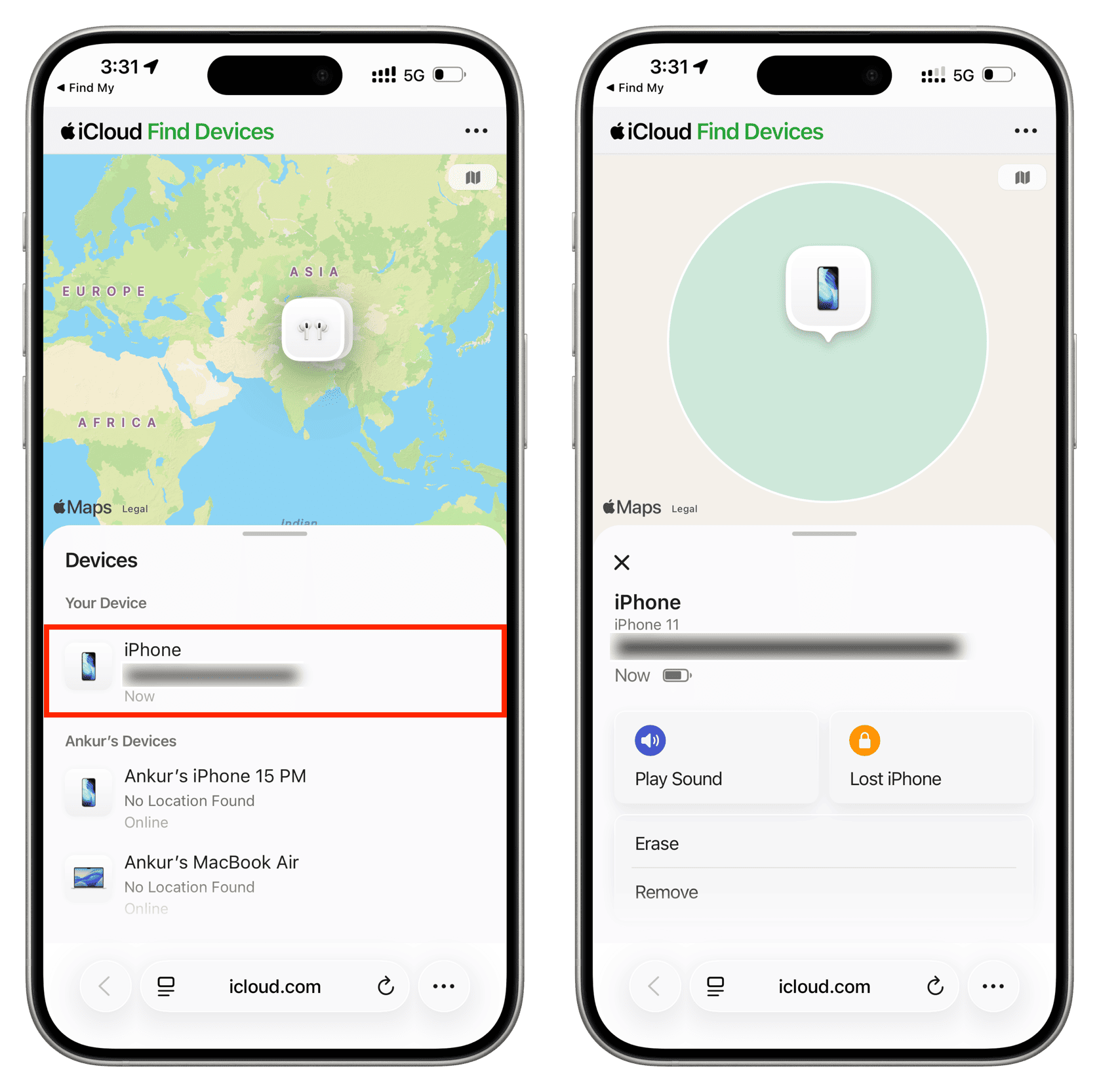
No. Your Find My app only tracks devices linked to your Apple ID or those in your Family Sharing group. You cannot "scan" for nearby lost iPhones using your own Find My app unless the owner has specifically triggered a localized "Precision Finding" alert that you happen to stumble upon (a feature primarily for AirTags and newer accessories).
Is it safe to plug a found iPhone into my computer?
No. For security reasons, you should never plug an unknown device into your personal computer. While rare, "juice jacking" or malicious firmware can theoretically be used to compromise your own data. Only use a wall outlet or a portable power bank to charge a found device.
Final Recommendation
The most reliable path to returning a lost iPhone in 2026 is to check the Medical ID immediately. If that information is missing, keep the phone charged and wait 24 hours to see if a "Lost Mode" message appears. If no contact is made within a day, hand the device over to the local police department. This protects you legally and provides the owner with a centralized location to recover their property. By acting quickly and ethically, you turn a potentially permanent loss into a successful recovery, reinforced by the very security features Apple designed to keep users safe.
Image Gallery
Select an image to open it in a new tab.


Declan O'Connor
Higher Education and Campus Culture Reporter
