
A serial COM (communication) port is a logical and physical interface used to transmit data sequentially, one bit at a time, over a communication channel. While once the primary method for connecting peripherals like mice and modems to personal computers, in 2026, COM ports primarily serve as critical interfaces for industrial automation, networking hardware configuration, and embedded systems development.
The Evolution of Serial Communication
The term "COM port" is most frequently associated with the RS-232 standard, which defined the electrical characteristics and timing of signals for the serial exchange of data. Historically, these ports were physically manifested as DB9 or DB25 male connectors on the back of a PC. However, the physical landscape has shifted significantly.
In the modern computing environment of 2026, dedicated physical COM ports are rarely found on consumer-grade motherboards. Instead, serial communication is facilitated through Virtual COM Ports (VCP). These are software-simulated ports that allow modern operating systems to communicate with hardware via USB-C, Thunderbolt, or even Bluetooth, while treating the connection as a traditional serial interface. This backward compatibility is essential because thousands of legacy industrial systems and modern microcontrollers still rely on the simplicity and reliability of serial data streams.
Serial communication stands in contrast to parallel communication, which sends multiple bits simultaneously over several wires. While parallel communication is theoretically faster, it suffers from "crosstalk" and "skew" over longer distances. Serial communication remains the gold standard for long-range and high-reliability data exchange because it requires fewer conductors and is less susceptible to electromagnetic interference.
Core Technical Parameters of a COM Port
To establish a successful connection between two devices via a serial port, both ends must agree on several technical parameters. If these settings do not match exactly, the data will appear as "garbage" text or the connection will fail entirely.
Baud Rate
The baud rate represents the speed of data transmission in bits per second (bps). In 2026, common baud rates range from the classic 9600 bps used in basic sensors to 115,200 bps or even 921,600 bps for high-speed data logging. The baud rate must be synchronized between the transmitter and the receiver because there is no shared clock signal in asynchronous serial communication.
Data Bits
This parameter defines the number of bits in a single character of data. The industry standard is 8 bits, which corresponds to a single byte. However, older systems might use 7 bits for standard ASCII characters or 5 bits for specialized teleprinter applications.
Parity Bits
Parity is a rudimentary form of error checking. It ensures that the number of "1" bits in a string is either even or odd.
- None: No error checking is performed.
- Even: A bit is added to make the total number of "1s" even.
- Odd: A bit is added to make the total number of "1s" odd.
- Mark/Space: Rarely used, these force the parity bit to a constant state.
Stop Bits
Stop bits signal the end of a data packet. Most modern configurations use 1 stop bit. In environments with high electrical noise, 2 stop bits might be used to give the receiving hardware more time to reset before the next byte arrives.
Flow Control (Handshaking)
Flow control prevents the transmitter from sending data faster than the receiver can process it.
- Hardware (RTS/CTS): Uses physical pins (Request to Send and Clear to Send) to signal readiness.
- Software (XON/XOFF): Uses specific control characters embedded in the data stream to pause and resume transmission.

Understanding RS-232, RS-422, and RS-485
While many use "serial" and "RS-232" interchangeably, serial communication encompasses several distinct standards tailored for different environments.
| Feature | RS-232 | RS-422 | RS-485 |
|---|---|---|---|
| Mode of Operation | Single-ended | Differential | Differential |
| Max Devices | 1 Driver, 1 Receiver | 1 Driver, 10 Receivers | 32 Drivers, 32 Receivers |
| Max Distance | 15 meters (50 ft) | 1,200 meters (4,000 ft) | 1,200 meters (4,000 ft) |
| Max Speed | 20 kbps (standard) | 10 Mbps | 10 Mbps |
| Typical Use | PC Peripherals, Console Ports | High-speed point-to-point | Industrial Multi-drop Networks |
RS-232
This is the standard most users recognize. It uses a single-ended signal where voltages are measured relative to a common ground. Because of this, it is susceptible to noise and is generally limited to short distances.
RS-422 and RS-485
These standards use differential signaling, meaning they transmit data over a pair of wires. The receiver looks at the voltage difference between the two wires rather than the voltage relative to ground. This makes them incredibly resistant to electromagnetic noise, allowing for reliable communication over distances exceeding one kilometer. RS-485 is particularly notable for its "multi-drop" capability, allowing one COM port to communicate with dozens of devices on a single bus, a staple in smart building and factory automation.
Hardware Interfaces and Adapters in 2026
Since modern laptops and workstations lack the 9-pin D-subminiature connector, users must rely on bridge chips to translate USB signals into serial signals. The quality of these adapters depends entirely on the internal chipset.
- FTDI (Future Technology Devices International): Widely considered the gold standard. FTDI chips offer high stability, excellent driver support across Windows 11/12 and Linux, and unique features like internal serial numbers for port persistence.
- Silicon Labs (CP210x): A common, reliable alternative often found in compact development boards and IoT devices.
- CH340/CH341: A low-cost chipset frequently found in entry-level hobbyist electronics. While functional, they occasionally suffer from driver compatibility issues on stricter operating systems.
- Prolific (PL2303): One of the oldest bridge chips. Users should be cautious of "counterfeit" Prolific chips which are often blocked by official drivers.
In 2026, USB-C to Serial cables have become the norm, replacing the older USB-A versions. These often include integrated LEDs to show TX (transmit) and RX (receive) activity, which is an invaluable feature for onsite troubleshooting.
Managing COM Ports in Modern Operating Systems
Windows 11 and 12
In Windows, serial ports are managed through the Device Manager under the "Ports (COM & LPT)" section. When you plug in a USB-to-Serial adapter, the OS assigns it a number (e.g., COM3).
- Port Persistence: A common frustration occurs when a device is assigned a different COM number every time it is plugged into a different USB port. High-end adapters (like those from FTDI Chip) allow you to lock the COM port number to the device's hardware ID.
- Latency Timer: For high-precision industrial applications, users often need to go into the Advanced Port Settings to reduce the "Latency Timer" from 16ms to 1ms to ensure real-time responsiveness.
Linux and macOS
On Unix-based systems, COM ports are treated as files in the /dev/ directory.
- Standard ports are usually named
/dev/ttyS0,/dev/ttyS1, etc. - USB adapters appear as
/dev/ttyUSB0or/dev/ttyACM0. Accessing these ports often requires specific user permissions or adding the user to thedialoutgroup.
Industrial and Professional Use Cases
Despite the ubiquity of Ethernet and Wi-Fi, the COM port remains indispensable in several specialized fields:
1. Network Infrastructure
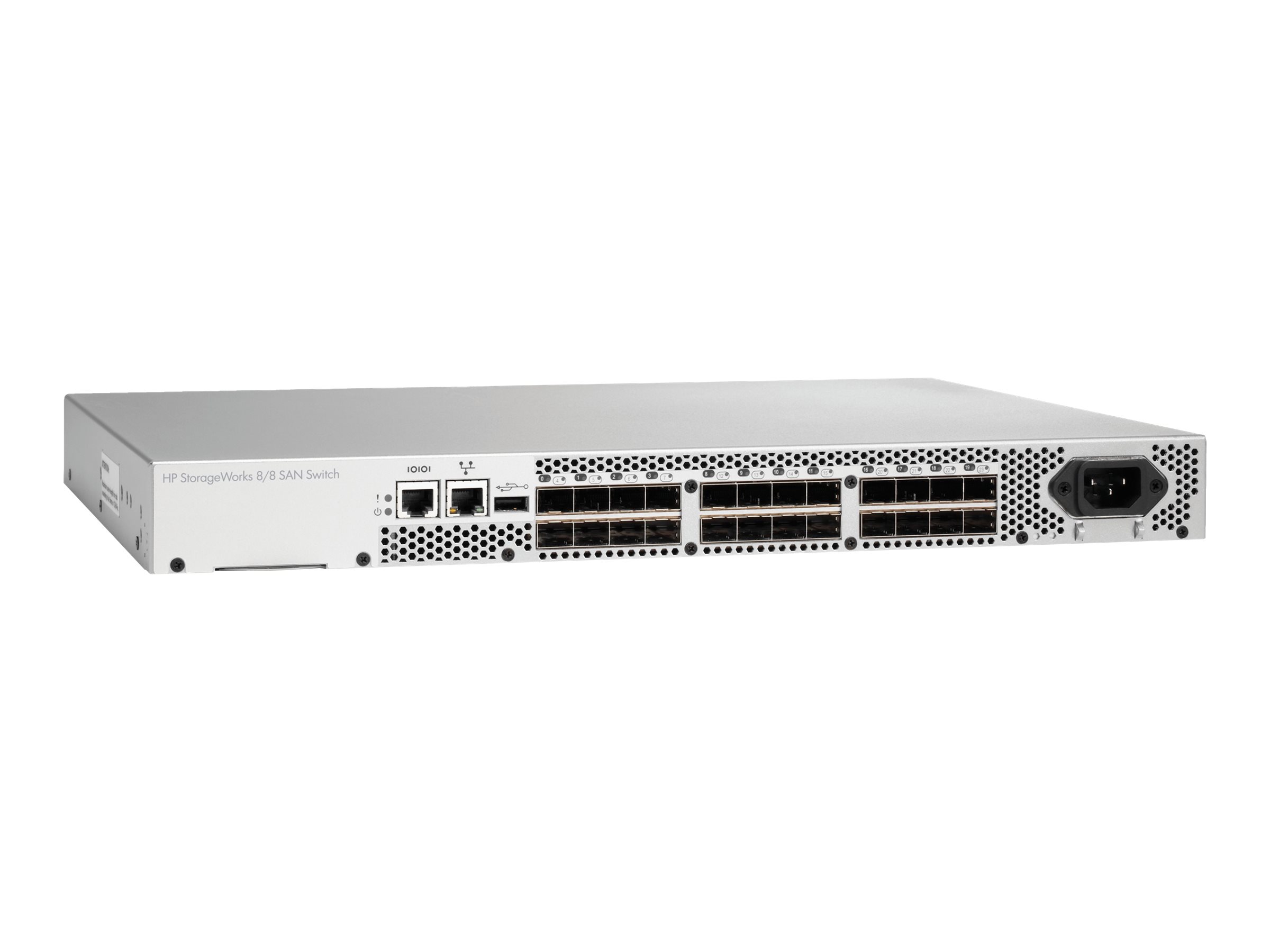
System administrators use "Console Ports" to access routers, switches, and firewalls. When a network goes down, Ethernet-based management is impossible. A physical serial connection provides "out-of-band" management, allowing the admin to access the command-line interface (CLI) of the hardware directly.
2. Embedded Systems and IoT
Microcontrollers like those from Arduino or STMicroelectronics use Universal Asynchronous Receiver-Transmitter (UART) communication. Developers use COM ports to upload code and receive debugging logs. In the prototyping phase, the serial monitor is the primary window into the "brain" of the device.
3. Scientific Instrumentation
Laboratory equipment—spectrometers, digital scales, and sensors—frequently uses serial ports to stream data to a logging computer. The simplicity of the protocol ensures that data is not lost to the overhead of complex network stacks.
4. Point of Sale (POS)
Many barcode scanners, receipt printers, and credit card terminals still utilize serial protocols (often over RJ45 connectors) because of the "plug and play" simplicity for specific, dedicated hardware tasks.
Troubleshooting Common COM Port Issues
When a serial connection fails, the issue is almost always related to one of three things: physical connectivity, driver conflicts, or parameter mismatch.
- Baud Rate Mismatch: If you see "jumbled" or "nonsense" characters (e.g.,
@), your baud rate is likely incorrect. Double-check the device's documentation. - Port in Use: Only one application can control a COM port at a time. If you receive an "Access Denied" error, ensure another terminal program or utility isn't already connected to that port.
- The Null Modem Requirement: In RS-232, there is a distinction between Data Terminal Equipment (DTE) and Data Communication Equipment (DCE). If you are connecting two DTE devices (like two PCs) together, you need a Null Modem cable, which crosses the TX and RX lines. Without this, both devices will be "talking" on the same wire and "listening" on the same wire.
- Driver Failure: If the COM port does not appear in your Device Manager, the OS likely lacks the necessary driver for the bridge chip. Always download drivers from the official manufacturer's site (e.g., FTDI or Silicon Labs).
Frequently Asked Questions
What is the difference between a COM port and a UART?
A UART (Universal Asynchronous Receiver-Transmitter) is the physical integrated circuit (hardware) inside a microcontroller or computer that handles serial communication. The "COM port" is the logical name given to that interface by the operating system. Essentially, the UART is the engine, and the COM port is the dashboard entry.
Can I extend a serial cable beyond 15 meters?
For standard RS-232, 15 meters is the reliable limit at moderate speeds. If you need to go further, you can use an RS-232 to RS-485 converter. By converting the signal to a differential pair, you can extend the reach to over 1,000 meters before converting it back to RS-232 at the destination.
Why does my COM port number keep changing?
Windows assigns COM port numbers based on the USB port's address and the device's internal ID. If you move your adapter to a different USB port, the OS might see it as a new device. To fix this, you can manually reassign the COM port number in the Device Manager under Port Settings > Advanced.
Is serial communication secure?
Serial communication is inherently "in the clear," meaning it is not encrypted. Anyone with physical access to the wires can use a logic analyzer to intercept the data. In 2026, for sensitive applications, it is standard practice to implement software-level encryption (like TLS) over the serial stream or ensure the physical lines are in a secured environment.
Do I need to install drivers for COM ports in 2026?
Most modern operating systems include "class drivers" that automatically recognize many USB-to-Serial adapters. However, for full functionality—such as changing latency timers or using high baud rates—it is still highly recommended to install the specific manufacturer's driver rather than relying on the generic version provided by the OS.
Practical Recommendation for Professionals
When working with serial interfaces in 2026, invest in a high-quality USB-C to RS-232 adapter with an authentic FTDI chipset. Avoid generic, unbranded cables, as they often use inferior components that lead to driver crashes or data corruption. Always keep a "Null Modem" adapter and a "Gender Changer" in your toolkit, as these two small tools resolve 90% of physical connection hurdles in the field. For software, tools like PuTTY or Tera Term remain the industry standards for basic terminal access, while RealTerm is superior for debugging raw binary data streams.
Image Gallery
Select an image to open it in a new tab.




Lars Thomsen
Global Labor Markets and Economic Strategy Editor
