Comprehensive Guide to Web Server Load Balancers: Enhancing Performance and Reliability

A web server load balancer is a critical networking component that distributes incoming application traffic across multiple backend servers to ensure high availability, scalability, and optimal performance. By acting as a reverse proxy, it prevents any single server from becoming a bottleneck, effectively managing request volume and mitigating the risk of downtime during traffic spikes.
As web applications evolve into complex microservices architectures in 2026, the web server load balancer remains the fundamental cornerstone of infrastructure stability. Whether managing a high-traffic e-commerce platform or a distributed enterprise application, understanding the mechanics, types, and strategic deployment of load balancers is essential for any technical professional aiming to maintain seamless digital experiences.
How Web Server Load Balancers Function
At its core, a web server load balancer sits between the client (the user's browser) and the server farm (the group of servers hosting the application). When a request arrives, the load balancer evaluates the state of the backend servers and decides which one is best equipped to handle the specific task. This process involves more than just simple redirection; it includes protocol translation, health monitoring, and often security filtering.
The workflow begins when a user enters a URL into their browser. The DNS system resolves that URL to the IP address of the load balancer. Once the connection is established, the load balancer intercepts the traffic. Using a predefined algorithm, it selects a destination server. This selection process is vital because it ensures that no single server is overwhelmed while others remain idle. If a server is experiencing high CPU usage or memory saturation, the load balancer detects this through "health checks" and reroutes traffic to more capable nodes.
Beyond simple traffic distribution, modern load balancers in 2026 manage persistent connections. This is particularly important for applications that require session state, such as shopping carts or secure portals. If a user is connected to Server A, the load balancer can use "sticky sessions" or "session affinity" to ensure that all subsequent requests from that specific user are routed to the same server, preventing data loss and enhancing the user experience.
Key Types of Load Balancing Architectures
Load balancing can be categorized by the layer of the Open Systems Interconnection (OSI) model at which it operates. The two most common types are Layer 4 (Transport Layer) and Layer 7 (Application Layer) load balancing.
Layer 4 Load Balancing
Layer 4 load balancers operate at the transport level, making routing decisions based on data found in network and transport layer protocols, such as IP addresses and TCP/UDP ports. These devices do not inspect the actual content of the packets; they simply look at the header information to determine where to send the traffic.
The primary advantage of Layer 4 balancing is its speed and efficiency. Because it does not perform deep packet inspection, the latency introduced by the load balancer is minimal. This makes it ideal for high-throughput applications where the overhead of inspecting application-layer data would be prohibitive. However, Layer 4 balancing is less "intelligent" than higher-layer alternatives. It cannot route traffic based on specific URLs, cookies, or media types.
Layer 7 Load Balancing
Layer 7 load balancers operate at the application layer, allowing for much more granular control over traffic. These balancers can inspect the actual content of the HTTP/HTTPS request. For example, a Layer 7 load balancer can route requests for images to a specialized media server, while routing API calls to a different cluster of microservices.
In 2026, Layer 7 load balancing is the industry standard for modern web applications. It enables advanced features like SSL/TLS termination, where the load balancer decrypts incoming traffic before passing it to the backend servers, and header-based routing. While this requires more processing power than Layer 4 balancing, the flexibility it offers for complex routing and security filtering is indispensable for modern DevOps environments.

Critical Load Balancing Algorithms
The effectiveness of a load balancer depends heavily on the algorithm it uses to distribute traffic. Different scenarios require different approaches to ensure that resources are utilized efficiently.
- Round Robin: This is the simplest method, where the load balancer rotates through a list of servers, sending the first request to Server 1, the second to Server 2, and so on. It assumes all backend servers have equal capacity and are hosting identical content.
- Weighted Round Robin: Building on the simple round robin, this algorithm assigns a weight to each server based on its capacity. A server with twice the RAM and CPU power of its peers will be assigned a higher weight and receive a larger portion of the traffic.
- Least Connections: This algorithm is more dynamic. The load balancer tracks how many active connections each server is currently handling and sends the new request to the server with the fewest active sessions. This is highly effective for applications where requests vary significantly in the time they take to process.
- Least Response Time: This method directs traffic to the server with the lowest latency and the fewest active connections. It is particularly useful in global environments where network distance can impact performance.
- IP Hash: By hashing the client's IP address, the load balancer ensures that a specific user is consistently mapped to the same backend server. This is a common method for achieving session persistence without relying on cookies.
Hardware vs. Software vs. Cloud-Native Solutions
Choosing the right deployment model for a load balancer depends on budget, scale, and existing infrastructure. In the 2026 landscape, the shift toward software and cloud-native solutions has reached a peak, though hardware still holds a niche in specific enterprise environments.
Hardware Load Balancers
Traditional hardware load balancers are physical appliances designed specifically for high-speed traffic management. Manufacturers like F5 Networks and Citrix provide these units, which often include specialized Application Specific Integrated Circuits (ASICs) to handle heavy SSL/TLS encryption and decryption tasks. While they offer extreme performance and reliability, they are expensive, difficult to scale quickly, and require physical space in a data center.
Software Load Balancers
Software load balancers, such as NGINX, HAProxy, and Traefik, run on standard x86 servers or virtual machines. They offer immense flexibility and are significantly more cost-effective than hardware appliances. Because they are software-defined, they can be easily integrated into CI/CD pipelines and automated via configuration management tools like Ansible or Terraform. Many organizations prefer software balancers for their ability to run in containers (like Docker) and orchestrate through Kubernetes.
Cloud-Native Load Balancing
Cloud providers such as AWS (Elastic Load Balancing), Google Cloud, and Azure offer Load Balancing as a Service (LBaaS). These solutions are highly scalable and managed entirely by the provider. Users do not need to worry about the underlying infrastructure, patching, or physical maintenance. Cloud-native balancers are integrated with other cloud services, such as auto-scaling groups, which allow the infrastructure to grow or shrink automatically based on real-time traffic demands.
Comparison of Load Balancing Deployment Models
The following table compares the primary characteristics of the three major load balancing deployment models available in 2026.
| Feature | Hardware Load Balancer | Software Load Balancer | Cloud-Native (LBaaS) |
|---|---|---|---|
| Initial Cost | Very High (CapEx) | Low to Moderate | Low (Pay-as-you-go) |
| Scalability | Manual/Physical Upgrade | Easy (Add more instances) | Instant/Automatic |
| Performance | Extremely High (ASIC) | High (CPU-dependent) | Very High (Distributed) |
| Customization | Proprietary/Limited | Extremely High | Moderate (Provider-defined) |
| Maintenance | High (Physical & Firmware) | Moderate (OS & Software) | None (Provider-managed) |
| Integration | Difficult with Cloud | Excellent with DevOps | Native Cloud Integration |
Essential Features for 2026 Web Infrastructures
As the internet becomes more secure and complex, the requirements for a web server load balancer have expanded beyond simple traffic distribution. Modern systems must incorporate several key features to remain effective.
SSL/TLS Termination and Offloading
Managing SSL/TLS certificates and the decryption of encrypted traffic is computationally expensive. Load balancers can handle the "handshake" and decryption process at the edge of the network. This "offloading" allows the backend web servers to focus their CPU cycles on processing application logic rather than cryptographic operations. In 2026, standard practice involves using the load balancer to enforce modern protocols like TLS 1.3 while maintaining high-speed connections to the backend via a private, secure network.
Advanced Health Checks
A load balancer is only as good as its ability to detect server failure. Basic health checks might only verify if a server's port 80 or 443 is open. However, advanced health checks actually request a specific page and look for a "200 OK" status code or a specific string in the body of the response. This ensures that even if the web server process is running, the application itself is actually functioning correctly.
Global Server Load Balancing (GSLB)
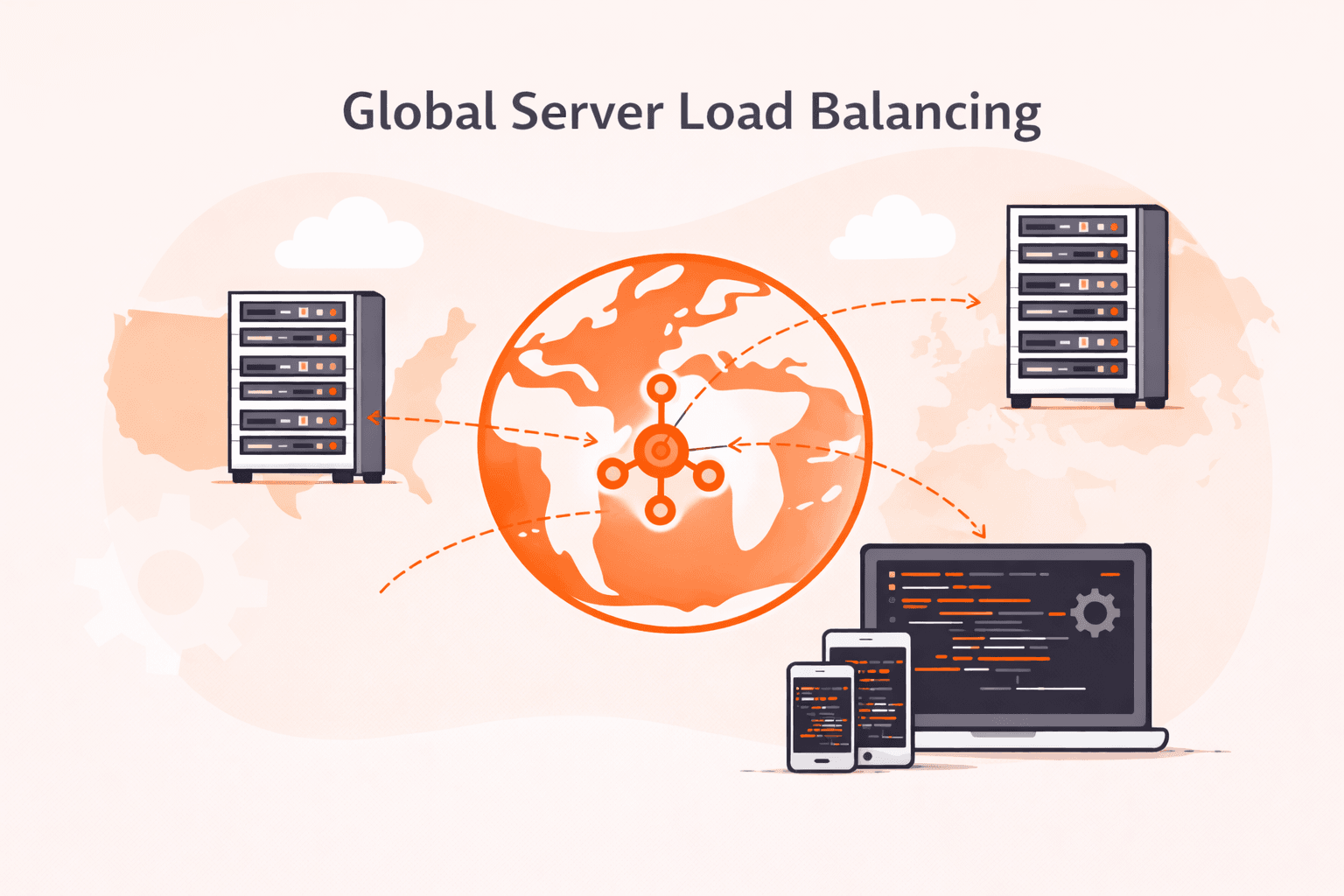
For organizations with a global footprint, GSLB is essential. This involves distributing traffic across multiple data centers located in different geographical regions. By using DNS-based or BGP-based routing, GSLB sends users to the data center closest to them, significantly reducing latency and providing disaster recovery capabilities. If an entire data center in Europe goes offline, GSLB can automatically redirect European traffic to a data center in North America or Asia.
Security and DDoS Mitigation
In the current threat landscape, load balancers serve as the first line of defense against distributed denial-of-service (DDoS) attacks. Because they sit at the edge of the network, they can be configured to rate-limit incoming requests, block malicious IP addresses, and filter out malformed packets before they ever reach the internal application servers. Integration with Web Application Firewalls (WAF) allows for the inspection of HTTP traffic to block SQL injection and cross-site scripting (XSS) attacks.
Implementation and Best Practices
Deploying a web server load balancer requires careful planning to avoid creating a new single point of failure.
- High Availability (HA): Never deploy a single load balancer. Always use a pair of balancers in an "Active-Passive" or "Active-Active" configuration. This ensures that if one load balancer fails, the other can take over immediately without dropping traffic.
- Automation: In 2026, configuration should be treated as code. Use tools like Terraform to provision your load balancing infrastructure and Ansible to manage its configuration. This reduces human error and allows for rapid recovery in the event of a disaster.
- Monitoring and Logging: Detailed logging of every request handled by the load balancer is vital for troubleshooting and security auditing. Standardize on tools like Prometheus for monitoring and ELK (Elasticsearch, Logstash, Kibana) for log analysis to gain visibility into traffic patterns and error rates.
- Graceful Shutdowns: When taking a backend server offline for maintenance, use the load balancer's "drain" feature. This allows the server to finish processing existing requests while preventing it from receiving new ones, ensuring a seamless experience for users.
Frequently Asked Questions
What is the difference between a load balancer and a reverse proxy?
While the terms are often used interchangeably, a reverse proxy is a broad category of server that retrieves resources on behalf of a client from one or more backend servers. A load balancer is a specific type of reverse proxy designed primarily to distribute traffic across multiple servers to improve performance and reliability. All load balancers are reverse proxies, but not all reverse proxies are used for load balancing.
Can I use a load balancer for traffic other than web/HTTP?
Yes. While "web server load balancers" focus on HTTP/HTTPS traffic, general-purpose load balancers can handle any TCP or UDP traffic. This includes database traffic (SQL), email (SMTP), and even gaming protocols. Layer 4 load balancers are typically used for these non-web applications.
How does a load balancer handle session persistence (sticky sessions)?
The load balancer can track sessions using source IP addresses or by inserting a specialized cookie into the user's browser. When the user makes a subsequent request, the load balancer reads the cookie or checks the IP address and routes the request to the same backend server that handled the initial interaction. This is critical for applications that do not store session data in a centralized database like Redis.
Does a load balancer improve the speed of a single server?
No, a load balancer does not make an individual server faster. In fact, it adds a tiny amount of latency (milliseconds) as it processes the request. However, it improves the overall speed of the application by ensuring that no server is overloaded, which prevents the slow response times associated with high resource utilization.
What happens if the load balancer itself fails?
If you only have one load balancer and it fails, your entire application goes offline. This is why high availability (HA) configurations are mandatory in production environments. Using protocols like VRRP (Virtual Router Redundancy Protocol) or cloud-native multi-AZ (Availability Zone) deployments ensures that a backup balancer is always ready to take over.
Practical Recommendations
For organizations just starting to scale, the most logical first step is to implement a software-based load balancer like NGINX or HAProxy, as these offer the best balance between performance and cost. If your infrastructure is already hosted in a cloud environment like AWS or Azure, use the native Load Balancing as a Service provided by the platform to minimize management overhead.
As your traffic grows, prioritize the implementation of health checks and automated scaling. Ensure that your load balancer configuration is stored in a version control system (like Git) to allow for quick rollbacks and consistent deployments across staging and production environments. By 2026 standards, an infrastructure that lacks a redundant, well-monitored load balancing layer is considered a significant business risk.
Image Gallery
Select an image to open it in a new tab.


Simon Caldwell
Enterprise Technology and Systems Editor
