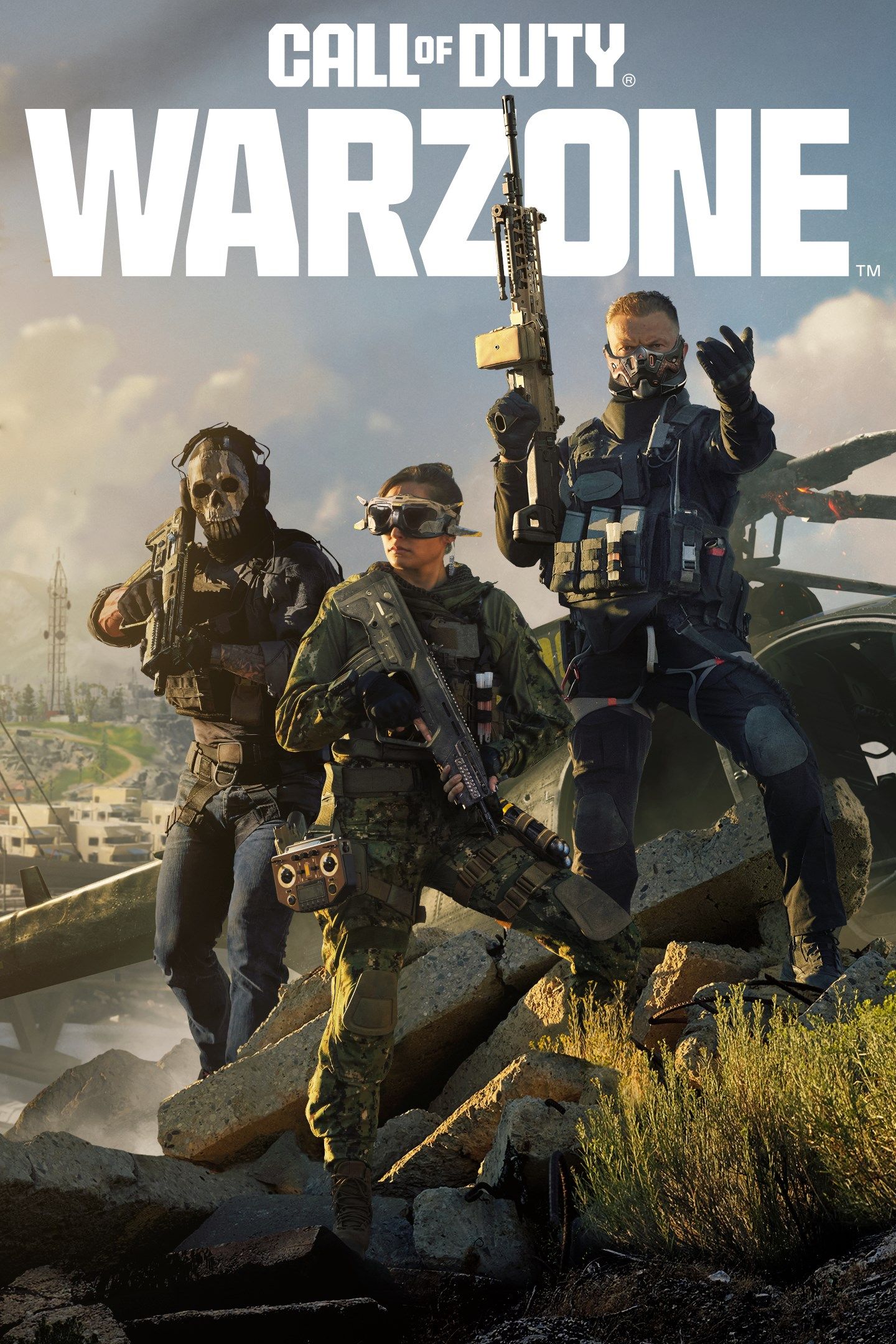
Call of Duty: Warzone is a free-to-play battle royale title that does not require a purchase of the base game or a subscription to play on any supported platform. Since its release, it has functioned as a standalone entry within the Call of Duty ecosystem, allowing players to download and access the core battle royale experience at no cost, regardless of whether they own other premium titles in the franchise.
The Mechanics of a Free-to-Play Title
The term "free-to-play" in the context of modern gaming, specifically regarding Warzone, means that the entry barrier is non-existent. You do not need to pay a retail price, nor do you need to purchase a digital license to enter the lobby and participate in matches.
This model relies on a "Games as a Service" (GaaS) architecture. While the foundational gameplay—the large-scale map, the shrinking circle mechanics, and the looting systems—is provided without charge, the ecosystem is sustained through optional in-game purchases. These purchases are strictly cosmetic or convenience-oriented, such as weapon blueprints, operator skins, and the seasonal Battle Pass. None of these items provide a mechanical advantage that would alter the core "fair play" environment required for a competitive battle royale.
Understanding Platform Requirements
While the software itself is free, the hardware and network infrastructure required to run it are specific to each platform. As of 2026, Warzone is available on PC (via Battle.net or Steam), PlayStation 5, and Xbox Series X|S.
- Console Access: On PlayStation and Xbox consoles, Warzone bypasses the requirement for subscription-based multiplayer services. While many premium titles on consoles require a service like Xbox Game Pass Core or PlayStation Plus to access online multiplayer modes, Warzone is exempt from these requirements due to its free-to-play classification.
- PC Requirements: PC players must meet the minimum technical specifications to ensure the game runs at a stable frame rate. Because the game is graphically intensive, the "cost" of the game is effectively shifted toward the hardware required to render the high-fidelity environments.
Economic Structure: How the Game Sustains Itself
The financial sustainability of a free-to-play title is centered on the recurring engagement of its player base. Since there is no box price, the developer, Activision, generates revenue through the Call of Duty store.
The Battle Pass System
The Battle Pass is a seasonal progression system. Players can earn a limited number of items for free, but by purchasing the "Premium" version of the Battle Pass with the in-game currency (COD Points), they unlock a massive tier of rewards. Importantly, the Battle Pass is designed to be self-sustaining; if a player completes the entire pass, they often earn enough COD Points to purchase the next season's pass without spending additional real-world money.
Cosmetic Personalization
The store features bundles that include "Operator" skins (character models), weapon blueprints (pre-configured weapon builds with unique aesthetics), and other customization items like vehicle skins, finishing moves, and calling cards. These items allow players to express their identity within the game. It is a common misconception that buying these bundles provides a superior weapon; in reality, a weapon blueprint simply changes the appearance and initial attachments of a gun, but every player can unlock the same weapon and attachments through gameplay progression.

Comparing Warzone to Premium Call of Duty Titles
It is essential to distinguish between Warzone and the premium, annually released Call of Duty titles.
| Feature | Warzone (Free-to-Play) | Premium Call of Duty (Full Release) |
|---|---|---|
| Initial Purchase Price | $0.00 | Full Retail Price |
| Multiplayer Modes | Battle Royale / Resurgence | Core 6v6, Campaign, Zombies, etc. |
| Console Online Req. | None | Subscription often required |
| Content Updates | Seasonal (Shared) | Seasonal (Shared) |
| Progression Sync | Cross-Game Integration | Cross-Game Integration |
The "cross-progression" system ensures that your weapon levels and profile experience points carry over between the free-to-play Warzone and the annual premium titles. This integration means that if you perform well in Warzone, you are also leveling up your equipment for use in the multiplayer modes of the premium games, and vice versa.
Installation and Setup Prerequisites
To begin playing, you must download the game client through your respective platform's storefront. Because of the size of the game files, it is vital to check your local storage capacity before starting the download.
- Account Registration: You must have an Activision account. This account acts as the bridge between your PC/Console profile and the game’s servers. It enables cross-platform progression and social features.
- Hardware Check: Verify that your system drivers (specifically GPU drivers on PC) are updated. Outdated drivers are the leading cause of "crashes to desktop" during the initial launch phase of a free-to-play title.
- Storage: Ensure you have enough disk space. As the game receives constant updates, the file size often expands. A high-speed SSD is strongly recommended to reduce load times for high-resolution textures.
Troubleshooting Common Issues
When a game is free-to-play, the sheer volume of users can occasionally lead to server-side bottlenecks. If you find that the game is not launching or failing to connect, consider these steps:
- Check Server Status: Always visit the official Activision support website or their social media channels to see if there is a known service outage.
- Verify Game Files: On PC storefronts like Steam or Battle.net, there is a "Scan and Repair" function. This will check your installation folder against the official server manifest to identify and replace corrupt files.
- Network Configuration: If you are experiencing high latency (lag), ensure you are on a wired Ethernet connection rather than Wi-Fi. Free-to-play games are highly sensitive to "packet loss," which occurs more frequently over unstable wireless signals.
Frequently Asked Questions
Do I need a subscription like PlayStation Plus or Xbox Game Pass to play Warzone?
No. Warzone is classified as a free-to-play game, which grants it an exception to the standard console requirements. You can play online multiplayer in Warzone on these platforms without any paid subscription services active on your account.
Are there any "pay-to-win" elements in Warzone?
No. The developers maintain a strict policy against pay-to-win mechanics. While you can purchase weapon blueprints in the store, they offer the same base performance as weapons you unlock through standard play. The outcome of a match is determined by player skill, tactical decision-making, and teamwork, not by monetary expenditure.
If I buy a premium Call of Duty game, do I get an advantage in Warzone?
Owning a premium title does not provide a direct combat advantage in Warzone. However, it can provide an advantage in "leveling efficiency." Premium games often offer more consistent ways to earn weapon experience points (XP) in 6v6 modes, which can help you unlock attachments for your weapons faster than playing only Warzone.
Can I play Warzone on older console generations?
While Warzone supports various platforms, compatibility is generally limited to current-generation hardware to maintain performance standards. Always check the official hardware requirements list on the Activision support site to ensure your specific console model is listed as supported for the current version of the game.
What happens if I delete the game?
Your progress is tied to your Activision account, not your local storage. If you delete the game to free up space, you will not lose your level, unlocks, or purchased cosmetics. Once you reinstall the game and log in with your credentials, all your data will be synchronized from the servers.
Is the age rating different because it is free?
No, the ESRB (or regional equivalent) rating remains consistent regardless of the price. Warzone typically carries a "Mature" rating due to intense violence and strong language. Parental controls on your console or PC should be configured if you wish to restrict access based on these ratings.
Final Recommendation
Because Warzone is completely free, the most effective way to determine if it is right for you is to download the client directly from your platform's store. Begin by familiarizing yourself with the "Plunder" or "Resurgence" modes; these modes are more forgiving than the standard Battle Royale mode and provide a lower-pressure environment to learn the controls, movement mechanics, and gunplay without the immediate penalty of permanent elimination. Ensure your hardware is optimized, and always keep your Activision account credentials secure to protect your progress and any cosmetic items you may acquire.
Image Gallery
Select an image to open it in a new tab.



Celine Dubois
Contemporary Living and Global Arts Columnist
