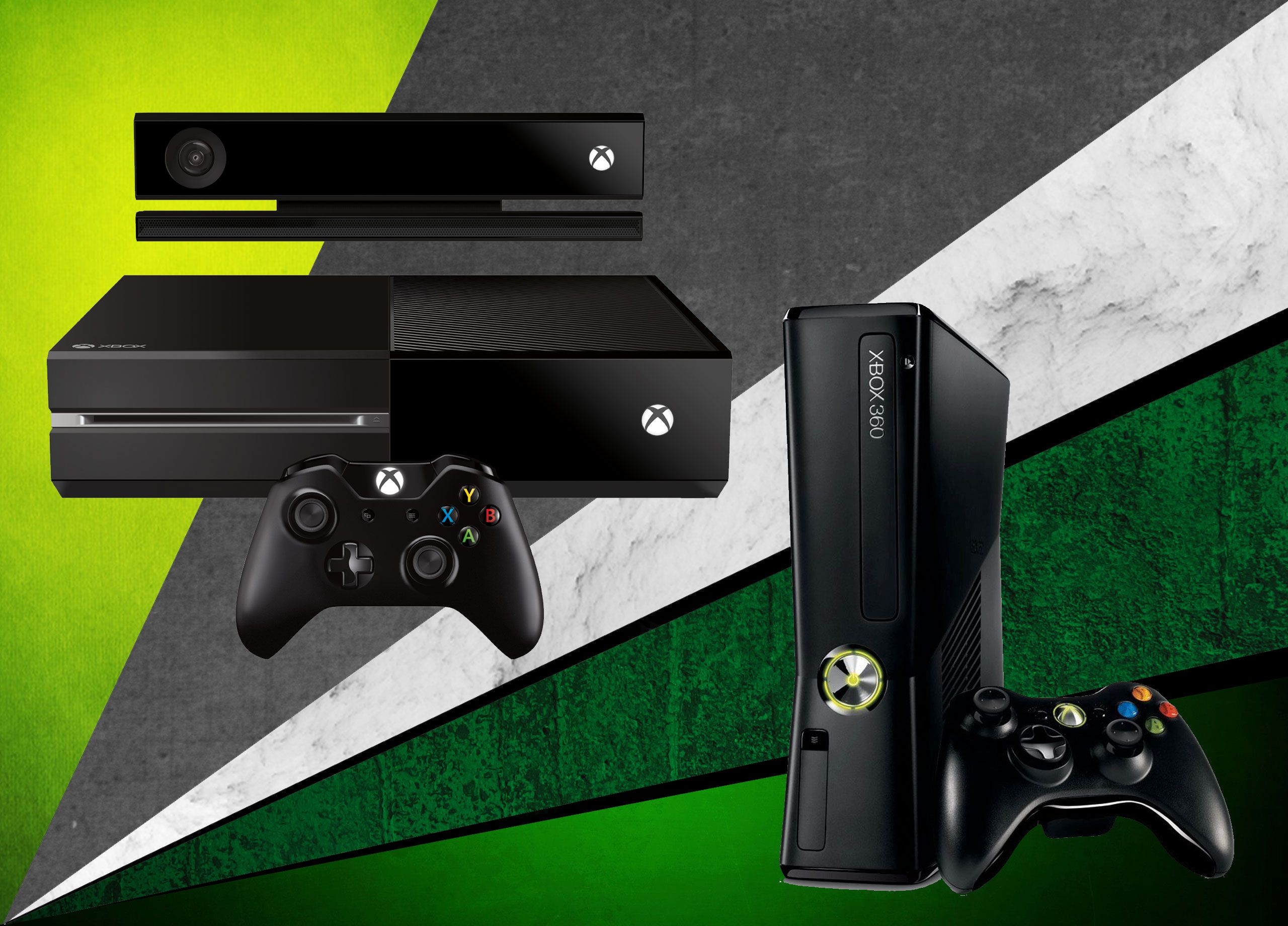
Whether you are looking to revisit classic titles from the seventh generation of gaming or attempting to integrate legacy hardware with modern setups, understanding "Xbox 360 compatible" systems is essential for a seamless experience. This term primarily refers to the cross-generational functionality between Xbox 360 software and newer Microsoft consoles, as well as the connectivity requirements for original Xbox 360 peripherals. As of 2026, the primary focus for most users is ensuring that their existing library of discs and digital purchases remains playable on modern hardware, alongside verifying the compatibility of niche accessories.
The Evolution of Backwards Compatibility
The Xbox 360 remains a cornerstone of gaming history, housing a library of thousands of titles. When Microsoft introduced backwards compatibility for the Xbox One family and later the Xbox Series X|S, the company established a curated list of games that would function on newer hardware. Compatibility is not universal for every disc ever printed; rather, it is a server-side and emulator-based initiative.
For a game to be considered "Xbox 360 compatible" on a modern console, it must be part of the official program. When you insert a physical Xbox 360 disc into an Xbox Series X, the console identifies the game, verifies it against a digital database, and downloads a "wrapper" or optimized version of the game from the Xbox network. This process ensures that the newer hardware can interpret the older code, often providing enhancements such as Auto HDR or faster load times, without the user needing to purchase the game again.
Physical Media and Digital Entitlements
One of the most frequent points of confusion for owners of legacy hardware is the difference between physical disc compatibility and digital license ownership.
- Physical Discs: If you own a physical Xbox 360 disc, you must use a console equipped with a disc drive (such as the Xbox Series X or the original Xbox One) to initiate the verification process. The console essentially reads the disc signature and grants you the right to play the digital version of that title.
- Digital Licenses: If you purchased games via the Xbox 360 Marketplace (now sunsetted for new purchases) or through the integrated Microsoft Store, those titles should remain tied to your Xbox account. You can typically find these under "My Games and Apps" on your Xbox Series X|S console, provided they are included in the supported backwards compatibility library.
Peripherals and Accessory Compatibility
The "Xbox 360 compatible" label is frequently applied to controllers, headsets, and steering wheels. It is important to note that the proprietary wireless protocol used by the Xbox 360 is distinct from the Xbox Wireless protocol used by the Xbox One and Xbox Series X|S.
Consequently, standard Xbox 360 wireless controllers are not natively compatible with the Xbox Series X|S. While some specialized hardware—such as certain high-end arcade sticks or racing wheels—may feature dual-compatibility or utilize third-party converters, the vast majority of Xbox 360 controllers require a physical USB connection to a PC or specific adapter hardware to function in a modern environment. Always check the manufacturer's documentation for "Legacy Support" before attempting to pair older controllers with current-generation hardware.
Comparison of Modern Console Backwards Compatibility
| Console Model | Supports Physical 360 Discs | Supports Digital 360 Library | Key Technical Advantage |
|---|---|---|---|
| Xbox Series X | Yes (Built-in Drive) | Yes | Auto HDR, Quick Resume, Faster Loading |
| Xbox Series S | No (Digital Only) | Yes | Digital-only access, high frame rates |
| Xbox One (Original) | Yes (Built-in Drive) | Yes | Standard 360 performance |
| Xbox 360 | Yes (Native) | Yes | Original intended performance |
Verifying Compatibility Before Purchase
If you are planning to acquire an older title to play on a current console, do not assume that every game in existence is supported. The official Microsoft website maintains a searchable database of all backwards-compatible titles. Before purchasing a used copy of a game, search for the title on the Xbox official site to ensure it is marked as "Playable on Xbox One and Xbox Series X|S."
Additionally, consider the region of your console. While many games are region-free, some Xbox 360 titles were restricted by region codes at the time of their original release. If you possess a PAL disc for a region-locked game but are using an NTSC console, the disc may be rejected by the system, even if the title itself is technically "compatible" in other regions.
Common Troubleshooting Steps
If you find that your Xbox 360 disc is not being recognized or your digital game is failing to launch, follow these steps to resolve the issue:
- Network Connectivity: Since the console must verify the disc signature against the online database, you must be connected to the internet during the initial setup of an Xbox 360 game on a modern console.
- Clear Local Cache: Occasionally, the persistent storage cache on your console can become corrupted. Navigate to Settings > Devices & Connections > Blu-ray > Persistent Storage and select "Clear."
- Check for Updates: Ensure your console is running the latest system software. Updates often include patches for the emulation layer that improve compatibility for older titles.
- License Verification: If your digital games are not appearing, ensure you are signed into the correct Microsoft account that originally purchased the content. You can verify your purchase history through the Microsoft account dashboard on a web browser.
Frequently Asked Questions
Are all original Xbox 360 games playable on the Xbox Series X? No, not all titles are compatible. While a vast majority of popular games are supported, some titles were excluded due to licensing complexities, peripheral requirements (such as the Kinect or specialized instruments), or technical constraints regarding the game's original engine.
Do I need a Gold subscription to play my old games? No. Once you own the digital license or have verified the physical disc, you do not need an active subscription to play the game on your console. However, you will need an active subscription if you wish to access online multiplayer servers for those specific legacy games.
Can I use my Xbox 360 hard drive on an Xbox Series X? No. The Xbox 360 used a proprietary, internal-caddy hard drive system that is not physically or logically compatible with the Xbox Series X or S. You will need to re-download your digital content from the store or use cloud saves to transfer your progress.
Will my Kinect games work on newer consoles? No. The Kinect sensor for the Xbox 360 is not compatible with the Xbox Series X or S. Games that require the Kinect hardware are generally not supported in the backwards compatibility program, even if the title was originally available for the Xbox 360.
How do I transfer my save files from my old console? The most efficient way is to use the Xbox Cloud Save feature. On your Xbox 360, upload your save files to the cloud. Once your profile is signed into your new console, the save files will automatically synchronize when you launch the compatible title.
Next Steps for Legacy Gamers
To begin your journey into backwards-compatible gaming, gather your physical disc library and your primary Microsoft account credentials. Verify the compatibility of your most cherished titles via the official Xbox support pages. For those looking to upgrade their setup, the Xbox Series X offers the most robust experience, providing the necessary optical drive for physical media and the processing power to enhance the visual fidelity of 2005-era titles. If you encounter specific errors during the verification of a legacy disc, ensure your console’s firmware is current and reach out to official support channels if the disc remains unrecognized, as the issue may stem from physical degradation of the media itself.

Image Gallery
Select an image to open it in a new tab.


Zara El-Hashem
Sociocultural Dynamics and Academics Writer
