NFC, or Near Field Communication, is a short-range wireless connectivity technology that allows devices to exchange data within a distance of approximately 4 centimeters (1.5 inches). Operating at 13.56 MHz, it enables secure, contactless interactions for payments, data sharing, and device pairing by utilizing electromagnetic induction between two loop antennas.
In 2026, NFC has evolved from a niche smartphone feature into the invisible backbone of modern urban life. While most people recognize it as the technology behind "tap-to-pay" services, its technical architecture and versatility extend far beyond mobile wallets. To understand what NFC really is, one must look past the convenience of the transaction and examine the physics, protocols, and security layers that make it a unique subset of Radio Frequency Identification (RFID) technology.
The Technical Foundation: How NFC Works
At its core, NFC is a specialized branch of high-frequency RFID. Unlike Wi-Fi or Bluetooth, which use radio waves to broadcast signals over relatively long distances, NFC relies on magnetic field induction. When two NFC-enabled devices—such as a smartphone and a payment terminal—are brought close together, their antenna coils interact.
The Physics of Induction
When an electric current passes through the primary coil (the initiator), it creates a magnetic field. When the secondary coil (the target) enters this field, a current is induced within it. In passive NFC setups, such as an unpowered "smart tag" on a poster, this induced current is actually enough to power the tag's small microchip, allowing it to transmit its stored data back to the reader without needing a battery of its own.
Frequency and Range
NFC operates on the globally available, unlicensed ISM band of 13.56 MHz. The physical limitation of its range—typically requiring a distance of less than 4 cm—is its greatest security asset. Because the signal degrades almost instantly beyond a few inches, it is incredibly difficult for a third party to "sniff" or intercept the data transmission without being physically intrusive.
Data Rates
While NFC is efficient, it is not designed for high-speed data transfers like 5G or Wi-Fi 7. It supports data rates of 106, 212, or 424 kbps. These speeds are more than sufficient for transmitting encrypted payment tokens, URL links, or contact information, but they are why you cannot use NFC to "beam" a high-resolution 8K video file between phones directly.
The Three Operating Modes of NFC
To grasp the full scope of the technology, it is necessary to distinguish between its three primary operational modes. Each mode serves a different functional purpose in the 2026 ecosystem.
1. Card Emulation Mode
This is the most common mode used by consumers. In this state, the NFC-enabled device (like a smartphone or smartwatch) behaves exactly like a contactless smart card. When you tap your phone at a turnstile or a grocery store, the phone "pretends" to be a physical credit card or transit pass. The sensitive data is usually stored in a Secure Element (SE)—a dedicated, tamper-resistant chip—or managed through Host Card Emulation (HCE) in the cloud.
2. Reader/Writer Mode
In this mode, the device acts as an active reader that pulls information from a passive tag. Examples include:
- Scanning an NFC tag on a wine bottle to verify its authenticity and origin.
- Tapping a smart poster at a museum to launch a multi-language audio guide.
- Checking the remaining balance on a physical transit card by holding it against your phone.
3. Peer-to-Peer (P2P) Mode
P2P mode allows two active devices to exchange information. While largely superseded by faster protocols for large file transfers, P2P is still essential for "handover" processes. For example, when you tap an NFC-enabled phone to a pair of high-end headphones, the NFC P2P connection handles the authentication and "handshake," automatically setting up the more complex Bluetooth or Wi-Fi Direct connection without the user needing to navigate menus.
Comparison of Short-Range Wireless Technologies
To understand why NFC is chosen over other technologies for specific tasks, a comparison of its attributes against Bluetooth and QR codes is helpful.
| Feature | NFC | Bluetooth (Low Energy) | QR Codes |
|---|---|---|---|
| Range | < 10 cm (typically 4 cm) | Up to 100 meters | Variable (Visual Line of Sight) |
| Setup Time | < 0.1 seconds | ~2–5 seconds | Variable (Camera focus time) |
| Power Consumption | Very Low (Passive tags = Zero) | Low | Zero (Static) |
| Security | High (due to proximity) | Medium | Low (easily cloned/spoofed) |
| Primary Use | Payments, Access Control | Audio, Wearables, Tracking | Marketing, Menus, Links |
| Cost of Tag | Low ($0.10 - $0.50) | High ($5.00 - $20.00) | Near Zero (Printing cost) |
The Security Architecture: Why You Can Trust It
The question of "what NFC really is" often leads to concerns about digital theft. However, NFC is architected with multiple layers of defense that make it one of the most secure ways to handle sensitive data.
Proximity as a Firewall
The most basic security feature is the physics of the connection. An attacker would need to be within inches of your pocket with a high-powered antenna to attempt a "skimming" attack. In a crowded public space, this physical proximity is a significant deterrent.
Tokenization
When using NFC for payments, your actual credit card number is never transmitted. Instead, a token—a one-time-use digital alias—is sent to the terminal. Even if a hacker successfully intercepted the transmission, the data would be useless for any subsequent transaction. This process is governed by the EMVCo standards, the same body that manages chip-and-pin security.
The Secure Element (SE)
Modern smartphones include a hardware-based Secure Element. This is a microchip designed to be resistant to both physical and software attacks. It handles the cryptographic keys required for NFC transactions. Even if the phone's primary operating system (Android or iOS) is compromised by malware, the Secure Element remains isolated, protecting your financial and identity data.
Practical Applications in 2026
By 2026, NFC has moved beyond the "novelty" phase and is integrated into the infrastructure of "Smart Cities."
- Digital Identity and Health: Many countries have integrated NFC chips into national ID cards and passports. Citizens can use their smartphones to read these chips for secure login to government portals or to verify their age at controlled-entry venues.
- Smart Home Integration: Using the Matter 1.x or 2.x standards, NFC tags are used to onboard new smart devices. Instead of typing in long Wi-Fi passwords, a user simply taps their phone to a new smart bulb or thermostat to instantly pair it with their home network.
- Public Transit (MaaS): Mobility-as-a-Service platforms rely heavily on NFC. In major hubs like London, New York, and Tokyo, the "Open Loop" payment system allows any NFC device to function as a universal ticket, calculating the best fare across buses, trains, and ferries automatically.
- Logistics and Anti-Counterfeiting: High-end luxury goods and pharmaceuticals now frequently embed NFC tags within packaging. A consumer can tap the product with their phone to access a blockchain-verified certificate of authenticity, ensuring the product is not a counterfeit.
Limitations and Troubleshooting
Despite its robustness, NFC is not infallible. Understanding its limits helps in resolving common user frustrations.
Material Interference
NFC signals are easily attenuated or blocked by metal. This is why smartphones with metal backs often have a small plastic window or a specific "sweet spot" where the NFC antenna is located. If you use a heavy-duty phone case with a metal plate for magnetic car mounts, your NFC performance will likely be non-existent.
Orientation and "Sweet Spots"
Every device has its NFC antenna in a different location. On iPhones, it is typically near the top edge by the camera. On many Android devices, it is centered on the back. Failure to align these "sweet spots" with the reader is the leading cause of "transaction failed" errors.
Software State
For security reasons, most mobile devices require the screen to be unlocked (or at least lit) for NFC to engage. This prevents "pocket skimming." If an NFC tag isn't reading, ensuring the device is awake and the NFC toggle is active in the settings menu is the first step in troubleshooting.
The Future of NFC
As we look toward the latter half of the 2020s, the NFC Forum—the industry body that maintains the standards—is pushing for increased power and range. Future iterations of the standard aim to increase the functional range to 4-6 cm, reducing the precision required for a successful "tap." Furthermore, research into NFC Wireless Charging is ongoing, allowing small IoT devices like styluses or fitness trackers to be charged simply by resting them on the back of a smartphone.
FAQ
Is NFC the same as RFID?
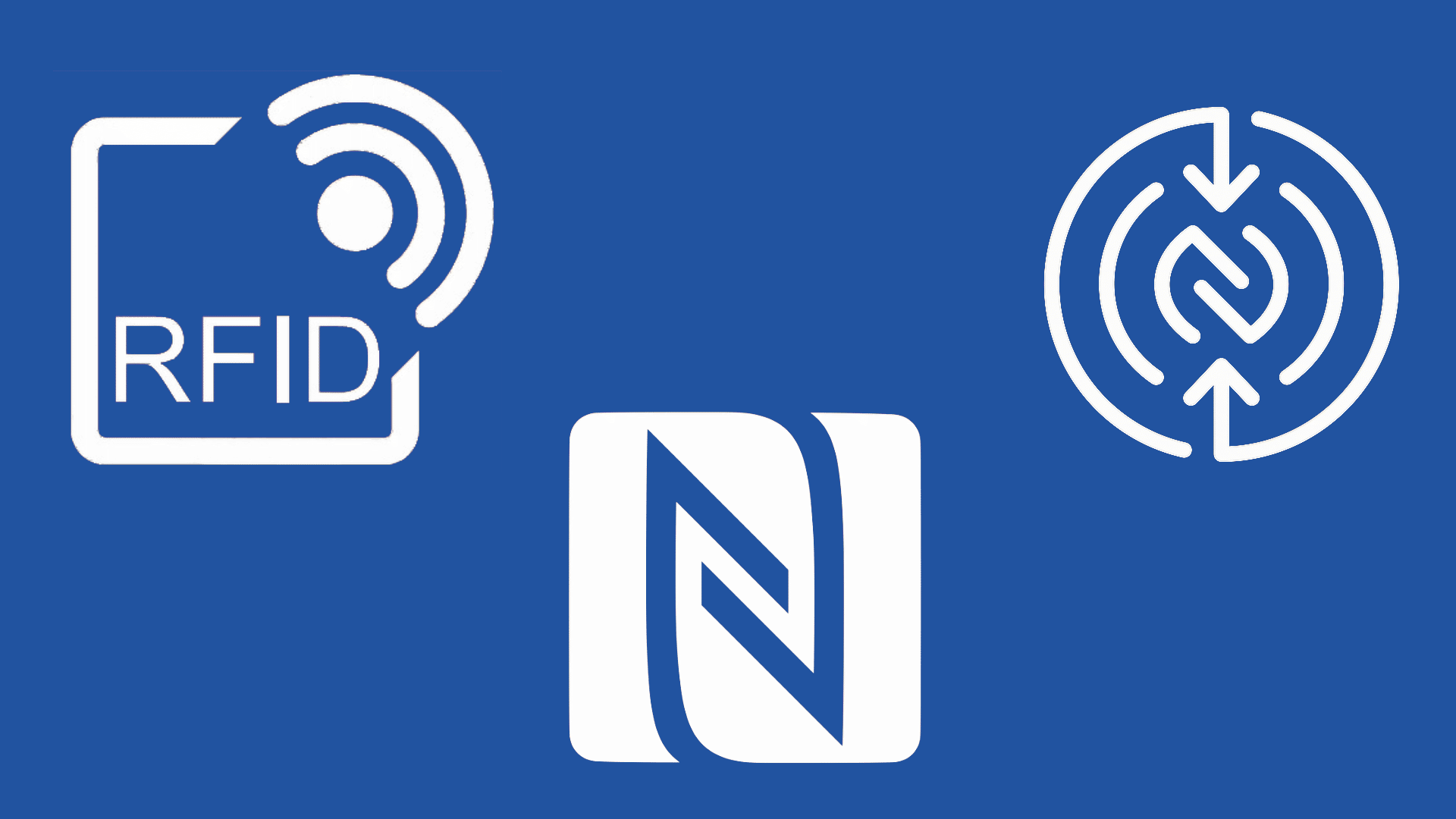
NFC is a specialized subset of RFID. While RFID can operate over long distances (up to 100 meters for some tags), NFC is intentionally limited to a very short range (under 10 cm) to ensure secure, one-to-one communication. All NFC is RFID, but not all RFID is NFC.
Does NFC drain my battery?
The battery drain from leaving NFC "on" is negligible. In its idle state, the NFC controller consumes almost no power. It only draws significant energy during the fraction of a second when it is actively communicating with a reader or another device.
Can someone steal my money by walking past me with a reader?
While theoretically possible in a laboratory setting, it is functionally impossible in the real world. Mobile wallets require biometric authentication (FaceID, fingerprint) or a passcode before authorizing a payment. Furthermore, banks and payment processors use sophisticated fraud detection to flag and block the suspicious high-volume scanning required for such an attack to be profitable.
Do I need an internet connection for NFC to work?
No. NFC itself is a peer-to-peer hardware communication. You can tap two phones together to share a contact or tap a smart tag to open a pre-cached file without any cellular or Wi-Fi signal. However, for mobile payments, the merchant terminal usually needs an internet connection to process the transaction with the bank, and your phone may need occasional connectivity to refresh its security tokens.
Can I write my own NFC tags?
Yes. Blank NFC tags (such as NTAG213 or NTAG215) are inexpensive and widely available. Using a free "NFC Tools" app, you can program these tags to perform specific actions on your phone, such as toggling "Do Not Disturb" mode when you place your phone on your nightstand or automatically joining your guest Wi-Fi network.
Next Steps for Users
To make the most of what NFC really is, start by identifying the NFC "sweet spot" on your primary device. Experiment with automation by purchasing a pack of inexpensive NFC stickers to simplify your daily routines—such as placing a tag in your car to automatically launch your navigation and music apps. For security-conscious users, ensure that your mobile wallet is set to require biometric verification for every transaction, providing a dual layer of physical and digital protection.
Image Gallery
Select an image to open it in a new tab.



Ingrid Bjornson
Global Cyber Policy and Regulation Analyst
