Critical Features for Modern Visitor Management Systems

Selecting the right visitor management system (VMS) hinges on your facility’s specific operational needs, security posture, and the regulatory environment in which you operate. A robust VMS must balance seamless user experience for guests, employees, and contractors with rigorous security protocols, data privacy compliance, and hardware integration capabilities. As of 2026, the market has shifted from basic digital check-in tablets to highly integrated platforms capable of identity verification, automated policy enforcement, and real-time emergency management.
Digital Pre-Registration and Invite Management
The first interaction a visitor has with your facility is often the invitation process. High-performing systems move beyond manual check-ins by providing pre-registration capabilities that enable hosts to send calendar invites containing unique QR codes or encrypted links.
Pre-registration reduces lobby bottlenecks, as the system already holds the visitor’s data before they arrive. This feature is essential for maintaining an accurate, real-time log of who is expected on-site. When choosing a system, ensure the invitation module integrates directly with enterprise calendar services, such as Microsoft Outlook or Google Workspace. This automation ensures that when a meeting is updated or canceled, the VMS is automatically notified, preventing the processing of "ghost" visitors.
Furthermore, pre-registration allows for the collection of NDA (Non-Disclosure Agreement) signatures or safety training acknowledgments in advance. By sending these documents to the visitor's mobile device prior to their arrival, you eliminate the need for them to spend time reading and signing legal documentation at the reception desk, thereby improving throughput and data accuracy.
Multi-Factor Identity Verification and Security
In 2026, identity verification is no longer optional for organizations concerned with perimeter security. Modern VMS platforms should support automated document scanning that checks government-issued IDs—such as driver’s licenses or passports—against local databases.
Advanced systems utilize optical character recognition (OCR) to extract relevant data while simultaneously performing a watchlist screening. This ensures that guests are vetted against internal banned-person lists or external law enforcement databases where authorized. For high-security environments, look for VMS providers that offer "liveness detection" to prevent spoofing during digital check-in processes.
Beyond verification, the system must maintain a secure, encrypted database of all visitor activity. This log acts as a critical audit trail for compliance officers and security audits. Ensure the provider you select adheres to global data privacy standards, such as GDPR or CCPA, and provides granular control over how long visitor data is stored and who can access it.

Hardware Integration and Access Control
A standalone VMS provides limited utility if it does not "talk" to your existing building management systems. Integration with your Physical Access Control System (PACS) is arguably the most vital technical requirement for modern facilities.
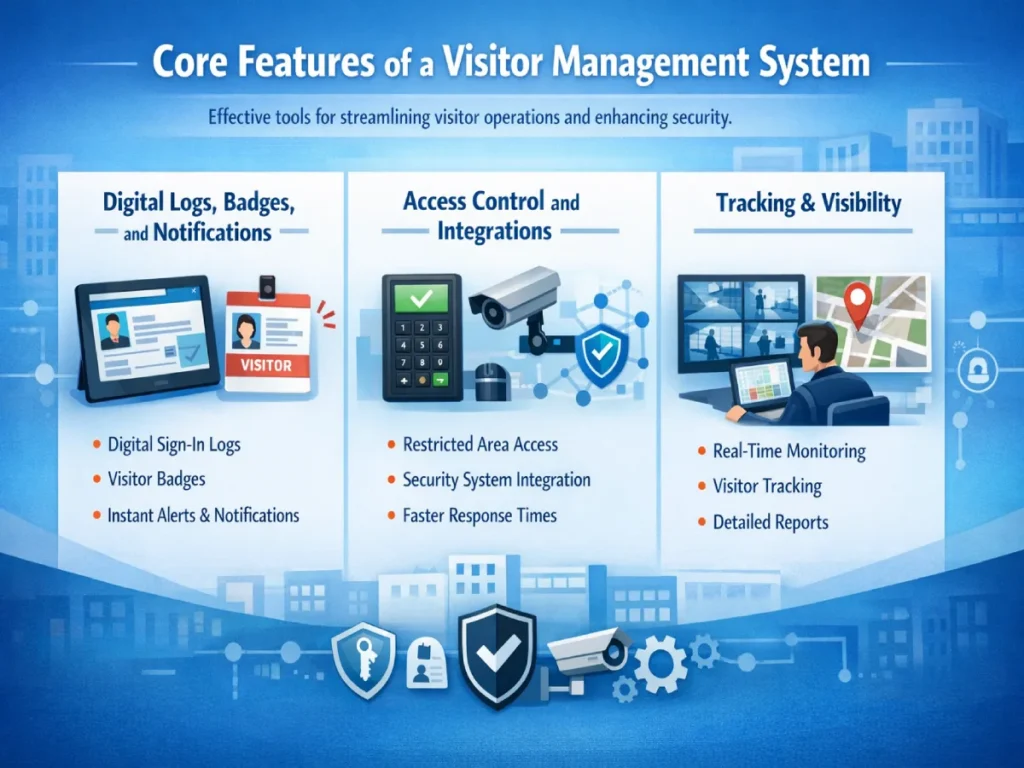
When a visitor is checked in and approved, the VMS should have the capability to automatically push temporary credentials to your access control infrastructure. This might take the form of a mobile credential sent to the visitor’s smartphone or a temporary badge that is activated upon check-in. By centralizing this, you ensure that a visitor can only access the specific zones permitted by their host, significantly reducing the risk of unauthorized lateral movement within the building.
Consider the following hardware integrations:
- Turnstiles and Electronic Locks: Automated door release upon successful check-in.
- Badge Printers: On-demand printing of visitor badges with expiry alerts.
- IP Cameras: Connecting check-in events to video management systems for visual verification of visitors.
- Temperature and Air Quality Sensors: In some industrial or specialized clinical settings, VMS status can trigger alerts based on environmental conditions recorded at the entry point.
Real-Time Emergency Management
During an emergency, such as a fire or security threat, knowing exactly who is in the building is a matter of life safety. An effective VMS provides an accurate, real-time "roll call" report that can be accessed instantly by first responders or designated safety officers via a mobile device.
Look for a system that provides a "mustering" feature. In the event of an evacuation, the system should push a notification to the mobile devices of employees or contractors, allowing them to mark themselves as safe. This data is then reconciled against the visitor log to create an accurate list of missing persons. Systems that do not provide real-time cloud synchronization of visitor logs are a liability in high-density environments where manual paper logs are quickly rendered useless.
User Experience and Accessibility
While security is the priority, the system must remain accessible. If the VMS is overly complex, visitors will struggle, and staff will be forced to assist, defeating the purpose of an automated solution.
A professional VMS should offer multiple check-in modalities:
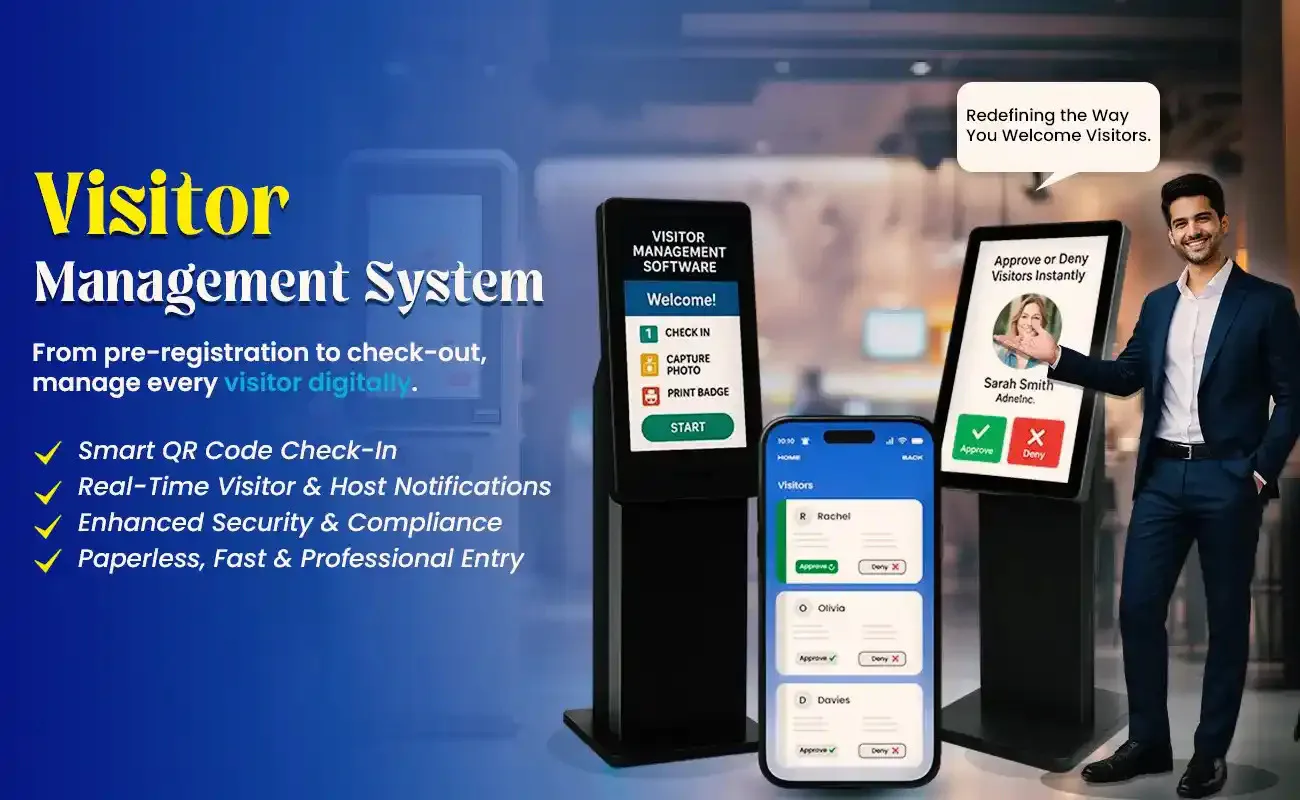
- Self-Service Kiosks: Tablets with intuitive interfaces for high-traffic lobbies.
- Mobile Apps: Allow frequent visitors or contractors to check in via their own devices.
- Host-Assisted Check-In: Necessary for guests who require a physical escort or for environments where receptionists need to maintain a personal touch.
Accessibility features, such as screen reader compatibility, adjustable font sizes, and multi-language support, are critical. If your facility receives international guests, ensure the VMS interface can be toggled to the visitor's native language.
Comparative Overview of VMS Feature Tiers
| Feature Category | Basic / Standard | Enterprise / High-Security |
|---|---|---|
| Check-in Method | Manual/Web Browser | QR Code / Biometric / Mobile |
| ID Verification | Self-reported | Automated ID Scan & OCR |
| PACS Integration | None | Real-time Badge/Key provision |
| Reporting | Static CSV exports | Real-time dashboards / API integration |
| Emergency | Manual print-outs | Real-time mobile mustering |
| Compliance | Basic logging | HIPAA / GDPR / Custom workflows |
Common Implementation Mistakes
Many organizations fail to achieve the desired ROI from a VMS due to avoidable implementation errors. The most common pitfall is failing to define the "visitor workflow" before purchasing software. You must understand your current reception process, identify the bottlenecks, and then select a system that automates those specific steps.
Another frequent error is the lack of staff training. A VMS is only as effective as the people who manage it. If the receptionists or security personnel do not understand how to troubleshoot the system or respond to "denied entry" alerts, the system will eventually be abandoned in favor of manual entry. Ensure your provider offers comprehensive support and training materials as part of their service level agreement (SLA).
Finally, avoid underestimating hardware requirements. A beautiful, touch-screen kiosk is useless if your facility’s Wi-Fi network cannot support the constant traffic or if the printer paper runs out without a notification system in place. Always verify network security requirements with your IT department before procurement, as most VMS providers require specific firewall configurations.
Frequently Asked Questions
Does a VMS replace a human receptionist? No, a VMS is designed to augment the role of a receptionist by removing repetitive data entry tasks. This allows the receptionist to focus on higher-value activities, such as concierge-level service or managing complex security workflows, rather than manually writing down visitor names.
How does a VMS impact data privacy? A VMS collects personal information, which subjects the data to local privacy regulations. You must choose a platform that offers data encryption at rest and in transit, clear data retention policies (auto-deletion after a set period), and the ability to fulfill "right to be forgotten" requests from visitors.
Can I use a VMS for contractor management? Yes, and it is highly recommended. Contractors often have more stringent requirements than general visitors, such as needing to view safety videos, present proof of insurance, or sign specific waivers. A robust VMS can be configured to manage these unique, recurring requirements separately from standard guest check-ins.
What happens if the internet goes down? Most modern systems incorporate an "offline mode" that allows the kiosk to function using cached data. However, cloud-based synchronization and real-time alerts will be suspended until the connection is restored. When evaluating providers, ask specifically for their offline functionality and recovery time objectives.
What is the best way to handle VIP visitors? Look for a VMS feature called "VIP Alerts" or "Proactive Notifications." This allows the system to send an immediate SMS or email alert to a specific host or a secondary assistant the moment their VIP guest checks in, ensuring the host is prepared to greet the guest immediately.
Strategic Recommendation
The most effective way to approach VMS selection is to treat it as a cross-departmental project involving IT, security, and facilities management. Begin by auditing your current visitor volume and identifying the specific risks—such as unauthorized access or lack of emergency preparedness—that you aim to solve. Once the requirements are defined, prioritize vendors that offer open APIs and proven integrations with your existing access control hardware. Before full deployment, conduct a pilot program in one building to test the workflow and gather feedback from staff, ensuring the system enhances rather than hinders your daily operations.
Image Gallery
Select an image to open it in a new tab.
Celine Dubois
Contemporary Living and Global Arts Columnist
