
The idea that iOS is immune to malware is not a myth, but rather a dangerous oversimplification of a complex security architecture. While the iPhone remains one of the most secure consumer devices available, it is not invincible. Sophisticated spyware, zero-click exploits, and social engineering attacks continue to target iOS users globally, proving that "malware-free" is an aspiration, not a guaranteed reality.
Defining iOS Malware: Why the "Virus" Label is Misleading
To understand if iOS malware is a myth, one must first define what malware actually is in the context of a mobile operating system. Most users conflate "malware" with "viruses." In the traditional computing sense, a virus is a self-replicating program that attaches itself to other files to spread across a system. By this strict definition, viruses for iOS are virtually non-existent.
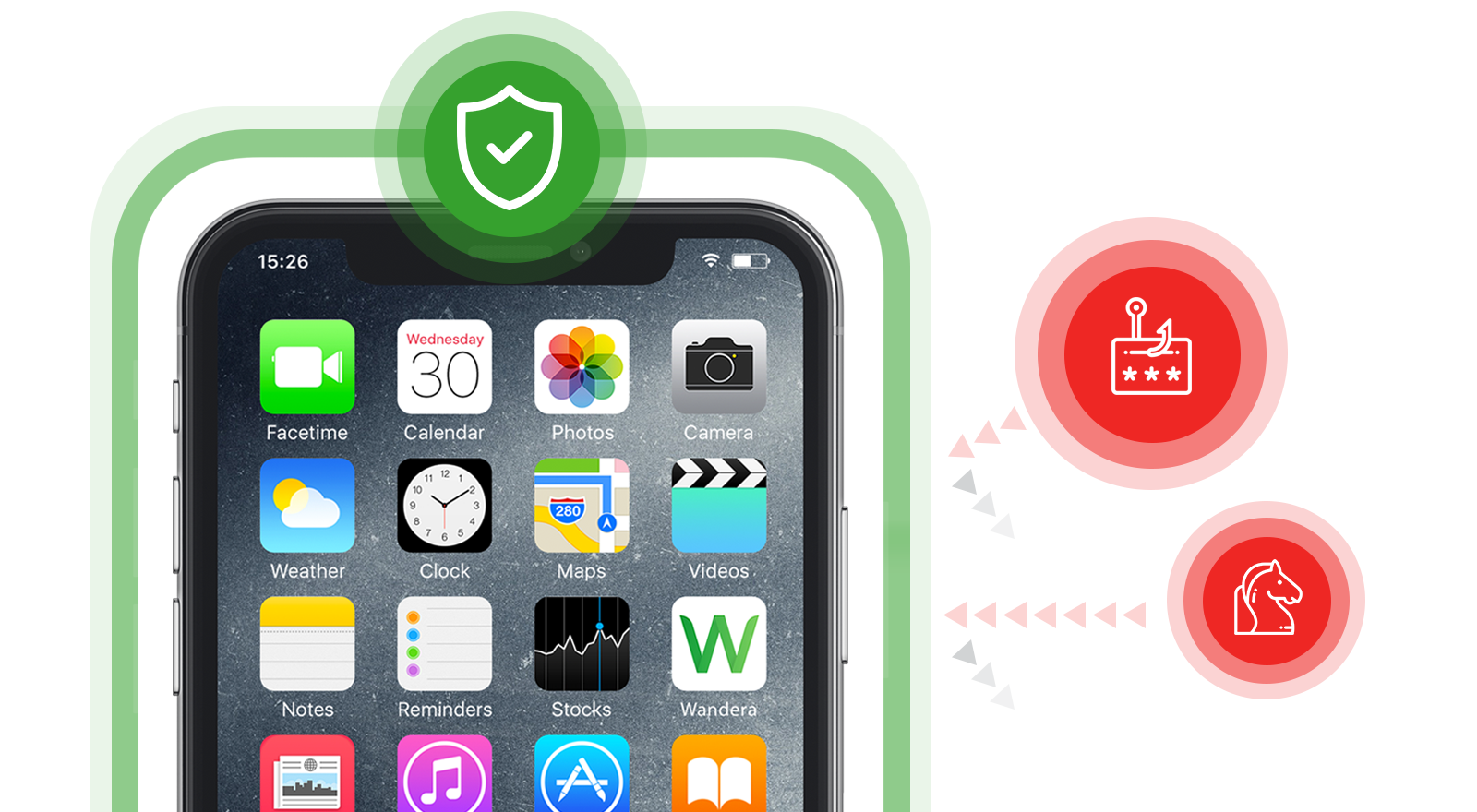
However, malware—an umbrella term for any malicious software—is very much a reality for Apple users. This includes spyware, adware, trojans, and ransomware. The reason traditional viruses don't thrive on iOS is due to the operating system's design. Every application on an iPhone runs within its own "sandbox." This isolation ensures that an app cannot access data from another app or modify the core system files without explicit permission. Because an app cannot "reach out" and infect another file, the self-replicating nature of a virus is neutralized.
Despite this, malicious actors have shifted their focus. Instead of trying to replicate, they aim for privilege escalation. If a piece of malware can exploit a vulnerability in the iOS kernel (the heart of the operating system), it can bypass the sandbox and gain access to your messages, location, camera, and microphone. While rare and difficult to execute, these attacks are far from mythical.
The Sandboxing Architecture: Apple’s Primary Defense
The primary reason many believe iOS malware to be a myth is the success of App Sandboxing. Since the inception of the iPhone, Apple has mandated that every third-party application operates in a restricted environment. This containerization prevents apps from seeing what other apps are doing and limits their access to the underlying hardware.
When you download an app, it is granted a specific set of resources. For an app to access your "Photos" or "Contacts," it must request a specific entitlement from the system, which then triggers a user prompt. This design means that even if you accidentally download a malicious app, its potential for damage is theoretically capped by the sandbox's walls.
However, the sandbox is only as strong as the code surrounding it. Security researchers frequently discover "zero-day" vulnerabilities—flaws unknown to the developer—that allow attackers to "escape" the sandbox. These exploits are highly valuable and are often sold for millions of dollars to nation-states or private surveillance firms. In 2026, the arms race between Apple’s security engineers and exploit developers is more intense than ever, especially as AI-driven code analysis makes finding these tiny cracks in the sandbox easier for malicious actors.

Historical Context: From "Ike" to Pegasus
The history of iOS security shows a clear transition from harmless pranks to high-stakes international espionage. One of the earliest examples of iOS malware was the "Ike" worm in 2009, which only affected jailbroken iPhones and changed the user's wallpaper to a photo of Rick Astley. It was a proof of concept that demonstrated the possibility of unauthorized code execution.
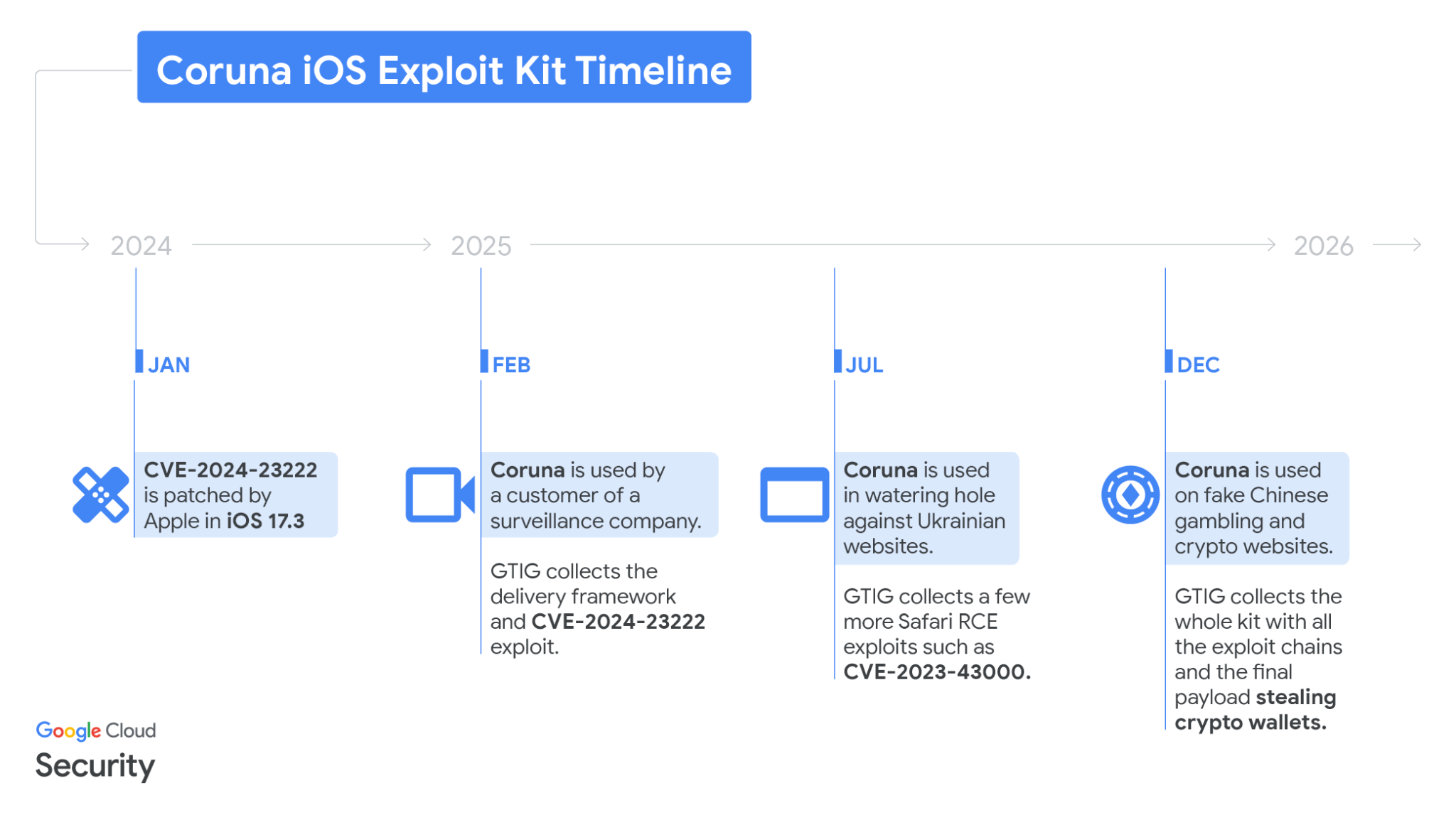
In the years following, the threats became significantly more predatory. The most famous example is Pegasus, developed by the NSO Group. Pegasus represents the pinnacle of iOS malware: a "zero-click" exploit. This means the target does not have to click a link or download a file. A specifically crafted iMessage or WhatsApp call could trigger a memory corruption vulnerability, allowing the spyware to install itself silently. Once active, Pegasus can record calls, read encrypted messages (like those on Signal or Telegram), and track the user's location in real-time.
The existence of Pegasus and its successors, such as "Predator" from Cytrox, definitively busts the myth that iPhones cannot be compromised. While these tools are primarily used against high-value targets like journalists, activists, and politicians, they demonstrate that the iOS "fortress" has backdoors that can be forced open by those with enough resources.
The Impact of Sideloading and Third-Party App Stores
As of 2026, the iOS landscape has shifted due to regulatory changes, specifically the Digital Markets Act (DMA) in the European Union. For years, the App Store "Walled Garden" was the primary gatekeeper against malware. Apple’s human reviewers and automated scanners vetted every line of code before it reached consumers.
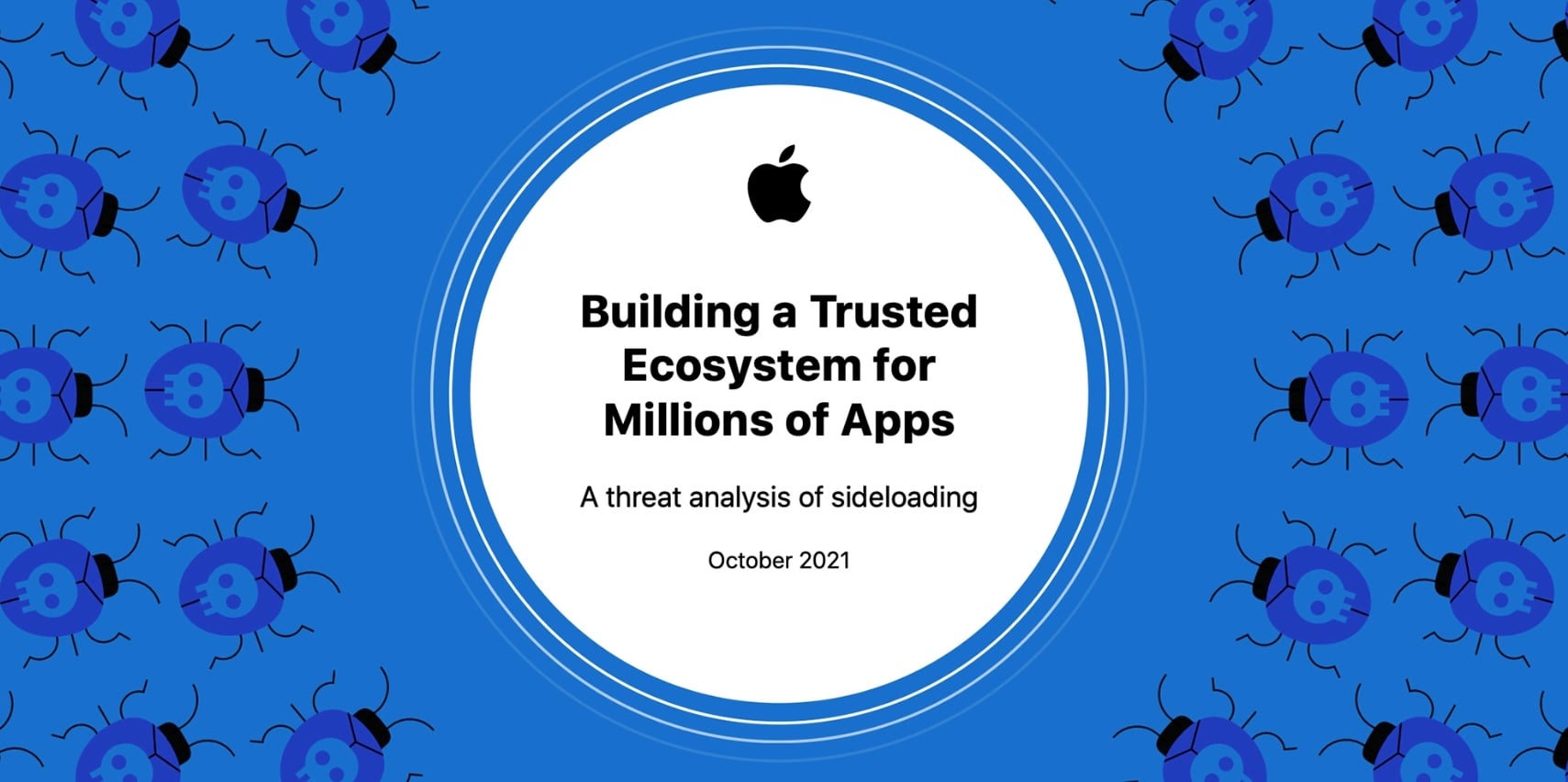
With the advent of sideloading and third-party app marketplaces, that gatekeeping is no longer absolute. While Apple still requires a process called "notarization" for apps distributed outside their official store—where they check for known malicious code—this is a less rigorous check than the full App Store review.
The introduction of alternative app stores creates two primary risks:
- Lower Vetting Standards: Third-party stores may not have the same security resources or incentives as Apple to keep malware out.
- Social Engineering: Scammers can now use "official-looking" alternative stores to trick users into installing malicious configuration profiles or enterprise certificates that grant deep access to the device.
For users who stick strictly to the official Apple App Store, the risk remains low. However, for those exploring the broader ecosystem of 2026, the "myth" of safety is rapidly eroding.
Comparing iOS Security to Other Platforms
It is helpful to view iOS security relative to its main competitor, Android, to understand why the myth of invincibility persists. While both systems use sandboxing, their approaches to app distribution and system updates differ significantly.
| Feature | iOS (Standard) | Android (Standard) | iOS (Jailbroken/Sideloaded) |
|---|---|---|---|
| Primary Distribution | Curated App Store | Play Store + Sideloading | Multiple Third-Party Sources |
| Sandboxing | Strict, Hardware-Enforced | System-Level, Granular | Bypassed or Weakened |
| Update Speed | Immediate (Direct from Apple) | Variable (Carrier/OEM dependent) | Varies by User |
| Zero-Click Vulnerability | Very Low (but exists) | Moderate | Moderate to High |
| Root/Kernel Access | Extremely Restricted | Possible (Manufacturer dependent) | Full Access (High Risk) |
As the table illustrates, the "standard" iOS experience remains the benchmark for mobile security. However, once a user moves into the realm of jailbreaking or unverified sideloading, the security profile of an iPhone becomes comparable to or even worse than a standard Android device, because iOS was never designed to operate without its protective layers.
Is Jailbreaking Still a Thing? The Security Risks
Jailbreaking—the process of removing software restrictions imposed by Apple—has become less common in 2026 than it was a decade ago, but it remains the most significant way a user can turn a "safe" device into a vulnerable one. Jailbreaking essentially involves using an exploit to gain root access to the file system.
While jailbreaking allows for customization and the installation of apps not authorized by Apple, it fundamentally breaks the iOS security model.
- Disabled Code Signing: In a standard iOS environment, the system only runs code that has been "signed" by a trusted developer. Jailbreaking disables this, allowing any code, including malware, to run.
- Sandbox Removal: Many jailbreak tweaks require apps to talk to each other in ways Apple doesn't allow. This often involves poking holes in the sandbox, which malware can then use to travel across the system.
- No Official Updates: Jailbroken phones often cannot be updated to the latest version of iOS without losing the jailbreak. This leaves the user stuck on an older version of the OS with known, unpatched security vulnerabilities.
How to Tell If Your iPhone is Infected
Because iOS malware is designed to be stealthy, it rarely manifests as a slow phone or a pop-up ad. Instead, users should look for subtle signs of unauthorized background activity.
- Unusual Battery Drain: If your iPhone is suddenly losing 20-30% of its charge while sitting idle, it may be because a malicious process is constantly uploading data to a remote server.
- Overheating: Constant data transmission or background processing (like unauthorized crypto-mining or surveillance) causes the processor to work harder, generating heat even when the screen is off.
- Data Usage Spikes: Check your "Cellular Data" settings. If an app you rarely use has consumed gigabytes of data, it could be exfiltrating your personal files.
- Strange Camera/Microphone Indicators: Since iOS 14, a green or orange dot appears in the Status Bar when the camera or mic is active. If you see these dots when no apps are open, it is a major red flag.
- Random Reboots: Sophisticated exploits often cause system instability. If your phone restarts frequently without a clear cause, it could be the result of a failed or unstable kernel exploit attempt.
Best Practices for Maintaining iOS Integrity in 2026
To keep the risk of iOS malware as close to zero as possible, users should follow a tiered security strategy. The "myth" only stays true if the user maintains the defenses Apple provides.
- Enable Automatic Updates: This is the single most important step. Most "malware" for iOS targets known vulnerabilities that have already been patched. If you are two versions behind, you are an easy target.
- Use Lockdown Mode if Targeted: For high-risk individuals (lawyers, journalists, executives), Apple’s "Lockdown Mode" provides an extreme level of security by disabling several web features and limiting the types of files the phone can receive.
- Avoid "Profile" Installations: Be extremely wary of websites that ask you to install a "Configuration Profile." These can give a third party the ability to intercept your web traffic or manage your device remotely.
- Verify Sideloaded Sources: In the 2026 landscape of third-party stores, only download from reputable marketplaces with transparent security policies.
- Reboot Regularly: Many modern mobile exploits are "non-persistent," meaning they live in the RAM and are cleared when the device restarts. Rebooting your iPhone once a week can disrupt many types of sophisticated spyware.
Advanced Protections: Using Apple’s Lockdown Mode
Introduced to combat the rise of state-sponsored spyware like Pegasus, Lockdown Mode is Apple’s admission that the standard iOS security model isn't always enough for everyone. When enabled, Lockdown Mode changes how the iPhone handles data at a fundamental level.
It blocks most message attachments other than images, disables Link Previews (which were a common vector for zero-click attacks), and prevents the iPhone from connecting to computers or accessories via a wired connection if the device is locked. While it limits the phone's functionality, it essentially "hardens" the device against the very malware that people claim is a myth. For the average user, this is overkill, but its existence proves that the threat of iOS malware is real enough for Apple to build a dedicated "emergency" mode for it.
FAQ
Can an iPhone get a virus from a website? While a traditional "virus" won't infect your files, you can be a victim of a "drive-by download" or a browser exploit. In these cases, a malicious website uses a vulnerability in the Safari rendering engine (WebKit) to execute code on your device. These are usually used for surveillance or data theft rather than spreading a virus to other files.
Do I need an antivirus app for my iPhone in 2026? Generally, no. Most "antivirus" apps on the App Store are actually just privacy tools or web filters. Because of sandboxing, a third-party app cannot scan your other apps for viruses anyway. Your best "antivirus" is keeping iOS updated to the latest version.
Is it safe to use third-party app stores on iOS now? It is relatively safe if the store is a recognized, reputable entity. However, it is inherently riskier than the official App Store. Before using one, check if they have a clear security auditing process and avoid stores that offer "pirated" or "cracked" versions of paid apps, as these are the most common vehicles for malware.
Does "Reset All Settings" remove malware? Not necessarily. If your device has been compromised at the kernel level, the malware might survive a basic settings reset. To be certain, a "Factory Reset" (Erase All Content and Settings) or a full restore via a computer is required to wipe the operating system and reinstall a clean version.
Is my iPhone safe if I only use the App Store? You are significantly safer, but not 100% immune. Malicious apps occasionally slip through Apple's review process, though they are usually caught and removed quickly. The bigger risk for App Store users is "fleeceware"—apps that are technically "safe" (not malware) but use deceptive subscriptions to charge users high fees.
Practical Recommendation
To stay safe in 2026, treat your iPhone as a highly secure but not invincible device. Enable Automatic Updates immediately to ensure you have the latest security patches. Avoid jailbreaking or installing unverified configuration profiles from the web. If you live in a region with third-party app stores, treat them with the same caution you would an unknown website on a computer. For most people, the "malware myth" holds true simply because the barrier to entry for attackers is so high—but for those who lower their guard, the threat is very real.
Image Gallery
Select an image to open it in a new tab.


Declan O'Connor
Higher Education and Campus Culture Reporter
