Understanding the Basics of a CRM: What It Is, How It Works, and Why Your Business Needs One
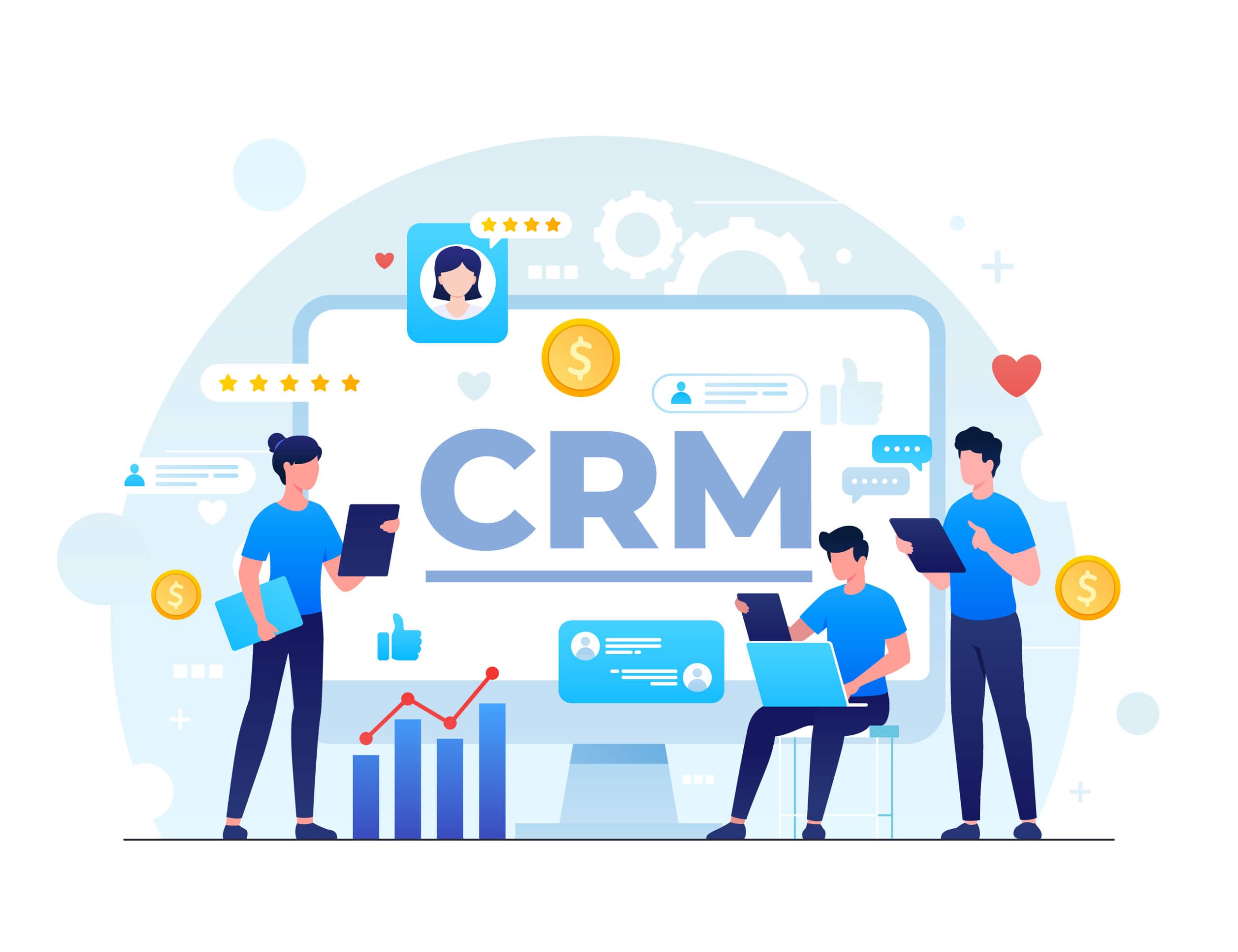
A Customer Relationship Management (CRM) system is a centralized software platform designed to manage all your company’s interactions and relationships with current and potential customers. By organizing contact data, tracking communication histories, and automating routine sales and support workflows, a CRM helps businesses streamline operations, improve customer retention, and drive revenue growth.
The Core Definition and Purpose of a CRM
At its most fundamental level, a CRM transforms how an organization handles customer data. Historically, businesses relied on spreadsheets, physical Rolodexes, and disconnected email threads to store customer details. This fragmented approach often led to lost opportunities, duplicated efforts, and poor customer experiences because one department had no visibility into what another department had discussed with a client.
A CRM centralizes this information into a single, accessible database. When a prospective client fills out a contact form on your website, their details flow directly into the CRM. When a sales representative calls that lead, the call notes, emails, and upcoming follow-up tasks are logged in the same record. If the lead eventually becomes a customer and reaches out to the customer support team months later, the support agent can instantly view the entire history of interactions. This eliminates the frustration of forcing customers to repeat themselves and empowers every team member to deliver personalized, informed service.
Beyond simple data storage, modern CRM platforms act as operational engines. They track sales pipelines from initial prospecting to closed deals, automate marketing campaigns, generate analytical reports, and integrate seamlessly with other business tools such as email clients, accounting software, and project management applications.
Key Components and Features of Modern CRM Systems
While early CRM software focused primarily on contact management, contemporary platforms offer a robust suite of modules designed to cover the entire customer lifecycle. Understanding these core components is essential for selecting the right system and maximizing its utility within an organization.
Contact and Lead Management
The foundation of any CRM is its database. Contact management involves storing names, phone numbers, email addresses, social media profiles, and company details. Lead management takes this a step further by scoring and routing incoming prospects based on their behavior, demographics, and readiness to buy. This ensures that sales teams focus their energy on the highest-value opportunities rather than chasing cold leads.
Sales Pipeline and Opportunity Tracking
A visual sales pipeline gives businesses a bird's-eye view of their sales process. Deals are represented as cards moving through various stages, such as "Prospecting," "Proposal Sent," "Negotiation," and "Closed-Won." This transparency allows sales managers to forecast revenue accurately, identify bottlenecks in the sales cycle, and coach representatives effectively.
Interaction Tracking and Activity Management
Every touchpoint matters. A CRM automatically or manually logs emails, phone calls, meetings, and chat transcripts associated with a specific contact. Activity management features allow users to set reminders for follow-up tasks, schedule calendar events, and assign duties to team members, ensuring nothing falls through the cracks.
Marketing Automation
Many CRMs include built-in marketing tools or integrate tightly with dedicated marketing platforms. These features enable businesses to segment their contact lists, design targeted email campaigns, track open and click-through rates, and trigger automated responses based on user behavior—such as sending a discount code when a visitor abandons a shopping cart.
Reporting and Analytics
Data-driven decision-making requires clear visibility into performance metrics. CRM reporting tools generate visual dashboards displaying key performance indicators (KPIs) such as conversion rates, average deal size, sales cycle length, and individual representative performance. These insights help executives refine their strategies and allocate resources efficiently.

Types of CRM Solutions
CRMs are not one-size-fits-all tools. They are generally categorized based on their primary function and deployment architecture. Choosing the right type depends on your business size, budget, and operational requirements.
Operational CRM
Operational CRMs focus on streamlining and automating customer-facing business processes. They are divided into three main sub-components:
- Sales Automation: Helps teams manage pipelines, track leads, and close deals faster.
- Marketing Automation: Streamlines campaign execution, lead generation, and customer segmentation.
- Service Automation: Manages customer support tickets, service level agreements (SLAs), and self-service knowledge bases.
Analytical CRM
Analytical CRMs are designed to analyze customer data to uncover patterns, trends, and behaviors. By examining purchasing habits and interaction histories, businesses can improve market segmentation, design more effective marketing campaigns, and predict future buying behavior. These systems rely heavily on data warehousing, data mining, and online analytical processing (OLAP).
Collaborative CRM
Collaborative CRMs ensure that all departments within an organization—sales, marketing, customer support, and technical services—have access to the same customer data. This cross-departmental sharing breaks down organizational silos and ensures a unified brand experience for the customer, regardless of who they are speaking with.
Cloud-Based versus On-Premise Deployment
Beyond functional types, CRMs differ in how they are hosted:
- Cloud-Based (SaaS): Hosted on the vendor's servers and accessed via a web browser. These systems require no local hardware maintenance, offer subscription-based pricing, and scale easily as a business grows.
- On-Premise: Installed locally on a company’s own servers and hardware. This model gives organizations absolute control over their data security and customization, but requires significant upfront investment in IT infrastructure and ongoing maintenance.
| CRM Deployment Type | Primary Cost Structure | IT Maintenance Responsibility | Scalability & Access |
|---|---|---|---|
| Cloud-Based (SaaS) | Monthly or annual subscription per user | Handled entirely by the vendor | Highly scalable; accessible anywhere via internet |
| On-Premise | High upfront license fees, internal maintenance | Handled by internal IT staff | Restricted by local hardware capacity; VPN often required |
Benefits of Implementing a CRM
Investing in a CRM yields tangible benefits across multiple departments, transforming a chaotic operational environment into a structured, customer-centric engine.
Improved Customer Retention and Satisfaction
When customer service agents and sales reps have instant access to complete interaction histories, response times drop and personalization increases. Customers feel valued when they do not have to repeat their issues to multiple representatives. Furthermore, automated reminder systems ensure that check-ins and renewal notices happen on time, directly reducing churn rates.
Enhanced Team Collaboration
Silos destroy productivity. When marketing, sales, and support operate in isolation, vital customer insights are lost. A CRM acts as a single source of truth, allowing team members to leave notes, tag colleagues in deals, and view shared calendars, fostering seamless cross-departmental teamwork.
Increased Sales Productivity and Conversion Rates
Routine administrative tasks—such as manual data entry, writing follow-up emails, and updating spreadsheets—drain valuable time from sales professionals. CRMs automate these repetitive chores, allowing reps to spend more time engaging directly with prospects and closing deals. Pipeline visibility also highlights which sales strategies yield the highest returns.
Accurate Business Forecasting
Guesswork has no place in strategic financial planning. By analyzing historical win rates, current pipeline velocity, and seasonal trends, a CRM provides leadership teams with reliable revenue forecasts. This data aids in budgeting, hiring, and inventory management.
Potential Challenges and Common Pitfalls
Despite their undeniable advantages, CRM implementations can fail if organizations do not approach them with a clear strategy. Understanding common pitfalls helps businesses avoid costly mistakes.
Low User Adoption Rates
The most sophisticated CRM is useless if employees refuse to use it. Resistance to change is common among staff members who are comfortable with legacy methods or view data entry as an administrative burden. Overcoming this requires thorough training, executive buy-in, and selecting a platform with an intuitive user interface.
Poor Data Quality
A CRM relies entirely on the data fed into it. "Garbage in, garbage out" remains the golden rule of data management. Inaccurate contact details, duplicate entries, and incomplete records undermine reporting accuracy and frustrate users. Implementing strict data entry protocols and utilizing automated data enrichment tools helps maintain database hygiene.
Over-Customization and Complexity
Many organizations make the mistake of configuring their CRM to mirror inefficient legacy processes rather than adapting to industry best practices. Over-customizing a platform with excessive mandatory fields, complex workflows, and unnecessary integrations creates friction and drives down adoption rates. Start with core features and expand customization gradually as team proficiency grows.
Steps to Get Started with a CRM
Transitioning to a CRM requires a methodical approach to ensure alignment with business goals and smooth organizational adoption.
- Define Your Objectives: Identify the specific problems you want the CRM to solve. Are you looking to shorten sales cycles, improve customer support response times, or enhance marketing segmentation?
- Audit Your Current Processes: Map out how your team currently captures leads, tracks sales, and communicates with customers. Identify bottlenecks and areas that require automation.
- Establish a Budget and Requirements List: Determine your financial constraints and list must-have features versus nice-to-have capabilities based on your business model.
- Evaluate and Test Vendors: Research shortlisted CRM providers, request demonstrations, and take advantage of free trials. Involve end-users in testing the interface to gauge usability.
- Migrate and Cleanse Data: Export existing customer records from spreadsheets or legacy systems. Cleanse the data by removing duplicates and updating outdated contact information before importing it into the new CRM.
- Train Your Team and Launch: Provide comprehensive, role-specific training sessions for sales, marketing, and support staff. Launch the system with clear guidelines on data entry standards and usage expectations.
Frequently Asked Questions About CRMs
What is the difference between a CRM and a database?
While a CRM is fundamentally a type of database, standard databases only store static information like names and addresses. A CRM goes far beyond storage by actively tracking interactions, automating workflows, visualizing sales pipelines, generating analytics, and facilitating collaboration across multiple departments.
Can small businesses benefit from a CRM, or are they only for large enterprises?
Small businesses derive immense value from CRMs. In a small team, employees often wear multiple hats. A CRM acts as a force multiplier by automating administrative work, ensuring leads are never forgotten, and presenting a professional, organized front to prospective clients, even if the company has only a handful of employees.
How much does a CRM typically cost?
CRM pricing varies widely based on deployment and features. Cloud-based solutions often operate on a subscription model ranging from free tiers for basic usage to $15 to $100+ per user, per month for professional and enterprise editions. On-premise solutions require large upfront license fees and ongoing server maintenance costs.
How long does it take to implement a CRM?
Implementation timelines depend on organizational complexity and data volume. A small business using an out-of-the-box cloud CRM can often get up and running within a few days or weeks. Conversely, large enterprises with complex legacy data migrations and custom integrations may require several months of planning, deployment, and testing.
Do I need technical skills to use a cloud CRM?
Modern cloud-based CRMs are designed with user experience in mind, requiring no coding or advanced technical skills for day-to-day use. Basic tasks like adding contacts, moving deals through a pipeline, and sending emails are intuitive. However, advanced configurations, custom API integrations, and complex workflow automation may require technical expertise or dedicated IT support.
Conclusion and Next Action
Implementing a CRM is not merely an IT project; it is a strategic commitment to placing customer relationships at the center of your business operations. Start by assessing your current customer management workflows, identifying your team's primary pain points, and outlining your core operational requirements. Begin your evaluation with free trials of reputable cloud-based platforms to test user adoption and ensure the software aligns with your long-term growth objectives.
Image Gallery
Select an image to open it in a new tab.

Simon Caldwell
Enterprise Technology and Systems Editor
