What is Fiber Optic Internet? A Comprehensive Guide to High-Speed Connectivity
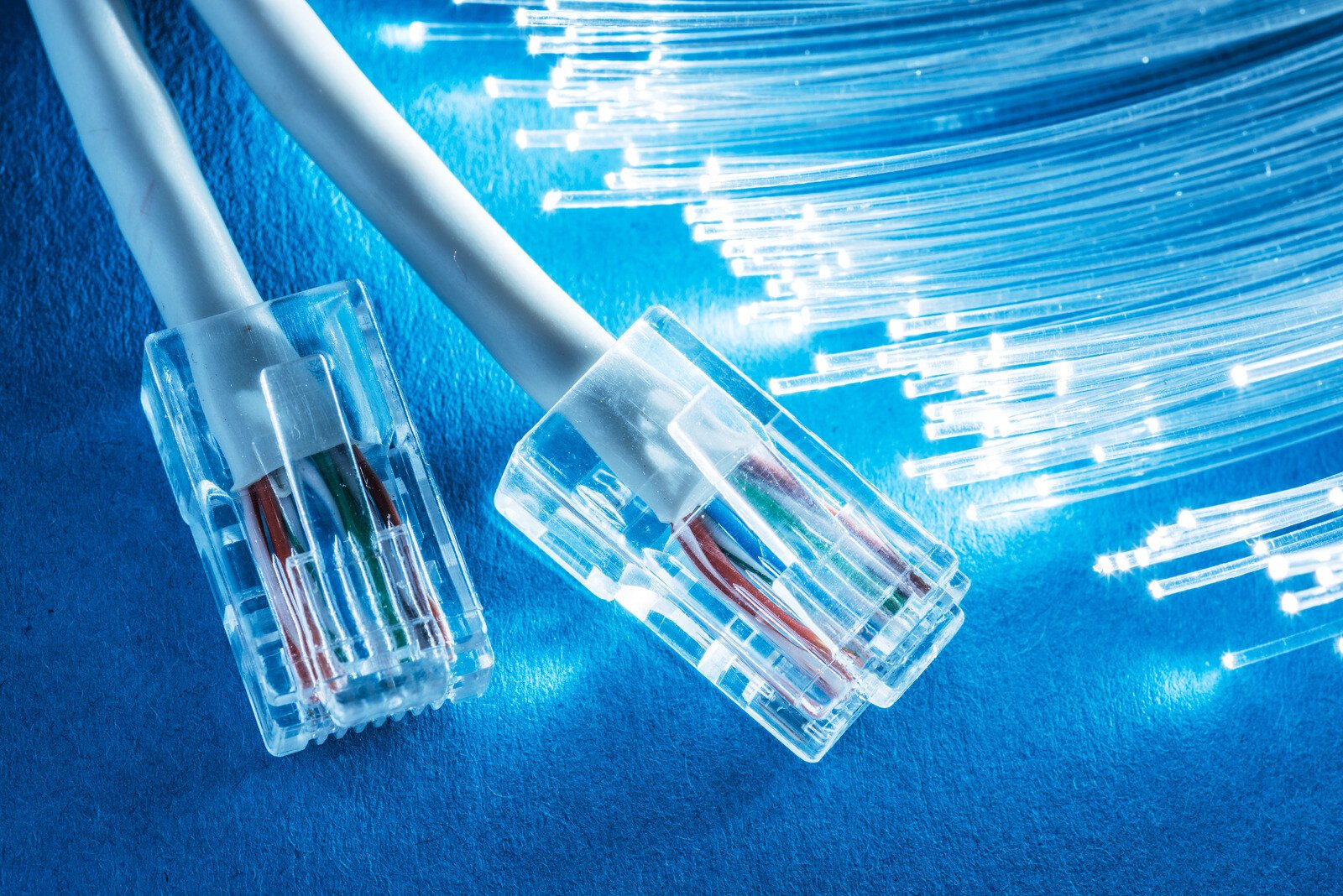
Fiber optic internet is a data communication technology that transmits information as pulses of light through strands of ultra-thin glass or plastic. Unlike traditional cable or DSL, which use electricity over copper wires, fiber offers significantly higher bandwidth, symmetrical upload and download speeds, and superior resistance to electromagnetic interference and weather conditions.
As we move through 2026, fiber optic technology has transitioned from a luxury urban utility to the baseline standard for modern digital infrastructure. Whether you are a remote professional requiring lag-free video conferencing, a competitive gamer seeking the lowest possible latency, or a household with dozens of connected IoT devices, understanding the mechanics and advantages of fiber is essential for making informed connectivity choices.
The Science of Light: How Fiber Optic Internet Works
To understand fiber optic internet, one must look at the physics of data transmission. Traditional internet services rely on copper wiring. Copper transmits data via electrical signals, which are susceptible to "attenuation" (signal loss over distance) and "crosstalk" (interference from other wires or electronic devices).
Fiber optics replaces electrons with photons. The system operates on the principle of total internal reflection. Each fiber strand consists of two primary layers of glass: the core and the cladding. When a laser or LED sends a pulse of light into the core, the cladding acts as a mirror, reflecting the light back into the core and allowing it to travel long distances with minimal signal degradation.
The Components of a Fiber Optic Cable
- The Core: The innermost part of the fiber, usually made of highly pure silica glass. This is the medium through which the light pulses travel.
- The Cladding: A layer of glass with a different refractive index than the core. This difference causes the light to "bounce" back into the core rather than escaping.
- The Coating/Buffer: A plastic layer that protects the glass from moisture and physical damage.
- Strengthening Members: Often made of aramid yarn (Kevlar), these prevent the cable from stretching or snapping during installation.
- The Outer Jacket: The final protective layer designed to withstand environmental factors like UV rays, soil acidity, or extreme temperatures.
By 2026, advancements in hollow-core fiber and multi-core fiber have begun to push the theoretical limits of data transmission even further, though standard single-mode fiber remains the workhorse for most residential and commercial installations.
Types of Fiber Optic Connections
Not all "fiber" plans are created equal. The performance you experience depends heavily on how close the optical cable gets to your actual device. This is often referred to as the "Last Mile" of connectivity.
Fiber to the Home (FTTH) or Premises (FTTP)
This is the "gold standard" of internet connectivity. In an FTTH setup, the fiber optic line runs directly into your home or office building. There is no copper involved in the external transmission path. This configuration supports the highest possible speeds, often reaching 2 Gbps, 5 Gbps, or even 10 Gbps in 2026 residential markets.
Fiber to the Building (FTTB)
Common in apartment complexes or high-rise office buildings, the fiber reaches the building's basement or utility room. From there, the signal is distributed to individual units using existing copper wiring (like Ethernet or even older telephone lines). While faster than standard DSL, the copper "last leg" can introduce bottlenecks.
Fiber to the Curb (FTTC) or Node (FTTN)
In these setups, fiber runs to a local distribution box (the node) in your neighborhood. From the node to your house, the signal travels over traditional coaxial cable or copper phone lines. This is often marketed as "Fiber-powered" or "Hybrid Fiber-Coax" (HFC). While efficient, these connections are more prone to slowdowns during peak usage hours and do not offer the symmetrical speeds of true FTTH.

Why Fiber Surpasses Cable and DSL
The primary advantage of fiber optic internet is its bandwidth capacity. Bandwidth refers to the amount of data that can be transmitted over a fixed period.
Symmetrical Speeds
Traditional cable internet is asymmetrical, meaning download speeds are much faster than upload speeds. For example, a cable plan might offer 1,000 Mbps down but only 35 Mbps up. Fiber typically offers symmetrical speeds, where your upload is just as fast as your download. In 2026, where cloud backups, 4K video broadcasting, and intensive remote collaboration are the norm, high upload speeds are no longer optional—they are a necessity.
Latency and "Ping"
Latency is the delay between sending a request and receiving a response. Because light travels faster through glass than electricity travels through copper—and because fiber requires fewer "repeater" stations to boost the signal—latency is significantly lower. For gamers and financial traders, a 5ms to 10ms ping on fiber compared to a 30ms to 50ms ping on cable can be the difference between success and failure.
Reliability and Interference
Copper wires are essentially long antennas. They can pick up electromagnetic interference (EMI) from power lines, lightning, and even household appliances. Glass is an insulator; it does not conduct electricity and is immune to EMI. Furthermore, fiber is not affected by moisture or temperature fluctuations in the same way copper is, leading to fewer "mysterious" outages during storms.
Comparing Internet Technologies in 2026
The following table compares the primary methods of internet delivery available to consumers in 2026.
| Feature | Fiber Optic (FTTH) | Cable (DOCSIS 4.0) | 5G Home Internet | Satellite (LEO) |
|---|---|---|---|---|
| Max Download Speed | 10+ Gbps | 10 Gbps | 1 Gbps | 500 Mbps |
| Max Upload Speed | 10+ Gbps | 1-6 Gbps | 100-250 Mbps | 50-100 Mbps |
| Typical Latency | 1 - 15 ms | 15 - 40 ms | 30 - 60 ms | 25 - 50 ms |
| Symmetry | Symmetrical | Asymmetrical | Asymmetrical | Asymmetrical |
| Reliability | Excellent | Very Good | Variable (Weather/Load) | Variable (Obstructions) |
| Availability | Expanding | Widespread | High (Urban/Suburban) | Global |
Hardware Requirements for Fiber Internet
Switching to fiber optic internet usually requires a hardware refresh. You cannot simply plug a fiber line into a traditional cable modem.
The Optical Network Terminal (ONT)
The ONT is the fiber equivalent of a modem. It is a device installed by the service provider that converts the light signals from the fiber optic cable into electrical signals that your router can understand. Usually, the ONT is mounted on the interior or exterior wall of your home.
Fiber-Ready Routers and Wi-Fi 7
By 2026, the standard for high-speed home networking is Wi-Fi 7 (802.11be). To take full advantage of a multi-gigabit fiber connection, your router must have a 2.5 Gbps or 10 Gbps WAN port. Standard Gigabit Ethernet ports (1 Gbps) will bottle-neck a 2 Gbps or 5 Gbps fiber plan. Furthermore, Wi-Fi 7 allows for lower latency and higher throughput within the home, matching the performance of the fiber line itself.
Cabling (Cat6a and Cat7)
If your home is wired with old Cat5e Ethernet cables, you may not see the full speed of your fiber connection at your desktop computer. Upgrading to Cat6a or Cat7 cables is recommended for 2026 standards to ensure the internal network can handle the massive bandwidth provided by the ONT.
The Installation Process: What to Expect
Installing fiber is more labor-intensive than setting up a cable or 5G connection. Because fiber optic cables are made of glass, they cannot be bent at sharp angles (this is known as the minimum bend radius), or the light will leak out or the strand will snap.
- External Drop: The provider runs a fiber line from the street to your house. This may be done aerially (via utility poles) or underground via "micro-trenching."
- The Entry Point: A small hole is drilled to bring the fiber inside. The technician will install a transition box or "slack tray" to protect the delicate connection.
- ONT Installation: The technician connects the fiber to the ONT. In many modern installations, the ONT and the Router are combined into a single "Gateway" device.
- Splicing: Unlike copper, which can be twisted together, fiber must be fusion-spliced. The technician uses a specialized machine to align the glass cores and melt them together with an electric arc.
Cost and Availability in 2026
As of 2026, fiber availability has increased significantly due to public-private partnerships and government infrastructure initiatives like the BEAD Program in the United States.
While the initial installation of fiber is expensive for providers—costing upwards of $1,000 to $1,500 per home passed—the long-term maintenance costs are lower than copper. For consumers, fiber pricing has largely stabilized. Entry-level 300 Mbps or 500 Mbps plans often start around $50–$60 per month, while premium 5 Gbps or 10 Gbps plans can range from $100 to $180 per month.
Common Myths and Misconceptions
- "Fiber is only for businesses." While this was true two decades ago, residential fiber is now the fastest-growing segment of the ISP market. Modern home use (4K streaming, VR, home servers) easily saturates older connection types.
- "Fiber is more dangerous because of lasers." The lasers used in fiber optics are generally low-power and contained within the cable. However, one should never look directly into the end of a live fiber cable, as the infrared light can cause invisible retinal damage.
- "5G will make fiber obsolete." In reality, 5G relies on fiber. Every 5G cellular tower requires a high-capacity fiber "backhaul" to transport data to the rest of the internet. Fiber and 5G are complementary, not competitive.
Troubleshooting Fiber Connections
Fiber is remarkably stable, but when issues occur, they are usually hardware-related rather than signal-related.
- Check the ONT Lights: Most ONTs have a "Power," "Optical," and "Data" light. If the "Optical" light is red or blinking, there is a physical break in the line or an outage at the provider's end.
- Power Cycle the ONT: Like a modem, the ONT can sometimes experience software hangs. Unplugging it for 30 seconds can often resolve handshake issues with the ISP.
- Inspect the Fiber Patch Cable: The thin cable connecting your wall jack to the ONT is the most fragile part of the system. Ensure it isn't pinched by furniture or bent at a sharp 90-degree angle.
Frequently Asked Questions
Can I get fiber internet in rural areas?
As of 2026, rural fiber access has expanded thanks to Electric Cooperatives and government grants. While still less common than in cities, many rural communities now have FTTH. In areas where fiber is still unavailable, LEO satellites like Starlink remain the primary high-speed alternative.
Do I need a special modem for fiber?
Yes and no. You do not use a traditional cable modem. Instead, you use an Optical Network Terminal (ONT). Most fiber providers supply the ONT at no extra cost, which then connects to any standard Wi-Fi router via an Ethernet cable.
Does weather affect fiber optic internet?
Fiber is largely immune to weather. Unlike DSL or cable, which can be affected by moisture in copper joints, or satellite, which suffers from "rain fade," fiber optic signals are contained within glass and are not affected by rain, snow, or extreme heat.
Is fiber internet better for gaming?
Absolutely. Fiber offers the lowest "jitter" (variance in latency) and the lowest overall ping. This ensures that your actions in online games are registered by the server as quickly as possible, providing a smoother and more competitive experience.
Why is fiber called "future-proof"?
Fiber is future-proof because the glass itself can carry virtually unlimited data. To increase speeds from 1 Gbps to 100 Gbps, providers usually only need to upgrade the electronics at either end of the cable (the lasers and receivers) rather than digging up the streets to replace the cables.
Final Recommendation
If fiber optic internet is available in your area, it is almost always the superior choice over cable, DSL, or fixed wireless. For the best experience in 2026, look for a provider that offers Fiber to the Home (FTTH) to ensure you receive symmetrical speeds and the lowest possible latency. When signing up, verify if your current router supports the speeds of your chosen plan; if you are opting for a multi-gigabit plan, ensure you have a Wi-Fi 7 router and compatible devices to fully realize the benefits of your investment.
Image Gallery
Select an image to open it in a new tab.
Lars Thomsen
Global Labor Markets and Economic Strategy Editor
