Comprehensive Guide to Managed Packages in Salesforce
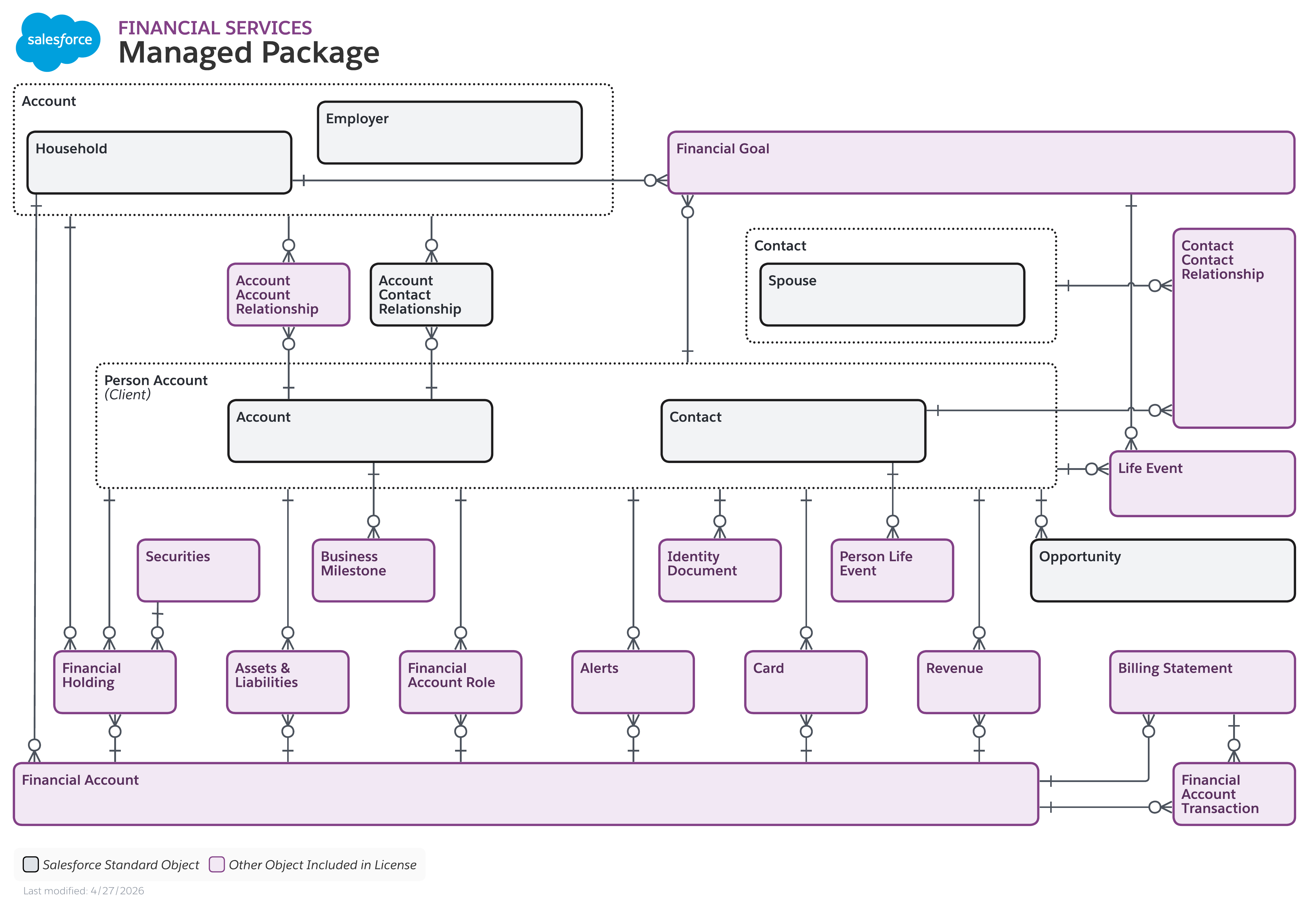
Managed packages in Salesforce are collections of custom components, code, and apps created by third-party developers or internal enterprise teams that are bundled together and distributed to other Salesforce organizations as locked, upgradeable units of functionality. They allow developers to protect intellectual property, manage version control, and push seamless updates to subscriber orgs while maintaining a strict boundary between custom code and the subscriber's native configuration.
Understanding the Salesforce Packaging Ecosystem
To fully comprehend what managed packages are, you must first understand how Salesforce structures metadata delivery. The Salesforce platform relies heavily on metadata—the configuration data, code blocks, objects, and layout definitions that dictate how an organization behaves and looks. Traditionally, administrators and developers build this metadata directly inside their production or sandbox environments. However, when software vendors, independent software vendors (ISVs), or enterprise IT teams want to distribute their packaged solutions to multiple different Salesforce orgs, they rely on the Salesforce packaging framework.
Packaging in Salesforce is bifurcated into two primary formats: Unmanaged Packages and Managed Packages. Unmanaged packages are essentially a one-time copy of application source code. Once installed, the components become fully editable and untied from the original developer. They are typically used for open-source project sharing or migrating loose configuration templates between environments where ongoing lifecycle management is unnecessary.
In stark contrast, a Managed Package is a sealed, cohesive bundle of application components developed within a Salesforce Partner Business Org (or Dev Hub). It is specifically engineered for commercial distribution on the Salesforce AppExchange or for rigorous governance within multi-org enterprise landscapes. The defining characteristic of a managed package is locked encapsulation: the source code of the underlying components is hidden from the subscriber, and updates are centrally managed and pushed by the original publisher.
Core Characteristics and Technical Architecture
Managed packages operate under a specific set of architectural rules designed to safeguard both the creator's intellectual property and the subscriber's data integrity. Understanding these technical attributes is vital for any architect or developer designing apps for the Salesforce ecosystem.
Intellectual Property (IP) Protection
When you build a component within a managed package, the underlying source code (such as Apex classes, Apex triggers, Visualforce pages, and Lightning Web Components) is automatically hidden from the subscriber org. Administrators and developers in the target organization can view the user interface, assign permissions, and interact with the custom objects, but they cannot view or edit the proprietary code powering the application. This level of protection makes managed packages the gold standard for commercial ISVs selling solutions on the AppExchange.
Namespacing
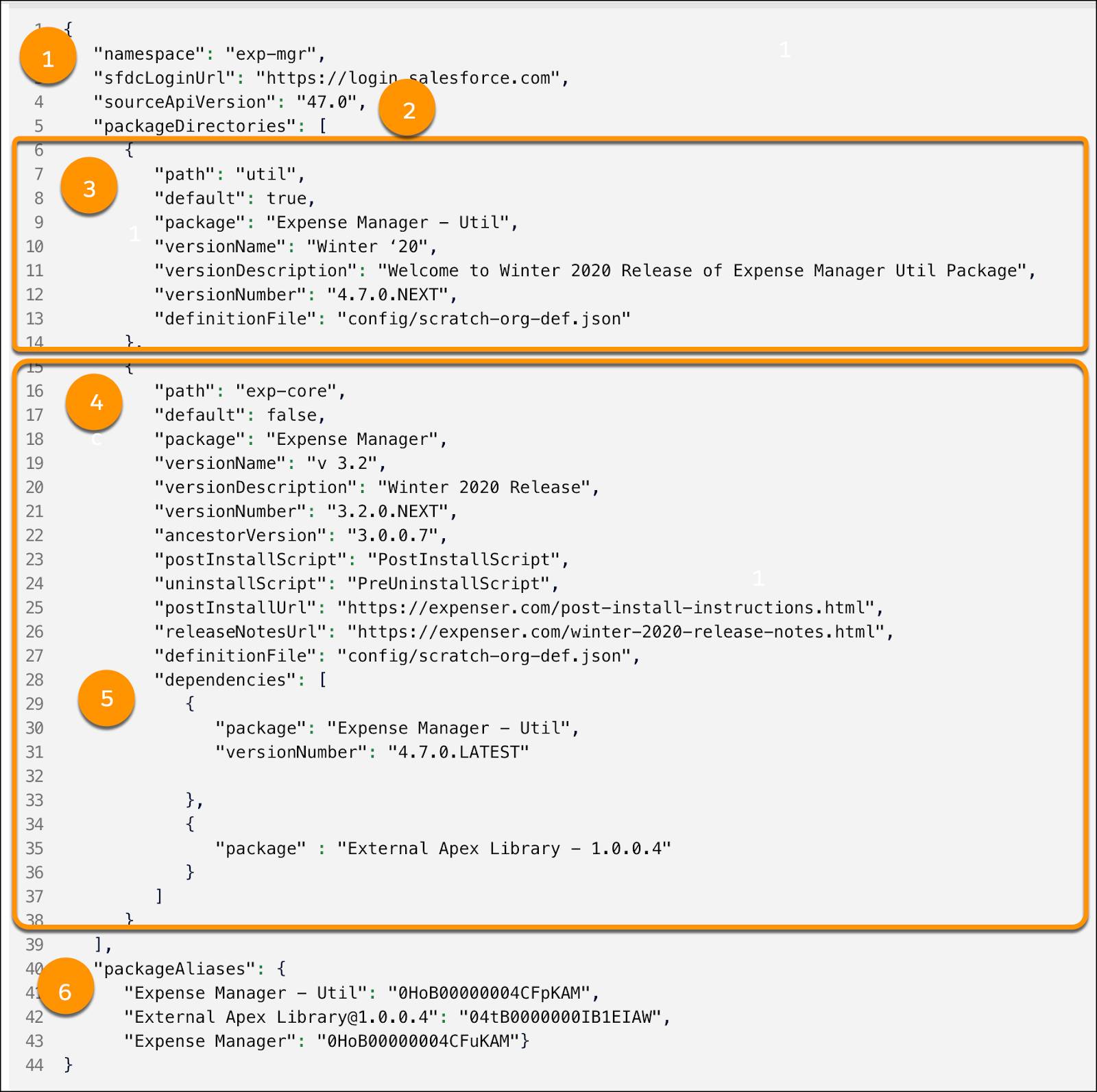
Every managed package is assigned a unique Namespace Prefix during its creation in a Dev Hub. This short string (e.g., acmeapp__) is prepended to all custom components, fields, and objects included in the package. Namespacing is a critical feature that prevents component name collisions. For example, if a subscriber organization already has a custom field named Status__c on the Account object, a managed package containing a field named Status__c will not cause a conflict because it is uniquely identified and compiled as acmeapp__Status__c.
Versioning and Upgradability
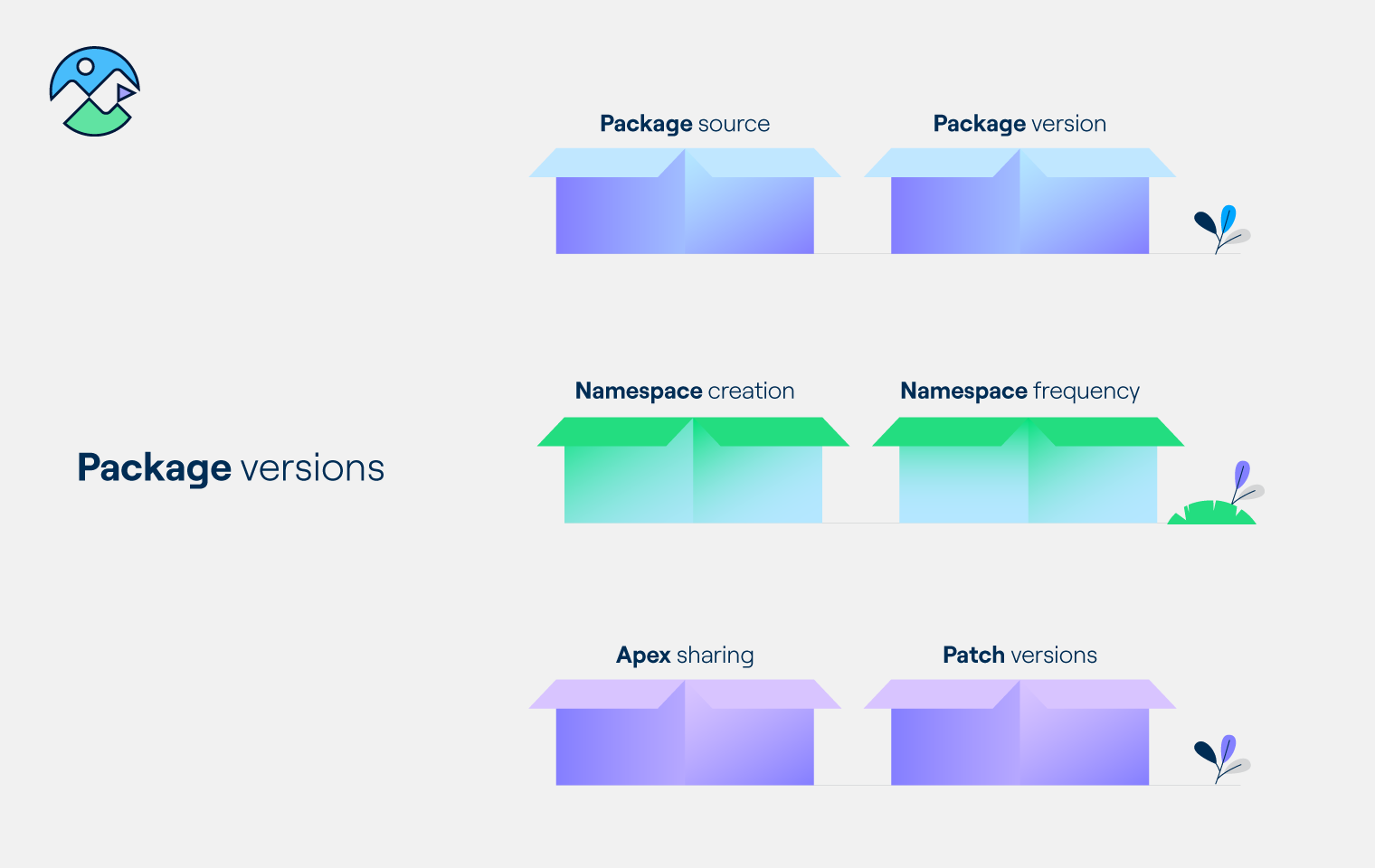
Managed packages are tightly coupled with semantic versioning. When a publisher makes enhancements, fixes bugs, or adds new features, they create a new patch or major version of the package. The publisher can then push these updates directly to subscriber organizations. Subscribers can accept these updates seamlessly, allowing the application to evolve without requiring manual re-installation or data migration.

Comparison: Managed Packages vs. Unmanaged Packages
Choosing the correct packaging model depends on whether you intend to distribute a locked, supportable product or share raw configuration templates. The table below outlines the primary technical and operational differences between the two formats.
| Feature / Attribute | Managed Package | Unmanaged Package |
|---|---|---|
| Primary Use Case | Commercial AppExchange apps, enterprise multi-org distribution | Open-source templates, point-in-time configuration migration |
| Source Code Visibility | Hidden (Intellectual property protection) | Fully visible and readable |
| Component Editability | Locked (Subscribers cannot modify core components) | Fully editable post-installation |
| Upgrade Mechanism | Automated push upgrades managed by the publisher | Manual re-installation required for updates |
| Namespace Requirement | Mandatory unique namespace prefix | None required |
| Component Deletion | Supported via future package versions (Deprecation) | Immediate deletion available in subscriber org |
| Salesforce Security Review | Mandatory for public AppExchange listing | Not applicable |
Advantages of Using Managed Packages
Organizations and developers utilize managed packages because they offer significant scaling, security, and maintenance benefits over other deployment methods.
Seamless Upgrade Paths
For enterprise IT teams managing multiple Salesforce orgs, pushing standardized business logic via managed packages eliminates the need for manual change sets or continuous integration scripts across dozens of environments. When a bug is patched in the core development org, a new version is released, and subscribers can upgrade with minimal friction.
Isolated Governor Limits
Salesforce enforces strict resource governance known as governor limits to ensure multi-tenant stability. In managed packages, packaged Apex code and queries operate with their own contextual boundary, helping isolate performance footprints and preventing poorly optimized scripts from unpredictably crashing unrelated organizational customizations.
AppExchange Readiness
If you plan to commercialize your Salesforce solution and sell it to the global market, building a managed package is a strict prerequisite. Salesforce requires all commercial apps listed on the AppExchange to undergo a rigorous security review, and that review process evaluates the managed package architecture to ensure data safety and compliance.
Limitations and Operational Challenges
While managed packages provide robust structure, they also introduce specific constraints that administrators and developers must navigate carefully.
- Rigid Component Modification: Because core components are locked, subscribers cannot easily customize the internal logic of a managed package. If a workflow or trigger inside the package does not meet a specific business requirement, administrators often have to rely on extension objects, custom triggers operating outside the namespace, or feature requests submitted to the vendor.
- Component Deprecation and Deletion Restrictions: Once a component (such as a custom field or object) is released in a managed package, it cannot be easily deleted. Salesforce enforces strict rules to prevent data loss in subscriber orgs. Deprecating a component requires marking it as deprecated through several release cycles before it can be completely removed from future package iterations.
- API and Dependency Lock-in: Changes to public Apex classes or interfaces within a managed package must be handled with extreme care. Altering or removing public methods can break downstream integrations or dependent code in subscriber organizations, making backward compatibility a continuous engineering requirement.
Frequently Asked Questions
Can I edit the code inside a managed package after installation?
No. The source code for Apex classes, triggers, and Lightning components within a managed package is encrypted and hidden from view. Subscribers cannot directly modify this underlying code. However, you can often customize layouts, assign permission sets, and build custom workflows or extensions that interact with the package's objects.
What happens to my data if I uninstall a managed package?
When you uninstall a managed package, Salesforce permanently deletes all custom components, code, and custom objects associated with that package's namespace, along with all the data stored inside those custom objects. Salesforce provides a temporary data retention window and allows you to download a backup before final uninstallation, but the deletion is fundamentally destructive.
Why is a namespace prefix required for managed packages?
A namespace prefix ensures global uniqueness across the entire Salesforce ecosystem. Because thousands of different developers build solutions on the same multi-tenant platform, namespaces prevent naming collisions between custom fields, objects, and classes created by different vendors.
How do updates get delivered to a managed package?
The publisher of the managed package creates a new version of the package in their Dev Hub org and pushes an upgrade link to subscribers, or utilizes pushed upgrades managed directly through Salesforce Partner Community tooling. Subscribers receive a notification and can initiate the upgrade process through their Setup menu.
Are managed packages only for commercial AppExchange vendors?
No. While commercial ISVs rely heavily on managed packages to protect their intellectual property, large enterprise organizations with multiple Salesforce instances also use private managed packages to standardize and distribute internal tools, governance frameworks, and proprietary business logic across their corporate org network.
Conclusion and Next Actions
Managed packages form the structural backbone of scalable application development and distribution within the Salesforce ecosystem. By enforcing intellectual property protection, unique namespacing, and structured upgrade paths, they allow developers to build secure, enterprise-grade solutions that can be safely deployed across multiple environments. If you are preparing to build a commercial AppExchange application or looking to streamline multi-org enterprise architecture, your next step should be setting up a Salesforce Partner Business Org, defining your namespace prefix, and designing your components with modular upgradability in mind.
Image Gallery
Select an image to open it in a new tab.
Vivian Cho
Executive IT and Emerging Technologies Reporter
