Comprehensive Guide to Direct Deposit at UCR: Student eRefunds and Employee Payroll

Direct Deposit at the University of California, Riverside (UCR) is the secure electronic transfer of funds—such as financial aid refunds for students or salary payments for employees—directly into a designated bank account. By eliminating paper checks, it ensures faster access to funds, reduces the risk of mail theft, and simplifies financial management through the R’Web or UCPath portals.
Direct deposit serves as the primary method for the university to distribute funds efficiently. Whether you are a student receiving an overage from your financial aid package or a faculty member receiving your monthly salary, understanding the nuances of the UCR electronic payment system is essential for maintaining your financial health. In 2026, the university continues to prioritize digital-first solutions, making direct deposit not just a convenience, but a functional necessity for the campus community.
Understanding the Two Systems: eRefund vs. Payroll
At UCR, "direct deposit" refers to two distinct systems depending on your relationship with the university. It is a common point of confusion for student employees who may expect a single setup to cover both their paycheck and their financial aid refund. However, these systems operate on different platforms and require separate enrollment.
Student eRefunds (R’Web)
For students, direct deposit is often referred to as "eRefund." This system handles any credit balance on your student account. A credit balance typically occurs when the total amount of financial aid (grants, scholarships, or loans) exceeds the cost of tuition, fees, and on-campus housing. Instead of waiting for a physical check to be printed and mailed to your local or permanent address, the Student Accounts office triggers an electronic transfer to your bank.
Employee Payroll (UCPath)
For faculty, staff, and student workers (including Teaching Assistants and Graduate Student Researchers), direct deposit is managed through UCPath, the University of California’s centralized human resources and payroll system. This system is entirely separate from the student R’Web portal. If you are a student who also works on campus, you must set up your bank information in both R’Web (for your financial aid) and UCPath (for your wages).
Benefits of Direct Deposit at UCR in 2026
The transition toward a paperless campus has accelerated, and as of 2026, the benefits of utilizing direct deposit at UCR are more pronounced than ever.
- Immediate Access to Funds: Electronic transfers typically clear within 1–3 business days of being initiated by the university. In contrast, paper checks are subject to US Postal Service delivery times, which can add significant delays, especially during peak periods like the start of the Fall quarter.
- Enhanced Security: Physical checks can be lost, stolen from mailboxes, or intercepted. Direct deposit uses encrypted Automated Clearing House (ACH) transfers, moving money directly from the University’s institutional accounts to your personal bank.
- Environmental and Administrative Efficiency: By opting out of paper checks, the UCR community reduces the carbon footprint associated with paper production, printing, and physical transport. It also allows the university to reallocate administrative resources toward student support services rather than manual check processing.
- Reliability During Relocation: Students and staff often change residences between quarters or during summer breaks. Direct deposit ensures your funds reach you regardless of your physical address, preventing the "returned to sender" issues common with paper checks.

How Students Set Up eRefund (Direct Deposit)
For students, the enrollment process is handled through the R’Web portal. This should be one of the first tasks completed after a student accepts their Statement of Intent to Register (SIR).
Step-by-Step Enrollment in R'Web
- Log in to R'Web: Use your NetID and password. Multi-factor authentication via Duo Security is required for access.
- Navigate to Student Account: Select the "Student Account" icon from the main dashboard.
- Access Student Account Online: Click on the link that directs you to the third-party billing and payment environment.
- Select 'Direct Deposit' or 'eRefund': Within the sidebar or menu, look for the eRefund sign-up option.
- Enter Banking Information: You will need your bank's 9-digit routing number and your specific account number. Do not use the number found on a debit card; use the numbers found at the bottom of a check or within your bank’s mobile app under "Account Details."
- Verification: Once submitted, UCR may perform a "pre-note" or verification step to ensure the account is active.
Timing for Student Refunds
In 2026, UCR typically begins the disbursement of financial aid approximately ten days before the start of each quarter. If your eRefund is active, the funds usually appear in your bank account by the first day of classes. If you miss the enrollment deadline, the university will default to mailing a check, which can take up to two weeks to arrive.
How Employees Set Up Payroll Direct Deposit
Employees, including student workers, must use the UCPath portal. This system is used by all University of California campuses, providing a unified experience for the state's largest employer.
Step-by-Step Enrollment in UCPath
- Access UCPath: Navigate to the UCPath portal and log in with your UCR credentials.
- Income and Taxes: On the dashboard, navigate to "Employee Actions" > "Income and Taxes" > "Direct Deposit."
- Security Verification: Because banking information is sensitive, UCPath will require a secondary security challenge, often through Duo Mobile or a security code sent to your registered email.
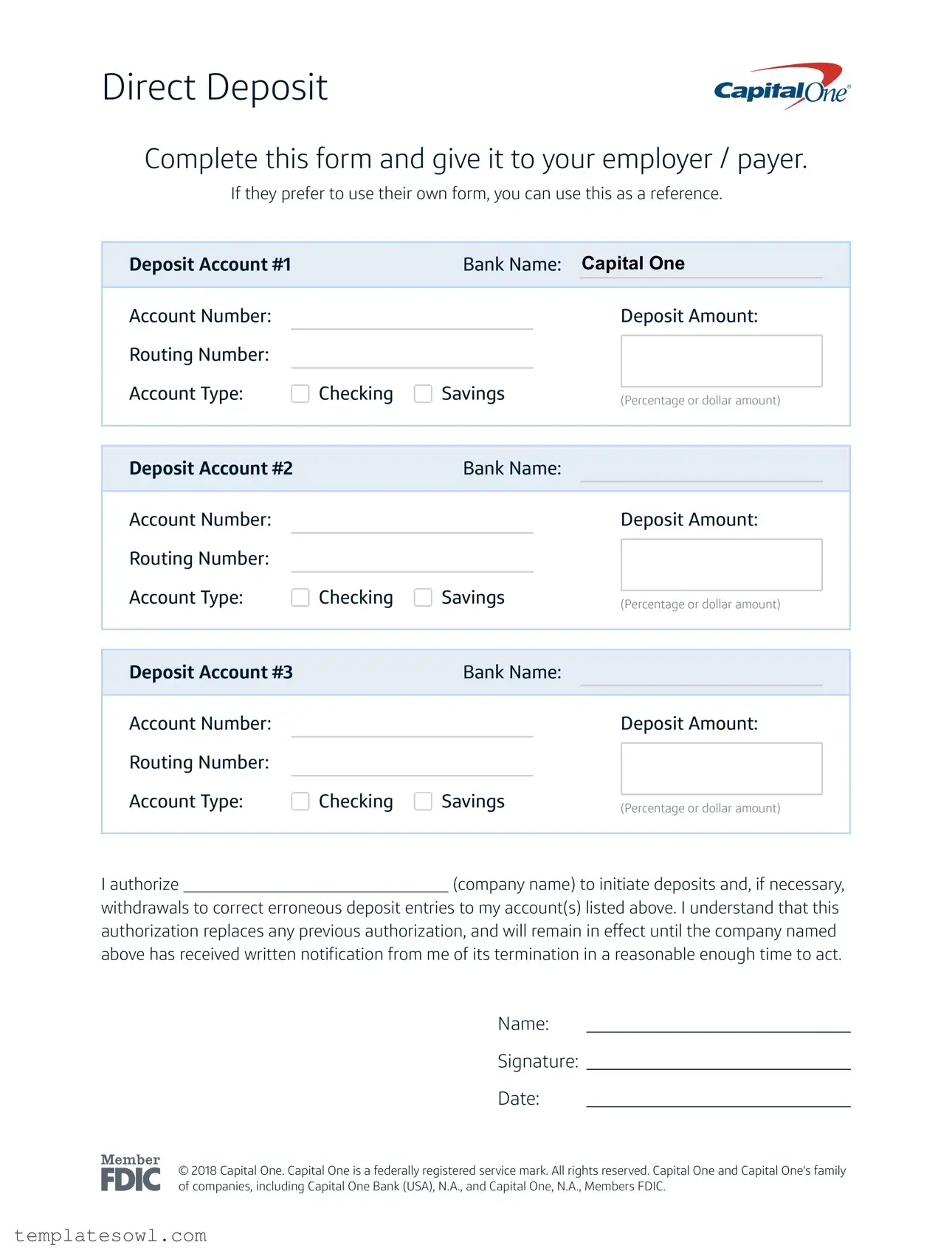
- Add/Change Account: You can add up to three different bank accounts and designate either a flat dollar amount or a percentage of your pay to be deposited into each.
- The "Pre-Note" Period: When you first add or change a direct deposit account in UCPath, there is a verification period. This usually takes one full pay cycle. During this time, you may receive one final paper check by mail before the electronic transfers begin.
Comparison of UCR Direct Deposit Systems
To help navigate these two distinct processes, the following table summarizes the key differences between student eRefunds and employee payroll.
| Feature | Student eRefund (Financial Aid) | Employee Direct Deposit (Payroll) |
|---|---|---|
| Primary Portal | R’Web (Student Account Online) | UCPath Portal |
| Recipient | Students receiving credit balances | Faculty, Staff, and Student Workers |
| Funds Included | Grants, Loans, Scholarships, Housing Refunds | Wages, Salaries, Stipends, Expense Reimbursements |
| Verification Time | Usually immediate or 24-48 hours | One full pay cycle (Pre-note period) |
| Number of Accounts | One primary account | Up to three accounts |
| Authentication | Duo Security via R'Web | Duo Security + Internal UCPath verification |
Security Protocols and Duo Multi-Factor Authentication
In 2026, cybersecurity remains a top priority for UCR. Because direct deposit involves sensitive banking data, the university employs rigorous security measures to prevent unauthorized changes to your accounts.
The Role of Duo Security
All UCR portals require Duo Multi-Factor Authentication (MFA). When you attempt to log in to R’Web or UCPath to change your direct deposit settings, you will receive a "push" notification on your registered mobile device. You must approve this push to proceed. This ensures that even if a malicious actor obtains your NetID and password, they cannot redirect your funds to their own bank account without physical access to your phone.
Phishing Awareness
UCR students and staff are frequently targeted by phishing emails claiming there is an "issue with your direct deposit." These emails often contain links to fraudulent login pages. It is vital to remember:
- Official Communication: UCR will never ask for your full bank account number or password via email.
- Verify the URL: Always ensure you are on a
ucr.eduoruniversityofcalifornia.edudomain before entering credentials. - Report Suspicious Activity: If you receive a notification that your direct deposit information was changed and you did not perform the action, contact the UCR ITS Help Desk or the Payroll Office immediately.
Troubleshooting Common Direct Deposit Issues
Despite the efficiency of the system, users may occasionally encounter hurdles. Understanding how to resolve these quickly can prevent financial hardship.
Incorrect Routing or Account Numbers
The most common cause of a failed direct deposit is a typo during the entry of the 9-digit routing number or the account number. If the bank rejects the transfer, the funds are eventually returned to UCR.
- For Students: The Student Accounts office will contact you via your R'Mail to correct the information.
- For Employees: UCPath will notify you of the failure, and a paper check will typically be issued and mailed to your address on file.
Closed Bank Accounts
If you close your bank account but forget to update your UCR settings, the ACH transfer will fail. It is critical to update your direct deposit information before closing your old account. At UCR, the "timing of change" is key; updates made mid-pay cycle may not take effect until the following cycle.
Missing Deposits
If a deposit does not appear when expected:
- Check the Calendar: Bank holidays and weekends are not business days. If a refund is triggered on a Friday, it may not appear until Tuesday or Wednesday.
- Verify the Portal: Log in to R'Web or UCPath to confirm the status is "Processed" or "Paid."
- Contact the Bank: Sometimes the bank has received the funds but has a "holding" period before they are released into your available balance.
Frequently Asked Questions
1. Can I use an international bank account for UCR direct deposit?
Currently, UCR direct deposit systems (both R'Web and UCPath) generally require a U.S.-based bank account that can accept ACH transfers. International students and scholars are encouraged to open an account with a local bank or a national U.S. bank upon arrival in Riverside to facilitate easy fund transfers. Some international fintech platforms that provide U.S. routing and account numbers may work, but official U.S. bank accounts are the most reliable.
2. Is there a fee for using direct deposit at UCR?
No, UCR does not charge students or employees a fee to use direct deposit. It is a free service provided to streamline university operations. However, you should check with your personal banking institution to ensure they do not charge fees for receiving ACH transfers (though this is rare for standard checking and savings accounts).
3. How long does it take for a change in banking info to take effect?
For student eRefunds in R'Web, changes are often processed within 24 to 48 hours. For payroll via UCPath, the process is longer due to the "pre-note" verification. It can take up to one full pay cycle (which could be two weeks for bi-weekly employees or a month for monthly employees) for the change to be finalized. During this transition, keep your old account open or be prepared to receive a paper check in the mail.
4. What happens to my direct deposit if I take a leave of absence?
If you take a leave of absence, your direct deposit settings remain saved in the system, but no funds will be transferred unless there is an active disbursement (like a housing refund or back pay). Upon your return to UCR, it is highly recommended to log in and verify that your banking information is still accurate before you expect any payments.
5. Can I split my student refund into multiple bank accounts?
The student eRefund system in R'Web currently only supports a single bank account for disbursements. If you need to distribute your financial aid into multiple accounts (e.g., a portion to savings and a portion to checking), you will need to set up an automatic transfer through your own bank's mobile app or website once the initial refund arrives.
Next Steps: Ensuring Your Funds are Secure
To ensure you are fully prepared for the 2026 academic year at UCR, your immediate next action should be a "Financial Information Audit." Even if you believe your direct deposit is set up correctly, small changes in bank routing numbers (often caused by bank mergers) or expired account types can lead to delays.
- Log in to R'Web: Verify your eRefund account is "Active" and the account number is correct.
- Log in to UCPath (if employed): Check your "Distribution" settings to ensure your pay is going where you intended.
- Update Your Address: Even with direct deposit, the university needs a valid mailing address for tax documents (W-2s or 1098-Ts). Ensure your permanent and local addresses are current in R'Web.
- Confirm Duo Security: Ensure your Duo-linked device is functional. If you get a new phone, update your Duo settings immediately to avoid being locked out of your financial portals.
By taking these proactive steps, you can focus on your academic or professional responsibilities at UC Riverside, confident that your funds will be delivered safely and on time. For further assistance, the UCR Student Accounts Office and the UCR Payroll Office remain the primary resources for resolving specific account discrepancies.
Image Gallery
Select an image to open it in a new tab.




Vivian Cho
Executive IT and Emerging Technologies Reporter
