Implementing and Optimizing Downtime Alerts for High-Availability Infrastructure
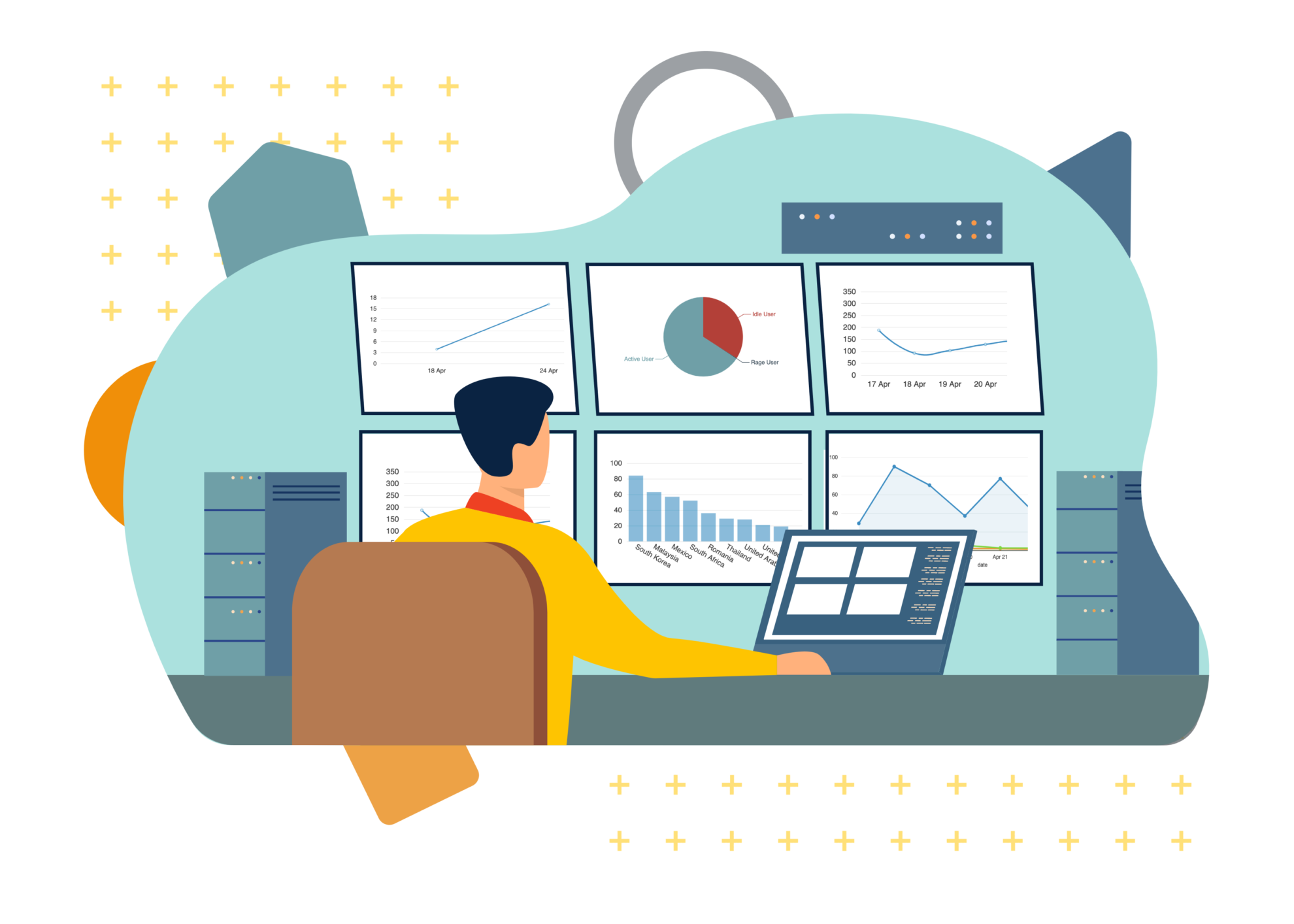
Downtime alerts are automated notification systems designed to detect, track, and report the unavailability of digital services, websites, or network infrastructure. By monitoring server health and response latency, these tools provide real-time updates to IT teams, enabling rapid incident response, minimizing Mean Time to Recovery (MTTR), and preserving service-level agreement (SLA) commitments.
Understanding the Role of Downtime Monitoring
In a digital ecosystem where services are expected to remain accessible 24/7, downtime—even for a few minutes—can result in significant financial loss, erosion of user trust, and potential regulatory non-compliance. Downtime alerts serve as the essential feedback loop between infrastructure performance and operational awareness.
At its core, a downtime alert is triggered when a monitoring agent—whether internal or external—fails to receive a successful "heartbeat" or HTTP response from a target service within a defined threshold. These alerts move beyond simple binary status checks (up/down) to encompass performance degradation, SSL certificate expiration, and database connection failures. By consolidating these signals into actionable notifications, organizations move from reactive troubleshooting to proactive incident management.
Establishing Monitoring Prerequisites
Before configuring alerts, you must establish a baseline for your "healthy" state. Monitoring without context leads to "alert fatigue," a condition where system administrators become desensitized to excessive, non-critical notifications, often leading to the accidental suppression of genuine emergencies.
- Service Inventory: Catalog every public-facing URL, API endpoint, and internal service. Identify which are mission-critical versus auxiliary.
- Defined Thresholds: Determine what constitutes "down." Is it a 404 error, a 500-series server error, or a latency spike exceeding three seconds? Defining these boundaries is crucial for accurate alerting.
- Redundancy Verification: Ensure that your monitoring agents are geographically distributed. If your server is down only in one region, a single local monitoring point might provide a false negative. Multi-region checks ensure that the issue is genuinely global before an alarm is raised.
Types of Downtime Alerts and Monitoring Strategies
There are two primary methodologies for tracking uptime: black-box monitoring and white-box monitoring. Most robust organizations utilize a combination of both to achieve full-stack visibility.
External (Black-Box) Monitoring
This approach tests your infrastructure from the perspective of the end-user. It does not look at the internal state of the server but instead measures how the application responds to external requests.
- Synthetics: Automated scripts that simulate user journeys, such as logging in or checking out a shopping cart.
- Ping/HTTP Checks: Frequent probes that request a specific page or API and measure the response code and time.
- DNS Monitoring: Alerts that trigger if domain resolution fails, which is a common cause of total service blackout that often goes undetected by server-side monitors.
Internal (White-Box) Monitoring
This method requires access to the server’s internal logs, CPU usage, memory consumption, and disk I/O.
- Resource Thresholds: Alerts that notify teams when memory usage hits 90% or disk space is running critically low, often serving as a "pre-downtime" warning.
- Application Logs: Monitoring for specific error patterns or exception strings within code frameworks.
Comparison of Alerting Mechanisms
| Alert Type | Primary Focus | Best For | Complexity |
|---|---|---|---|
| HTTP(S) Ping | Service availability | Basic website uptime | Low |
| Synthetic Transaction | User journey success | E-commerce/Payment flows | High |
| Resource Monitoring | Infrastructure health | Database/Server capacity | Medium |
| SSL Expiry | Security status | Preventing certificate-related downtime | Low |
| Latency/APM | Performance degradation | API/Microservice responsiveness | High |
Configuration and Incident Response Workflows
The value of an alert is entirely dependent on the quality of the response it triggers. An alert that is sent to a general inbox is rarely effective; instead, organizations should implement an integrated Incident Management (IM) workflow.
Step 1: Routing. Use an incident orchestration tool to ensure the alert reaches the correct on-call engineer based on the service impacted. Step 2: Suppression and Grouping. Modern monitoring platforms can identify if 500 alerts are related to a single failed load balancer. Grouping these into one "incident" prevents notification bombardment. Step 3: Escalation Policies. If an alert is not acknowledged within a set timeframe (e.g., 10 minutes), the system should automatically escalate the notification to the next person in the rotation or a manager. Step 4: Post-Mortem Documentation. Once the service is restored, the alert data must be stored to perform a root-cause analysis (RCA). This helps in identifying whether the downtime was caused by hardware failure, code deployment, or a third-party API outage.
Common Pitfalls in Alerting Strategy
- False Positives: Configuring alerts that are too sensitive. If a temporary network blip causes a 1-second timeout, avoid triggering a pager notification. Use "n out of m" logic, where an alert is only triggered if a check fails three times consecutively across different locations.
- Ignoring Dependency Cascades: Often, a failure in a secondary service will trigger alerts for every single dependent service. Always prioritize "Root Cause" alerts over "Symptom" alerts.
- Static Thresholds: Relying on fixed numbers for dynamic environments. If your traffic doubles during the holiday season, a static CPU alert will trigger unnecessarily. Use anomaly detection that adapts to historical usage patterns.
FAQ: Addressing Common Implementation Questions
How do I differentiate between a temporary glitch and actual downtime? Most platforms allow you to configure "consecutive check" requirements. For example, requiring the service to be unreachable from three independent nodes for a duration of at least 60 seconds effectively filters out transient packet loss and momentary network jitter.
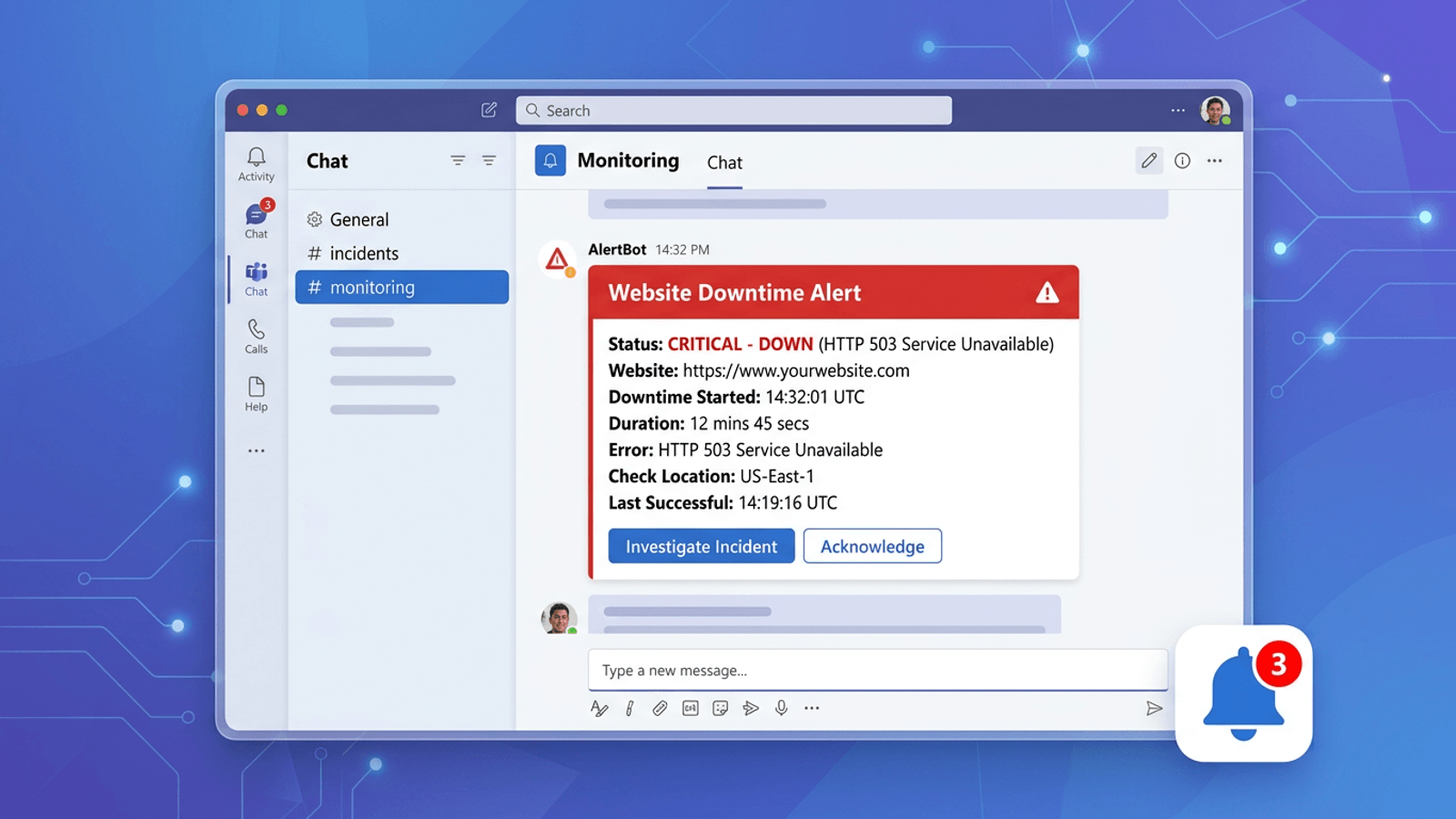
Should I alert via Email or SMS/Push? Critical downtime alerts should never rely solely on email, as delivery can be delayed by spam filters or slow retrieval. Use high-urgency channels like SMS, automated voice calls, or dedicated mobile applications (e.g., PagerDuty, Opsgenie) for incidents that require immediate human intervention.
What is the impact of SSL certificate expiration on uptime? An expired SSL certificate renders a site inaccessible via modern browsers, which treat the site as insecure. This is frequently overlooked because the server technically remains "up" and responsive. Dedicated SSL monitoring alerts provide a 30-day notice, allowing sufficient time to renew before the service is blocked.
What is "Mean Time to Acknowledge" (MTTA)? MTTA measures the time between the alert being fired and an engineer acknowledging receipt. While MTTR measures how long it takes to fix the issue, MTTA is a critical metric for organizational accountability and ensuring that on-call rotations are adequately staffed.
Recommended Best Practices for Ongoing Maintenance
Regularly audit your alerting configurations to ensure they remain relevant as your architecture evolves. A common mistake is leaving "zombie alerts"—notifications for services that have been decommissioned but are still being monitored. Quarterly reviews of your monitoring dashboard should involve deleting unused monitors, updating contact lists for on-call engineers, and adjusting threshold triggers based on current traffic levels.
Ultimately, your goal is to create a signal-to-noise ratio that allows your engineering team to sleep peacefully, knowing that they will only be woken up when an actionable, genuine failure occurs. By prioritizing reliable, context-aware, and properly escalated downtime alerts, you turn infrastructure monitoring from a tedious chore into a strategic asset for business continuity.
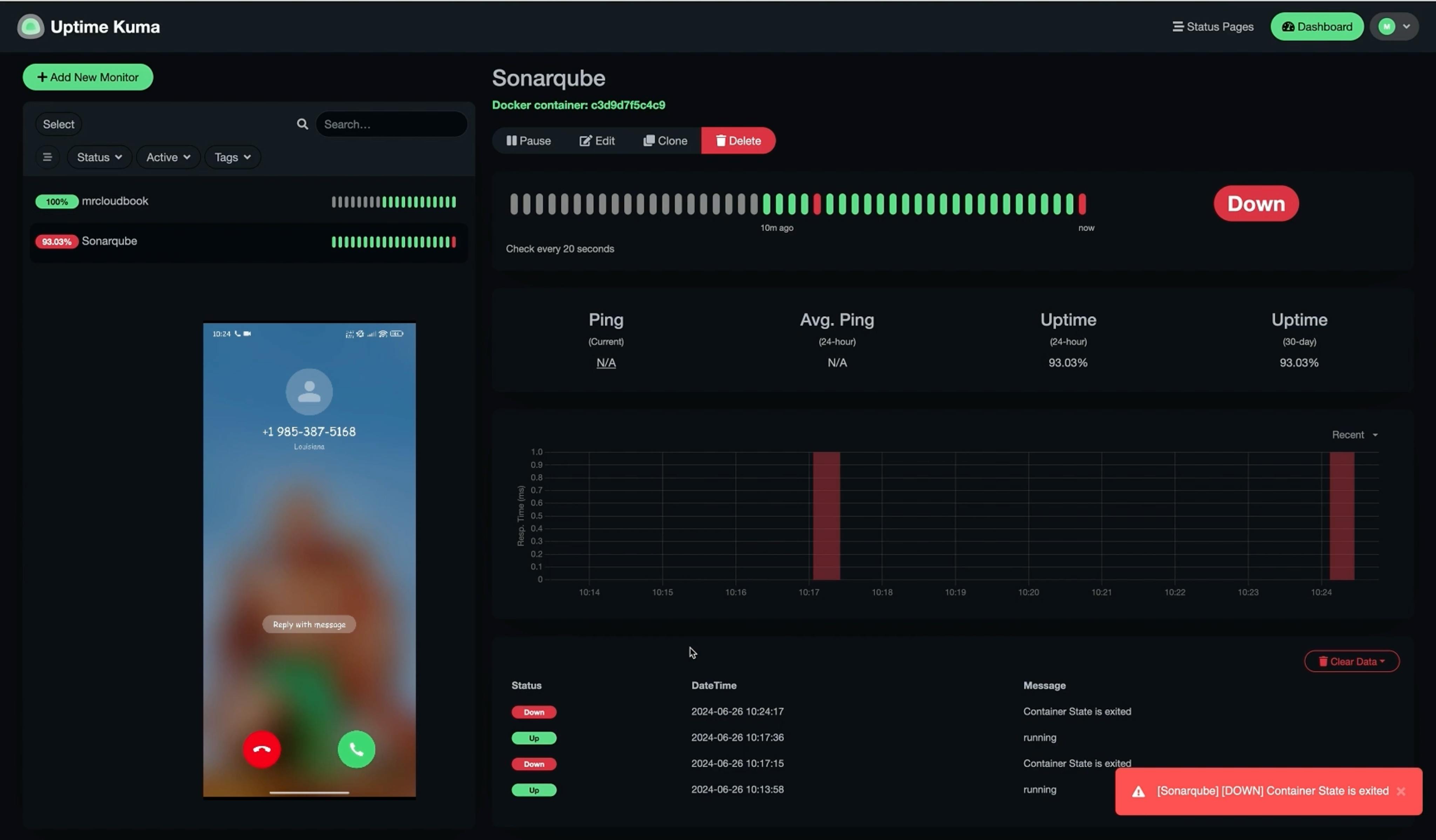
Image Gallery
Select an image to open it in a new tab.


Lars Thomsen
Global Labor Markets and Economic Strategy Editor
