Anonymous email accounts allow users to send and receive messages without revealing their real-world identity, physical location, or IP address. By combining end-to-end encrypted (E2EE) providers with privacy-preserving tools like Tor or a VPN, you can effectively mask metadata and prevent data harvesting by third-party trackers, advertisers, and unauthorized entities.
The Evolution of Email Privacy
In 2026, the digital landscape has become increasingly centralized, with major service providers utilizing sophisticated behavioral analysis to build detailed profiles of their users. Standard email services—often referred to as "webmail"—frequently scan message contents for advertising purposes and log extensive metadata, including your login frequency, device type, and geographical location.
An anonymous email account serves as a countermeasure to this pervasive surveillance. Unlike traditional accounts that require a phone number or a secondary "recovery" email linked to your identity, a truly anonymous service prioritizes zero-knowledge architecture. This means the service provider has no technical means of accessing your data, and the registration process is designed to be decoupled from your legal identity.
Core Features of an Anonymous Email Service
When evaluating providers in 2026, specific technical features distinguish a standard "private" email from a truly "anonymous" one.
1. End-to-End Encryption (E2EE)
End-to-end encryption ensures that a message is encrypted on the sender's device and only decrypted on the recipient's device. For an anonymous account, this must include PGP (Pretty Good Privacy) integration or a proprietary zero-knowledge protocol. If the provider holds the decryption keys, the account is private but not technologically anonymous from the provider itself.
2. Zero-PII Registration
PII stands for Personally Identifiable Information. The most secure anonymous providers allow you to register without a phone number (SMS verification) or a credit card. In 2026, many services have moved toward "Invite-only" or "Human verification" methods that use CAPTCHAs or small proof-of-work tasks instead of phone numbers to prevent bot spam while maintaining user anonymity.
3. Stripping Metadata
Every email sent contains "headers" that include the sender’s IP address, the mail client used, and timestamps. Anonymous providers automatically strip this information from the headers before the email reaches the recipient, ensuring that your physical location and device fingerprint are not leaked.
4. Jurisdiction and Legal Safeguards
The physical location of the email servers dictates which laws apply to your data. Users seeking maximum anonymity often prefer jurisdictions outside the "14 Eyes" intelligence-sharing alliance. Countries like Switzerland, Iceland, and Belgium are popular due to their robust data protection laws, such as the Swiss Federal Act on Data Protection (FADP).
Top Anonymous Email Providers in 2026
The following providers represent the current gold standard for balancing usability with high-level anonymity.
Proton Mail
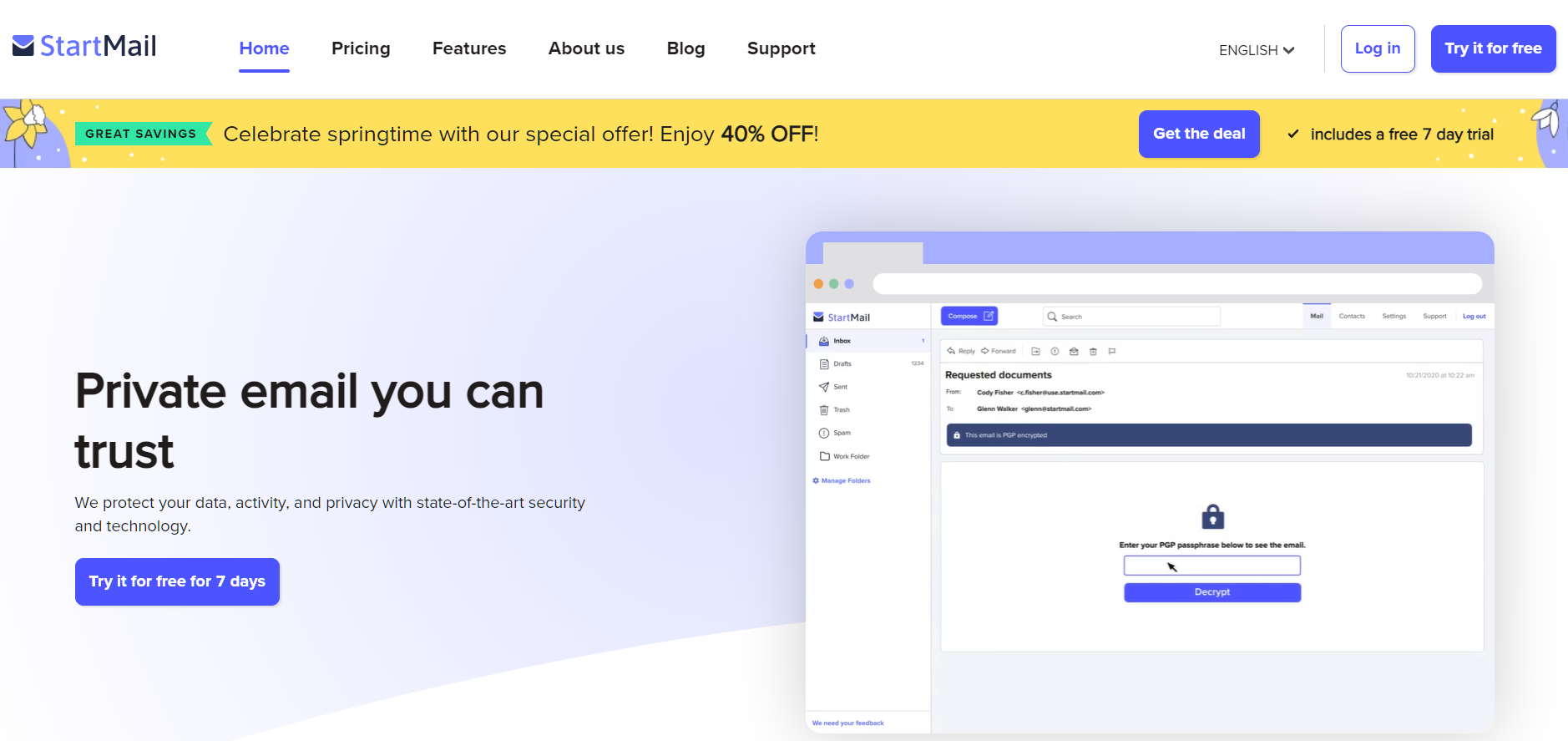
Based in Switzerland, Proton Mail remains the most recognized name in the industry. As of 2026, it offers a refined ecosystem that includes encrypted calendar, drive, and VPN services. Proton’s primary advantage is its "Zero-Access" encryption, which applies to all data stored on its servers. For those seeking anonymity, Proton permits registration via the Tor network and supports payments in Bitcoin to keep financial records separate from the email account.
Tuta (Formerly Tutanota)
Tuta is a German-based provider known for encrypting not just the body of the email, but also the subject lines and sender names—details often left exposed by other PGP-based services. Tuta utilizes an open-source encryption stack, allowing security researchers to verify that no backdoors exist. Its "no logs" policy is strictly enforced, and it offers a completely Google-free mobile app, which is essential for users concerned about mobile tracking.
Mailfence
Based in Belgium, Mailfence integrates PGP directly into the browser interface, making complex encryption accessible to non-technical users. While Mailfence offers a free tier, its commitment to anonymity is most evident in its paid tiers, which support decentralized payment methods. Belgium's privacy laws provide a strong buffer against arbitrary data requests from foreign governments.
Guerrilla Mail (Temporary/Disposable)
For tasks that require a one-time interaction—such as signing up for a forum or downloading a whitepaper—Guerrilla Mail provides a disposable inbox. It requires no registration. Users are assigned a temporary address that expires after 60 minutes. While not suitable for long-term communication, it is an essential tool for avoiding the "permanent record" associated with traditional accounts.
Comparison of Leading Privacy Email Providers (2026)
| Provider | Jurisdiction | Encryption Standard | Phone Required? | Tor Support | Best For |
|---|---|---|---|---|---|
| Proton Mail | Switzerland | PGP / AES-256 | No (Usually) | Yes (.onion) | Daily use & ecosystem |
| Tuta | Germany | AES-128 / RSA-2048 | No | Yes | Subject line encryption |
| Mailfence | Belgium | PGP / OpenPGP | No | No | Professional PGP use |
| Guerrilla Mail | N/A | None (Disposable) | No | Yes | Spam prevention |
| SimpleLogin | France | Alias-based | No | Yes | Hiding main address |
How to Set Up an Anonymous Account Securely
Creating an account is only the first step. To maintain anonymity, you must follow a strict operational security (OpSec) protocol.
Step 1: Secure Your Connection
Before visiting a provider’s website, enable a trusted VPN or, preferably, use the Tor Browser. This masks your home IP address from the email provider's logs. Many top-tier providers offer a dedicated .onion address, which ensures your traffic never leaves the Tor network, providing the highest level of connection anonymity.
Step 2: Avoid Identifying Usernames
Choose a username that has no connection to your real name, birth year, or other online handles. Avoid "vanity" handles that you use on social media. A randomized string of characters or a generic phrase is often the safest choice.
Step 3: Use Anonymous Payment Methods
If you require a premium plan for more storage or custom features, do not use a standard credit card or PayPal account. These are directly linked to your identity. Use privacy-centric cryptocurrencies like Monero (XMR) or, if supported, Bitcoin via a Lightning Network payment to minimize the paper trail.
Step 4: Implement Alias Services
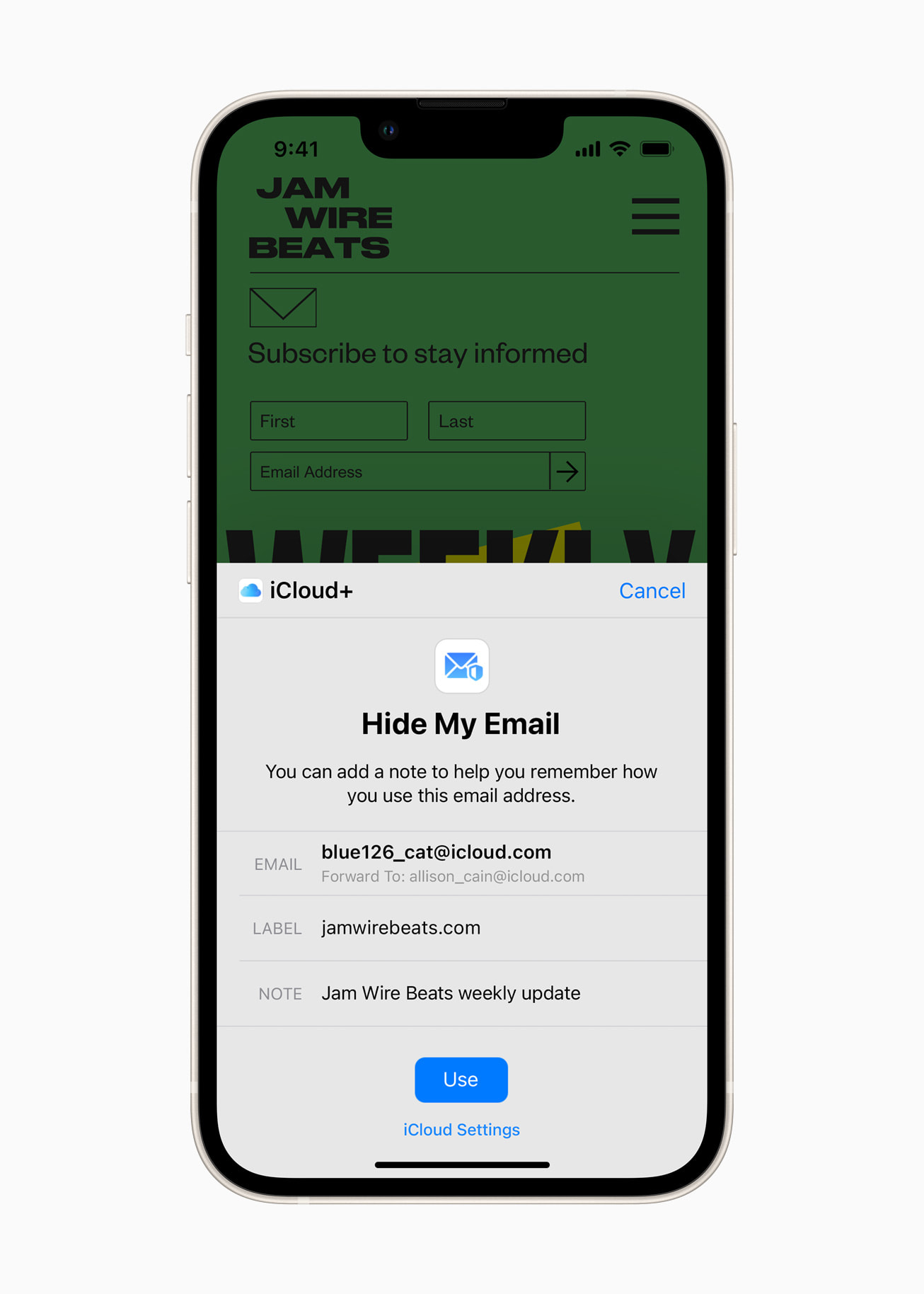
Services like SimpleLogin or AnonAddy act as a buffer. They provide unique "forwarding" addresses for every service you sign up for. If one service is breached or begins sending spam, you can simply disable that specific alias without exposing your "master" anonymous email address.
Common Pitfalls and Security Risks
Even with the best tools, user error is the most common cause of deanonymization.
- Browser Fingerprinting: Even if your IP is hidden, your browser may leak unique details like screen resolution, installed fonts, and hardware specifications. Use the Tor Browser or "Arkenfox" hardened Firefox configurations to mitigate this.
- Linking Accounts: Never use your anonymous email as a recovery address for an account linked to your real identity (like a bank or LinkedIn). Conversely, do not use your primary personal email as the recovery address for your anonymous account.
- Accessing via Work/School Networks: Corporate and educational networks often employ Deep Packet Inspection (DPI). Even if the content is encrypted, the network administrator can see that you are connecting to a known privacy service, which may raise "red flags."
- Metadata in Attachments: Documents and images often contain EXIF data or hidden properties (such as the name of the computer that created the file). Always strip metadata from attachments using tools like the Metadata Cleanup Tool before sending.
Legal and Ethical Considerations
Disclaimer: This information is for educational purposes and does not constitute legal advice. Laws regarding encryption and anonymity vary by jurisdiction.
In 2026, the use of anonymous email is legal in the vast majority of democratic nations. It is a vital tool for journalists protecting sources, activists operating under restrictive regimes, and professionals handling sensitive corporate data. However, anonymity does not grant immunity from the law. Providers will still comply with valid, locally-issued court orders if they pertain to criminal activity, though their "zero-knowledge" nature means they can typically only provide metadata (like login times) rather than message content.
Frequently Asked Questions
Can I make a Gmail account anonymous?
In 2026, it is extremely difficult to make a Gmail account truly anonymous. Google requires a phone number for most new registrations and employs advanced device fingerprinting. Even if you use a fake name, Google tracks your activity across its entire network. For true anonymity, you should use a provider built from the ground up for privacy.
Do I need a VPN if I use an anonymous email?
While the email provider might not log your IP, your Internet Service Provider (ISP) can still see that you are communicating with an email server. Using a VPN or Tor adds a layer of obfuscation, hiding your destination from your ISP and hiding your source IP from the email provider.
What is "Zero-Knowledge" encryption?
Zero-knowledge encryption means the provider encrypts your data using a key derived from your password. Since the provider does not have your password, they cannot decrypt your data. If you lose your password, the provider cannot recover your emails, as they literally do not have the "key" to the digital lock.
Is it possible to send an anonymous email to a regular Gmail or Outlook user?
Yes. You can send an email from an anonymous account to any other email address. However, if the recipient is using a non-encrypted provider, the email will be stored in plain text on the recipient's provider's servers. To maintain full privacy, both parties should use encrypted providers.
Are "Burner" emails the same as anonymous emails?
Not exactly. Burner or disposable emails (like Guerrilla Mail) are designed for short-term use and usually lack long-term storage and advanced encryption. Anonymous emails (like Proton or Tuta) are full-featured accounts intended for ongoing use while keeping the user's identity hidden.
Practical Recommendation
For most users seeking a balance between security and convenience in 2026, the most effective strategy is to register a Proton Mail or Tuta account using the Tor Browser. Avoid providing a phone number by choosing the "Free" tier or paying for a premium tier using Monero. For all third-party registrations, use an alias service like SimpleLogin to ensure your primary anonymous address is never directly exposed to the public internet. This layered approach ensures that even if one component is compromised, your core identity remains protected.
Image Gallery
Select an image to open it in a new tab.


Vivian Cho
Executive IT and Emerging Technologies Reporter
