How to Perform a South Carolina Court Date Lookup: A Comprehensive Guide
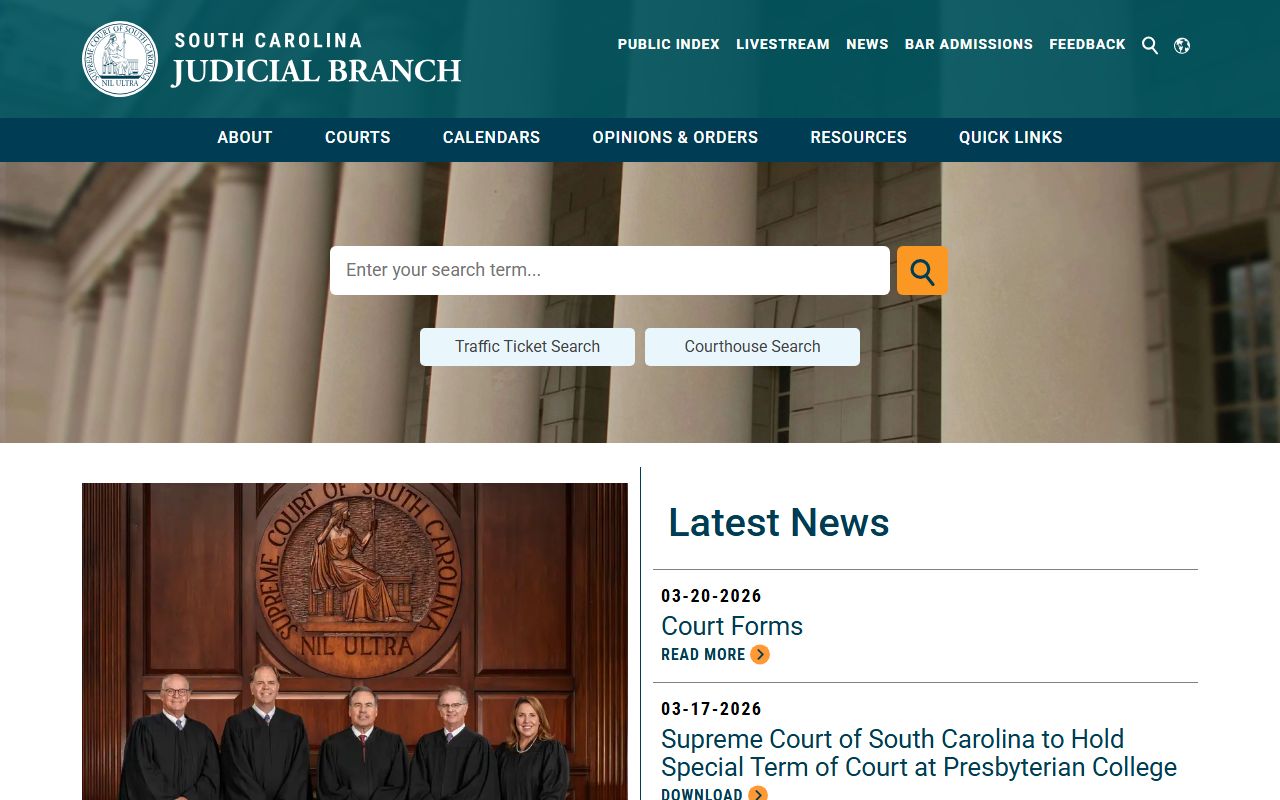
To find a court date in South Carolina, you must access the South Carolina Judicial Branch Public Index. This online portal allows users to search by name, case number, or filing date across most counties. Simply select the relevant county, enter the individual's name, and review the "Actions" or "Roster" tab for upcoming hearings.
The South Carolina court system is designed to be transparent, providing public access to most non-confidential case files. Whether you are a defendant, a plaintiff, a legal professional, or a concerned family member, knowing how to navigate the electronic filing and case management systems is essential for tracking legal proceedings. As of 2026, the South Carolina Judicial Branch has streamlined its digital infrastructure, making it easier to verify appearances for Circuit, Family, and Magistrate courts through a centralized gateway.
Understanding the South Carolina Court Structure
Before initiating a search, it is vital to understand which court is handling the matter. South Carolina’s judicial system is organized into several tiers, and the "lookup" process can vary slightly depending on the jurisdiction and the nature of the case.
Circuit Courts (Common Pleas and General Sessions)
The Circuit Court is the state's court of general jurisdiction. It is divided into two main branches:
- Common Pleas: This branch handles civil cases where the amount in controversy exceeds a certain threshold (typically $7,500) or involves complex litigation like medical malpractice or real estate disputes.
- General Sessions: This branch handles felony and misdemeanor criminal cases that carry a penalty of more than 30 days in jail or a fine of more than $500. If you are looking for a "trial date" for a serious criminal offense, this is where you will search.
Family Court
Family Courts have exclusive jurisdiction over domestic matters. This includes divorce, alimony, child custody, and name changes. While many Family Court records are public, certain cases involving juveniles or sensitive domestic abuse details may have restricted access or redacted information in the public index.
Magistrate and Municipal Courts
Often referred to as "summary courts," these handle traffic tickets, minor criminal offenses (misdemeanors), and small claims civil cases (up to $7,500). Many South Carolina counties have integrated their Magistrate records into the statewide Public Index, but some smaller Municipal courts may still require a direct phone call to the Clerk of Court.
Probate Court
Probate Courts handle the administration of estates, the issuance of marriage licenses, and mental health commitments. If you are searching for a hearing related to a will or a guardianship, you must use the specific Probate search tool, which is often separate from the general criminal/civil index.
Prerequisites for a Successful Court Date Lookup
To conduct an effective search in 2026, you should gather as much identifying information as possible. The system is sensitive to spelling and formatting.
- Full Legal Name: The search tool works best with a "Last Name, First Name" format. Avoid using nicknames unless you suspect the case was filed under one.
- Case Number: If you have the unique case identifier (e.g., 2024-GS-10-XXXX), this is the most accurate way to find a record, as it bypasses issues with common names.
- County of Filing: South Carolina does not have a "one-click" statewide search that covers every county simultaneously. You must know which county the case was filed in (e.g., Richland, Charleston, Greenville).
- Date of Birth (Optional but Helpful): This helps distinguish between two individuals with the same name, particularly in criminal "General Sessions" searches.

Step-by-Step Guide to Using the SC Public Index
The South Carolina Judicial Branch Case Records Search is the primary tool for this task. Follow these steps to locate a court date:
Step 1: Select the County
Navigate to the official SC Courts website. You will see a map of South Carolina or a drop-down menu listing all 46 counties. Click on the county where the legal action is taking place. This will redirect you to that specific county's Public Index portal.
Step 2: Accept the Terms of Use
Every county portal requires you to accept a disclaimer stating that the information provided is for public convenience and is not an official transcript of court proceedings. Click "Accept" to proceed.
Step 3: Choose the Search Type
You will typically see tabs for "Search," "Rosters," and "Court Map."
- Search: Best for finding a specific person or case.
- Rosters: Best if you know a hearing is happening on a specific day but don't have a case number. Rosters show the entire schedule for a specific judge or courtroom for a given week.
Step 4: Enter Search Criteria
If using the "Search" tab:
- Enter the Last Name and First Name.
- Select the Court Type (General Sessions, Common Pleas, etc.).
- Click "Search."
Step 5: Analyze the Results
A list of matching cases will appear. Click on the Case Number (usually highlighted in blue) to open the full case view.
Step 6: Locate the Court Date
Once the case file is open, look for a tab or section labeled "Actions" or "Events." This section lists every filing and scheduled event in chronological order. A scheduled court date will be listed as "Hearing Scheduled," "Trial Date," or "Motion Hearing." Look for the "Date" and "Time" columns associated with these entries.
Interpreting Court Rosters
If the "Actions" tab is unclear, or if you want to see the order in which cases will be called, you should use the Court Rosters feature. South Carolina judges often use a "strike list" or a weekly roster.
- Trial Rosters: These list cases ready for trial during a specific term of court. Being on a roster does not always mean the case will be heard that exact day; it means the case is "on call" for that week.
- Motion Rosters: These are more specific and usually provide a definitive time for a legal argument to be heard.
- Jury Selection: If a case is in General Sessions, the first day of the term is often dedicated to jury selection, with specific trials following immediately after.
| Court Level | Primary Case Types | Online Search Availability | Best Search Method |
|---|---|---|---|
| Circuit - General Sessions | Felonies, Serious Misdemeanors | High (Statewide Index) | Case Number or Name/DOB |
| Circuit - Common Pleas | Civil Suits >$7,500 | High (Statewide Index) | Name or Business Entity |
| Family Court | Divorce, Custody, Support | Moderate (Some redactions) | Case Number or Name |
| Magistrate Court | Traffic, Small Claims <$7,500 | Variable by County | Name or Citation Number |
| Probate Court | Estates, Wills, Guardianship | High (Often separate link) | Decedent Name |
| Supreme Court / Appeals | Appellate Review | High (Centralized) | Case Number or Party Name |
Troubleshooting Common Issues
"No Records Found"
If your search yields no results, consider the following:
- Spelling: The system is literal. Try searching only by the first three letters of the last name followed by an asterisk (*) to catch variations.
- Wrong County: If an arrest happened in a neighboring county, the record will not appear in your current search.
- Expungement: If a criminal case was dismissed and expunged, it is legally removed from the public index.
- Juvenile Records: These are generally sealed and will not appear in public searches.
Missing Court Dates
Sometimes a case is "Active," but no future date is listed. This occurs when:
- Continuance: The case was postponed, and a new date hasn't been set by the Clerk of Court.
- Administrative State: The case is pending a specific milestone (like a lab report or a mediation session) before a hearing is triggered.
- Bench Warrant: If a defendant failed to appear previously, the case may be stayed until the individual is back in custody.
Contacting the Clerk of Court
If the online search is inconclusive, the most authoritative source of information is the Clerk of Court for the specific county. Each county in South Carolina has an elected Clerk of Court responsible for maintaining the integrity of judicial records.
When calling the Clerk's office:
- Have the case number or the defendant's full name and date of birth ready.
- Be polite but specific: ask for the "next scheduled hearing date and the assigned judge."
- Ask if the hearing is "in-person" or "virtual." Since 2020, South Carolina has increased the use of remote hearings via WebEx or Zoom, though most criminal trials remain in-person.
Important Legal Considerations
While the SC court date lookup is a powerful tool, users must be aware of the legal context surrounding these records.
Accuracy and Lag Time
The Public Index is updated frequently, but it is not "real-time." There can be a lag of 24 to 48 hours between a judge’s order in the courtroom and the Clerk’s office updating the digital file. Always verify critical dates (like trial starts) with your attorney.
Privacy and Redaction
South Carolina follows Rule 41.1 of the South Carolina Rules of Civil Procedure, which governs the sealing of records. Sensitive information like Social Security numbers, bank account details, and the names of minor victims are generally redacted. If you need access to a redacted document for a legitimate legal reason, you must file a motion with the court.
Professional Advice
Using a court lookup tool does not replace the need for legal counsel. If you find a court date for a criminal matter, you should immediately contact the South Carolina Commission on Indigent Defense (if you need a public defender) or a private attorney. Missing a court date can result in a "Bench Warrant" (for criminal cases) or a "Default Judgment" (for civil cases).
Leveraging 2026 Technology for Notifications
By 2026, many South Carolina counties have implemented automated notification systems. Some Clerks of Court offer an "e-subscription" service where you can sign up to receive email or SMS alerts whenever a new "Action" is filed in a specific case. Check the sidebar of the county's Public Index page for "Notify Me" or "Case Subscription" options. This is the most effective way to ensure you never miss a deadline or a hearing change.
Frequently Asked Questions
1. How can I find a court date for a traffic ticket in SC?
Traffic tickets are usually handled by Magistrate or Municipal courts. Start by checking the South Carolina Judicial Branch Public Index for the county where you received the ticket. If the ticket is not online, look at the bottom of your physical citation; it should list a "Trial Date" and the address of the specific court. You can also call the local Magistrate's office directly to confirm if the date has been changed.
2. Is there a fee to look up court dates in South Carolina?
No, searching the South Carolina Public Index is free for all users. However, if you require certified copies of court documents, the Clerk of Court will charge a fee, typically per page. Accessing archived records that have been moved to microfilm or off-site storage may also involve a small administrative cost.
3. Can I search for someone else's court date?
Yes. Because South Carolina court records are public, you can search for anyone's name to see their upcoming court dates, provided the case is not sealed (such as certain family law or juvenile matters). This is a common practice for employers conducting background checks or family members tracking a relative's legal status.
4. What should I do if my court date is tomorrow and I can't find the room number?
If the online portal doesn't list a specific courtroom, arrive at the courthouse at least 30 minutes early. Most South Carolina courthouses have a "Docket Display" in the lobby or a deputy at the security checkpoint who can direct you to the correct courtroom based on the judge assigned to your case.
5. Why is my court date not showing up on the Public Index?
The most common reason is that the Clerk's office has not yet entered the data into the system. This often happens if the hearing was scheduled very recently. Additionally, if the case is a "Municipal" matter (city police rather than county sheriff), it might be hosted on a separate city-specific website rather than the county-wide index.
6. Can I change my court date through the lookup tool?
No. The lookup tool is for informational purposes only. To change a court date, you must file a formal "Motion for Continuance" or have your attorney contact the Solicitor’s office (for criminal cases) or the opposing counsel (for civil cases). Only a judge can officially move a court date once it has been set on the roster.
Recommended Next Actions
If you have successfully located your court date, your next step should be preparation.
- Confirm the Location: Use the South Carolina Court Map to find the exact address of the courthouse.
- Review the Filings: Read the most recent "Actions" in the Public Index to see if any new motions or evidence have been filed that might change the nature of the hearing.
- Consult an Expert: If you are a party to the case and do not have an attorney, contact the South Carolina Bar Association's Lawyer Referral Service.
Staying informed through the SC court date lookup system is the best way to ensure your legal rights are protected and that you remain in compliance with all judicial mandates.
Image Gallery
Select an image to open it in a new tab.


