For many database administrators and developers, PostgreSQL declarative partitioning is viewed as the ultimate solution for handling massive datasets. While it offers undeniable benefits for specific, high-scale scenarios, it is frequently adopted prematurely, introducing operational complexity, query planning overhead, and maintenance friction that far outweigh the performance gains for average-sized workloads.
The Allure of Partitioning
Declarative partitioning in PostgreSQL allows a large table to be broken into smaller, more manageable pieces called partitions. By using range, list, or hash partitioning, the database engine can implement "partition pruning," where the query planner ignores partitions that do not contain relevant data. On the surface, this feels like an essential optimization for any table growing into the millions or billions of rows. However, modern hardware—specifically the combination of high-speed NVMe storage and effectively tuned RAM—often makes full-table scans or index-backed lookups on a single, non-partitioned table faster and significantly simpler to manage than a complex partitioned structure.
The Hidden Operational Costs
When you partition a table, you are fundamentally changing the architecture of your database schema. The most immediate cost is the administrative burden. Unlike a standard table, a partitioned table requires active management.
Indexing and Constraint Overhead
In a non-partitioned table, maintaining an index is a straightforward operation. In a partitioned table, every index must be created and maintained on every partition. If you decide to add a new index, you must ensure it is applied consistently across all existing partitions and integrated into the template for future partitions. This increases the complexity of schema migrations and deployment pipelines. Furthermore, unique constraints on partitioned tables must include the partition key, which often forces developers to change their data modeling strategy, sometimes leading to denormalization or less-than-ideal schema designs just to satisfy the database engine’s requirements.
Planning and Execution Latency
While partition pruning can make queries faster, the query planner itself takes a performance hit. When a query targets a partitioned table, the planner must analyze the partition constraints to determine which child tables to scan. As the number of partitions increases—a common occurrence in time-series data—the time spent in the planning phase can grow significantly. For queries that are already fast, the overhead of the planner evaluating hundreds of potential partitions can result in higher latency than if the query had simply executed against a well-indexed, monolithic table.
Performance vs. Manageability: A Comparative Analysis
To determine if your workload truly requires partitioning, it is helpful to contrast the characteristics of standard tables with partitioned structures.
| Feature | Standard Table | Partitioned Table |
|---|---|---|
| Complexity | Minimal; easy to maintain | High; requires automation for management |
| Query Planner | Fast, predictable | Slower as partition count increases |
| DDL Operations | Straightforward | Requires careful handling of sub-tables |
| Index Maintenance | Single operation | Must be propagated to all partitions |
| Data Archiving | Requires expensive DELETE operations |
Easy via DROP TABLE or DETACH |
As seen in the table, the primary advantage of partitioning is data management (the ease of dropping old data), not necessarily query speed. If your application does not require frequent, massive purges of historical data, the primary incentive for partitioning vanishes.
The Fallacy of "Big Data" Premature Optimization
A common mistake in database design is applying techniques meant for petabyte-scale analytics to transactional systems (OLTP). PostgreSQL is remarkably efficient at handling tables with hundreds of millions of rows, provided that the indexes are correctly maintained and the working set of data fits reasonably well in memory.
If your "slow" table is just a few hundred gigabytes, the solution is rarely to introduce partitioning. Instead, you should investigate:
- Index Bloat: Are your B-tree indexes inefficient?
- Memory Allocation: Is
shared_buffersconfigured appropriately for your hardware? - Query Patterns: Are your queries missing indexes or performing unnecessary joins?
- VACUUM Tuning: Is autovacuum struggling to keep up, leading to dead tuple accumulation?
In many cases, properly optimizing the non-partitioned structure will yield better results than moving to partitioning, without the added risk of breaking application logic that expects a single table interface.
When Partitioning Actually Works
There are specific edge cases where partitioning is genuinely worth the trade-offs. The most common is the "Rolling Window" pattern, frequently seen in logging, IoT data, or audit trails. If your business requirement dictates that data older than 90 days must be dropped daily, DROP TABLE on a partition is instantaneous and avoids the heavy I/O cost of a massive DELETE command, which would otherwise bloat the table with dead tuples and trigger excessive vacuuming.
If you are not performing these large-scale data purges, the administrative cost of partitioning—managing partitions, dealing with DEFAULT partitions, and ensuring global indexes are correctly applied—is almost always a net negative for the engineering team.
Strategies for Avoiding Partitioning Complexity
Before opting for partitioning, consider these alternatives that solve the same problems with less complexity:
- Vertical Partitioning: Split a table by columns rather than rows. If you have a table with a massive
TEXTfield that is rarely accessed, moving that column to a secondary table can reduce the size of your primary rows, allowing more rows to fit in a single data page (buffer). - Indexing Strategy: Use Partial Indexes. If you only ever query "active" rows, create an index with a
WHEREclause (e.g.,WHERE status = 'active'). This keeps the index small and high-performing, even if the base table contains years of inactive, historical data. - Materialized Views: For complex analytical queries, use Materialized Views to pre-calculate results. This is often more effective for reporting performance than partitioning the raw data.
- Hardware Upgrades: In 2026, the cost-per-IOPS on NVMe drives has dropped significantly. Often, the "performance bottleneck" being solved by partitioning is actually a storage I/O bottleneck that can be resolved more cheaply through hardware investment.
Conclusion and Recommendations
Before you partition, you must quantify the specific problem you are solving. If the goal is "faster query speed," partitioning is rarely the first step. It is an advanced tool that adds a layer of complexity to your database architecture, requiring ongoing maintenance and careful planning for every DDL change.
Start by auditing your indexes, checking your vacuum settings, and ensuring your queries are optimized. Only move to partitioning if you have a clear, automated requirement to drop large swaths of data frequently, or if you have reached the physical limits of a single-table architecture despite rigorous optimization. In the vast majority of applications, the simplicity of a non-partitioned table provides better reliability and lower maintenance costs.
Frequently Asked Questions
Does partitioning reduce the size of the database? No. Partitioning actually increases the complexity of metadata and can lead to overhead. It does not compress data or change the fundamental storage requirements of the rows themselves.
Will partitioning my table automatically make my queries faster?
No. It only improves performance if the query planner can successfully prune partitions. If your queries do not contain the partition key in the WHERE clause, the database will still scan every partition, often resulting in worse performance due to the additional planning overhead.
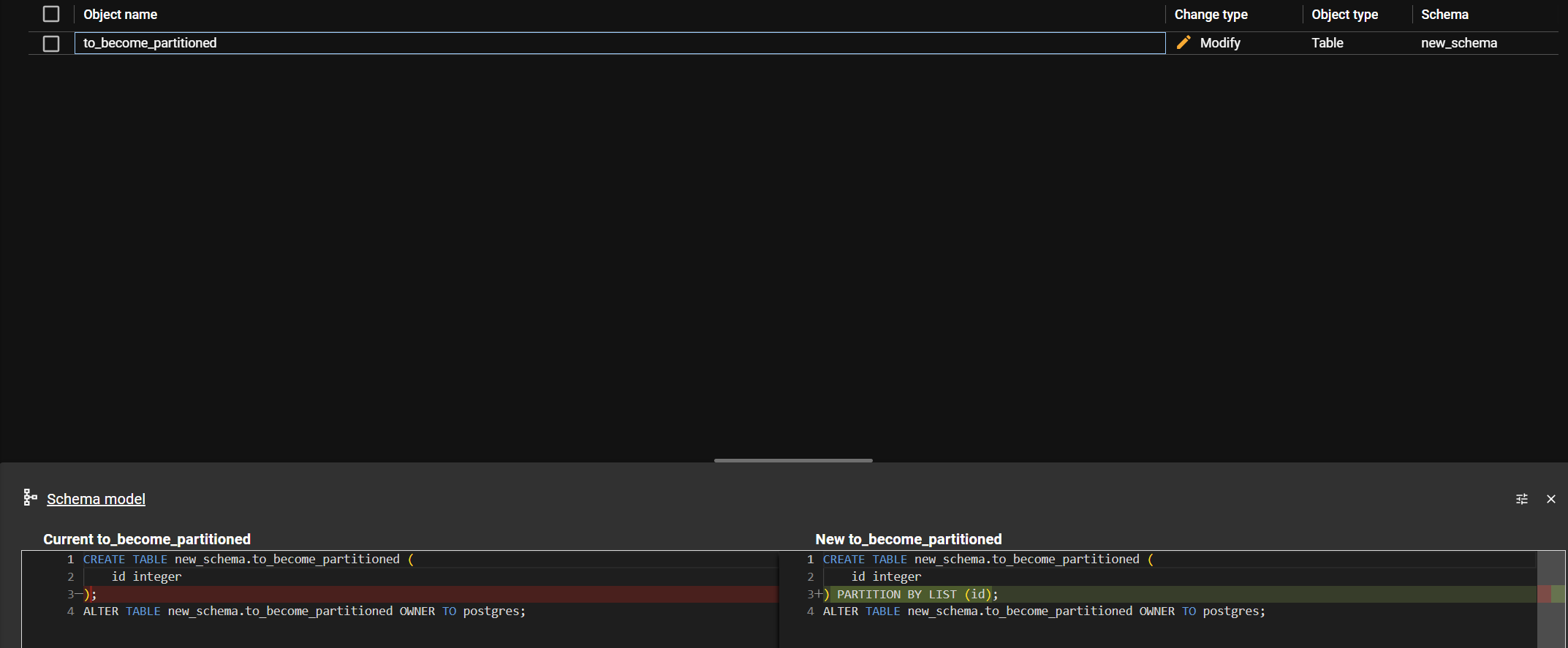
Is it difficult to convert an existing non-partitioned table to a partitioned one? Yes. It is a non-trivial process that requires creating new tables, migrating data, and potentially taking the table offline or using complex trigger-based methods to synchronize data during the transition. It is not a "one-click" optimization.
Can I use partitioning for small datasets? You technically can, but it is highly discouraged. The overhead of managing partitions on a small dataset will almost certainly degrade performance rather than improve it, and it will complicate your codebase unnecessarily.
What is the best way to handle time-series data? If you have massive, high-velocity time-series data, partitioning is appropriate. However, consider using extensions like TimescaleDB, which automates the partitioning and retention management, significantly reducing the "worth it" calculation by automating the pain points of manual partitioning.

Image Gallery
Select an image to open it in a new tab.
Lars Thomsen
Global Labor Markets and Economic Strategy Editor
