Understanding the Wireless Credit Card Concept: Mechanics, Security, and Practical Usage

A "wireless credit card" is a common colloquial term for a payment card enabled with Near Field Communication (NFC) technology, which allows for contactless transactions. By simply waving or tapping the card near a compatible merchant terminal, the user initiates a secure, encrypted data exchange that completes the purchase without the physical card needing to be inserted into a slot or swiped through a reader.
The Evolution of Contactless Payment Technology
The shift toward wireless credit card technology represents a transition from mechanical data retrieval—where a magnetic stripe is read by a physical head—to short-range radio frequency communication. This transition began in earnest with the adoption of the EMV (Europay, Mastercard, and Visa) standard globally. While many early credit cards relied exclusively on the magnetic stripe or the physical insertion of an EMV chip, the "wireless" functionality relies on a tiny antenna embedded within the plastic of the card.
When a cardholder brings their card within a few centimeters of a point-of-sale (POS) terminal displaying the contactless symbol (four curved lines resembling a Wi-Fi icon), the terminal emits a short-range electromagnetic field. This field powers the chip inside the card, allowing it to broadcast a unique, one-time transaction code. Because this process happens wirelessly via radio frequency, it is technically an NFC (Near Field Communication) transaction rather than a wireless internet connection in the traditional sense of Wi-Fi or cellular data.
How Wireless Credit Card Transactions Work
The mechanics of a wireless transaction are designed to prioritize speed and security through a process known as tokenization. Understanding this process demystifies why the card does not need to "connect" to the internet to function.
- Proximity Activation: The card contains an NFC antenna and a secure integrated circuit. When placed near a terminal, the terminal’s reader provides the necessary energy to wake up the card’s chip.
- Cryptogram Generation: Instead of transmitting the actual credit card number (Primary Account Number or PAN), the card generates a unique, one-time cryptogram—often called a "token." This token is valid only for that specific transaction.
- Encrypted Transmission: The token is transmitted to the merchant terminal. Even if a bad actor were to intercept this signal, the data would be useless for future transactions because the token cannot be reused.
- Verification: The merchant terminal sends this token to the payment processor, which validates it against the issuer’s records. If the token is authentic, the transaction is approved within seconds.
Comparing Traditional vs. Wireless Payment Methods
To understand the practical implications of using wireless-enabled cards, it is helpful to compare them against older payment modalities. The following table outlines the primary differences in security, speed, and standard operating procedures.
| Feature | Magnetic Stripe | EMV Chip (Contact) | Wireless (Contactless) |
|---|---|---|---|
| Primary Mechanism | Physical Swipe | Physical Insertion | NFC Radio Signal |
| Security Level | Low (Static Data) | High (Dynamic Data) | High (Dynamic Tokens) |
| Transaction Speed | Slow | Moderate | Fast |
| Wear and Tear | High (Mechanical) | Moderate | Minimal (No insertion) |
| Standard Usage | Obsolete/Backup | Standard | Preferred Global Method |
Security Considerations and Misconceptions
A frequent concern among users is the potential for "electronic pickpocketing," where someone might walk past a person with a reader and skim their credit card information wirelessly. While this threat exists in theory, it is heavily mitigated by several layers of security:
- Distance Requirements: NFC technology is designed to work only at an extremely short range, typically less than 4 centimeters. Successful data capture would require a thief to hold a reader practically against the user’s wallet.
- Dynamic Cryptograms: As noted, the card does not transmit the permanent card number. A captured signal lacks the necessary data to replicate the card for online or remote fraudulent purchases.
- Transaction Limits: Most issuers impose internal limits on contactless transactions. Once a certain cumulative amount or number of taps is reached without a PIN verification or physical chip-and-PIN insertion, the system may require the user to insert the card physically to re-validate their identity.
Practical Steps for Utilizing Wireless Cards
Using a wireless credit card is straightforward, but users should follow established best practices to ensure a smooth experience.
- Check for the Symbol: Ensure the merchant’s payment terminal displays the contactless wave icon. If it is missing, you must insert the card into the chip reader or swipe the magnetic stripe.
- Positioning: Hold the card or your digital wallet (if using a smartphone or wearable) steady near the designated area on the terminal. Rapid movement can sometimes cause the reader to miss the initial handshake.
- Auditory/Visual Feedback: Most terminals provide a beep or a series of green lights once the transaction is authorized. Wait for this signal before moving the card away.
- Documentation: Keep digital copies of your receipts or check your banking app notifications. Since wireless payments are faster, it is easy to overlook the transaction amount if you are not paying close attention to the terminal screen.
Troubleshooting Common Issues
If your wireless credit card fails to process, consider the following common points of failure:
- Signal Shielding: Items in your wallet, such as other RFID-enabled cards (e.g., transit passes, office security badges), can interfere with the signal, a phenomenon known as "card clash." Remove the card from your wallet and tap it individually.
- Terminal Limitations: Older hardware may not have the NFC antenna enabled or may be malfunctioning. In these cases, the "wireless" function is unavailable, and you must default to the chip reader.
- Exceeding Transaction Limits: If you have performed many small, tap-based transactions, your card may be temporarily blocked from further wireless use until it is used for a PIN-verified transaction.
- Physical Damage: While the card is durable, the internal antenna or chip can be damaged if the card is bent, punctured, or exposed to extreme heat. If the card fails consistently at multiple locations, request a replacement from your issuer.
Frequently Asked Questions
Does a wireless credit card require an internet connection? No, the card itself does not connect to the internet. The payment terminal uses its own secure connection to communicate with the payment processor. The card simply provides the encrypted authentication data via NFC to the terminal.
Is it safer to pay wirelessly or by inserting the chip? Both are significantly more secure than swiping a magnetic stripe. Contactless payments are often considered slightly safer because they minimize the risk of "skimming" devices being placed inside the card slot, as no physical insertion is required.
Can I use a wireless credit card anywhere? It is widely accepted in most developed retail environments, but coverage varies globally. While major urban centers in 2026 support contactless payments nearly everywhere, some small businesses or rural locations may still rely on older, non-contactless terminals.
What happens if I lose my wireless card? The security protocols remain the same as for any credit card. You should contact your bank immediately to freeze the account. Because the card does not broadcast your full number, a thief cannot easily "clone" it for internet shopping, but physical theft is still a high-security risk.
Are digital wallets like Apple Pay or Google Pay the same as wireless cards? The underlying technology is identical. Both use NFC and tokenization to transmit payment data securely. In many cases, these digital wallets are even more secure because they typically require biometric authentication (face or fingerprint scan) before the transaction is transmitted.
Do I need to enable "wireless" mode on my card? Most modern cards come with this feature enabled by default. If your card was issued in recent years and displays the contactless symbol, it is ready to use immediately upon activation.
Final Recommendations
For the modern consumer, utilizing the wireless functionality of credit cards is the most efficient way to facilitate daily transactions while benefiting from advanced security tokenization. To maximize your security, ensure you monitor your transaction history through your financial institution’s mobile application, as this allows you to catch and report unauthorized activity in real-time. If you frequently experience "card clash" when tapping your wallet, consider using a dedicated mobile wallet on your smartphone, which isolates the payment signal and provides an additional layer of biometric security.
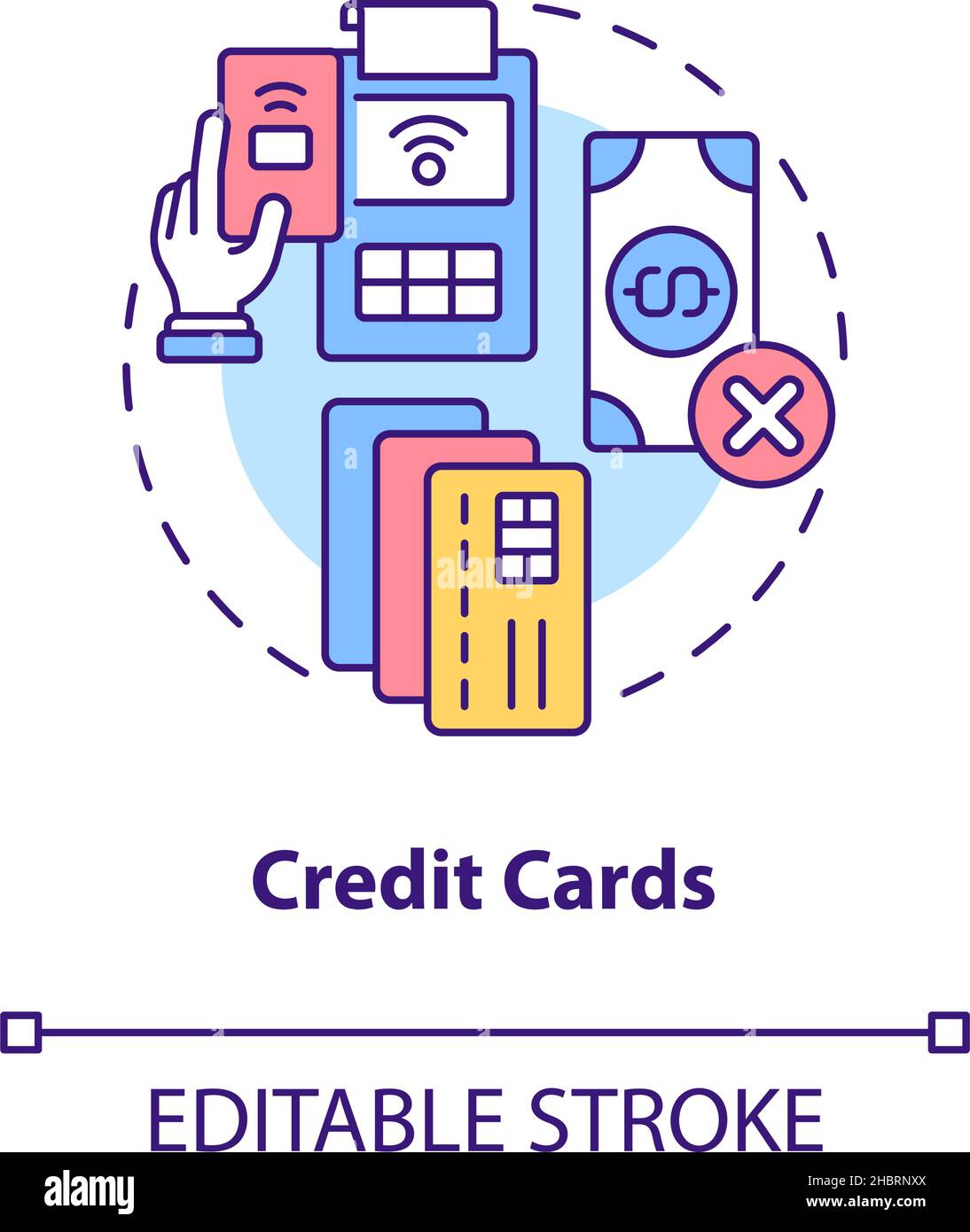
Image Gallery
Select an image to open it in a new tab.

Ingrid Bjornson
Global Cyber Policy and Regulation Analyst
