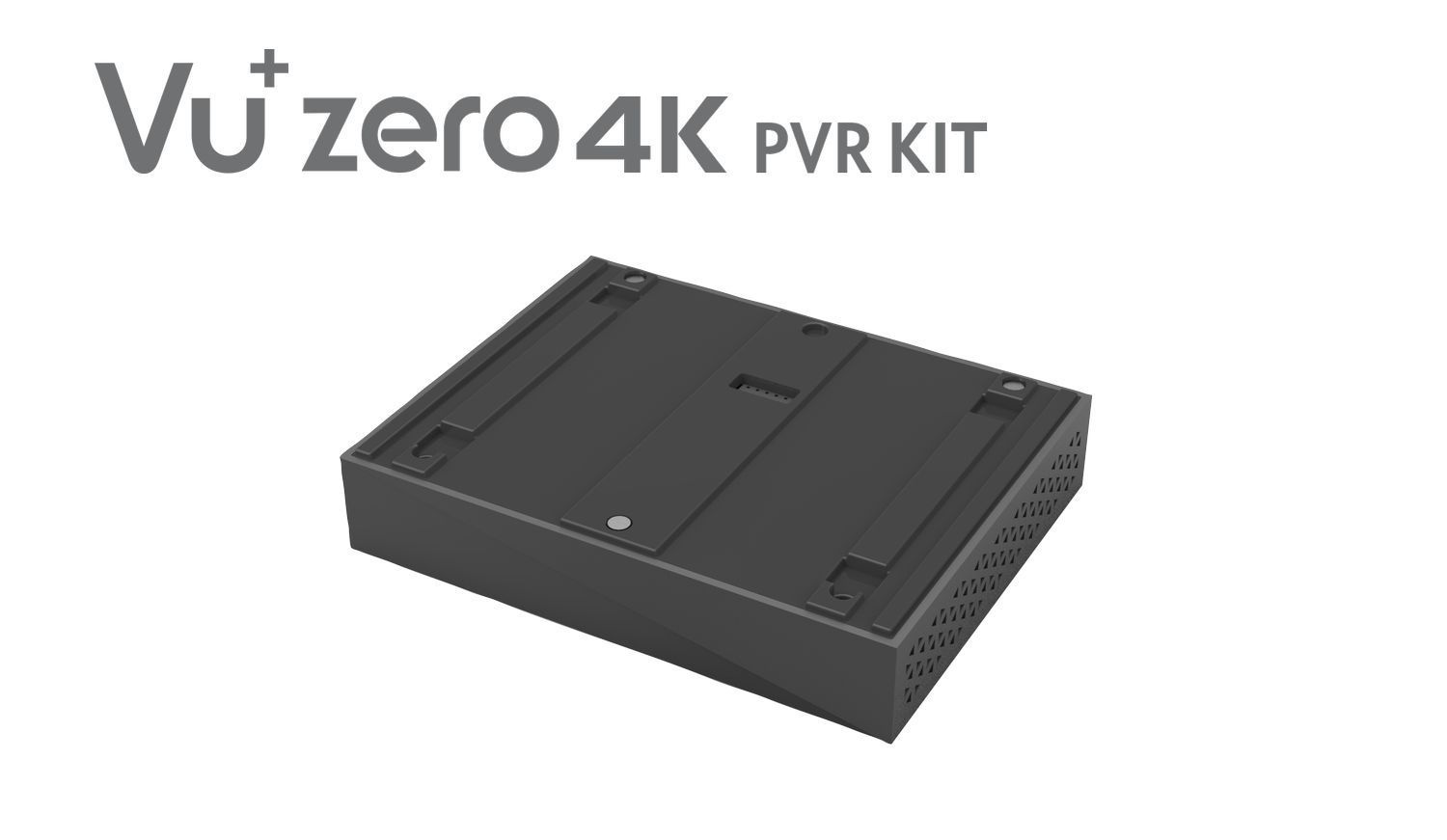
PVR stands for Personal Video Recorder, a consumer electronics device or application software that records television programs in a digital format to a local hard drive, SSD, or networked cloud storage. It allows users to pause, rewind, and record live television, providing total control over broadcast schedules through a feature known as time-shifting.
While the term PVR is the primary technical designation for this technology, it is often used interchangeably with DVR (Digital Video Recorder). In 2026, the landscape of PVR technology has expanded beyond simple set-top boxes to include sophisticated cloud-based services (nPVR) integrated directly into smart televisions and streaming interfaces. Before we explore the technical intricacies, it is worth noting that "PVR" is also the name of a major Indian cinema chain (PVR INOX) and a medical acronym for Pulmonary Vascular Resistance. However, in the context of home entertainment and media technology, it almost exclusively refers to the recording hardware and software that revolutionized how we consume television.
The Evolution and Core Functionality of PVRs
The concept of the PVR emerged as the digital successor to the Video Cassette Recorder (VCR). Unlike the VCR, which used analog magnetic tape to store video, a PVR uses a digital storage medium. This shift from analog to digital was not merely a change in storage; it allowed for non-linear access to data. This means a PVR can read and write data simultaneously, enabling the "time-shifting" features that define modern television viewing.
How a PVR Works
At its heart, a PVR is a specialized computer. It contains one or more tuners, a processor, memory, and a storage device. When you "record" a show, the PVR captures the digital stream coming from your cable, satellite, or terrestrial antenna.
- Tuning: The internal tuner isolates the specific frequency of the channel you wish to record.
- Demultiplexing: Digital broadcasts often carry multiple channels on a single frequency. The PVR extracts the specific video and audio data packets for your selected program.
- Storage: The data is written directly to the internal drive. Because the broadcast signal is already digital (MPEG-2, H.264, or H.265), the PVR usually stores the stream exactly as it is received, preserving the original broadcast quality.
- Playback: When you watch the recording, the processor reads the data from the drive, decodes it, and sends it to your television via HDMI.
The Role of the Electronic Program Guide (EPG)
A PVR is only as good as its interface. The Electronic Program Guide (EPG) is a metadata service that provides the PVR with a schedule of upcoming programs. This metadata includes the start and end times, program titles, descriptions, and unique series identifiers. This integration allows users to schedule recordings days in advance or set up a "Series Link," where the device automatically records every episode of a specific show, even if the broadcast time changes.
PVR vs. DVR: Understanding the Terminology
One of the most frequent points of confusion is the difference between a PVR and a DVR. From a functional standpoint, they are virtually identical. Both record digital video to a storage medium for later viewing.
The distinction is primarily geographic and branding-based:
- DVR (Digital Video Recorder): This term is the dominant nomenclature in North America. It gained popularity through brands like TiVo and the equipment provided by major US cable providers like Comcast and DirecTV.
- PVR (Personal Video Recorder): This term is more commonly used in the United Kingdom, Australia, New Zealand, and parts of Europe and Asia. In these regions, devices sold by companies like Sky (Sky+) or Humax are typically referred to as PVRs.
By 2026, the lines have blurred further as both terms are increasingly replaced by broader labels like "Cloud Recording" or "On-Demand Catch-up," yet the underlying technology for local recording remains firmly rooted in PVR principles.

Essential Features of Modern PVR Systems
In 2026, a standard PVR is expected to do more than just record a single show. The following features represent the "must-haves" for any contemporary device:
Multi-Tuner Recording
Early PVRs had a single tuner, meaning you could only record what you were watching, or record one show while the TV was off. Modern PVRs feature dual, quad, or even eight tuners. This allows a user to record multiple programs simultaneously while watching a completely different live channel. In high-end models, "Full Band Capture" tuners can essentially monitor every channel on a particular frequency at once.
Time-Shifting and Buffering
Time-shifting is the ability to pause live TV. When you hit pause, the PVR begins writing the live stream to its storage buffer. When you resume, you are watching the recording while the device continues to record the live feed in the background. This buffer also allows you to "rewind" live TV if you missed a piece of dialogue, provided you have been tuned to that channel for a sufficient amount of time.
4K and 8K Resolution Support
With the standardization of 4K broadcasts and the emergence of 8K content in 2026, PVRs must have the processing power to handle massive data bitrates. Recording 4K video requires significant storage space—roughly 7GB to 10GB per hour of footage. PVRs now utilize high-efficiency video coding (HEVC/H.265) and Versatile Video Coding (VVC/H.266) to compress these files without losing visual fidelity.
Series Linking and Smart Scheduling
Smart scheduling uses AI to manage recording conflicts. If two shows overlap, the PVR will check the EPG for alternative broadcast times (such as a +1 channel or a late-night repeat) and schedule the recording then to ensure no content is missed.
The Shift to Cloud PVR (nPVR)
As we move through 2026, the physical hard drive inside a set-top box is becoming less common. Many service providers have migrated to Network Personal Video Recording (nPVR), or Cloud PVR.
How Cloud PVR Differs
Instead of the recording happening on a device in your living room, the "recording" is simply a pointer on the service provider's server. When you "record" a show, the provider keeps a copy of that broadcast on their central servers and gives your account permission to stream it at any time.
Advantages of Cloud PVR:
- Multi-Device Access: You can start a recording on your living room TV and finish it on your tablet during your commute.
- Infinite Tuners: Since the recording happens at the server level, you can theoretically record 50 shows at once without needing 50 physical tuners in your home.
- No Hardware Failure: You don't have to worry about a physical hard drive crashing and losing your library.
Disadvantages of Cloud PVR:
- Internet Dependency: You cannot watch your recordings if your internet connection is down.
- Expiration Dates: Many providers delete cloud recordings after 30, 60, or 90 days due to licensing agreements.
- Mandatory Ads: Some cloud PVR services disable the ability to fast-forward through commercials.
Technical Specifications and Requirements
When evaluating PVR means and functionality, understanding the hardware requirements is crucial. Whether you are using a dedicated box or a PC-based PVR (like Plex or Kodi), these specifications dictate performance.
| Feature | Minimum Requirement (2026) | High-End / Enthusiast |
|---|---|---|
| Storage Type | SATA HDD (1TB) | NVMe SSD or NAS (4TB+) |
| Tuner Count | Dual Tuner (DVB-T2/S2) | Octo-Tuner / FBC Tuner |
| Video Support | 4K HDR10 / HLG | 8K Ultra HD / Dolby Vision |
| Connectivity | Wi-Fi 6 / 1Gbps Ethernet | Wi-Fi 7 / 10Gbps Ethernet |
| Compression | HEVC (H.265) | VVC (H.266) |
| Interface | HDMI 2.1 | HDMI 2.1b / DisplayPort 2.0 |
Storage Considerations
Storage remains the primary bottleneck for local PVRs. A 1TB drive might seem large, but with 4K content, it can fill up in less than 100 hours. Many users in 2026 opt for PVRs that support external storage expansion via USB-C or network-attached storage (NAS) integration, allowing for virtually limitless libraries.
Legal Constraints and Digital Rights Management (DRM)
A significant aspect of what PVR "means" in a practical sense is defined by what the law allows you to do with your recordings. Unlike the VCR era, where you could record a tape and give it to a friend, PVR recordings are often heavily encrypted.
Encryption and "Pairing"
Most PVRs provided by cable or satellite companies (like Sky, Virgin Media, or Cox) encrypt the data on the hard drive. This encryption is often "paired" to the specific hardware. If your PVR box breaks and you move the hard drive to a new box, the new box will likely be unable to read the recordings. This is a measure to prevent piracy and unauthorized distribution of copyrighted material.
HDCP (High-bandwidth Digital Content Protection)
HDCP is the "handshake" between your PVR and your TV. If you try to connect your PVR to a capture card to copy a movie to your computer, the HDCP protocol will detect the unauthorized device and block the signal or downgrade the resolution to standard definition.
Troubleshooting Common PVR Issues
Understanding the terminology also involves knowing how to fix the device when it fails. Because PVRs are essentially computers, they are prone to similar issues.
- Failed Recordings: This is often caused by a signal drop during the scheduled time. If the weather is poor (for satellite users) or the signal strength is weak, the PVR may abort the recording.
- Stuttering Playback: Usually a sign of hard drive degradation. Because PVR drives are constantly writing and reading data, they experience significant wear and tear. In 2026, replacing an aging HDD with an SSD is the most common fix for performance lag.
- Conflict Errors: This happens when you attempt to record more programs than you have tuners available. Resolving this requires prioritizing one show over another or finding a repeat broadcast.
- Incomplete Recordings: Broadcasters sometimes change schedules at the last minute. If a live sporting event runs over its allotted time, the PVR—relying on the EPG—may stop recording before the game ends. Modern "padding" features allow users to automatically add 5-10 minutes to the end of every recording to prevent this.
Frequently Asked Questions
Does a PVR require an internet connection?
A traditional local PVR does not require the internet to record signals from an antenna or satellite dish. However, an internet connection is usually required to download the Electronic Program Guide (EPG) data and to receive software updates. Cloud PVRs (nPVR), conversely, require a constant, high-speed internet connection to both record and play back content.
Can I skip commercials on a PVR?
Technically, yes. One of the primary advantages of a PVR is the ability to fast-forward through recorded content. However, some modern "Free-to-view" PVR services and many Cloud PVR providers have implemented "Ad-skipping blocks" that prevent you from fast-forwarding during commercial breaks as part of their licensing agreements with broadcasters.
How many hours of TV can a PVR hold?
This depends entirely on the storage capacity and the quality of the video. In 2026 standards, a 1TB hard drive can hold approximately:
- Standard Definition (SD): 500+ hours
- High Definition (HD/1080p): 150–200 hours
- Ultra High Definition (4K): 30–50 hours
Is a PVR different from a Smart TV with recording features?
Many Smart TVs in 2026 come with "PVR-ready" functionality. This means the TV has the software to record, but it usually lacks an internal hard drive. To use it, you must plug a compatible USB drive or external SSD into the back of the TV. A dedicated PVR box is generally more powerful, features more tuners, and offers a more robust interface than a TV's built-in recording app.
Can I transfer my PVR recordings to a computer?
For most subscription-based PVRs (like those from cable providers), the answer is no. The files are encrypted and formatted in a proprietary file system that a PC cannot read. However, if you use an "Open" PVR system or a PC-based tuner with software like Plex, the recordings are often saved as standard .TS or .MP4 files which can be moved and played on any device.
Summary and Next Actions
The term PVR describes the bridge between traditional broadcast television and the on-demand digital age. It represents the hardware and software autonomy that allows viewers to dictate their own viewing schedules. While the technology is shifting toward the cloud, the core "meaning" remains the same: the ability to capture, store, and manipulate live video streams for personal use.
If you are looking to implement or upgrade your PVR setup in 2026, your next action should be to determine whether you prefer local storage or cloud convenience. For those who value permanent ownership of their library and the highest possible bitrates, a dedicated local PVR with a large SSD is the superior choice. For those who prioritize access across multiple devices and want to avoid managing hardware, a subscription-based Cloud PVR service through a streaming provider is the more practical path. Always check your local signal strength and internet bandwidth before committing to a specific recording ecosystem.
Image Gallery
Select an image to open it in a new tab.






Akira Tanaka
International Academic Trends Correspondent
