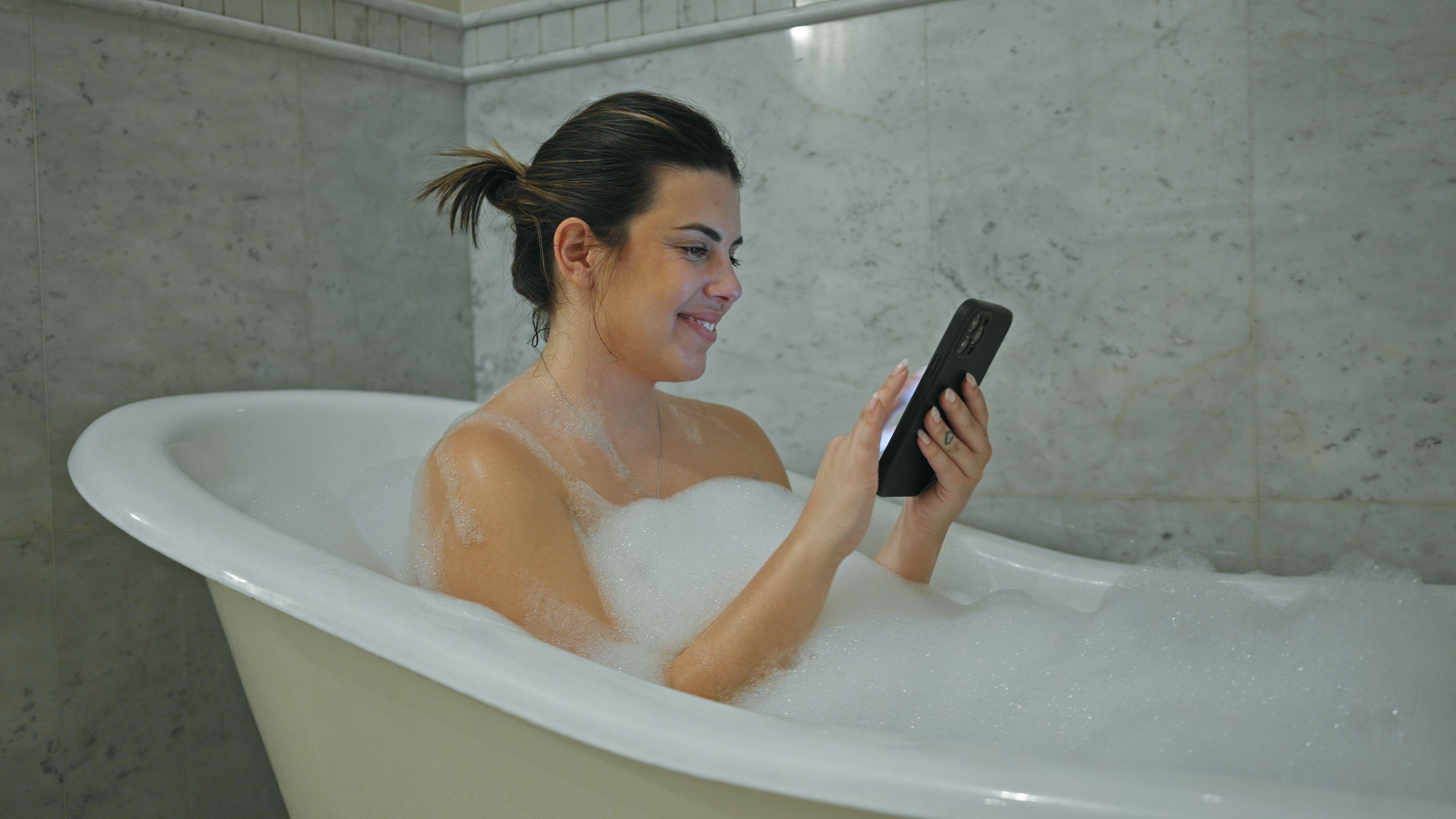
If your phone gets wet, immediately power it off, remove any protective case or accessories, and wipe the exterior dry with a lint-free cloth. Once the surface is clear, position the device upright in a well-ventilated area with consistent airflow to allow moisture to evaporate naturally from the charging port and crevices. Avoid using heat sources or desiccants like rice, which can introduce debris and cause further internal damage.
The Immediate Response: What to Do First
When a smartphone encounters water, the most critical factor is time. Corrosion begins the moment mineral-heavy liquid touches internal circuitry, especially if the device remains powered on. An active electrical current flowing through wet components significantly increases the risk of short-circuiting.
- Power Down Immediately: If the phone is on, turn it off. If it is already off, do not attempt to turn it on to check if it still works. Every millisecond of activity risks permanent logic board damage.
- Remove External Accessories: Take off the phone case, screen protector, and any charms or grips. These items can trap moisture against the glass and chassis, preventing airflow and keeping the device in a humid micro-climate long after the initial spill.
- Extract the SIM Tray: Use a SIM eject tool or a small paperclip to open the SIM card tray. This creates an additional opening for air to circulate inside the device and prevents the SIM card or its contacts from suffering water damage.
- Wipe the Exterior: Use an absorbent, lint-free cloth (microfiber is ideal) to remove all visible water from the screen, back, and sides. Be particularly diligent around the buttons, speaker grilles, and charging port. Avoid shaking the phone aggressively, as this can force water deeper into the internal components.
What to Avoid: Debunking Common Myths
In the panic of a soaked device, many users resort to popular internet "hacks" that often prove more destructive than the water itself. It is essential to understand why these methods are discouraged in 2026.
- The Rice Myth: Placing a phone in a bag of uncooked rice is a persistent, ineffective, and dangerous practice. While the starch in rice might theoretically absorb ambient moisture, the grains themselves are often dusty. This starch dust can settle into the charging port, microphone, and speaker grilles, where it can interact with moisture to create a paste that hardens, causing long-term connectivity and audio issues. Rice does not provide the necessary airflow required to dry internal circuitry effectively.
- External Heat Sources: Never use a hairdryer, oven, microwave, or direct sunlight to dry a phone. Modern smartphones contain sensitive adhesives, rubber gaskets, and high-capacity lithium-ion batteries. Excessive heat can cause the battery to swell or leak, damage the display's liquid crystals, and melt the waterproof seals that may have protected the phone initially.
- Compressed Air: While it might seem intuitive to blow water out of the port with compressed air, the high pressure can actually force liquid deeper into the device’s internal gaps, potentially damaging components that were not previously reached by the water.
Establishing Proper Drying Conditions
Once the initial cleanup is complete, the goal is to encourage evaporation without external intervention. The ideal environment for a drying phone is a dry, room-temperature location with a steady, gentle flow of air.
Place the phone in an upright position. If your specific model has a bottom-facing speaker or charging port, ensure those apertures are facing downward so that gravity assists the removal of liquid. Placing the phone near a fan can accelerate the evaporation process, provided the fan is positioned to blow across the ports rather than directly into them.
Consistency is key. Leave the phone undisturbed for at least 24 to 48 hours. Many modern smartphones have internal moisture sensors that can trigger "Liquid Detected" alerts. Even if the device appears dry on the outside, moisture often remains trapped in the tiny spaces within the charging port or underneath buttons. Plugging a wet cable into a wet port—even if the phone seems dry—can result in terminal corrosion of the pins.
Understanding IP Ratings and Waterproofing
Most flagship smartphones manufactured in recent years, such as those released by Apple, Samsung, and Google, carry an Ingress Protection (IP) rating. These ratings, typically IP67 or IP68, indicate how resistant the device is to dust and water.
- IP67: The device can withstand immersion in up to one meter of fresh water for up to 30 minutes.
- IP68: The device can withstand immersion in depths typically beyond one meter for a duration specified by the manufacturer (often up to 30–60 minutes).
It is vital to recognize that these ratings are based on laboratory testing with fresh, clean water under controlled conditions. They do not account for salt water, chlorinated pool water, soaps, or detergents, all of which contain minerals or chemicals that accelerate corrosion and degrade the rubber gaskets meant to seal the phone. Furthermore, waterproof seals degrade over time due to thermal cycling, drops, and general wear. You should treat a phone’s IP rating as a safety net, not an invitation to submerge the device.
Comparing Drying Techniques
| Method | Effectiveness | Risk Level | Rationale |
|---|---|---|---|
| Natural Airflow | High | Very Low | Allows safe evaporation; preserves seal integrity. |
| Fan Assistance | Moderate | Low | Speeds up evaporation; keep at a safe distance. |
| Silica Gel Packets | Moderate | Low | Better than rice; absorbs ambient moisture safely. |
| Rice/Grains | Low | High | Introduces dust/starch; blocks airflow. |
| Hairdryer/Heat | Low | Very High | Risks melting seals and damaging internal boards. |
Assessing the Damage and Next Steps
After waiting at least 24 hours, you may attempt to power on the device. If it does not start, ensure it is fully charged. If the phone turns on but exhibits issues—such as distorted audio, display streaks, or the "Liquid Detected" warning—it is a strong indication that water has breached the chassis and caused internal damage.
If you encounter persistent warnings, inspect the charging port with a bright light. If you see debris or signs of corrosion (often appearing as white or green crusty deposits), do not attempt to clean it with a metal object. Using a metal tool to scrape the charging port will almost certainly short-circuit the connector pins.
If the device remains non-functional, your best course of action is to contact an authorized service center. Authorized repair technicians have the tools to open the device, inspect the logic board, and professionally clean or replace damaged components. In many cases, if you have an extended warranty or a protection plan, accidental liquid damage may be covered. Avoid third-party repair shops that use non-standard parts, as these may not meet the factory specifications for water resistance or screen quality.
Troubleshooting Persistent Liquid Alerts
If the phone remains functional but continues to show a "Liquid Detected" alert, try these steps:
- Restart the Device: Sometimes the moisture detection circuit remains stuck in a loop. A simple restart can reset the sensor.
- Use a Wireless Charger: If the alert only appears when you connect a cable, use a wireless charging pad to charge your device. Wireless charging does not use the pins inside the charging port and is safe even if the port is damp.
- Inspect the Cable: The liquid alert may be triggered by a wet charging cable rather than the phone. Ensure your charging cable is completely dry and free of debris before connecting it to the phone.
- Professional Cleaning: If you suspect salt or pool water caused the issue, the salt residues will remain even after the water evaporates. These salts are highly conductive and corrosive. An authorized service center can use ultrasonic cleaning techniques to remove these mineral deposits.
Frequently Asked Questions
How long should I wait before turning my phone back on? Wait at least 24 to 48 hours. Moisture trapped deep inside the chassis takes significantly longer to evaporate than surface moisture. Prematurely powering on the device can cause short circuits that are often permanent.
Does putting my phone in a bag of silica gel packets work? Yes, it is far safer than rice. Silica gel is a desiccant designed to absorb moisture without the dust and starch inherent in food items. Place the phone in a sealed container or bag with several packets and leave it undisturbed for 48 hours.
Can I use a vacuum cleaner to suck the water out? No. A vacuum can generate static electricity, which may damage the delicate electronic components inside your phone. Additionally, the suction may not be strong enough to pull moisture from internal chambers but could potentially move internal components.
What should I do if my phone fell into saltwater or a pool? Saltwater is significantly more corrosive than fresh water. If it was submerged in anything other than fresh water, gently rinse the phone with a very small amount of fresh water to remove salt or chlorine, then follow the standard drying procedures.
Will my insurance cover liquid damage? It depends on your policy. Standard manufacturer warranties rarely cover accidental liquid damage, but optional protection plans like AppleCare+ or device-specific insurance from carriers often include coverage for accidental spills and submersions. Check your policy documents for "accidental damage" coverage.
Final Recommendation
The most reliable way to dry out a phone is to prioritize time and air. Power down the device immediately, remove any external attachments, and allow it to sit in a dry, ventilated area for at least two full days. If the device remains unresponsive or shows persistent errors, rely on professional repair services. Prevention remains the most effective strategy; consider using waterproof pouches or keeping your device away from environments where liquid exposure is a high risk.
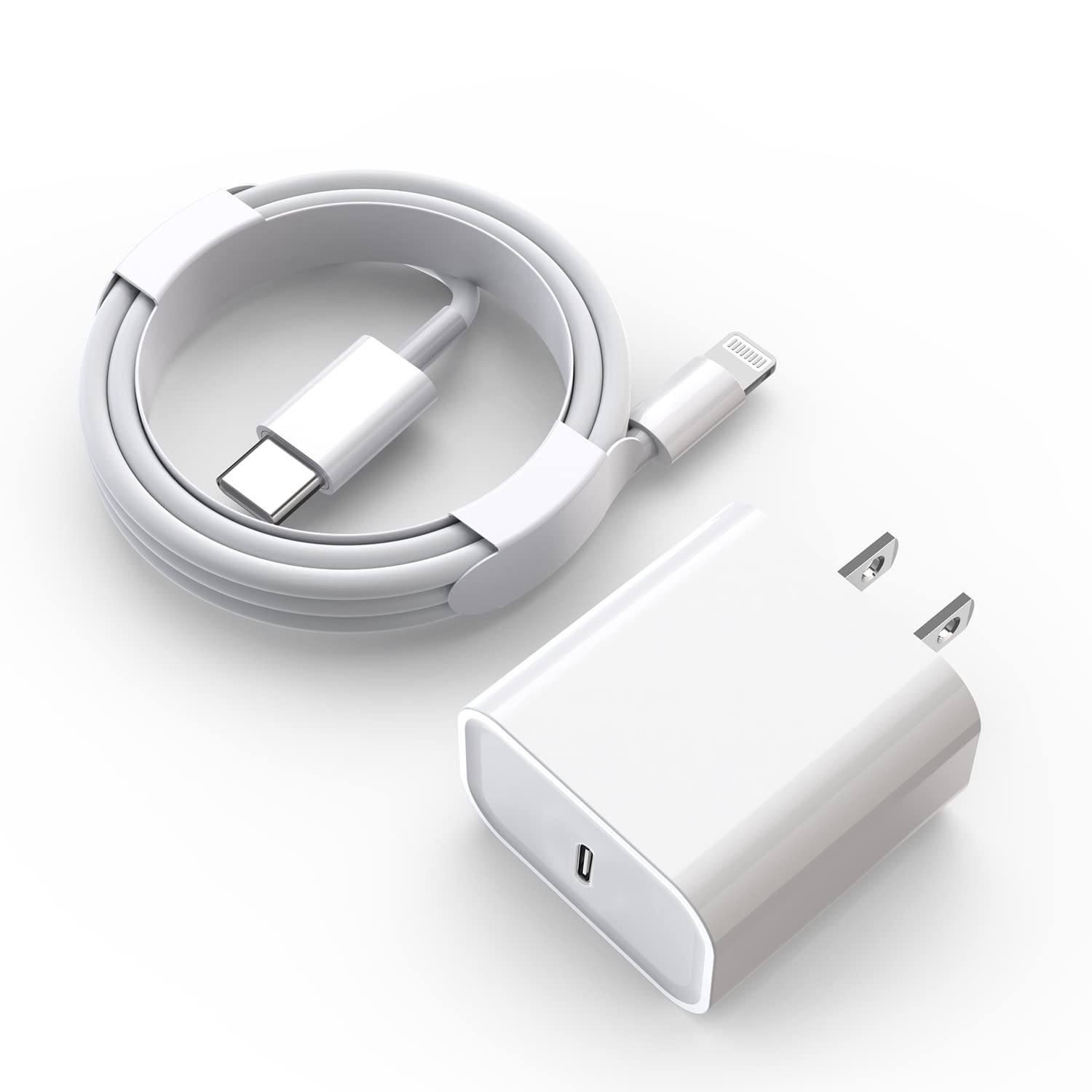
Image Gallery
Select an image to open it in a new tab.
Zara El-Hashem
Sociocultural Dynamics and Academics Writer
