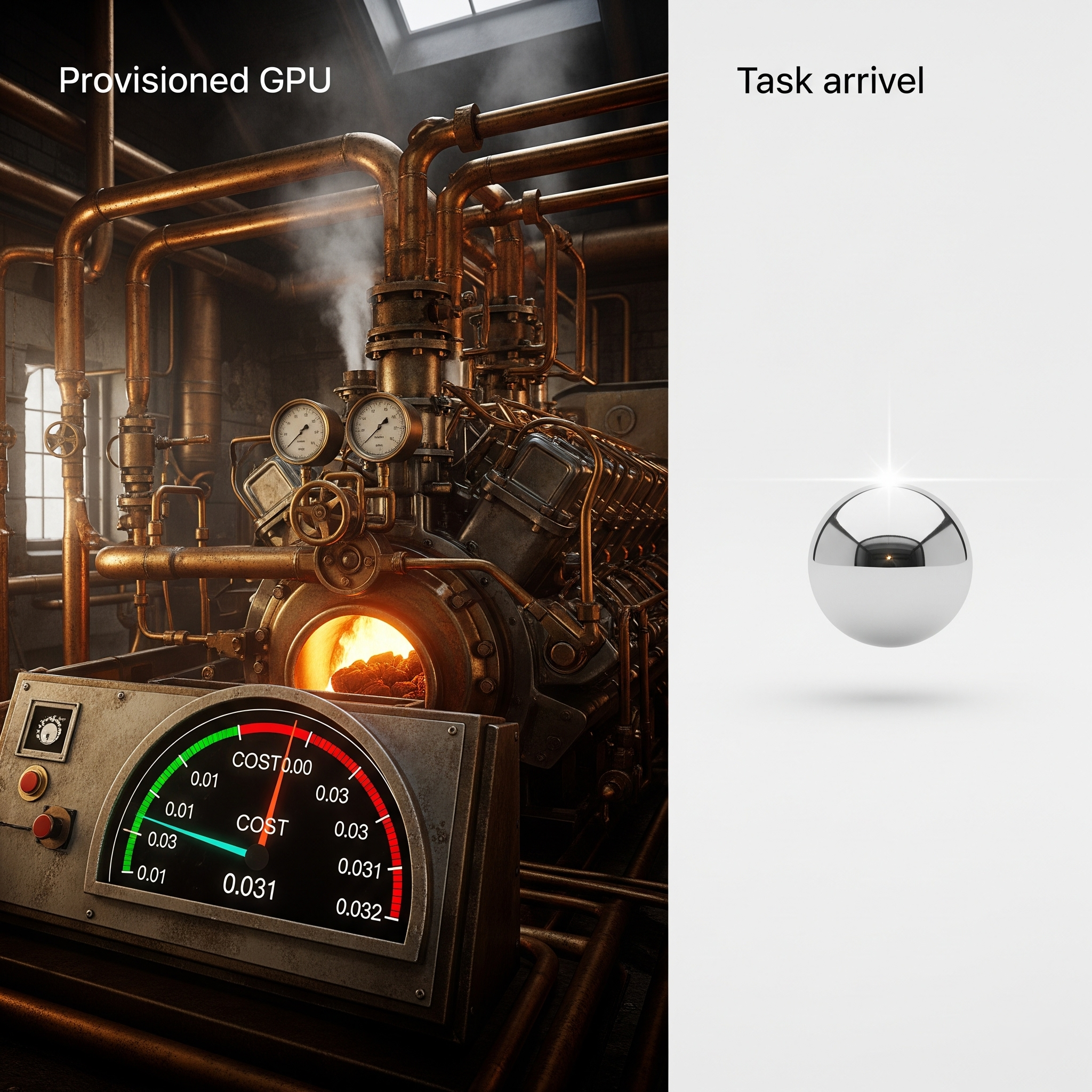
Serverless GPU platforms can be effectively used for home AI projects, particularly for intermittent workloads like fine-tuning open-source models, running batch inference, or prototyping applications. While traditional cloud instances require you to pay for idle time, serverless GPU infrastructure scales down to zero when inactive, making it a viable and potentially cost-effective option for developers who do not want to invest in expensive local hardware like an NVIDIA RTX 4090. However, cold start latency, data transfer bottlenecks, and the ephemeral nature of serverless containers present distinct architectural challenges that require careful planning.
Understanding Serverless GPUs and Their Appeal for Hobbyists
The appeal of serverless computing lies in its abstraction of infrastructure. Developers write code or package models into containers, and the cloud provider manages resource allocation, scaling, and provisioning automatically. When applied to graphical processing units, serverless GPU architecture allows you to harness high-performance hardware—such as NVIDIA A10G, L4, or H100 cards—on a pay-per-second or pay-per-millisecond basis.
For home AI projects, this model addresses a fundamental dilemma. Building a local AI rig capable of running modern large language models (LLMs) or diffusion pipelines requires a substantial upfront capital expenditure. A dedicated desktop with multiple high-end GPUs can cost thousands of dollars, generate significant heat, and consume considerable electricity. Conversely, traditional cloud virtual private servers (VPS) with GPUs charge a flat hourly rate even when the machine is sitting idle. Serverless GPUs bridge this gap by offering enterprise-grade compute power only when an API call or job trigger demands it.
The Operational Mechanics of Serverless AI Workloads
To understand how serverless GPUs fit into a home AI workflow, it is necessary to examine how these platforms execute code. Unlike a traditional server that remains continuously running, a serverless GPU function or container remains dormant until an incoming request arrives.
- Trigger Event: An event, such as an HTTP request from a local development environment or a webhook from a web application, hits the serverless endpoint.
- Cold Start: If no warm container is currently running, the provider must provision a virtual machine, attach the GPU, download the container image (which often contains heavy dependencies like PyTorch and CUDA libraries), and load the model weights into the GPU’s VRAM.
- Execution: The model processes the inference request or runs the training step, returning the output to the client.
- Scale Down: After a period of inactivity, the container shuts down, and billing stops.
This lifecycle introduces specific operational characteristics. If your home project involves building a chatbot that you query intermittently throughout the day, you will experience a "cold start" delay on the first request after an idle period. This delay can range from several seconds to over a minute, depending on the size of the model weights and the speed of the provider's container registry.

Advantages of Using Serverless GPUs for Personal Development
Integrating serverless infrastructure into home-grown machine learning initiatives offers several distinct benefits over local hardware and traditional cloud instances.
Cost Efficiency for Intermittent Workloads
If you spend two hours a day experimenting with prompt engineering, fine-tuning scripts, or image generation, paying for a dedicated cloud GPU 24/7 is financially inefficient. Serverless pricing models charge strictly for active execution time. If your code runs for a total of 30 minutes across a 24-hour period, you pay only for those 30 minutes.
Access to Cutting-Edge Hardware
High-end enterprise GPUs are frequently out of reach for individual developers due to cost and availability. Serverless providers—such as Replicate, Modal, Fal.ai, and RunPod Serverless—offer immediate access to modern architectures. You can test your code on an NVIDIA H100 today and switch to an L4 tomorrow without modifying physical hardware.
Zero Maintenance and Scalability
Managing CUDA drivers, PyTorch versions, and Linux kernel updates on a local machine can consume hours of troubleshooting time. Serverless platforms handle the underlying environment. Furthermore, if your home project suddenly receives traffic or requires parallel processing, the platform automatically spins up multiple instances to handle the load.
Limitations and Practical Challenges
Despite the advantages, serverless GPUs are not a universal replacement for local development setups. Several technical constraints impact how effectively you can use them for home AI projects.
Cold Start Latency
As noted, loading a 13-billion parameter LLM or a heavy Stable Diffusion checkpoint into VRAM takes time. If you require real-time, instantaneous responses for an interactive application, cold starts can degrade the user experience. While providers use caching mechanisms to keep warm instances alive, intermittent home projects will frequently trigger cold starts.
Data Storage and Persistence
Serverless containers are ephemeral. Any data generated during execution—such as model checkpoints, logs, or temporary datasets—disappears when the container spins down unless explicitly streamed to an external object storage service like Amazon S3, Cloudflare R2, or Backblaze B2. Constantly uploading and downloading gigabytes of model weights can introduce latency and egress costs.
Debugging Complexity
Debugging code running inside a remote, headless serverless container is inherently more difficult than debugging on a local machine. While modern serverless platforms offer improved logging and CLI tools, diagnosing an obscure CUDA out-of-memory (OOM) error across a remote API call requires a different workflow than running a script locally in a Jupyter Notebook.
Popular Serverless GPU Providers Compared
Several platforms cater specifically to serverless AI workflows, each with distinct pricing structures, supported frameworks, and ease-of-use considerations.
| Provider | Primary Strengths | Ideal Use Case | Pricing Model |
|---|---|---|---|
| Replicate | Pre-built model ecosystem, simple API wrapper | Rapid deployment of open-source models and web UIs | Per-second based on hardware tier |
| Modal | Python-native decorators, seamless local-to-cloud execution | Custom training scripts, batch processing, data pipelines | Per-second compute + storage fees |
| RunPod Serverless | Highly customizable containers, competitive pricing | Scalable API endpoints for custom model weights | Per-second execution, scaled to zero |
| Fal.ai | Optimized for generative media and real-time inference | Image, video, and audio generation pipelines | Per-second execution |
Step-by-Step Workflow: Setting Up a Serverless AI Project
To evaluate whether this approach suits your workflow, consider how a typical home project moves from concept to execution using a serverless provider.
- Define the Scope: Identify whether your project requires real-time interaction, batch processing, or training. Batch processing and asynchronous jobs are ideal for serverless because cold start latency does not impact the user experience.
- Containerize the Environment: Package your Python code, dependencies, and model loading scripts into a Docker container. Ensure that weights are either bundled efficiently or fetched from a fast object storage bucket upon initialization.
- Configure the Serverless Function: Use the provider's SDK (such as Modal's Python decorators or RunPod's handler templates) to define the entry point and resource requirements (e.g., specifying an NVIDIA T4 or A10G GPU).
- Test Locally: Many serverless frameworks allow you to execute the code locally before deploying to the cloud, helping catch basic syntax and logic errors before incurring remote execution costs.
- Deploy and Integrate: Deploy the endpoint and connect it to your home application via API requests, monitoring execution times and cold start frequencies to optimize performance.
Frequently Asked Questions
Can I train machine learning models on a serverless GPU?
Yes, but with caveats. Serverless platforms excel at short training runs, hyperparameter tuning sweeps, or fine-tuning smaller models using techniques like LoRA (Low-Rank Adaptation). However, for multi-day training jobs on massive datasets, spot instances or dedicated virtual private servers are often more cost-effective and structurally reliable than serverless functions with strict execution time limits.
How do I handle large model weights in a serverless environment?
Because serverless containers spin down, downloading multi-gigabyte model weights on every cold start will cause severe latency. To mitigate this, use providers that cache base images and model weights across worker nodes, or program your container to pull weights from a high-speed cloud storage bucket located in the same region as your serverless compute nodes.
Are serverless GPUs cheaper than buying a local graphics card?
It depends entirely on your usage volume. If you run AI workloads continuously for several hours every day, a local graphics card will pay for itself within a few months. If your usage is sporadic—totaling a few hours per week—serverless GPUs are significantly cheaper because you pay only for active seconds.
Do I need advanced cloud engineering skills to use serverless GPUs?
Not necessarily. Platforms like Replicate and Modal are specifically designed to abstract away complex Kubernetes or Docker orchestration. If you are comfortable writing Python scripts and making API requests, you can deploy a serverless AI project with minimal infrastructure knowledge.
Practical Next Actions
If you want to test serverless GPUs for your home projects, start by auditing your current workflow. Identify a specific bottleneck—such as a slow local inference script or an inability to run a large language model on your laptop. Select a developer-friendly platform like Modal or Replicate, deploy a simple proof-of-concept script, and measure both the execution speed and the cost over a two-week period. This empirical approach will clarify whether serverless infrastructure aligns with your technical goals and budget constraints.
Image Gallery
Select an image to open it in a new tab.
Simon Caldwell
Enterprise Technology and Systems Editor
