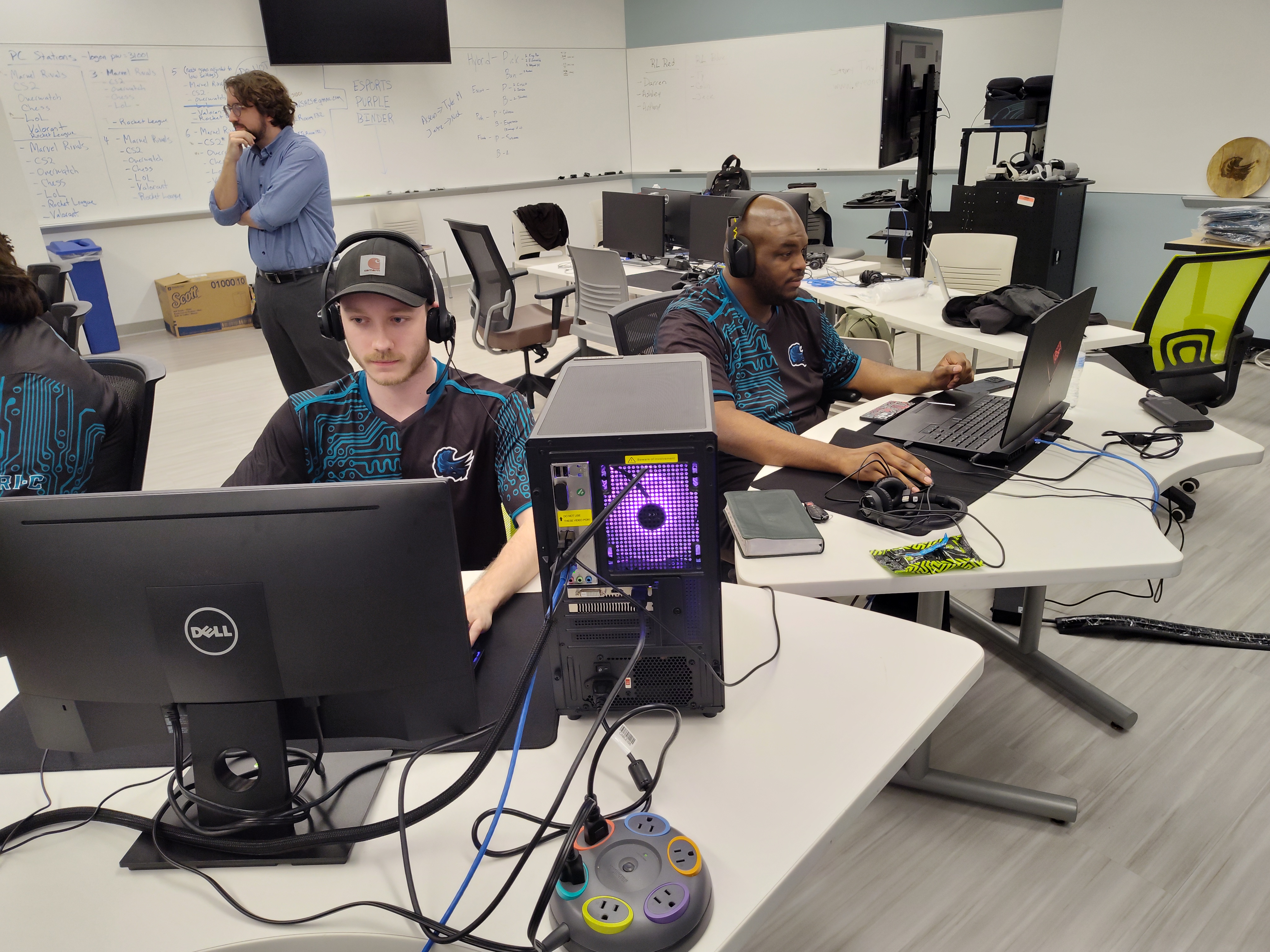
A gaming program written in C functions by executing a continuous, high-speed cycle known as a game loop, which orchestrates user input, mathematical state updates, and graphical rendering. Unlike standard applications that wait for user interaction, a C game program is a real-time simulation that interacts directly with hardware through low-level memory management and specialized libraries to maintain high performance and low latency.
In the landscape of 2026, C remains a foundational pillar of game development. While higher-level engines like Unreal or Unity dominate the commercial market, the underlying systems—physics engines, graphics drivers, and core kernels—are almost exclusively written in C or C++. Understanding how a gaming program works in C provides a window into the "metal" of the computer, revealing how software translates logic into interactive visual experiences.
The Architectural Foundation of C Game Programming
At its core, a game is a loop that runs until a specific exit condition is met. In C, this is typically implemented using a while or for loop. However, the simplicity of the syntax belies the complexity of the operations occurring within each iteration. Because C is a procedural language without built-in graphics or input handling, it relies on the Standard Library and external APIs (Application Programming Interfaces) to communicate with the operating system and hardware.
1. The Initialization Phase
Before the game loop begins, the program must prepare the environment. This is the setup phase where the "world" is defined.
- Subsystem Initialization: The program calls functions from libraries like SDL2 (Simple DirectMedia Layer) or Raylib to initialize video, audio, and input drivers.
- Window Creation: The program requests the operating system to allocate a portion of the screen (a window) and a graphics context (like OpenGL or Vulkan) for drawing.
- Resource Loading: The program loads assets from the hard drive into the computer's RAM (Random Access Memory). This includes textures (images), sounds, and level data. In C, this often involves manual memory allocation using
malloc()or specialized loaders that return pointers to structures. - State Initialization: Variables defining the player's position, health, and the initial state of the world are set.
2. The Game Loop: The Heartbeat of the Program
The game loop is the most critical part of the program. It typically runs 60 times per second (60 FPS) or higher. Each "tick" of the loop consists of three primary stages:
Input Processing
The program polls the hardware for events. In C, this often involves a secondary loop that checks the event queue of the operating system. If a player presses a key, moves a mouse, or connects a controller, the program captures these signals and maps them to game actions. Because C provides direct access to memory, this process is incredibly fast, minimizing input lag.
Game Logic and State Update
This is where the "rules" of the game are applied. The program calculates how the world changes over a tiny fraction of time (often called Delta Time).
- Physics: Calculating velocity, gravity, and acceleration.
- Collision Detection: Checking if the memory addresses representing the player's coordinates overlap with the coordinates of a wall or an enemy.
- AI (Artificial Intelligence): Running algorithms that determine how non-player characters (NPCs) behave based on the player’s current state.
Rendering (Drawing)
Once the logic is updated, the program must draw the new state to the screen. C programs do not draw directly to the visible monitor. Instead, they use a technique called Double Buffering. The program draws to a "back buffer" (an area in memory). Once the drawing is complete, it "swaps" the buffers, making the back buffer visible to the user. This prevents flickering and ensures a smooth visual experience.
The Role of Memory Management in C Games
The primary reason developers choose C for gaming programs in 2026 is its unmatched control over memory management. In languages like Java or C#, a "Garbage Collector" automatically cleans up unused memory, which can cause unpredictable pauses in gameplay. C requires the programmer to manually manage every byte.
Pointers and Structures
In C, game entities (like players, bullets, or maps) are usually defined as structs. A struct is a custom data type that groups related variables.
- Pointers: Instead of passing an entire "Player" object through the program—which is slow—C uses pointers (memory addresses). The program tells the physics engine, "Here is the address where the player’s data is stored; update it."
- Heap vs. Stack: Small, temporary data is stored on the stack, while large assets like 4K textures or massive world maps are stored on the heap. Effective C programs minimize heap allocations during the game loop to maintain a stable frame rate.
Memory Leaks and Performance
If a C program allocates memory for an enemy but fails to free it when the enemy is destroyed, a memory leak occurs. Over time, the game will consume more and more RAM until the system crashes. Precision in using free() is what separates a stable C game from a buggy one.

Interaction with Graphics Libraries
C itself cannot "see" a graphics card. It communicates with the GPU (Graphics Processing Unit) through specialized APIs. While modern developers in 2026 utilize abstraction layers, the underlying flow remains consistent:
- Vertex Data: The C program sends a list of coordinates (vertices) to the GPU.
- Shaders: Small programs (often written in GLSL or HLSL) run on the GPU to determine the color and lighting of each pixel.
- Textures: The C program binds image data to the vertices.
- Draw Calls: The C program issues a command to the GPU to "render" the current batch of data.
To simplify this, C developers often use SDL (Simple DirectMedia Layer) or Raylib. These libraries wrap complex OS-specific code (like Win32 API for Windows or X11 for Linux) into simple C functions, allowing the code to be portable across different platforms.
Comparing C to Modern Alternatives for Game Development
In 2026, the choice of language depends on the project's scope. C provides the "how," while modern engines provide the "what."
| Feature | C (Native/Low-level) | C++ (Industry Standard) | C# (Unity/High-level) |
|---|---|---|---|
| Performance | Maximum; no overhead. | Very High; minimal overhead. | High; managed by runtime. |
| Memory Control | Full manual control. | Manual (RAII supported). | Automatic (Garbage Collected). |
| Ease of Use | Difficult; requires deep knowledge. | Moderate; complex syntax. | Easy; rapid prototyping. |
| Development Speed | Slow; everything built from scratch. | Moderate; many libraries. | Fast; massive engine support. |
| Primary Use Case | Game engines, handhelds, VR. | AAA Titles (Unreal Engine). | Indie Games, Mobile, 2D. |
The Compilation and Build Process
How does a text file containing C code become a playable game? The process involves four distinct stages:
- Preprocessing: The compiler looks for lines starting with
#(like#include). It replaces these lines with the actual code from the header files. - Compilation: The C code is translated into Assembly language, which is a human-readable version of machine code.
- Assembly: The assembly code is converted into Object code (binary files specific to the CPU architecture).
- Linking: This is the most vital step for games. The Linker combines your object files with the pre-compiled libraries (like the graphics or sound library). It ensures that when your code calls
DrawSprite(), it knows exactly where that function lives in the library file.
The result is a standalone executable file (.exe or binary) that can run on the target hardware without needing the original source code.
Common Challenges in C Game Development
Building a gaming program in C is not without significant hurdles. Developers must account for issues that are often invisible in higher-level languages.
- Buffer Overflows: If a program tries to write data beyond the allocated memory for an array, it can overwrite other game data, leading to "glitches" or security vulnerabilities.
- Platform Specificity: Since C is low-level, code written for a Windows PC might not work on a PlayStation 6 or a Linux-based handheld without significant modifications to the input and graphics handling.
- Mathematical Complexity: Without a pre-built engine, the developer must write the math for camera matrices, 3D projections, and collision physics from scratch. This requires a strong grasp of linear algebra and trigonometry.
Frequently Asked Questions
Can you make a 3D game in C?
Yes. Many early 3D benchmarks and engines, such as the original Quake engine, were written primarily in C. In 2026, developers use C to interface with OpenGL or Vulkan to render 3D environments. While C++ is more common for 3D due to its object-oriented nature, C is fully capable of handling 3D math and rendering.
Why is C still used for games in 2026?
C remains the "lingua franca" of systems programming. It is used for games on platforms with very limited resources, such as embedded systems, retro-style handhelds, and highly optimized VR kernels. Its lack of "hidden" features makes it predictable, which is essential for maintaining the rock-solid frame rates required for modern immersive experiences.
Do I need to know assembly language to write a game in C?
No. While understanding how a CPU works is helpful, modern C compilers are incredibly efficient at optimizing code. You can write high-performance games using standard C syntax, and the compiler will handle the translation to the most efficient machine instructions.
What libraries should a beginner use for C gaming?
Raylib is currently the most recommended library for beginners. It is written in C and provides simple functions for shapes, textures, and audio without the steep learning curve of raw OpenGL. SDL2 is the alternative for those who want to build more complex, professional-grade engines from the ground up.
How does C handle sound in a game?
C programs typically use a library like OpenAL or SDL_mixer. The program loads a sound file into a buffer in RAM. During the game loop, when an event occurs (like a jump), the C program sends a command to the audio hardware to play the data at that memory address, often applying mathematical transforms for volume or 3D spatialization.
Practical Next Steps for Aspiring Developers
If you want to understand how a gaming program in C works through practice, the best approach is to start with a "minimal viable game loop."
- Set up a Compiler: Install a toolchain like GCC or Clang.
- Choose a Library: Download Raylib. It is self-contained and removes the complexity of linking multiple large frameworks.
- Build a Static Screen: Write a program that simply opens a window and fills it with a color. This confirms your initialization and rendering pipeline is working.
- Implement Movement: Create a
structfor a "Player" withxandycoordinates. Use an input function to change these coordinates and redraw the player at the new position each frame. - Study Open Source Code: Examine the source code of early games like Doom (which is mostly C). Seeing how professional developers structured their game loops and memory management provides invaluable insight that tutorials cannot replicate.
By focusing on the interaction between the game loop, manual memory management, and hardware APIs, you can master the architecture that powers the most demanding software in the world.
Image Gallery
Select an image to open it in a new tab.
Omar Farooq
EdTech Innovation and Virtual Pedagogy Journalist
