
For most Apple users, the premium subscription model of Kaspersky Security Cloud for iOS does not offer enough tangible utility to justify the added expense. Apple’s stringent "walled garden" architecture, which includes sandboxed applications and integrated privacy protections, largely mitigates the common threats that third-party antivirus software is designed to intercept. While the app provides additional security layers such as a VPN, account monitoring, and password management, these functions are often better handled by dedicated, specialized alternatives or features already present in the iOS ecosystem.
Understanding the iOS Security Landscape
To evaluate the value of Kaspersky Security Cloud, one must first understand how Apple manages security. Unlike Windows or Android, iOS employs a strict "sandbox" architecture. This means that every app runs in its own isolated environment, unable to access the data or files of other apps without explicit user permission and API interaction.
Because of this design, the traditional "antivirus" function—scanning a device’s file system for malware—is effectively non-existent for third-party developers. Apple does not allow security apps to perform deep system scans because they do not have the necessary permissions to see outside their own sandboxes. Consequently, Kaspersky’s "antivirus" capabilities on iOS are limited to scanning specific files you manually upload, which is a rare workflow for the average user. If your primary motivation for purchasing a premium security suite is "malware scanning," you are paying for a feature that is functionally neutered by Apple’s operating system design.
Examining the Feature Set
Beyond file scanning, the "Security Cloud" branding implies a suite of services. The premium version typically bundles several features, and it is crucial to audit these individually to determine their value versus standalone alternatives.
1. The VPN Component
Kaspersky provides a Virtual Private Network (VPN) as part of its security cloud package. While a VPN is a vital tool for encrypting traffic on public Wi-Fi, many users find the bandwidth caps or server limitations in bundled security apps to be restrictive. If you are paying for the premium version primarily to get a VPN, you might find that dedicated VPN providers offer faster speeds, more global server locations, and more transparent privacy policies for a similar or lower price.
2. Password Management
Kaspersky includes a password manager. While functional, it often competes with iCloud Keychain—a free, system-integrated solution that syncs seamlessly across all Apple devices. If you are already within the Apple ecosystem, iCloud Keychain is likely faster and more reliable, making the bundled password manager in the Kaspersky app redundant.
3. Account Monitoring
This feature scans the web for leaked credentials associated with your email addresses. While useful, it is a service that is frequently provided for free by other reputable services (such as Have I Been Pwned or even through Google’s password manager). Paying a subscription fee for an alert service that can be accessed at no cost is generally not an efficient use of a tech budget.
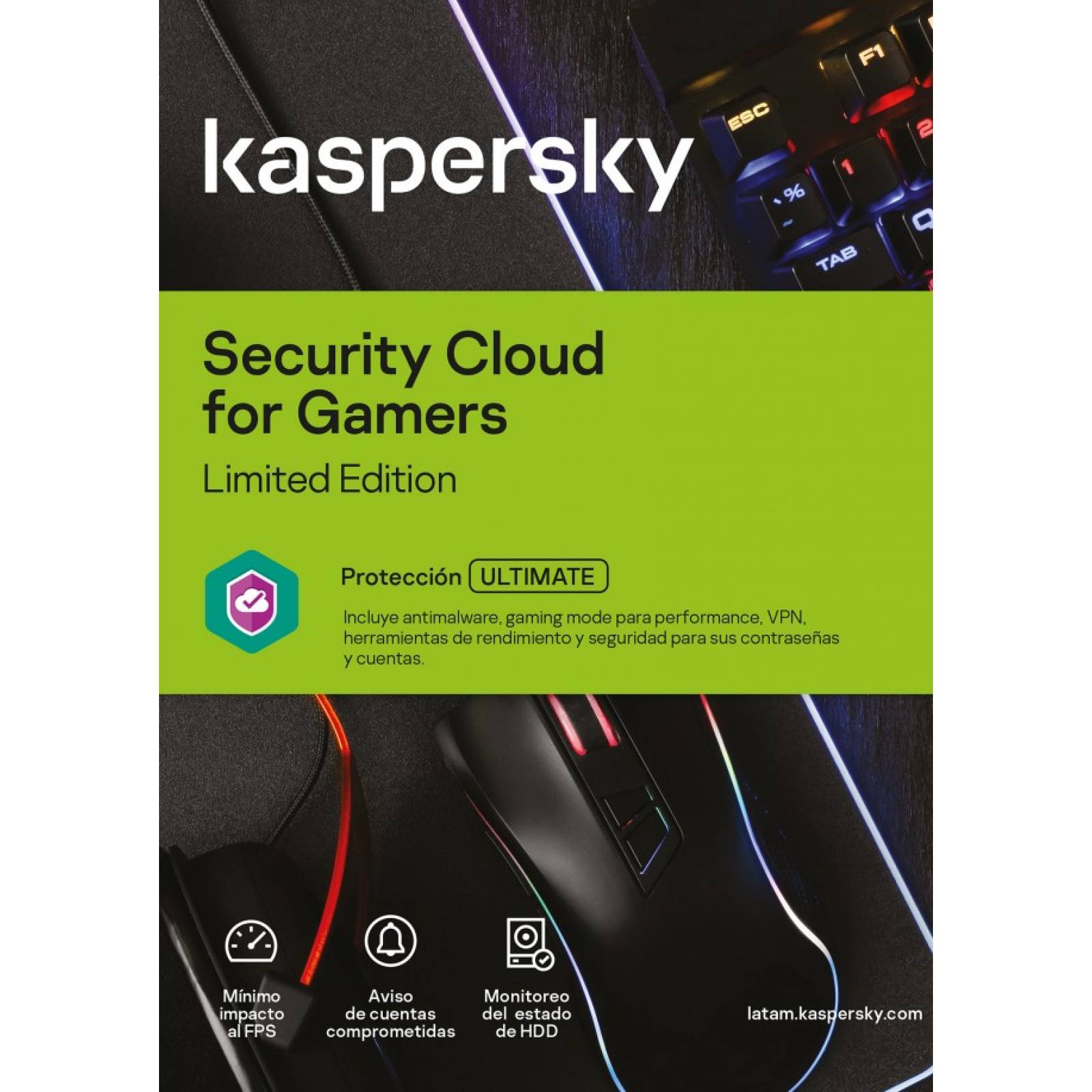
Cost-Benefit Analysis: The Premium Price Tag
In 2026, subscription fatigue is a significant factor in consumer spending. When you commit to a recurring payment for a security suite, you are entering a long-term contract that may not evolve as quickly as the operating system it sits upon.
| Feature | Integrated Apple Alternative | Benefit of Premium Kaspersky |
|---|---|---|
| Malware Protection | Built-in App Store vetting/Sandboxing | Very low (limited functionality) |
| VPN | iCloud Private Relay / 3rd Party | Convenience (All-in-one) |
| Password Mgmt | iCloud Keychain | Multi-platform sync flexibility |
| Account Monitoring | Various Free Web Services | Aggregation in one dashboard |
As the table above suggests, the "value" of the premium version is almost entirely based on the convenience of having everything in one dashboard. However, for a user who is comfortable navigating two or three dedicated, high-quality apps, the extra cost for a bundled suite is difficult to justify.
When Might You Actually Need It?
There are specific edge cases where the premium subscription might be considered worthwhile. If you are a user who frequently switches between iOS, Android, and Windows, a single subscription to a cross-platform security cloud can simplify your license management. By paying for the "Cloud" service, you ensure that all your devices, regardless of manufacturer, are covered under a single billing cycle and interface.
Furthermore, if you are not tech-savvy and prefer a "set it and forget it" approach where one vendor handles your VPN, your passwords, and your security alerts, the premium fee is essentially a "convenience tax." You are paying for the simplicity of having a single point of contact for your digital hygiene, rather than for the technical efficacy of the software itself.
Limitations and Practical Constraints
One significant limitation of third-party security apps on iOS is the lack of system-level hooks. Because the app cannot control the OS, it cannot prevent malicious configuration profiles from being installed or stop a user from visiting a phishing site if the user happens to use a browser that the security app does not support.
Apple’s own "Locked Down Mode" and other native security features added in recent years provide a baseline of protection that is deeply integrated into the kernel of the phone. Third-party software simply cannot match the performance and reliability of Apple’s native implementation. Relying on a third-party app to keep you safe from sophisticated threats may provide a false sense of security, leading to riskier browsing behaviors.
Making the Decision: Is the Upgrade Worth It?
To determine if you should pay for the premium version of Kaspersky Security Cloud for iOS, ask yourself these three questions:
- Do I need a cross-platform solution? If you only use iPhones and iPads, the answer is almost certainly no.
- Do I already have a specialized VPN or Password Manager? If you have an existing subscription to a service like 1Password or a premium VPN provider, you are doubling up on costs for services that are likely superior in their specialized domains.
- Am I paying for "antivirus" on a phone? If your intent is to scan your phone for viruses like a PC, you will be disappointed. iOS does not allow this, and no amount of subscription cost will change that reality.
Frequently Asked Questions
Can I get malware on an iPhone without a security app?
While possible, it is extremely rare. iOS security relies on the App Store’s review process and strict app sandboxing. The most common threats to iOS users are phishing attacks and social engineering, neither of which is stopped by traditional antivirus file scanning.
Is the free version of Kaspersky for iOS sufficient?
Yes. If you choose to use the app at all, the free version usually provides the same core protection features as the paid version. The "premium" cost is almost always for convenience features like the VPN and the password manager, rather than for enhanced malware detection capabilities.
Does Apple allow third-party antivirus to scan the whole phone?
No. Apple restricts third-party apps from accessing the file systems of other applications. This architectural choice is the primary reason why "Antivirus" for iOS behaves differently than it does on desktop computers.
What should I prioritize for my iOS security instead?
Prioritize keeping your iOS version updated, using a strong, unique password for your Apple ID, enabling Two-Factor Authentication (2FA), and using the native Safari browser’s built-in anti-phishing protections. These steps provide significantly more security than any third-party app can offer.
Is the Kaspersky VPN included in the security cloud worth it?
The VPN is generally reliable, but it is often outclassed by dedicated VPN services that offer more control over protocols, kill switches, and split tunneling. Unless you specifically want a bundled product, you will likely find a better experience with a dedicated provider.
Final Recommendation
If you are looking to secure your iPhone or iPad, the best strategy is to rely on Apple’s native security features and your own digital habits. Enable "Locked Down Mode" if you are a high-risk user, keep your software updated, and use a dedicated, standalone password manager or iCloud Keychain.
If you find yourself tempted by the premium version of Kaspersky Security Cloud for iOS, treat it as a subscription for "convenience features" rather than an essential security purchase. For the vast majority of users in 2026, the extra cost simply does not align with the actual, limited utility that the software can provide within the strictly controlled environment of Apple’s operating system. Save your money, use the free security tools already provided by Apple, and invest in a reputable, dedicated VPN or password manager only if your specific workflow demands it.
Image Gallery
Select an image to open it in a new tab.
Zara El-Hashem
Sociocultural Dynamics and Academics Writer
