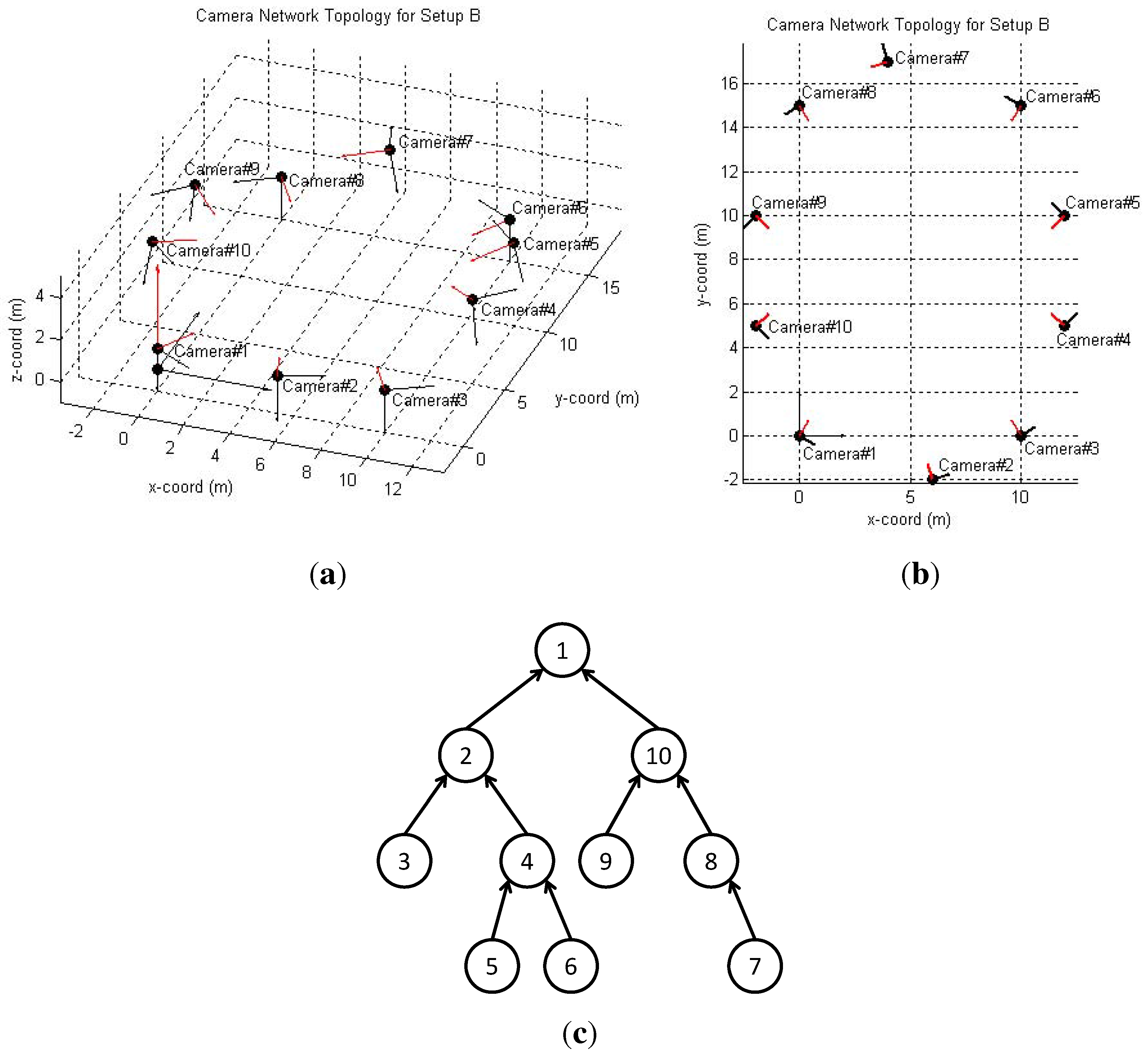
An unexpected photo in a smart camera network is an image captured without a discernible trigger or one that appears unfamiliar to the device owner. This phenomenon typically results from hypersensitive motion sensors, firmware synchronization errors, or, in more serious scenarios, unauthorized account access. Resolving these occurrences requires auditing system logs, updating security protocols, and recalibrating artificial intelligence (AI) detection zones to ensure hardware is performing as intended.
The presence of an unexpected photo can be unsettling for any user of smart home technology. Whether it is a snapshot of a person you do not recognize, a blurry image of a "ghostly" figure, or a view of a room that does not belong to you, these incidents demand a systematic investigation. In the landscape of 2026, where smart camera networks are more integrated into our lives than ever via protocols like Matter and Thread, understanding the technical infrastructure behind these captures is essential for maintaining both privacy and security.
The Anatomy of an Unexpected Photo
To address the issue, we must first categorize what "unexpected" means in a technical context. Most modern smart cameras do not record 24/7 due to bandwidth and storage constraints; instead, they rely on triggers. When a trigger fails or behaves unexpectedly, it produces an anomalous image.
False Triggers and Environmental Factors
The most common cause of an unexpected photo is a false positive from the camera’s detection system. Most consumer-grade cameras use Passive Infrared (PIR) sensors. These sensors detect heat signatures moving across their field of view. In 2026, while PIR technology has advanced, it remains susceptible to rapid temperature changes, such as a cloud passing in front of the sun or a gust of warm air from an HVAC vent.
Furthermore, many cameras use Pixel Difference Analysis. The camera’s software compares consecutive frames; if enough pixels change, it flags "motion." This often leads to photos triggered by:
- Reflections from passing cars or windows.
- Insects crawling directly over the lens (which can appear as large, unrecognizable shapes).
- Spider webs vibrating in the wind, catching the infrared (IR) light at night.
- Moving shadows from swaying trees.
AI Misclassification
By 2026, most smart camera networks utilize on-device or cloud-based AI to distinguish between humans, vehicles, and animals. However, AI is not infallible. "Unexpected" photos of "people" often turn out to be pareidolia—where the AI misinterprets a coat rack, a tall plant, or a pile of laundry as a human figure. When the system sends a notification saying a "Person" was detected, and the user sees only a dark corner, the photo is labeled "unexpected."
Technical Synchronization and Cache Errors
Sometimes, the "unexpected" nature of a photo is not about what is in the image, but when or where it came from. These are often system-level glitches rather than sensor issues.
Cached Thumbnails
Smart camera apps often use "thumbnails" or "preview fragments" to speed up the user interface. Occasionally, a bug in the app’s cache can cause an old photo from weeks ago to appear as a new notification. When the user clicks the notification, the actual video clip might be correct, but the "unexpected" thumbnail creates immediate confusion. This is frequently seen after a mobile app update or a firmware flash where the local database index becomes temporarily desynchronized from the cloud storage.
The "Cross-Talk" Phenomenon
A more concerning but rare technical failure is "cross-talk." This occurs when a cloud service provider experiences a database mapping error. In such cases, User A might see a thumbnail or a still photo from User B’s camera. While major manufacturers have implemented rigorous End-to-End Encryption (E2EE) by 2026 to prevent this, legacy systems or service-wide outages can still lead to these privacy breaches. If you see a photo of a location you do not own, this is a critical system error that must be reported to the manufacturer immediately.

Security Implications: When to Worry
While most unexpected photos are benign technical glitches, some are red flags for security compromises. Understanding the difference is vital for protecting your digital perimeter.
Unauthorized Access
If you find photos in your gallery that were clearly taken manually—meaning they do not have a "Motion Detected" or "Person Detected" tag—it suggests someone has accessed your camera live-view and hit the "capture" button. This is a primary indicator of a compromised account. In many cases, this happens because of credential stuffing, where hackers use passwords leaked from other site breaches to log into smart home accounts.
Indicators of a Compromise:
- Camera Position Changes: If your PTZ (Pan-Tilt-Zoom) camera is facing a different direction than you left it.
- Disabled LEDs: Many cameras have a status light. If you notice this light behaving strangely or being disabled without your input, it may indicate an active third-party session.
- Frequent Log-outs: If your app forces you to log in repeatedly, someone else might be logging in and kicking your session.
Detailed Troubleshooting and Resolution Steps
If you encounter an unexpected photo, follow this structured approach to identify the cause and secure your network.
Step 1: Analyze the Metadata
Check the timestamp and the trigger type. Most systems will tell you if the photo was triggered by "Motion," "Sound," or a "Manual Capture."
- Manual Capture: If the trigger is manual and you didn't do it, immediately change your password and enable Multi-Factor Authentication (MFA).
- Motion/AI: If triggered by motion, view the full video clip rather than just the photo. The video usually reveals the bird, insect, or shadow that caused the snapshot.
Step 2: Recalibrate Detection Zones
If your camera is taking too many unexpected photos of the street or a neighbor's yard, use the "Privacy Zones" or "Activity Zones" feature. By 2026, most software allows you to draw precise polygons over the areas you want the camera to ignore. Excluding high-traffic areas or swaying trees will significantly reduce the volume of anomalous photos.
Step 3: Firmware and Power Cycle
Firmware updates often contain patches for "Ghost Triggers" or AI refinements. Ensure your Hub and Cameras are on the latest versions. Additionally, a physical power cycle (unplugging the camera for 30 seconds) can clear the local volatile memory and reset the PIR sensor's calibration.
Step 4: Audit Authorized Users
Check the "Shared Users" or "Family Members" section of your app. It is easy to forget that you gave access to a roommate, a contractor, or an ex-partner. An unexpected photo could simply be a shared user checking the camera and accidentally triggering a save.
Comparison of Causes and Recommended Actions
| Cause Type | Symptom | Severity | Recommended Action |
|---|---|---|---|
| Environmental | Blurry shapes, light streaks, insects. | Low | Clean lens; adjust PIR sensitivity. |
| AI Misinterpretation | Static objects identified as "People." | Low | Refine detection zones; update AI model. |
| App/Cache Bug | Old photos appearing as new alerts. | Medium | Clear app cache; reinstall camera app. |
| Cross-Talk | Photo of a stranger's house/room. | High | Contact manufacturer; disable cloud sync. |
| Account Breach | Manual photos taken during odd hours. | Critical | Change password; enable MFA; reset API keys. |
The Role of Edge Computing in 2026
As we move through 2026, the industry is shifting toward Local Edge Processing. Unlike older models that sent every pixel to the cloud for analysis, modern cameras process imagery locally on a dedicated AI chip. This transition is specifically designed to mitigate the "unexpected photo" problem in two ways:
- Reduced Latency: Decisions are made in milliseconds, meaning the photo captured is exactly what triggered the event, reducing "empty" photos caused by a subject moving out of frame before the cloud could respond.
- Privacy by Design: Since the images never leave the local network unless requested, the risk of "cross-talk" or cloud-based leaks is virtually eliminated.
Users who are concerned about unexpected photos should look for devices that support Local Storage (SD Card or NAS) and On-Device AI. These features provide a higher degree of control and verification.
Privacy and Legal Considerations
If an unexpected photo reveals a person who was not supposed to be on your property, it may serve as legal evidence. However, if the photo is the result of a system error showing someone else's private space, you have a different set of responsibilities.
Dealing with "Strangers" in Your Feed
In the event of a server-side error where you see into another person's home, do not share the photo on social media. This can lead to legal complications under privacy laws like the General Data Protection Regulation (GDPR) or the California Consumer Privacy Act (CCPA). Instead:
- Document the incident (take a screenshot of the error, not just the photo).
- Note the date, time, and your account details.
- Submit a formal ticket to the manufacturer's privacy officer.
For homeowners, it is also important to ensure your cameras are not capturing "unexpected" photos of public sidewalks or neighbors' windows, as many jurisdictions in 2026 have tightened regulations regarding "Visual Privacy."
Frequently Asked Questions
Why did my camera take a photo of an empty room?
This is usually caused by a "Late Trigger." The camera’s PIR sensor detected motion, but by the time the camera woke up and took the photo, the person or animal had already moved out of the field of view. Adjusting your camera's "Sensitivity" or "Wake-up Speed" in the settings can help capture the subject more accurately.
Can someone else see the photos my smart camera takes?
Unless you have shared access with another user, your photos should be private. However, if you have not enabled Multi-Factor Authentication (MFA), your account is vulnerable to unauthorized access. By 2026, most reputable brands require MFA by default, but it is always worth verifying in your security settings.
I found a photo I didn't take; does this mean I'm hacked?
Not necessarily. It is much more likely to be an automated trigger (AI/Motion) or a cached image from a previous event. Check the "Event Log" in your app; if it says "Motion Detected," it was an automated system. If there is no log entry but a new photo exists, that is a stronger indicator of a security concern.
How do I stop my camera from taking photos of spiders and bugs?
Insects are attracted to the Infrared (IR) lights that cameras use for night vision. To stop this, you can turn off the internal IR lights and use an external IR illuminator placed a few feet away from the camera. This keeps the bugs away from the lens while still allowing the camera to see in the dark.
Is it possible for two different camera brands to "cross" photos?
If both brands use the same underlying white-label cloud platform (like Tuya or early versions of certain IoT ecosystems), a major database error could theoretically cause cross-talk. However, in 2026, with the adoption of the Matter standard, communication is more standardized and secure, making cross-brand photo leaks extremely unlikely.
Final Recommendation
If you encounter an unexpected photo, your first action should be a Security Audit. Change your password to a unique, complex string and ensure that Multi-Factor Authentication is active. Once the account is secure, investigate the technical cause by reviewing the full video clip associated with the photo. If the issue persists and involves unrecognizable locations or people, contact the device manufacturer to rule out a server-side mapping error. Maintaining a clean lens and precisely defined activity zones will eliminate 95% of benign "unexpected" captures, ensuring your smart camera network remains a reliable tool for security rather than a source of confusion.
Image Gallery
Select an image to open it in a new tab.
Zara El-Hashem
Sociocultural Dynamics and Academics Writer
