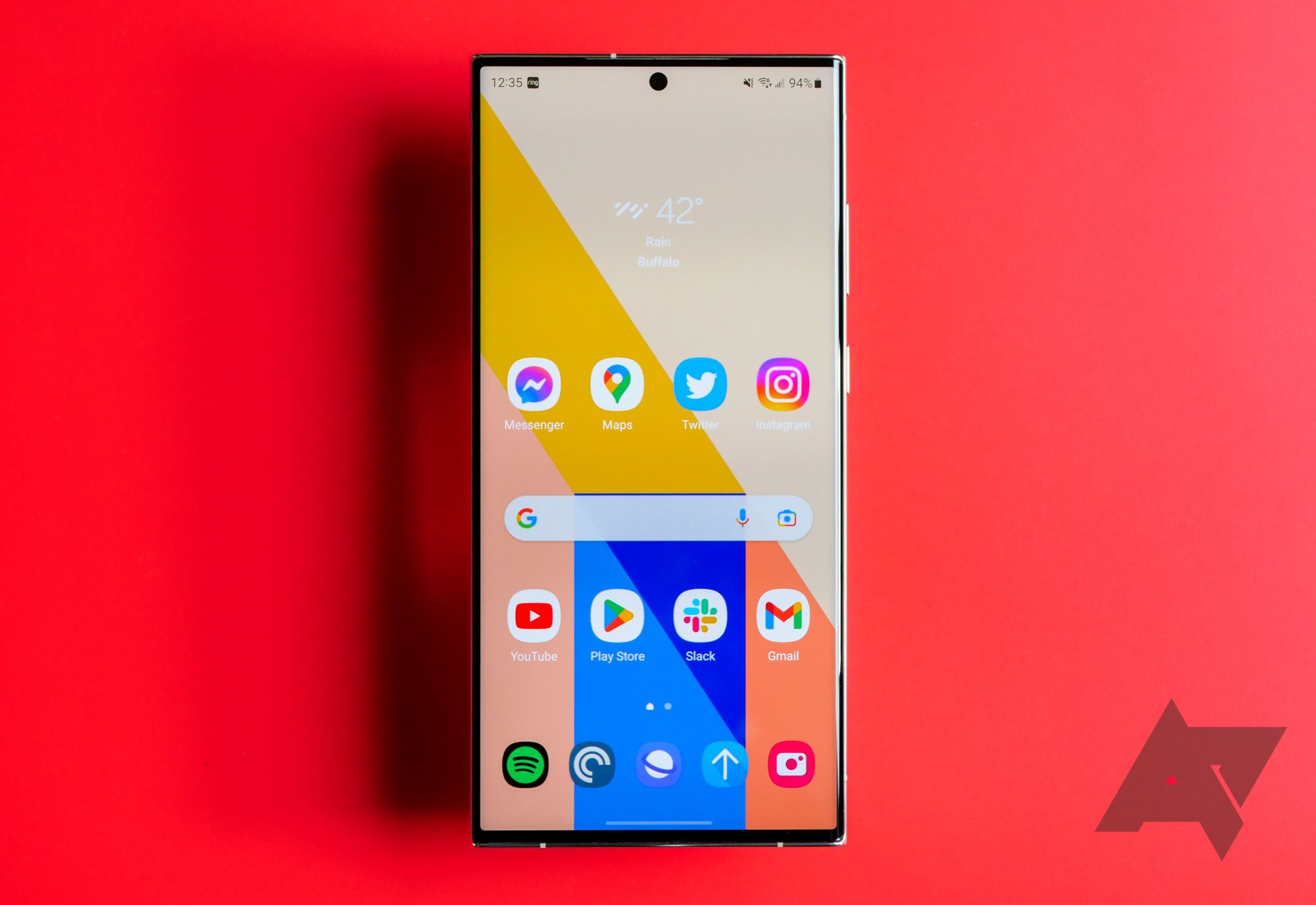
Samsung uses the Android operating system, developed by Google, as the foundational software for its Galaxy smartphones and tablets. While built on the Android Open Source Project (AOSP), Samsung modifies the interface with its proprietary "One UI" skin, integrating unique features like Knox security, Galaxy AI, and a specialized ecosystem of interconnected apps.
The relationship between Samsung and Android is one of the most significant partnerships in the history of mobile technology. As of 2026, Samsung remains the largest manufacturer of Android-based devices globally. This dominance is not merely a result of hardware prowess but stems from how Samsung has tailored the Android experience to differentiate itself from competitors. While Google provides the core framework—including the Linux kernel and essential services—Samsung builds a massive, feature-rich layer on top that defines the user experience for hundreds of millions of people.
The Evolution of Samsung’s Android Implementation
Samsung did not always have a refined approach to Android. In the early days of the Galaxy S series, the company utilized a skin called TouchWiz. This early iteration was often criticized for being "heavy" and "bloated," as it significantly altered the stock Android aesthetic and occasionally hindered performance with unnecessary animations and duplicate applications. As the mobile landscape matured, Samsung transitioned through several software identities, moving from TouchWiz to Samsung Experience, and eventually to One UI in late 2018.
By 2026, One UI has reached a level of maturity that many enthusiasts argue surpasses Google’s own "stock" Android found on Pixel devices. One UI was specifically designed to make large-screen devices easier to use with one hand by shifting interactive elements toward the bottom of the display. This design philosophy has persisted and evolved, now incorporating advanced fluid animations and deeply integrated artificial intelligence that anticipates user needs based on time of day, location, and usage patterns.
From AOSP to One UI: The Layered Architecture
To understand how Samsung uses Android, one must look at the software as a multi-layered cake. At the very bottom is the Android Open Source Project (AOSP). This is the "naked" version of Android that contains the core operating system code. Above this lies Google Mobile Services (GMS), which includes the Google Play Store, YouTube, Maps, and the foundational APIs that many modern apps require to function.
Samsung takes this base and applies its own extensive modifications. These include:
- The System Framework: Samsung modifies the way the OS handles multitasking, notifications, and battery management.
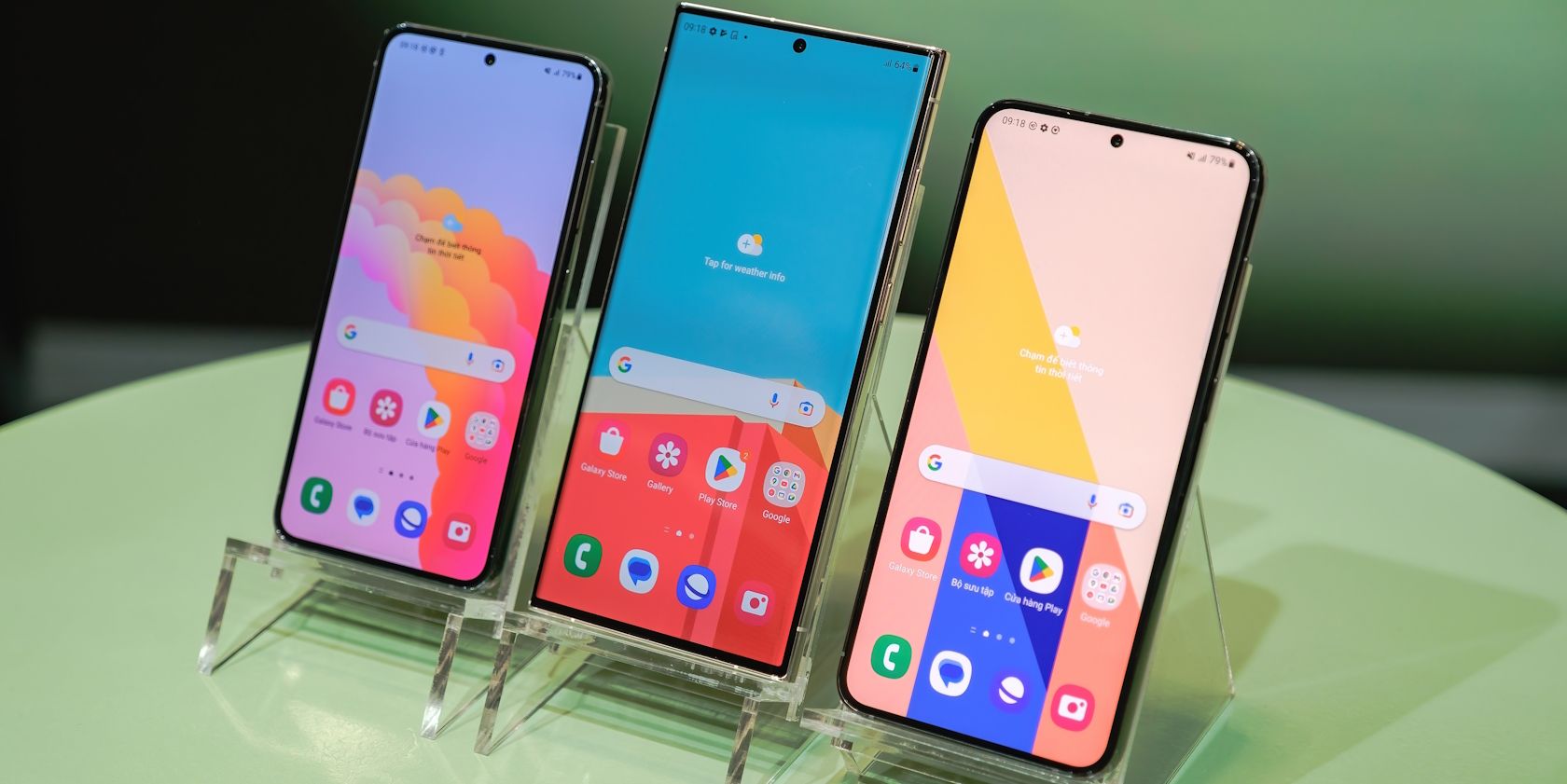
- The User Interface (One UI): This is the visual layer users interact with. It includes custom icons, themes, and navigation gestures.
- Proprietary Services: Samsung integrates its own cloud backup, the Galaxy Store, and the Samsung Health suite.
- Hardware Integration: Specific code to manage Samsung’s unique hardware, such as the S Pen on the Ultra series or the hinge mechanisms and "Flex Mode" on the Galaxy Z Fold and Flip series.
Core Pillars of the Samsung-Android Experience
Samsung’s use of Android is defined by several pillars that separate its devices from other manufacturers using the same operating system. These pillars—Security, Ecosystem, and Productivity—are the reasons why Samsung maintains high brand loyalty despite the availability of cheaper Android alternatives.
Samsung Knox: Hardware-Backed Security
One of the most critical components Samsung adds to Android is Samsung Knox. While Android itself is a secure operating system, Knox provides a multi-layered security platform that is integrated into the device's hardware at the manufacturing stage. This "Root of Trust" ensures that the software hasn't been tampered with.
Knox protects sensitive data by creating a secure environment (often called a "Secure Folder") that is isolated from the rest of the operating system. For enterprise users and government agencies, this makes Samsung's version of Android the gold standard for mobile security, meeting stringent certification requirements that stock Android often struggles to achieve on its own.
The Rise of Galaxy AI
In 2026, the conversation around Samsung's use of Android is dominated by Galaxy AI. While Google has its own AI initiatives (like Gemini), Samsung has integrated AI directly into the system level of One UI. This includes real-time voice translation during phone calls, advanced photo editing tools that can move or delete objects within the native gallery app, and "Note Assist," which summarizes long documents automatically.
These features are not part of the standard Android package; they are proprietary enhancements developed by Samsung, often in collaboration with Google, to leverage the Neural Processing Units (NPUs) in the latest Snapdragon and Exynos processors. This represents a shift where Samsung is no longer just using Android as a platform but is actively extending its capabilities through machine learning.
Multitasking and Productivity (DeX)
Samsung has pushed the multitasking capabilities of Android further than any other manufacturer. A prime example is Samsung DeX (Desktop eXperience). When a Galaxy phone or tablet is connected to a monitor or TV, the Android interface transforms into a desktop-like environment with windows that can be resized, a taskbar, and support for a mouse and keyboard.
While Google has slowly introduced basic desktop modes in newer versions of Android, Samsung DeX remains the most functional implementation. It allows professionals to use their Android device as their primary computer, showcasing the flexibility of the Android kernel when pushed by Samsung’s engineering team.

Comparing Samsung One UI vs. Stock Android
| Feature | Stock Android (Google Pixel) | Samsung One UI (Galaxy) |
|---|---|---|
| Visual Philosophy | Material You (Minimalist, dynamic colors) | One UI (Feature-rich, focused on reachability) |
| Bloatware | Minimal (Only Google apps) | Moderate (Samsung, Google, and Microsoft apps) |
| Customization | Basic system themes | Deep customization via "Good Lock" |
| Desktop Mode | Experimental/Limited | Samsung DeX (Highly mature) |
| Security | Android System Security | Samsung Knox (Hardware-backed) |
| Update Policy | Fast, direct from Google | Industry-leading (Up to 7 years of support) |
| AI Integration | Google Assistant / Gemini | Galaxy AI (System-wide integration) |
The Ecosystem Advantage: Beyond the Phone
Samsung uses Android not just as a mobile OS but as the glue for a wider ecosystem. In 2026, the integration between a Samsung phone and a Samsung Galaxy Book (Windows laptop) is nearly as seamless as the integration between an iPhone and a Mac. Through a partnership with Microsoft, Samsung devices use a "Link to Windows" feature that allows users to run Android apps directly on their PC, sync clipboards, and drag-and-drop files wirelessly.
Furthermore, Samsung's wearables (the Galaxy Watch series) moved from the Tizen OS to Wear OS (a version of Android for watches) several years ago. This move allowed for better app support and deeper integration with the Android ecosystem, while still maintaining the distinct Samsung "look and feel" through the One UI Watch interface.
Challenges and Considerations
While the partnership is largely successful, Samsung's use of Android does present certain challenges.
Software Redundancy
A common criticism is the presence of "duplicate apps." Because Samsung is required to include Google’s suite of apps (like the Play Store, Chrome, and Gmail) as part of its licensing agreement, but also wants to promote its own services (Galaxy Store, Samsung Internet, Samsung Messages), users often find two versions of the same basic utility on their device. This can be confusing for new users and occupies unnecessary storage space, although Samsung has made strides in allowing users to disable or hide these duplicates.
Performance Overhead
Because One UI is significantly more feature-dense than stock Android, it can sometimes require more system resources. On flagship devices with 12GB or 16GB of RAM, this is rarely an issue. However, on budget Galaxy A-series devices, the weight of Samsung’s modifications can sometimes lead to slower app launches or minor interface stutter compared to more lightweight versions of Android used by competitors like Motorola or Nokia.
The Update Cycle
Historically, Samsung was slow to provide Android version updates because of the time required to modify the new Android code for One UI. However, as of 2026, Samsung has revolutionized its update pipeline. Most flagship and even mid-range devices now receive seven years of guaranteed Android OS and security updates. This commitment has forced other manufacturers in the Android space to improve their own support cycles, benefiting the entire ecosystem.
Troubleshooting Common Software Issues
Even with a mature OS, users may encounter issues. Most "Samsung Android" problems stem from the interaction between the core OS and the One UI skin.
- Battery Drain: If a Galaxy device is experiencing unusual battery drain, the first step is to check "Battery and Device Care" in the settings. Samsung’s software is aggressive at putting unused apps to sleep, but sometimes third-party apps bypass these restrictions.
- App Compatibility: Rarely, an app designed for "pure" Android may struggle with Samsung's specific modifications. Clearing the cache of the app or checking the Galaxy Store (rather than the Google Play Store) for a Samsung-optimized version often resolves this.
- System Sluggishness: If the interface feels slow, Samsung includes a "Restart when needed" feature that performs a soft reboot during low-usage hours (like 3:00 AM) to clear system memory and optimize performance.
The Future of Samsung and Android
As we look further into 2026 and beyond, the distinction between "Android" and "Samsung’s Android" will likely continue to blur. Samsung is no longer a passive recipient of Google's code; they are a primary contributor to the Android ecosystem. Features that debut on Samsung phones—such as foldable screen optimizations and advanced multitasking—are frequently adopted into the core Android code by Google later on.
For the consumer, this means that buying a Samsung phone is not just about buying a piece of hardware that runs Android. It is about buying into a specific vision of what Android can be: a highly secure, AI-powered, and productivity-focused platform that scales from the pocket to the desktop.
Summary and Next Steps
Samsung’s implementation of Android is a sophisticated blend of Google’s open-source foundation and Samsung’s own hardware-specific innovations. By adding layers like One UI, Knox, and Galaxy AI, Samsung has created a unique user experience that justifies its position at the top of the smartphone market.
If you are a new Galaxy user, your next action should be to explore the Samsung Galaxy Store to update your system-specific apps and visit the Advanced Features menu in your settings. There, you can enable tools like Multi-Window, Edge Panels, and Link to Windows to truly leverage the power of Samsung's version of Android.
Frequently Asked Questions
Can I install "Stock Android" on a Samsung phone?
While it is technically possible on some models through a process called "flashing a custom ROM," it is generally not recommended for most users. Doing so usually voids the warranty, breaks security features like Samsung Knox, and disables the camera optimizations that make Galaxy phones stand out. Furthermore, on many modern North American models, the bootloader is locked, making this process impossible.
Why does Samsung have its own app store if it uses Android?
Samsung maintains the Galaxy Store for two primary reasons: first, to distribute apps that are specifically optimized for Galaxy hardware (like S Pen tools or camera add-ons); and second, to maintain a level of independence from Google. It also serves as a backup distribution method for essential Samsung system updates that don't go through the Google Play Store.
Do Google apps work better on Pixel phones than on Samsung phones?
Generally, no. Because Samsung and Google collaborate closely, Google apps like YouTube, Maps, and Meet are highly optimized for Samsung devices. In fact, some Google apps even have special features for Samsung foldables, such as optimized layouts for the Galaxy Z Fold's large interior screen.
How do I check which version of Android my Samsung phone is running?
Navigate to Settings, scroll down to About phone, tap Software information, and look for the Android version and One UI version listed there. In 2026, most modern Galaxy devices should be running Android 16 or 17 with a corresponding version of One UI.
Does Samsung's version of Android use more battery?
While One UI has many more features than stock Android, it also includes much more sophisticated battery management software. Under normal usage, a Samsung device's battery life is comparable to or better than a similarly spec'd device running stock Android, thanks to "Deep Sleeping Apps" and AI-driven power saving.
Image Gallery
Select an image to open it in a new tab.




Vivian Cho
Executive IT and Emerging Technologies Reporter
