
Choosing between a desktop PC and a laptop depends primarily on your requirement for mobility versus raw performance. Laptops offer unparalleled portability and space-saving designs for hybrid lifestyles, while desktop PCs provide superior cooling, easier upgradability, and better value-per-watt. For stationary high-performance tasks, the desktop remains king; for everything else, the laptop wins.
The Evolution of Computing Choice in 2026
By 2026, the gap between desktop and mobile computing has narrowed significantly, yet the fundamental architectures remain distinct. We have moved past the era where laptops were merely "weak versions" of desktops. Today, with the maturation of highly efficient ARM-based processors and the integration of dedicated Neural Processing Units (NPUs) across all consumer tiers, the decision is no longer just about speed. It is about how and where you intend to interface with your digital world.
Understanding which is better—a PC or a laptop—requires a deep dive into the trade-offs of ergonomics, thermal management, cost of ownership, and specific use cases. While a high-end laptop in 2026 can technically handle 8K video editing or AAA gaming, it does so under different physical constraints than a desktop tower. To make an informed choice, one must evaluate not just the internal specifications, but the long-term viability of the hardware in a rapidly evolving technological landscape.
Performance and Thermal Management
The most significant physical differentiator between a desktop and a laptop is the thermal envelope. Every computer generates heat as a byproduct of processing data. How a system manages this heat directly dictates its sustained performance.
Desktop Thermal Headroom
In a desktop PC, space is an asset. Large cases allow for massive heat sinks, multiple 140mm fans, or sophisticated liquid cooling loops. This means that a desktop processor (CPU) and graphics card (GPU) can run at high clock speeds indefinitely without "throttling." Throttling occurs when a chip reaches its thermal limit and intentionally slows down to prevent physical damage. Because desktops can dissipate heat more efficiently, they consistently outperform laptops with "equivalent" part names. For example, a desktop RTX 50-series GPU (the standard in 2026) typically has a much higher Total Graphics Power (TGP) than its mobile counterpart, leading to a performance delta of 20% to 30%.
Laptop Thermal Constraints
Laptops are exercises in compromise. Manufacturers must fit high-performance silicon into a chassis less than an inch thick. Even with advanced vapor chambers and phase-change cooling materials, laptops are eventually limited by their surface area. For short bursts of activity, like opening a complex spreadsheet or applying a filter in photo software, a laptop feels just as fast as a desktop. However, during sustained workloads like 3D rendering or long gaming sessions, the laptop will eventually heat up, the fans will reach maximum decibels, and the performance may dip to manage the temperature.
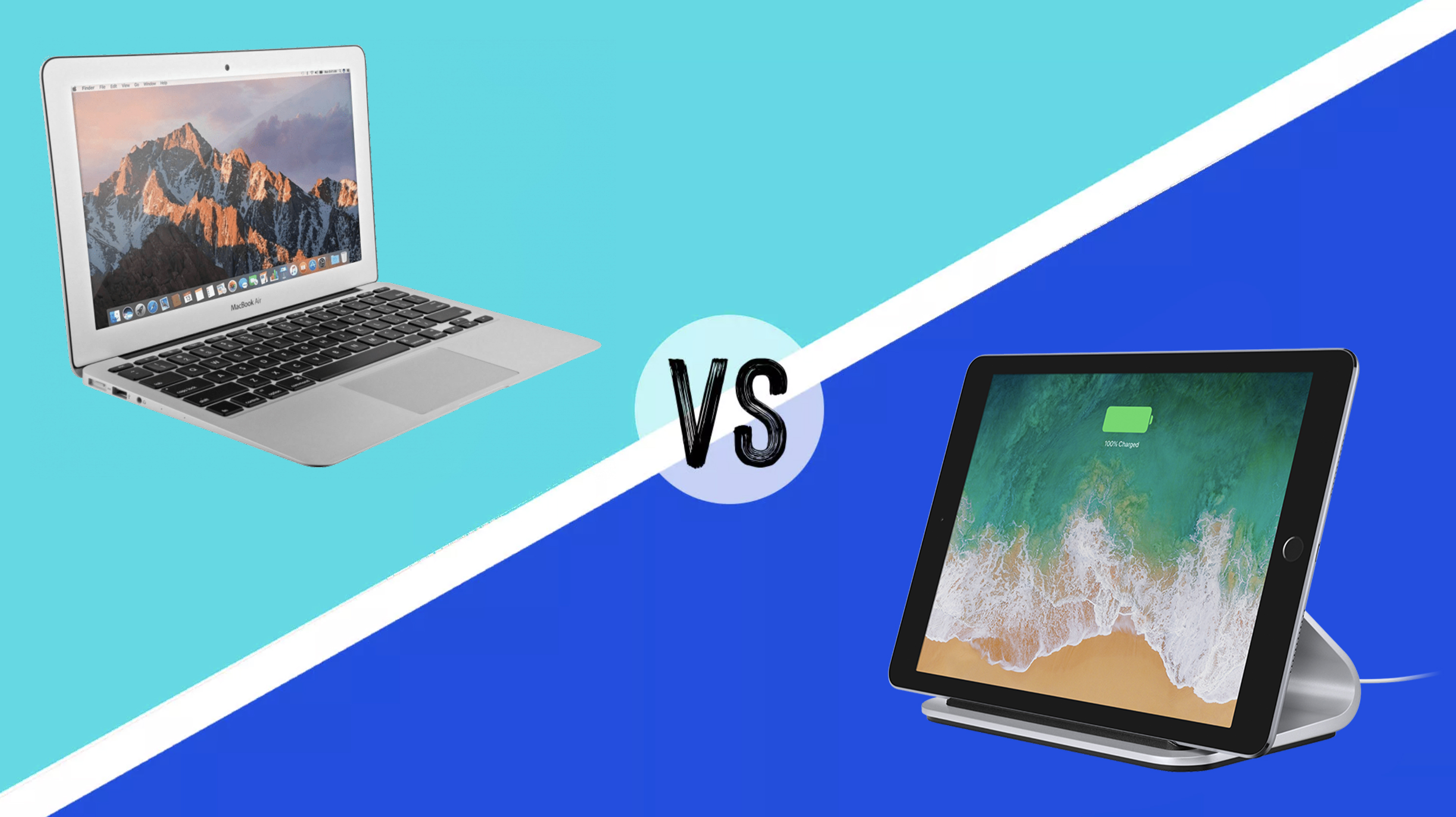
Portability and the Hybrid Lifestyle
The primary advantage of the laptop is, and has always been, portability. However, in 2026, portability has evolved into versatility.
A laptop is a self-contained ecosystem. It includes the computer, the display, the keyboard, the pointing device (trackpad), and a battery that, in current models, can often last 15 to 20 hours of light use. This "all-in-one" nature makes it the default choice for students, digital nomads, and hybrid professionals who split time between a home office and a corporate headquarters.
Conversely, a desktop is anchored. While "Small Form Factor" (SFF) PCs exist, they still require an external monitor and a power outlet. If your life involves moving from the desk to the couch, or from one city to another, the friction of a desktop is often a deal-breaker. The emergence of high-bandwidth external standards like USB5 and Thunderbolt 5 has allowed laptops to act as "desktop replacements" when docked, but they still carry the premium price tag associated with miniaturization.
Cost Analysis and Value Retention
When evaluating which is better, the financial aspect often settles the debate. Desktops generally offer a better return on investment over a five-to-ten-year cycle.
- Initial Purchase Price: For the same performance tier, a desktop is almost always cheaper. You aren't paying for the miniaturization of components, the integrated screen, or the battery.
- Repairability: If a key on a desktop keyboard breaks, you spend $50 on a new one. If a laptop keyboard fails, you may have to disassemble the entire chassis, often at a high labor cost. Similarly, if a desktop monitor dies, you replace only the screen. If a laptop screen cracks, the repair cost can sometimes approach half the value of the device.
- Upgradability: This is the desktop’s "killer feature." A desktop user can upgrade their GPU in three years to keep up with new gaming tech, or add more RAM as software becomes more demanding. Most modern laptops have soldered RAM and storage, meaning the configuration you buy today is the one you are stuck with until you replace the entire machine.
Ergonomics and Long-Term Health
One often-overlooked factor in the PC vs. laptop debate is the physical impact on the user.
Desktops promote better posture. Because the monitor is separate from the keyboard, you can position the screen at eye level while keeping your hands at a comfortable typing height. This reduces neck strain and the risk of repetitive strain injuries (RSI).
Laptops are ergonomically challenging. By design, the screen and keyboard are attached. If the keyboard is at the correct height for your arms, the screen is too low, forcing you to hunch over. To use a laptop ergonomically for long periods, you essentially have to turn it into a desktop by using a laptop stand, an external keyboard, and an external mouse. If you find yourself doing this 90% of the time, the portability of the laptop becomes a secondary benefit that you are paying a premium for.
Detailed Comparison: PC vs. Laptop in 2026
| Feature | Desktop PC | Laptop |
|---|---|---|
| Raw Performance | High (Excellent thermal management) | Moderate to High (Limited by heat) |
| Portability | Non-existent | High (1-2kg average) |
| Upgradability | High (Almost every part is replaceable) | Low (Often only storage, if that) |
| Display Quality | Flexible (Choose any size/type) | Fixed (Integrated, high-quality OLED/Mini-LED) |
| Ergonomics | Superior (Adjustable peripherals) | Poor (Requires external gear for long use) |
| Cost | Lower per unit of performance | Higher due to miniaturization |
| Longevity | 7–10 years (with upgrades) | 3–5 years (battery and tech decay) |
| Power Supply | Constant AC power required | Battery-powered with AC charging |
Use Case Scenarios: Which Should You Choose?
The Creative Professional
If you are a video editor, 3D animator, or high-end photographer, the desktop is usually the better choice. Creative software is notoriously resource-heavy. Having 128GB of RAM and multiple internal NVMe drives for scratch disks is significantly cheaper and more stable on a desktop platform. However, many pros now opt for a "Hub and Spoke" model: a powerful desktop for heavy rendering and a mid-range laptop for client meetings and on-site edits.
The Competitive Gamer
For gaming, the desktop remains the gold standard. High-refresh-rate gaming (360Hz and above) requires consistent frame times that laptops often struggle to maintain due to heat-induced micro-stuttering. Furthermore, as games implement more advanced AI-driven upscaling and ray reconstruction, the ability to swap in a new graphics card every few years ensures you aren't locked out of the latest visual fidelity.
The Student and General Office Worker
For 90% of users, the laptop is the superior tool. Modern web browsers, office suites, and streaming services do not require the massive power of a desktop. The ability to take your work to a library, a cafe, or a different room in the house outweighs the benefits of upgradability. With the advent of cloud storage, the lower internal storage of laptops is also less of a hindrance than it was a decade ago.
The "Third Way": The Docking Station Setup
In 2026, many people have stopped choosing one or the other and have instead embraced the hybrid setup. This involves buying a high-quality laptop and a "Desktop Dock."
By connecting a single USB5 cable to your laptop, you can instantly link it to two 4K monitors, a mechanical keyboard, a high-precision mouse, and external hard drives. This provides the ergonomic and screen-real-estate benefits of a desktop while maintaining the ability to unplug and go at a moment's notice. While this is the most expensive route—requiring the purchase of both a laptop and desktop peripherals—it offers the most flexibility for the modern workforce.
Common Pitfalls to Avoid
When deciding which is better, avoid these common mistakes:
- Buying for "Just in Case": Don't buy a laptop because you might take it on a trip once a year if you spend 364 days at a desk. You are paying for a battery and a small screen you won't use.
- Ignoring the Peripheral Cost: A $1,000 desktop is cheaper than a $1,000 laptop until you realize you need to spend another $400 on a monitor, keyboard, mouse, and speakers.
- Overestimating Laptop Longevity: Remember that laptop batteries are consumable items. By year three, your "portable" computer may need to be plugged in constantly anyway.
- Underestimating Noise: High-performance laptops have small fans that spin at very high RPMs, creating a high-pitched whine. If you value a silent workspace, a large desktop with slow-spinning fans is much quieter.
FAQ
Is a gaming laptop as good as a gaming PC in 2026?
Technically, no. While high-end gaming laptops are incredibly powerful, a desktop with the same model number GPU will always perform better due to higher power limits and better cooling. Additionally, gaming laptops tend to have a shorter lifespan because the intense heat generated during gaming can degrade internal components faster than in a well-ventilated desktop.
Can I use a laptop as a desktop permanently?
Yes, this is a very common setup. By using a docking station or a simple HDMI/DisplayPort cable, you can connect your laptop to a large monitor. However, keep in mind that if the laptop stays plugged in 100% of the time, you should use software "Battery Care" modes (standard in 2026) to limit the charge to 60-80% to prevent the battery from swelling or degrading prematurely.
Which is better for AI development and machine learning?
For serious AI development, a desktop is significantly better. AI workloads require massive amounts of VRAM (Video RAM) and sustained cooling. Desktops allow for multiple GPUs or specialized AI accelerator cards that simply won't fit in a laptop chassis. While you can run small models locally on an NPU-equipped laptop, training or running large-scale inferences is a desktop or server-grade task.
Are laptops more expensive to fix than desktops?
Generally, yes. Laptops use proprietary parts (like motherboards shaped specifically for that chassis) and integrated components. If a desktop motherboard fails, you can buy any standard replacement for $150. If a laptop motherboard fails, you often have to source a specific part from the manufacturer, which can cost $500 or more, often making the repair uneconomical.
Does a desktop use more electricity than a laptop?
Yes. A desktop PC with a dedicated monitor can draw anywhere from 150W to 800W depending on the task. A laptop is designed for efficiency and usually draws between 30W and 200W. If you are extremely conscious of your electricity bill or are running your home on a limited solar/battery setup, a laptop is the more energy-efficient choice.
Final Recommendation
To decide which is better for you, start by analyzing your location habits. If you spend more than 90% of your computing time at a single desk, buy a desktop PC. You will get more power for your money, a more ergonomic experience, and a machine that can be easily repaired and upgraded for nearly a decade.
If your life requires any level of regular movement—whether that’s commuting to an office, traveling for business, or simply moving from the home office to the kitchen table—buy a laptop. To maximize your investment, look for a model with at least one user-replaceable NVMe slot and pair it with a high-quality external monitor for your primary workspace to protect your posture.
Image Gallery
Select an image to open it in a new tab.
Vivian Cho
Executive IT and Emerging Technologies Reporter
