
To safely disinfect an iPhone, use a wipe containing 70% isopropyl alcohol, 75% ethyl alcohol, or a standard Clorox Disinfecting Wipe. Gently wipe the non-porous exterior surfaces while avoiding all openings, such as the USB-C or Lightning port. Never use bleach, hydrogen peroxide, or abrasive cleaners, as these will destroy the screen's protective coating.
Mobile devices are among the most frequently touched objects in our daily lives, often acting as magnets for bacteria, viruses, and skin oils. As we move through 2026, the necessity of maintaining hardware hygiene remains a priority for both health and device longevity. However, the iPhone is a precision-engineered instrument with sensitive coatings and seals. Using the wrong type of disinfecting wipe or an incorrect technique can lead to permanent hardware damage, such as a degraded display or compromised internal components. This guide provides a comprehensive breakdown of the approved materials, the chemical science behind screen protection, and the step-by-step procedures to keep your iPhone sterile without voiding your warranty.
Understanding the Chemistry of iPhone Surfaces
Before selecting a wipe, it is essential to understand what you are cleaning. Modern iPhones, including the latest iterations available in 2026, utilize a combination of surgical-grade stainless steel, aerospace-grade aluminum, or titanium for the frame, paired with a specialized glass ceramic on the front and back.
The most critical component is the oleophobic (oil-repellent) coating. This thin layer is chemically bonded to the glass to resist fingerprints and smudges. This coating is naturally wear-resistant, but it is highly susceptible to "stripping" when exposed to harsh solvents. If you use the wrong disinfecting wipes, you may find that your screen becomes significantly harder to clean over time, feels "tackier" to the touch, and shows fingerprints much more prominently.
Approved Disinfectants vs. Prohibited Chemicals
Apple significantly updated its maintenance protocols several years ago, and these standards remain the gold standard in 2026. The guidance is specific because different alcohols and detergents interact with the glass and metal finishes differently.
- 70% Isopropyl Alcohol Wipes: This is the primary recommendation. The 70% concentration is more effective at killing microbes than 99% concentrations because the water content allows the alcohol to penetrate cell walls more effectively before evaporating.
- 75% Ethyl Alcohol Wipes: Often found in medical-grade wipes, this is also a safe alternative for the glass and metal surfaces of the iPhone.
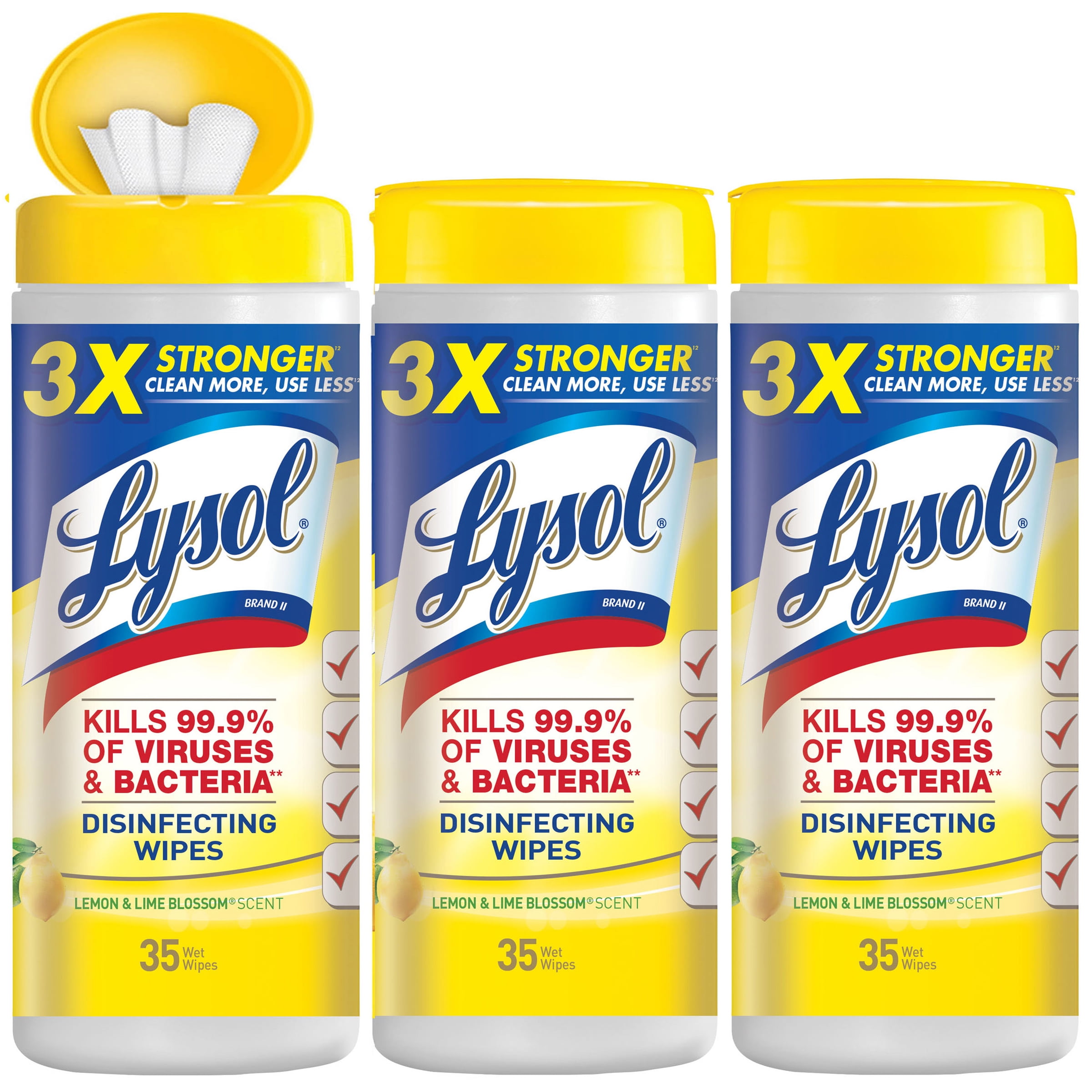
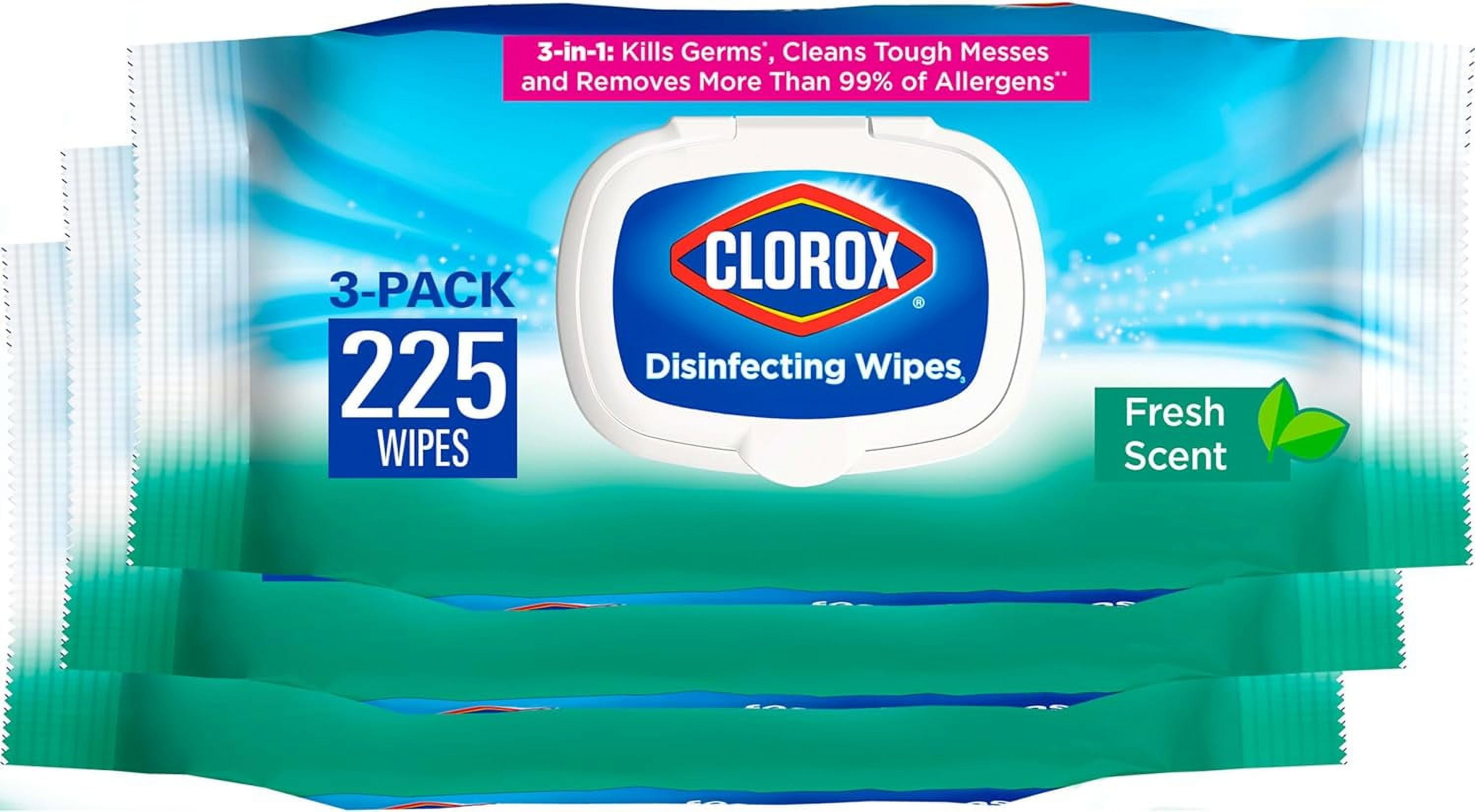
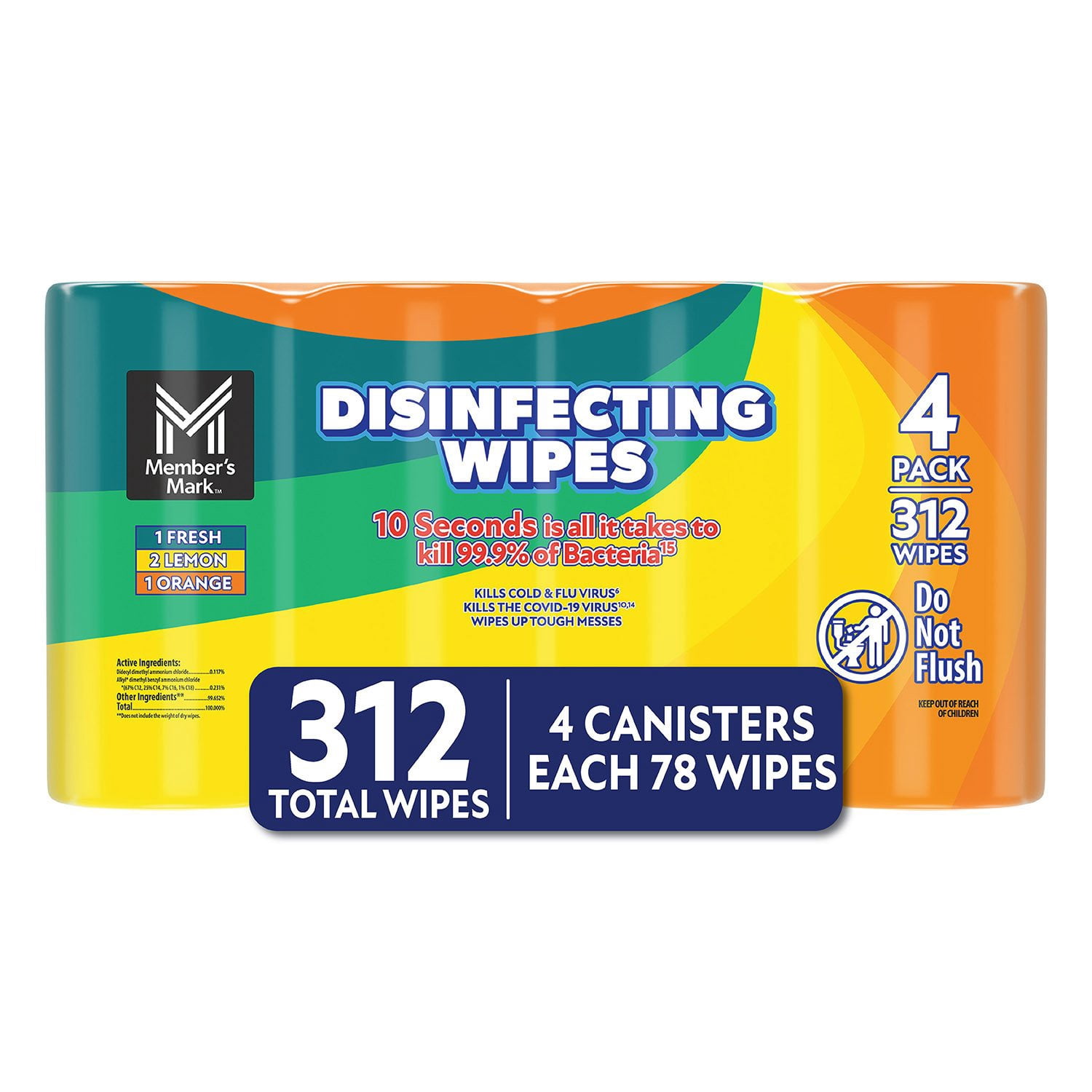
- Clorox Disinfecting Wipes: Most standard Clorox wipes are bleach-free and use dimethyl benzyl ammonium chloride as the active ingredient. These are safe for the "hard, non-porous surfaces" of the iPhone.
Conversely, you must strictly avoid the following:
- Bleach (Sodium Hypochlorite): This will corrode the metal frame and immediately destroy the screen's oleophobic layer.
- Hydrogen Peroxide: While a common household disinfectant, it is too reactive for the specialized coatings on mobile devices.
- Window Cleaners and Aerosol Sprays: These often contain ammonia or other abrasives that can cloud the glass and eat through the adhesive seals that provide water resistance.
Step-by-Step Guide to Disinfecting Your iPhone
Disinfecting a device is a two-step process: cleaning (removing visible dirt) and disinfecting (killing germs). In 2026, with the prevalence of high-performance finishes like brushed titanium, following the correct sequence ensures the finish remains pristine.
1. Preparation and Safety
Before the wipe ever touches the device, power down the iPhone. While modern iPhones have high IP68 water resistance ratings, those ratings apply to fresh water, not chemical solvents. Turning the device off prevents accidental emergency calls and protects the internal circuitry from potential short circuits if moisture enters a port. Remove all cables and accessories, including cases and screen protectors, if you intend to clean the entire body of the phone.
2. The Pre-Clean
If the phone has visible grit, sand, or debris, do not use a disinfecting wipe immediately. Rubbing a wipe over sand can act like sandpaper, scratching the glass. Use a dry, lint-free microfiber cloth to gently wipe away any loose particles.
3. Applying the Disinfecting Wipe
Take your approved wipe (70% isopropyl or Clorox) and ensure it is moist but not dripping. If the wipe is overly saturated, squeeze the excess liquid out before touching the phone.
- Motion: Use gentle, circular motions on the front display and the back glass.
- Pressure: Do not apply heavy pressure. The chemical action of the disinfectant does the work; physical force is unnecessary.
- The Frame: For iPhones with titanium or stainless steel frames, wipe along the length of the rails. Note that on titanium models, skin oils can sometimes cause temporary discoloration; the alcohol wipe will actually help restore the original luster by removing these oils.
4. Navigating Ports and Openings
This is the most common point of failure. Do not allow moisture to enter any openings. This includes the speaker grilles, the microphones, and the charging port (USB-C or Lightning). Even though the wipe is just a damp cloth, capillary action can pull liquid into the mesh of the speakers, potentially muffling the sound or triggering the Internal Liquid Contact Indicators (LCIs), which could complicate future warranty claims.
5. Drying and Reassembly
Allow the iPhone to air dry for at least one to two minutes. This "dwell time" is necessary for the disinfectant to effectively neutralize pathogens. After air drying, use a clean microfiber cloth to buff away any remaining streaks or residue. Once the device is completely dry, you can reattach your case and power the phone back on.
Comparing Disinfecting Options for iPhone Users
The market for electronic-specific wipes has expanded significantly. Below is a comparison of the most common options available in 2026 to help you decide which is best for your specific hardware.
| Wipe Type | Primary Ingredient | Screen Safety | Metal Frame Safety | Best Use Case |
|---|---|---|---|---|
| 70% Isopropyl Wipes | Isopropyl Alcohol | High | High | Daily sanitization; removing skin oils. |
| 75% Ethyl Wipes | Ethanol | High | High | Medical environments or high-pathogen risk. |
| Clorox Disinfecting Wipes | Ammonium Chloride | High | High | General household cleaning; easy to find. |
| Screen Cleaning Wipes | Water/Surfactants | Very High | High | Removing smudges only (often non-disinfecting). |
| Baby Wipes | Fragrances/Lotion | Low | Medium | Avoid: Leaves a greasy residue and contains perfumes. |
| Bleach Wipes | Sodium Hypochlorite | Danger | Danger | Never use on electronics. |
Managing iPhone Cases and Accessories
Disinfecting the phone is only half the battle. Cases are often more porous and harbor more bacteria than the phone itself. The rules for wipes change depending on the material of your case.
Silicone and Clear Plastic Cases
Most silicone and hard plastic (polycarbonate) cases can be safely treated with the same 70% isopropyl alcohol wipes used for the phone. In 2026, clear cases are often treated with anti-yellowing coatings. Alcohol is generally safe for these, but frequent use on very cheap third-party cases might eventually cause the plastic to become brittle or cloudy.
Leather and Fabric Cases
Do not use disinfecting wipes on leather or "FineWoven" fabric cases. Alcohol will dry out the natural oils in leather, leading to cracking, and it can cause permanent staining or dye transfer on fabric materials. For these accessories, use a cloth slightly dampened with warm water and mild hand soap. There are specific leather cleaners available that include antimicrobial properties without the harshness of alcohol.
Screen Protectors
If you have a tempered glass screen protector installed, you have an extra layer of safety. You can wipe the screen protector more aggressively than the actual iPhone glass, as the protector is a sacrificial layer. However, be careful around the edges where the protector meets the phone, as the alcohol can sometimes weaken the adhesive on the underside of the protector, causing it to "halo" or peel at the corners.
Common Mistakes and Troubleshooting
Despite the simplicity of using a wipe, several common errors can lead to long-term issues.
- Spraying Directly on the Device: Never spray a liquid disinfectant directly onto your iPhone. The pressure from the spray can force liquid into the seals. Always apply the liquid to a cloth first, or use a pre-moistened wipe.
- Using Paper Towels: Paper towels are made of wood pulp and are surprisingly abrasive. Under a microscope, they can leave micro-scratches on your display. Always stick to soft wipes or microfiber.
- Excessive Frequency: While disinfecting once or twice a day is fine, wiping your phone dozens of times a day with alcohol can accelerate the wear of the oleophobic coating. If you are in a low-risk environment, a simple wipe with a dry microfiber cloth is often enough to remove most surface contaminants.
- Using "Old" Wipes: If a wipe has been left out and has partially dried, the alcohol-to-water ratio has changed. This can leave concentrated streaks that are difficult to buff out or, if completely dry, fail to disinfect at all.
What to do if liquid enters a port?
If you notice liquid from a wipe has seeped into the charging port or speaker:
- Keep the phone powered off.
- Tap the phone gently against your hand with the port facing down to remove excess liquid.
- Place the phone in a dry area with good airflow.
- Do not use a hairdryer or compressed air, as this can push the moisture deeper into the device.
- Wait at least 5 hours before attempting to charge the device or turn it back on.
Frequently Asked Questions
Can I use UV light sanitizers instead of wipes?
Yes, UV-C sanitizing boxes are a safe and effective way to disinfect an iPhone without using chemicals. These devices work by breaking down the DNA/RNA of bacteria and viruses. While they are safe for the hardware and won't strip the oleophobic coating, they do not remove physical grime, fingerprints, or oils. For the best results in 2026, many users use a UV sanitizer for germ control and a dry microfiber cloth for aesthetics.
Does using alcohol wipes void the Apple warranty?
As long as you use 70% isopropyl alcohol, 75% ethyl alcohol, or Clorox wipes as instructed, you are following official guidelines. However, if liquid ingress is detected by the internal sensors (LCIs) due to an oversaturated wipe, that specific damage is typically not covered by the standard one-year warranty, though it may be covered under AppleCare+.
Are "electronics wipes" better than standard 70% isopropyl wipes?
Many "electronics wipes" sold in stores are actually just mild detergents designed to remove streaks and are not necessarily EPA-registered disinfectants. If your goal is to kill germs, check the label for the alcohol percentage. If the goal is simply a clean-looking screen, specialized electronics wipes are excellent and often gentler than alcohol.
Can I use 99% isopropyl alcohol?
It is not recommended. 99% isopropyl alcohol evaporates too quickly to effectively kill many types of pathogens, which require a certain amount of contact time with water to permeate the cell wall. Furthermore, the higher concentration is more aggressive toward the screen's coatings. Stick to the 70% concentration for the safest balance of efficacy and protection.
Will disinfecting wipes damage the Titanium finish on the iPhone 15 Pro or later?
No. Titanium is incredibly resilient to alcohol. In fact, Apple specifically notes that the oil from your skin can alter the appearance of the titanium frame. Wiping it with an isopropyl alcohol wipe is the recommended way to remove those oils and return the frame to its original color and finish.
Final Recommendations for 2026
For the best balance of hygiene and hardware preservation, maintain a two-pronged approach. Use a high-quality microfiber cloth daily to remove oils and debris. For disinfection—especially after being in high-traffic public areas—use a 70% isopropyl alcohol wipe or a Clorox Disinfecting Wipe, ensuring the wipe is damp but not dripping. By avoiding the ports and steering clear of harsh chemicals like bleach, you will ensure your iPhone remains both sterile and in peak functional condition throughout its lifespan.
Image Gallery
Select an image to open it in a new tab.



Akira Tanaka
International Academic Trends Correspondent
