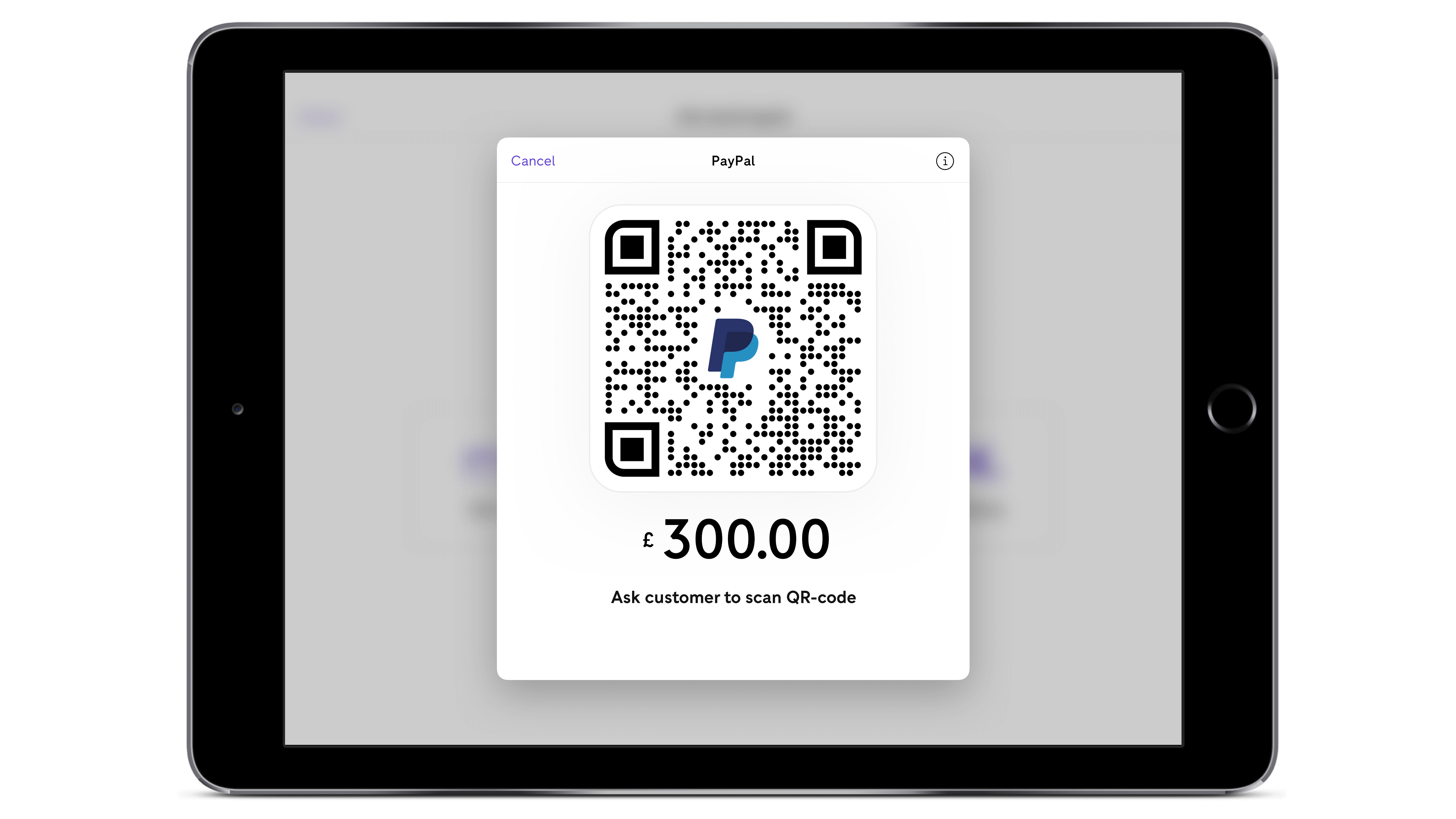
PayPal Credit functions as a revolving line of credit integrated directly into your PayPal account, allowing you to make online purchases today and pay for them over time. Once approved, this digital credit line is accessible during the checkout process at millions of online merchants that accept PayPal, providing a flexible alternative to traditional credit cards by eliminating the need to carry physical plastic while shopping.
Understanding PayPal Credit as a Financial Tool
PayPal Credit is a digital credit line issued by Synchrony Bank. Unlike a standard credit card that arrives by mail and resides in your physical wallet, PayPal Credit is tied strictly to your digital PayPal identity. When you make a purchase, the merchant is paid immediately by PayPal, and you then owe the balance to Synchrony Bank, which manages the credit account according to the terms of your agreement.
Because it is a revolving line of credit, your available balance resets as you make payments, provided you remain within your approved credit limit. This structure is designed specifically for online shopping, as it requires the merchant to accept PayPal as a payment method. If a website displays the PayPal button at checkout, you generally have the potential to use your PayPal Credit line, assuming your account is in good standing and you have sufficient available credit.
Eligibility and the Application Process
To utilize PayPal Credit, you must first apply for the account through the PayPal platform. The application process is relatively streamlined because, if you already possess a PayPal account, much of your personal identification information is pre-filled.
Prerequisite Checklist
Before initiating an application, ensure you meet the following baseline requirements:
- Account Status: You must have a personal PayPal account in good standing.
- Residency: You must be a resident of the country where you are applying (for example, the United States).
- Age: You must be of legal age of majority in your state or territory.
- Creditworthiness: As with any credit product, Synchrony Bank will perform a credit inquiry. Your approval and the resulting credit limit are based on your credit history and current financial status.
The application typically yields an instant decision. If approved, the credit line is immediately linked to your PayPal account, appearing as an option in your "Wallet." You do not need to wait for a physical card to arrive, as one does not exist for this specific product.
How to Use PayPal Credit at Checkout
Once your account is active, using it is integrated into the standard PayPal checkout flow. The efficiency of this process is one of the primary reasons users choose this method over traditional financing.
- Shop Online: Browse your preferred e-commerce sites and add items to your cart.
- Select PayPal: When you reach the payment stage, select the PayPal button. You will be redirected to log in to your PayPal account.
- Choose Your Method: Within the PayPal interface, you will see a list of your linked payment methods (bank accounts, debit cards, credit cards). Select "PayPal Credit" from this list.
- Confirm the Transaction: Review the terms presented for the specific transaction, such as any promotional financing offers, and confirm the purchase.
- Completion: The merchant receives payment, and the transaction is recorded in your PayPal Credit account dashboard.
It is important to note that PayPal Credit is not a "pay later" option in the sense of a temporary loan for a single purchase; it is a permanent credit line. You must treat it with the same responsibility as a bank-issued credit card.
Managing Costs and Promotional Financing
One of the defining features of PayPal Credit is the potential for "No Interest" promotional offers. For many qualifying purchases—typically those over a certain dollar threshold—PayPal may offer a deferred interest period.
- Understanding Deferred Interest: If you pay the full balance of a qualifying purchase within the specified promotional period (commonly six months), you will not be charged interest on that purchase.
- The "If Not Paid In Full" Caveat: This is a crucial technical detail. If you fail to pay the total amount within the promotional window, interest is calculated retroactively from the original date of purchase. This is often referred to as "deferred interest" or "no interest if paid in full." It is vital to track your promotional deadlines closely to avoid unexpected costs.
- Standard APR: Any purchases that do not qualify for promotional financing, or any balance remaining after a promotional period expires, will accrue interest at the standard Annual Percentage Rate (APR) associated with your account.
Comparison of Payment Methods for Online Shopping
Choosing the right payment method depends on your financial goals and your ability to manage debt. The following table compares common digital payment strategies.
| Feature | PayPal Credit | Traditional Credit Card | Debit Card |
|---|---|---|---|
| Physical Presence | Digital Only | Required (usually) | Required |
| Credit Check | Required | Required | None |
| Interest Type | Revolving/Promotional | Revolving | None (Cash balance) |
| Where Accepted | PayPal Merchants | Any merchant accepting card | Any merchant |
| Rewards Program | Generally None | Often Included | Rarely Included |
Best Practices for Responsible Usage
Because PayPal Credit is easy to use, it is easy to overextend your budget. To maximize the utility of the service while minimizing financial risk, adhere to these practices:
1. Monitor Your Dashboard
Regularly log into your PayPal account to view your "PayPal Credit" dashboard. This provides a real-time view of your current balance, your next payment due date, and any upcoming promotional expiration dates. Do not rely solely on email notifications.
2. Set Up Autopay
To avoid late fees and the potential negative impact on your credit score, configure an automated payment schedule. Ensure that the source of your funds (linked bank account) has sufficient coverage before the payment date.
3. Understand the Minimum Payment
Making only the minimum payment required will generally result in you paying interest on your balance. If you are aiming to utilize promotional financing, ensure your monthly payments are calculated to retire the balance before the expiration date, rather than merely meeting the minimum payment requirement.
4. Review Your Credit Limit
Your credit limit is a ceiling, not a target. Keeping your utilization ratio (the amount of credit you use divided by your total limit) low is a standard practice for maintaining a healthy credit profile.
Troubleshooting Common Issues
While the integration is generally seamless, users occasionally encounter technical or account-specific hurdles.
- Declined Transactions: If a transaction is declined, verify your current balance relative to your credit limit. If you have enough credit, the issue may be a merchant-specific restriction or a security trigger on your PayPal account.
- Missing Promotional Offers: Not all items qualify for promotional financing. Ensure the merchant is participating in the specific PayPal Credit program you are targeting. If an expected promotion does not appear, contact PayPal support before finalizing the purchase.
- Account Locked: If you notice suspicious activity or fail a security check, your account may be temporarily locked. You will need to resolve this through the PayPal Resolution Center.
Frequently Asked Questions
Is PayPal Credit the same as a credit card?
While it functions similarly as a revolving line of credit, it is distinct because it is digital-only and can only be used where PayPal is accepted. It does not provide a physical card for in-store point-of-sale terminals.
Will applying for PayPal Credit affect my credit score?
Yes. When you apply, Synchrony Bank will perform a credit check, which will result in a hard inquiry on your credit report. This may temporarily cause a small dip in your credit score.
Can I use PayPal Credit for all online purchases?
You can use it for any transaction where the seller accepts PayPal as a payment method. If a store does not offer a PayPal option at checkout, you cannot use PayPal Credit to make the purchase.
What happens if I miss a payment?
Missing a payment will trigger late fees as outlined in your account agreement. Furthermore, it may result in the forfeiture of any promotional financing offers, causing interest to be applied to the remaining balance immediately.
Can I increase my credit limit?
Yes. PayPal may periodically offer credit line increases based on your account usage and payment history. You can also request a credit limit increase through the PayPal Credit management portal.
Strategic Next Steps
If you are considering using PayPal Credit for your online shopping, your first action should be to review your current credit profile. Because the application involves a hard inquiry, ensure you are in a position where adding a new credit line is appropriate for your financial situation.
Once your account is set up, create a calendar reminder for any promotional financing deadlines. This simple organizational step is the most effective way to leverage the service's "no interest" benefits while avoiding the pitfalls of deferred interest. Finally, treat this digital line of credit as you would a high-interest credit card: prioritize paying off the balance in full whenever possible to maintain a sustainable financial equilibrium.
Image Gallery
Select an image to open it in a new tab.
Declan O'Connor
Higher Education and Campus Culture Reporter
