Securing Small and Medium Businesses on the Google Cloud Platform
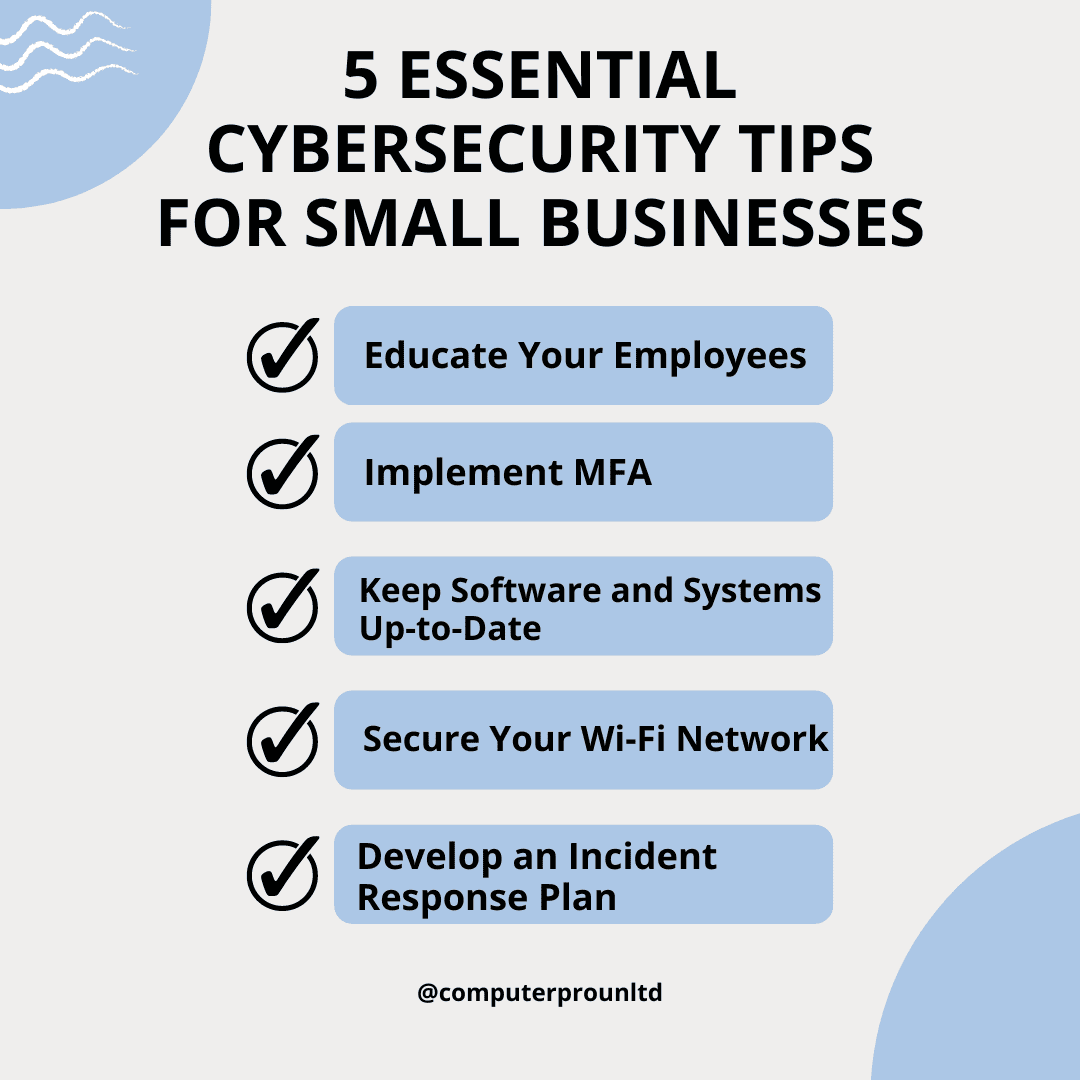
Small and medium-sized businesses leveraging the Google Cloud Platform can establish enterprise-grade security by implementing Google's native Identity and Access Management, configuring Virtual Private Cloud perimeter controls, and deploying automated threat detection tools to protect sensitive assets against modern cyber threats without requiring massive dedicated security teams.
Understanding the Security Landscape for Small and Medium Businesses on GCP
Small and medium businesses (SMBs) face a complex and evolving threat landscape. Historically, smaller organizations operated under the false assumption that threat actors targeted only large enterprises. Modern cybercriminals, however, frequently view SMBs as high-value, lower-resistance targets. These organizations often possess valuable intellectual property, customer data, and financial information, yet they may lack the extensive on-premises security infrastructure and dedicated 24/7 Security Operations Centers (SOCs) maintained by Fortune 500 corporations.
Migrating workloads to the Google Cloud Platform (GCP) shifts a portion of the security burden away from the organization. Google assumes responsibility for the security of the cloud, which includes the physical data centers, underlying hardware, regional infrastructure, and foundational hypervisors. However, the SMB remains fully responsible for security in the cloud. This shared responsibility model means that identity management, data classification, network segmentation, application vulnerability patching, and access policies fall entirely on the business itself.
For resource-constrained SMBs, securing a cloud environment requires prioritizing automated, scalable controls. Rather than attempting to manually monitor every log and firewall rule, organizations must adopt a security-by-design approach. Utilizing managed security services natively integrated into GCP allows smaller teams to achieve a robust defense posture that scales dynamically as the business grows.
Core Security Pillars and Prerequisites on Google Cloud Platform
Before deploying complex workloads or opening public-facing endpoints, SMB administrators must establish fundamental security boundaries within their GCP organization. Neglecting these initial configuration steps can leave wide gaps that automated scanners and opportunistic attackers exploit rapidly.
Identity and Access Management (IAM) Foundations
Identity is the new perimeter in cloud computing. Traditional network-based defenses fail when employees access cloud resources from remote locations, mobile devices, and home networks.
- Principle of Least Privilege: Every user, service account, and application should receive only the minimum permissions necessary to perform its specific function. Avoid granting broad project-wide or organization-wide roles such as
OwnerorEditor. Instead, assign granular, resource-specific predefined roles or custom roles. - Context-Aware Access: Implement Identity-Aware Proxy (IAP) to control access to cloud applications based on user identity and the context of the request, such as device security status, IP address range, and geographic location.
- Strong Authentication: Enforce Multi-Factor Authentication (MFA) across all user accounts, mandating phishing-resistant hardware security keys or authenticator applications rather than vulnerable SMS-based verification.
Resource Hierarchy and Project Isolation
GCP structures resources hierarchically: Organizations, Folders, Projects, and Resources. SMBs should avoid deploying all development, testing, and production workloads inside a single, flat project.
By isolating environments into separate projects, administrators contain the blast radius of a potential compromise. If a test server running an unpatched vulnerability is breached, the attacker cannot automatically pivot to production databases housed in entirely separate projects with distinct IAM policies. Folders can then be used to group projects by department or risk level, applying organization-wide security policies uniformly.
Network Security and Perimeter Defense
Securing data in transit and controlling network traffic prevents unauthorized lateral movement within a cloud environment. GCP provides sophisticated software-defined networking tools that allow SMBs to construct secure virtual networks without managing physical hardware.
Virtual Private Cloud (VPC) Configuration
A Virtual Private Cloud isolates resources logically. SMBs should deploy custom mode VPCs rather than auto-mode VPCs, ensuring explicit control over IP address ranges and subnet allocation across different regions.
- Private Google Access: Configure subnets without external IP addresses to communicate with Google APIs and services securely. This prevents instances from being directly reachable from the public internet while still allowing them to pull updates or utilize managed databases.
- VPC Service Controls: Establish security perimeters around sensitive data stored in services like Cloud Storage buckets or BigQuery datasets. VPC Service Controls prevent data exfiltration by blocking unauthorized cross-project or public data transfers, even if an individual user account is compromised.
Firewall Rules and Traffic Inspection
Default firewall configurations often permit broad internal traffic. SMBs must audit and restrict firewall rules aggressively.
| Firewall Rule Type | Direction | Best Practice Implementation |
|---|---|---|
| Ingress (External) | Ingress | Block all inbound traffic by default. Allow only verified ports (e.g., HTTPS). |
| Ingress (Internal) | Ingress | Segment microservices. Restrict database access exclusively to application tiers. |
| Egress (Outbound) | Egress | Limit outbound traffic to necessary external APIs and update repositories. |
Implementing strict ingress and egress filtering ensures that even if an application instance is exploited, the attacker cannot easily download malicious payloads or siphon data out to unauthorized external command-and-control servers.
Threat Detection, Monitoring, and Compliance
Visibility is essential for effective incident response. Without continuous logging and proactive threat intelligence, a compromise might persist undetected for months, leading to catastrophic data loss or ransomware deployment.
Native Security Tooling
Google Cloud offers specialized native security services designed to automate threat hunting and vulnerability assessment for organizations of all sizes.
- Security Command Center (SCC): SCC provides centralized vulnerability reporting, asset discovery, and threat detection. For SMBs, the standard tier offers foundational asset inventory and security health analytics, while the premium tier delivers advanced threat detection using machine learning to identify anomalous behavior, credential theft, and cryptomining.
- Cloud Logging and Cloud Monitoring: Centralize all audit logs, system logs, and application logs. Configure log sinks to export security-relevant events to secure, read-only storage buckets or integrate them with external Security Information and Event Management (SIEM) systems if required.
- Web Security Scanner: Automatically scan App Engine, Compute Engine, and Kubernetes Engine web applications for common vulnerabilities such as Cross-Site Scripting (XSS), outdated dependencies, and SQL injection flaws.
Data Encryption and Key Management
Data protection must be maintained both at rest and in transit. GCP encrypts all customer content at rest by default using Google-managed encryption keys. However, SMBs operating in regulated industries or handling highly sensitive intellectual property may require enhanced key control.
- Customer-Managed Encryption Keys (CMEK): Utilize Cloud Key Management Service (KMS) to create, rotate, and revoke cryptographic keys. CMEK grants the SMB direct oversight over the lifecycle of the keys protecting their databases and storage volumes.
- Transit Encryption: Enforce HTTPS and TLS for all incoming web traffic and inter-service communications. Utilize internal load balancers with SSL termination to secure traffic flowing between microservices within the VPC.
Step-by-Step Implementation Roadmap for SMBs
Deploying a comprehensive security posture can overwhelm small IT teams if attempted all at once. Organizations should follow a structured, phased implementation roadmap to systematically mitigate high-risk vulnerabilities first.
- Phase 1: Identity Hardening and Access Control
- Enforce mandatory multi-factor authentication for all Google Workspace and GCP console users.
- Audit existing IAM grants, remove over-privileged accounts, and transition from user-managed service accounts to workload identity where possible.
- Phase 2: Network Segregation and Perimeter Lockdown
- Migrate default VPCs to custom-mode VPCs with clearly defined subnets.
- Remove all public IP addresses from internal database servers and application backends.
- Implement strict firewall rules blocking unauthorized ingress and egress traffic.
- Phase 3: Automated Monitoring and Vulnerability Scanning
- Enable Google Cloud Security Command Center to review baseline security health metrics.
- Configure alerting for suspicious IAM changes, unauthorized API calls, and unusual traffic patterns.
- Schedule automated web vulnerability scans for all customer-facing web applications.
- Phase 4: Data Protection and Backup Strategy
- Implement Cloud KMS for critical workloads requiring customer-managed encryption keys.
- Establish automated, immutable backups using Cloud Storage Object Versioning or automated snapshot schedules for Compute Engine disks.
- Test data restoration procedures regularly to verify recovery time objectives (RTO).
Common Mistakes and Operational Limitations
Even with powerful cloud tools, SMBs frequently encounter specific pitfalls that undermine their security posture. Recognizing these missteps prevents wasted effort and recurring vulnerabilities.
- Neglecting Default Service Accounts: GCP automatically creates default service accounts with broad project-level permissions. Failing to restrict or replace these accounts creates an easy vector for lateral movement if an application using them is compromised.
- Relying Solely on Perimeter Defenses: Believing that a secure VPC makes internal components entirely safe is a dangerous misconception. Modern zero-trust architectures require verifying every request, regardless of whether it originates from inside or outside the network boundary.
- Ignoring Shadow IT: Employees spinning up unauthorized GCP projects or external SaaS tools using corporate credit cards introduce unmonitored risk. Centralizing cloud billing and enforcing organization policies prevents unauthorized resource creation.
- Failing to Update Incident Response Plans: Security tooling alerts teams to anomalies, but without a documented, practiced incident response plan, staff may freeze during an active breach, increasing dwell time and potential damage.
Frequently Asked Questions
Is Google Cloud Platform secure enough for small businesses with limited IT staff?
Yes. GCP provides enterprise-grade security infrastructure out of the box. Because Google manages the physical data centers and underlying hardware security, small businesses can leverage advanced machine learning threat detection, automated encryption, and robust identity management without needing a large, specialized security engineering team.
What is the difference between Google's security and my business's security?
Google operates under a shared responsibility model. Google is responsible for security of the cloud, protecting the physical infrastructure, global network, and hypervisors. Your business is responsible for security in the cloud, which includes managing user access permissions, configuring firewalls, classifying data, and patching operating systems on virtual machines.
How much does cloud security tooling on GCP cost for an SMB?
Many foundational security features—such as basic IAM, audit logging, default encryption at rest, and basic Security Health Analytics within Security Command Center—are included at no additional cost. Premium features, such as advanced threat detection and specialized KMS key management, incur modular fees based on volume and usage.
How can an SMB protect against ransomware attacks on GCP?
Protecting against ransomware requires a defense-in-depth strategy: enforcing strict least-privilege IAM policies to prevent credential theft, segmenting networks to stop lateral movement, enabling versioning and object locks on Cloud Storage to prevent file deletion, and maintaining isolated, tested backups that can be restored rapidly.
Do small businesses need a dedicated Security Operations Center (SOC)?
Most SMBs do not need to build and staff an expensive 24/7 on-premises SOC. Instead, they can utilize native GCP monitoring tools, set up automated alerting, and partner with managed detection and response (MDR) providers who leverage cloud telemetry to monitor environments cost-effectively.
Conclusion and Next Actions
Securing a small or medium-sized business on the Google Cloud Platform is an iterative process that balances risk reduction with operational agility. By establishing strict identity controls through multi-factor authentication and the principle of least privilege, segmenting network traffic via custom VPCs, and leveraging native threat detection services like Security Command Center, SMBs can achieve a formidable defense posture.
To begin, audit your current GCP environment today: review all active IAM owner accounts, verify that MFA is enforced across every user profile, and run an initial security health check to identify unencrypted or publicly exposed resources.
Image Gallery
Select an image to open it in a new tab.
Celine Dubois
Contemporary Living and Global Arts Columnist
