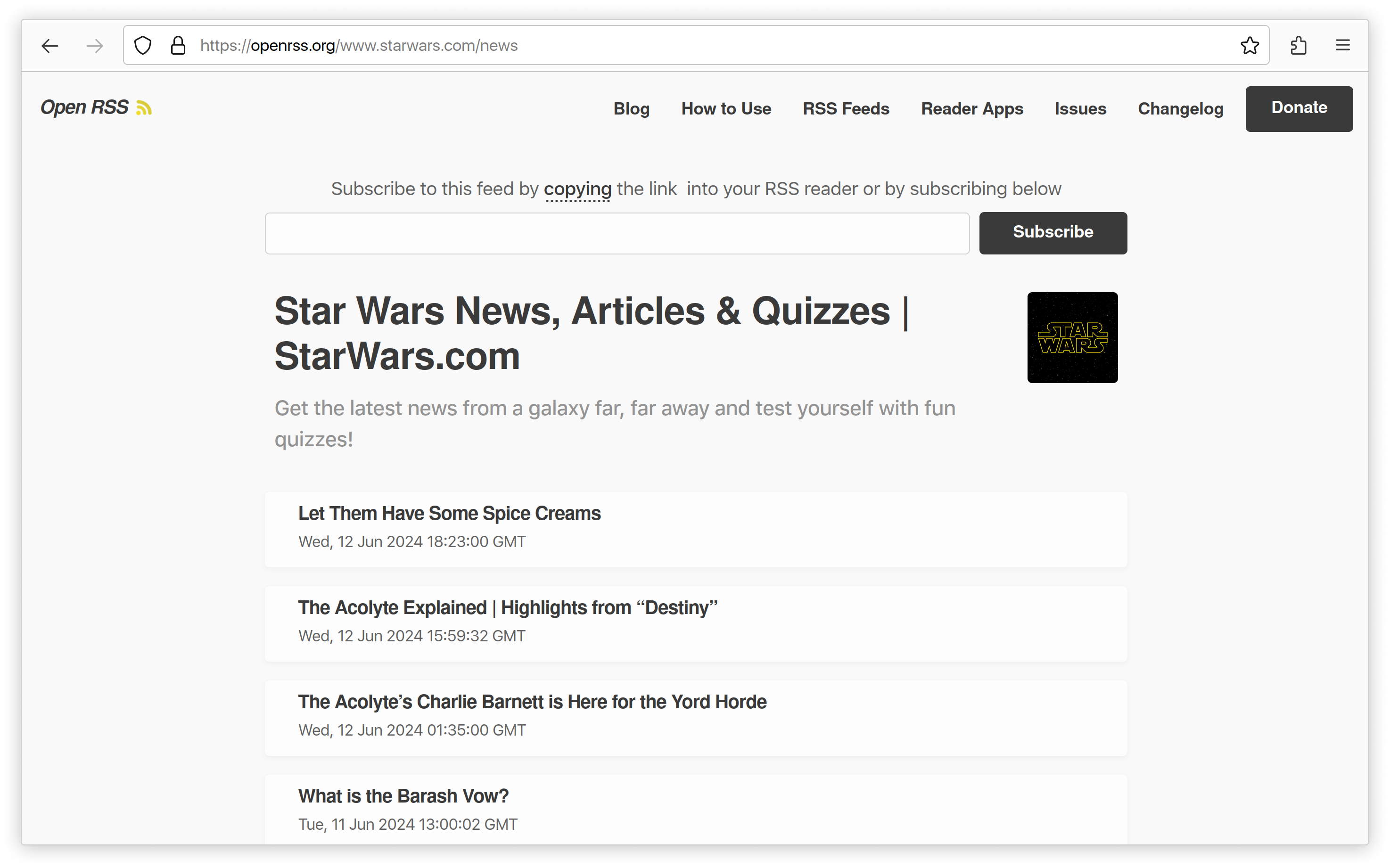
RSS, or Really Simple Syndication, works as a standardized XML-based format that allows websites to broadcast updates and users to aggregate those updates into a single, centralized feed. It functions by decoupling content publishing from content consumption: a website creates an automated machine-readable file that lists its latest articles, while a specialized application known as an RSS reader periodically polls that file to detect and display new items for the reader.
The Architecture of RSS: XML at the Core
At the heart of the RSS ecosystem is the Extensible Markup Language (XML). Unlike HTML, which is designed to dictate how information should be presented visually in a browser, XML is designed to describe the data itself. An RSS feed is essentially a structured text file hosted on a web server that acts as a live, evolving summary of a website's content.
When a publisher writes a new article, their content management system (CMS)—such as WordPress, Ghost, or a custom-coded solution—automatically updates this XML file. The file follows a strict schema that includes tags for specific metadata, such as the title of the article, the publication timestamp, a direct URL (the link), and often a brief description or the full body of the post. Because this file is structured, any computer program can parse it predictably, identifying new entries that did not exist during the last check.
The Role of the RSS Reader (The Aggregator)
An RSS reader, or "aggregator," serves as the user-side engine of the technology. Rather than forcing a reader to visit fifty individual websites to see if any have posted new content, the aggregator does the manual labor.
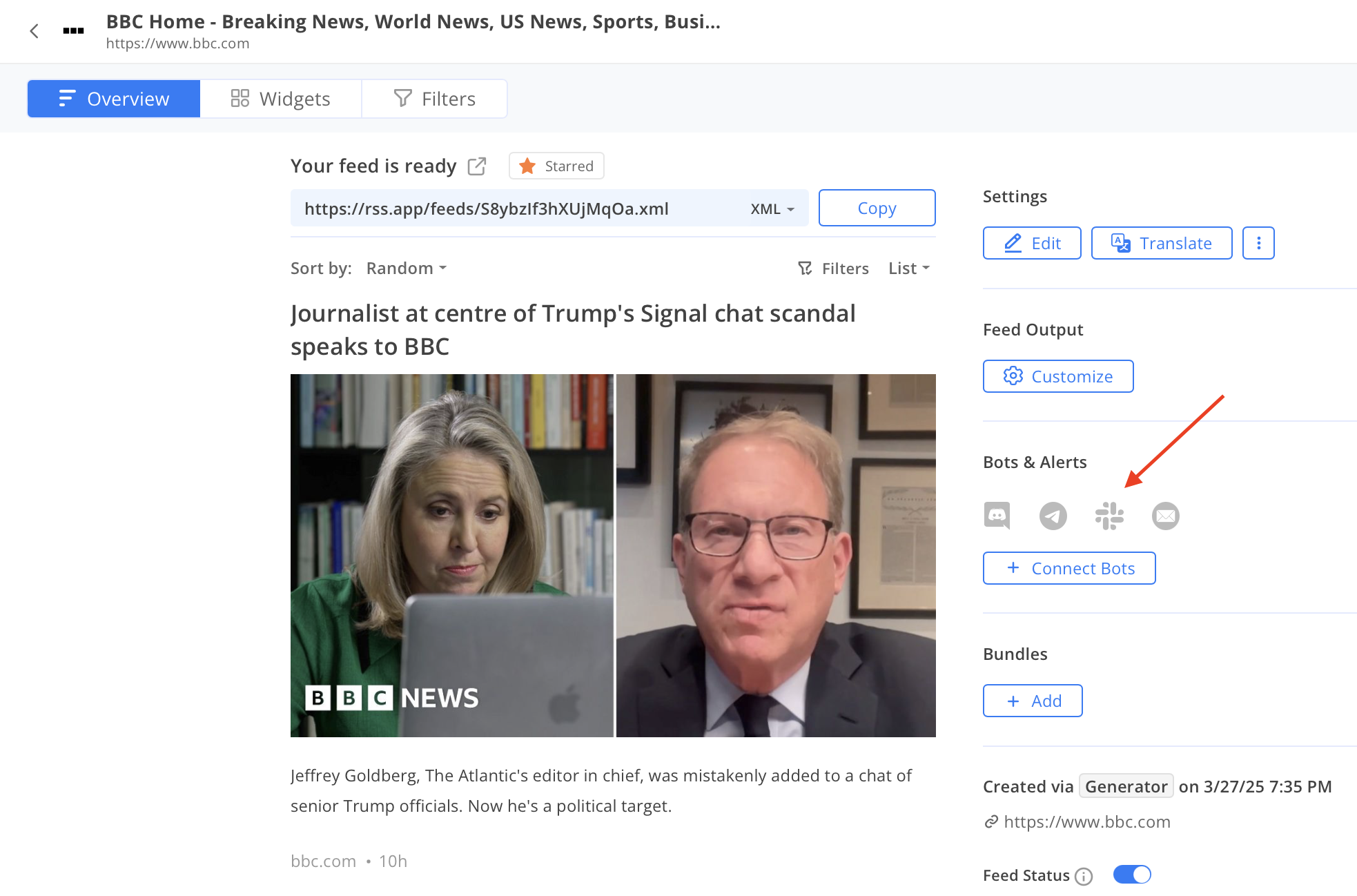
When you add a website's URL to an RSS reader, the software looks for the tag in the website's HTML header to locate the actual XML file. Once identified, the reader stores this URL and begins a recurring process of "polling."
- Request: The reader sends an HTTP request to the server hosting the XML file.
- Comparison: The reader compares the list of articles in the current file against the list it cached from its previous visit.
- Detection: Any item in the new file that does not exist in the cache is flagged as "new."
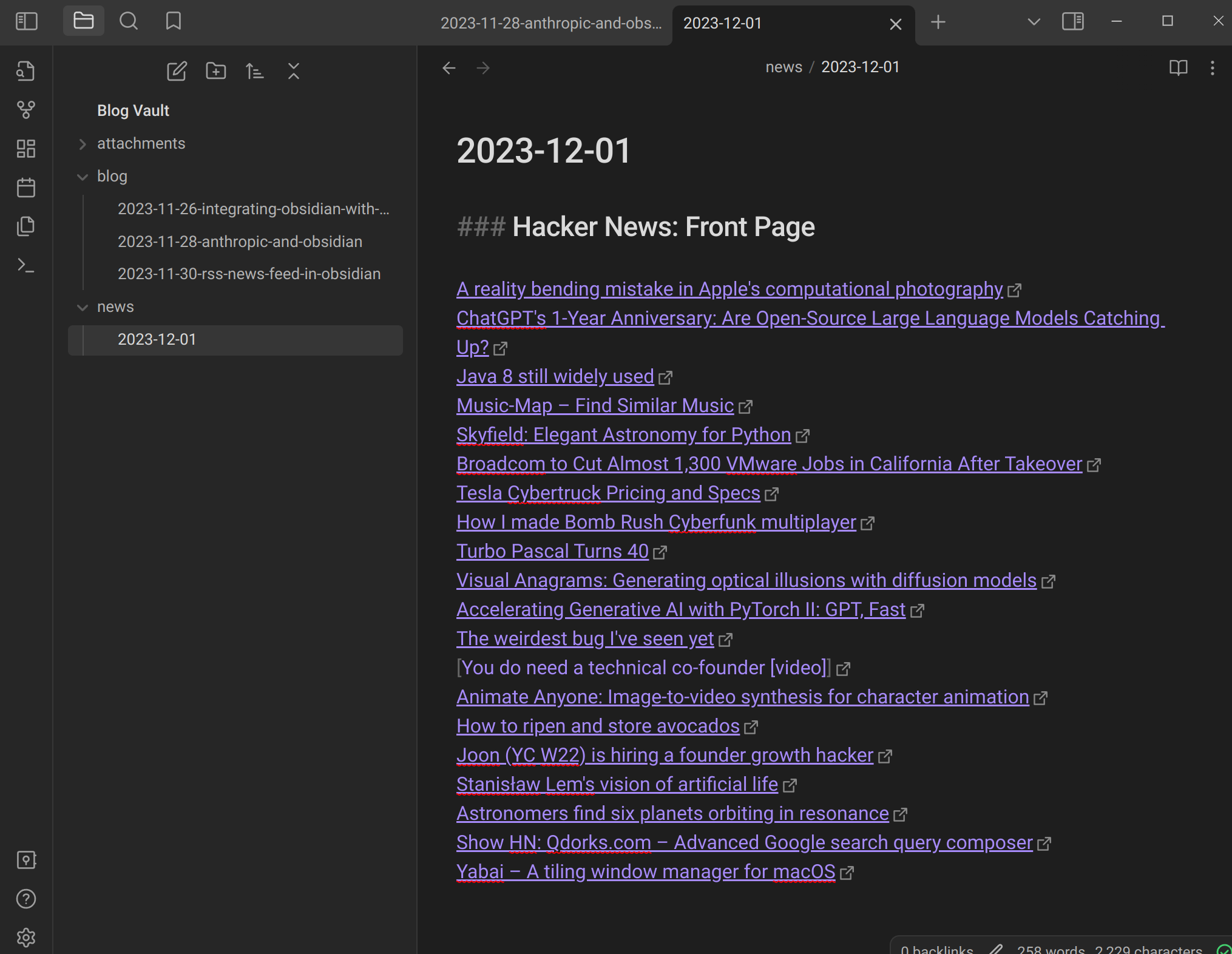
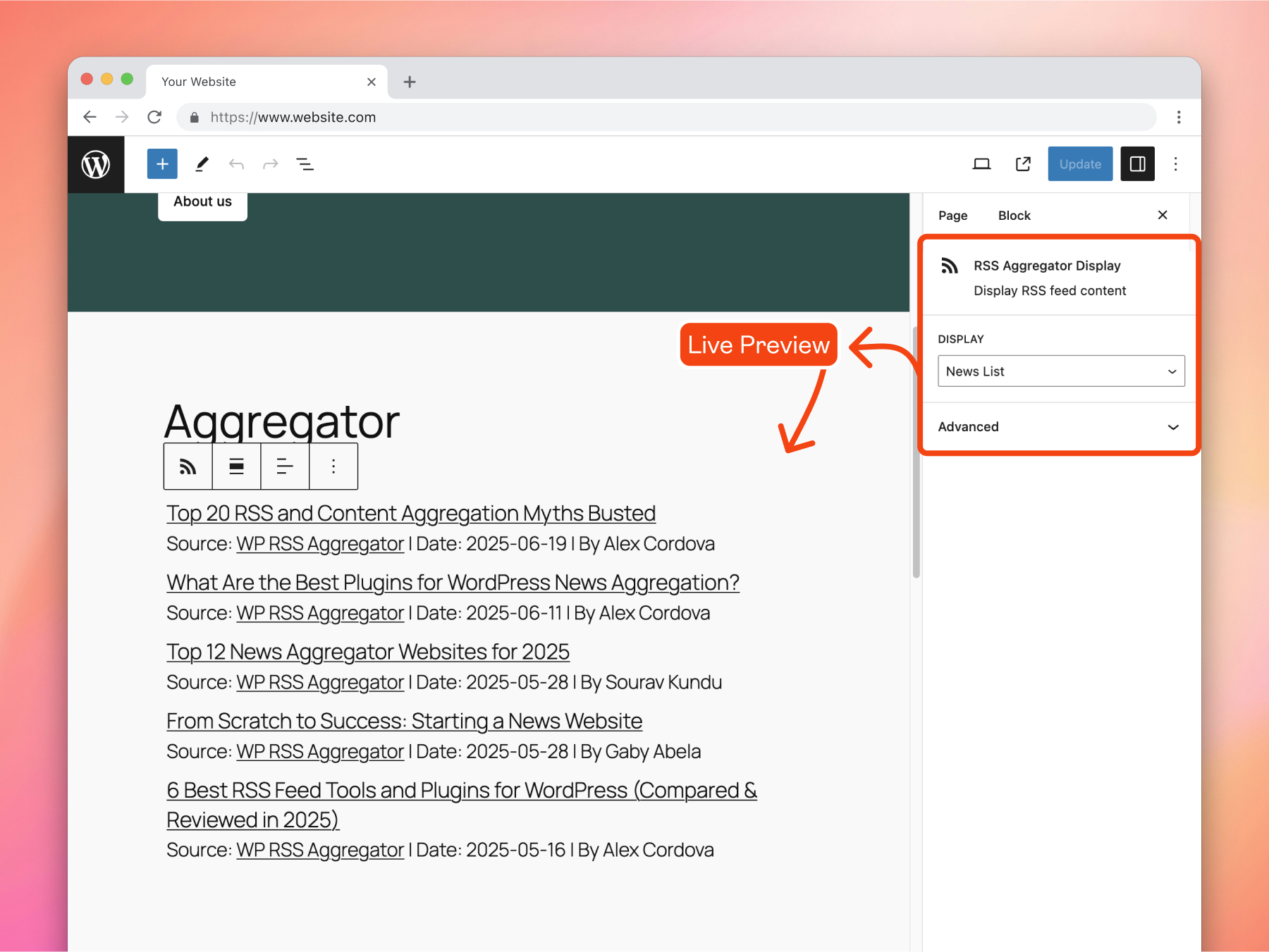
- Display: The aggregator pulls the headline, snippet, and link, presenting them to the user in a streamlined interface.
This polling frequency is typically managed by the reader application. Most desktop and web-based aggregators check for updates at intervals ranging from 15 minutes to several hours, ensuring that the user sees fresh content without overloading the publisher's server with excessive requests.

Essential Components of an RSS Feed
To understand how RSS news works, it is helpful to recognize the specific anatomy of an RSS 2.0 file. While modern implementations may vary, the standard structure remains consistent across the internet.
| Component | Technical Purpose |
|---|---|
| Channel Title | The name of the website or publication. |
| Link | The URL of the website home page. |
| Description | A brief summary of what the feed covers. |
| Item | The parent tag for a single piece of content (the article). |
| Title | The specific headline of the article. |
| PubDate | The timestamp, formatted in RFC 822, used to order items. |
| GUID | A unique string identifying the post to prevent duplicate entries. |
By separating these components, RSS allows developers to build diverse interfaces. Some readers display only the headlines, while others render the full article body within the app, allowing users to consume content without ever leaving the aggregator interface.
Historical Context and Protocol Standards
The evolution of RSS is marked by several iterations, most notably the transition from RSS 0.9x to the widely used RSS 2.0 specification, which was finalized in 2003. While there was a competing format known as Atom—which was developed later to address some of the ambiguities in the RSS spec—the terms have become largely interchangeable in the mind of the average user.
In 2026, the reliance on RSS remains robust, particularly for technical professionals, journalists, and researchers. Unlike social media algorithms, which curate content based on engagement signals and paid promotions, RSS is purely chronological and permission-based. If you subscribe to a feed, you are guaranteed to see every update published by that source, provided the feed is updated correctly.
Practical Setup and Troubleshooting
Setting up an RSS workflow requires two things: a source of content and an aggregator.
Prerequisites for Consumers
- Choose an Aggregator: Options range from web-based platforms (like Feedly or Inoreader) to self-hosted applications (like FreshRSS or Tiny Tiny RSS) and native desktop clients.
- Find the Feed: Most websites display a small orange radio-wave icon. If one is not present, you can often find the feed by appending
/feed/or/rss.xmlto the end of a website's home URL. - Subscription: Copy the feed URL into your aggregator. The software will handle the periodic polling automatically.
Common Troubleshooting Issues
- "The feed is not updating": This is often a caching issue on the publisher's server. If the server does not regenerate the XML file when a new post is published, the aggregator will see the old file repeatedly.
- "Formatting is broken": Some websites use "partial feeds," which include only a summary, while others include the full HTML body. If the article looks strange, it is usually because the RSS reader is struggling to render specific CSS or scripts embedded in the feed's description tag.
- "Rate Limiting": If you are using a self-hosted aggregator and polling too frequently (e.g., every 60 seconds), some servers may block your IP address to prevent a perceived Denial of Service attack.
Why RSS Remains Relevant in 2026
Despite the rise of algorithmic feeds and newsletter delivery systems, RSS remains the most efficient way to track high-volume sources. Because it operates on a "pull" rather than a "push" model, it is inherently private. The publisher does not know who is reading the feed, and the reader does not need to provide an email address or personal data to receive updates.
Furthermore, RSS is highly composable. You can pipe RSS feeds into automation tools like Zapier or Make, triggering actions such as "automatically save all articles with the keyword 'AI' to a Notion database" or "post a summary to a private Discord channel." This flexibility makes it a foundational tool for data curation and information management that no social media platform can match.
Frequently Asked Questions
Is an RSS feed the same as a newsletter?
No. A newsletter is a "push" technology; it requires the publisher to send an email to your inbox. RSS is a "pull" technology; your software periodically checks the publisher's server for updates. RSS does not require you to share any personal contact information.
Can I follow social media accounts via RSS?
Most mainstream social media platforms have deprecated or restricted their native RSS output to keep users within their apps. However, third-party services exist that can generate an RSS feed from a public social media profile by scraping the page, though these are often brittle and break when the platform changes its layout.
Are RSS feeds still secure?
Yes. RSS is simply a text-based data stream. It does not execute code in your browser, and because it is read-only, it presents almost no security risk to the user. The primary risk is simply the reliability of the source; a poorly maintained feed may provide outdated information.
What is the difference between RSS and Atom?
RSS and Atom are both syndication formats used to transport content. Atom was designed to be a more modern and strictly defined protocol, whereas RSS has a longer, more fragmented history. In practice, almost all modern aggregators support both formats equally well, so the technical difference rarely impacts the end user.
Why do some sites hide their RSS feeds?
Some publishers remove RSS feeds to force users to sign up for email newsletters or visit the website directly. This is typically done to increase page views or ensure that readers see advertisements and tracking pixels, both of which are stripped away when viewing content through an RSS reader.
Next Steps for Content Consumption
To get started, select an aggregator that aligns with your privacy requirements. If you prefer simplicity, cloud-based services are excellent, but for maximum control and data ownership, consider deploying a self-hosted instance on your own infrastructure. Once configured, spend time curating your sources to avoid information overload; focus on high-signal publications and use folders or tags to organize them by topic or priority.
Image Gallery
Select an image to open it in a new tab.


Ingrid Bjornson
Global Cyber Policy and Regulation Analyst
