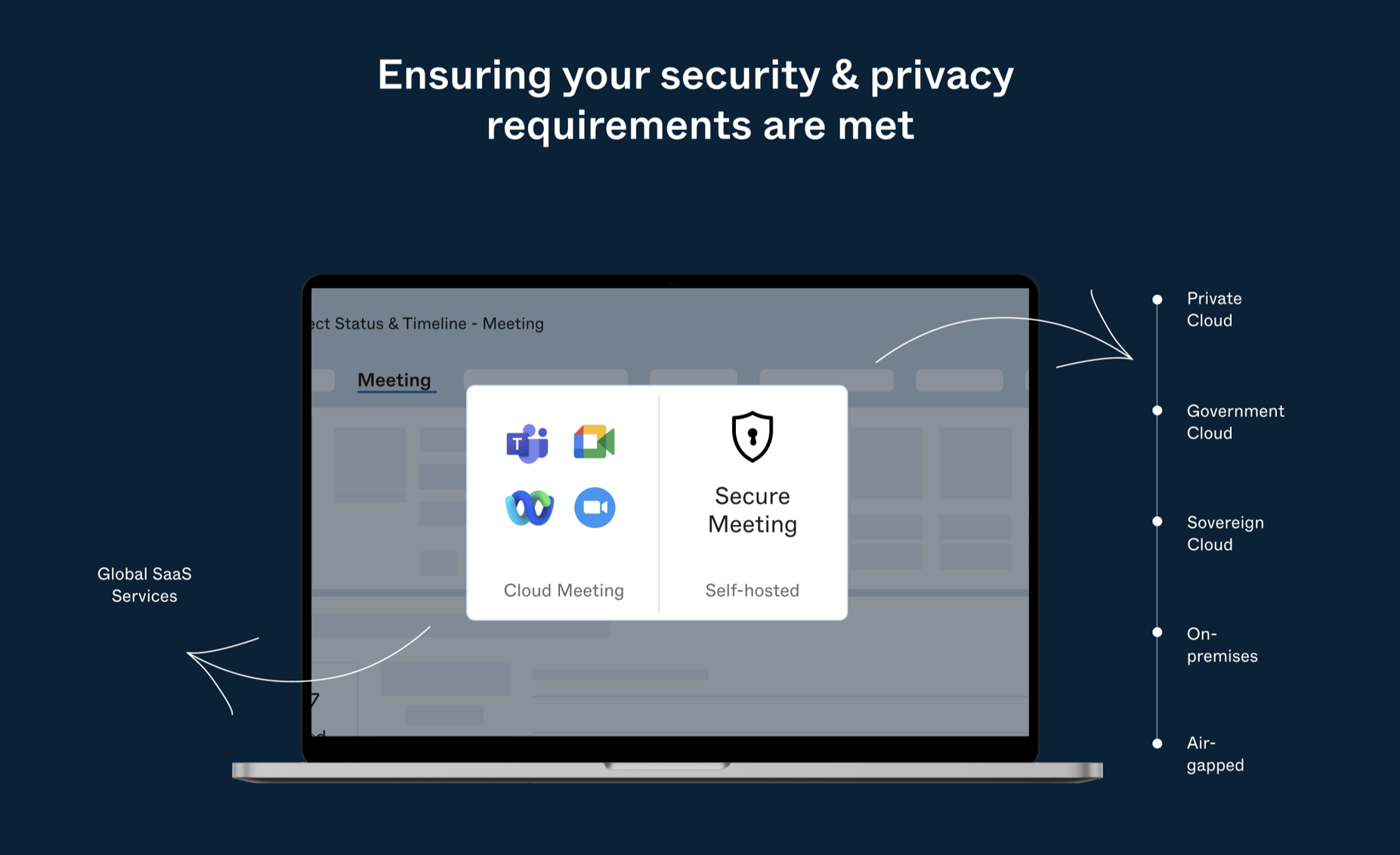
Securing your virtual workspace requires selecting a video conferencing application that prioritizes robust encryption, granular administrative controls, and verifiable compliance standards. By evaluating how platforms handle end-to-end encryption (E2EE), multi-factor authentication, and data residency, you can minimize the risk of unauthorized access or sensitive information leaks during remote or hybrid operations.
Understanding the Security Landscape of Remote Communication
In 2026, the reliance on video conferencing for professional interactions is absolute. However, this ubiquity makes these platforms prime targets for cyberattacks, ranging from meeting intrusions to sophisticated data interception. When selecting software for secure work, the primary objective is to move beyond basic password protection and toward a "defense-in-depth" architecture.
Security in this context is not a single feature; it is a stack of protocols. You must evaluate whether the service provider maintains control over the keys to your data, how they handle metadata, and whether they adhere to industry-recognized standards such as ISO/IEC 27001 or SOC 2 Type II. Understanding these elements allows organizations to categorize their risk tolerance based on the sensitivity of the data being discussed, whether it involves internal operational logistics or highly sensitive proprietary research.
Critical Security Features to Evaluate
When auditing a video conferencing application, your technical checklist should be rigorous. Not all platforms offer the same level of protection for every type of meeting.
End-to-End Encryption (E2EE)
E2EE ensures that the content of your communication—audio, video, and shared files—is encrypted on the sender's device and decrypted only on the recipient's device. Crucially, this means the service provider itself cannot decrypt or access the conversation. Verify if E2EE is a default setting or if it requires manual activation, as many platforms disable certain advanced features (such as cloud recording or breakout rooms) when E2EE is enabled.
Multi-Factor Authentication (MFA) and Identity Management
An application is only as secure as the credentials used to access it. Prioritize platforms that support Single Sign-On (SSO) and integrate with your existing Identity Provider (IdP) such as Okta, Microsoft Entra ID, or Google Workspace. This ensures that when an employee leaves an organization, their access to the video conferencing platform is revoked automatically across all services.
Granular Administrative Controls
Security is largely a matter of policy enforcement. Effective platforms provide administrators with the ability to:
- Enforce lobby or "waiting room" policies.
- Control who can share their screen and record sessions.
- Limit meeting access to specific domains or geographic regions.
- Set expiration dates for meeting links and recordings.
Comparing Security Architectures: A Framework
The following table outlines how to compare the security posture of common enterprise video conferencing solutions as of 2026.
| Feature | Platform Type A (Enterprise-Focused) | Platform Type B (General Purpose) |
|---|---|---|
| Encryption Model | Optional E2EE / Always at-rest | Basic TLS/SRTP |
| Identity Integration | Native SSO / SCIM provisioning | Email-based / Basic OAuth |
| Data Residency | Selectable per region | Centralized/Global |
| Administrative Auditing | Full API access to activity logs | Limited/Dashboard only |
| Compliance Certifications | HIPAA, FedRAMP, GDPR, SOC 2 | GDPR, SOC 2 |
Note: Always consult the latest Service Level Agreement (SLA) and compliance documentation provided by the vendor, as feature sets can change based on the specific licensing tier purchased.
Data Privacy and Compliance Requirements
Beyond the technical implementation of encryption, you must consider the legal and regulatory framework governing your data. If your organization operates in sectors such as healthcare, law, or finance, the application must meet specific regulatory mandates.
Data Residency and Sovereign Clouds
For multinational organizations, data residency is a critical concern. Some platforms allow you to choose which regional data center processes your traffic. This is essential for compliance with regulations like the European Union’s GDPR or localized data sovereignty laws. If your work involves handling sensitive state or corporate data, ensure the vendor provides options for "sovereign clouds," where data traffic is restricted to specific borders.
Metadata and Telemetry
While E2EE protects the content of your call, consider what metadata the provider stores. This includes logs of who attended the meeting, from which IP address, for how long, and via which device. For high-security work, inquire about the vendor's policy on metadata retention and whether they use this data for "service improvement" or machine learning training. A secure-first vendor should provide a transparent policy allowing you to opt out of telemetry.
Operational Security: The User Element
Even with the most secure software, human error remains the leading cause of security breaches. Establishing a "Secure Meeting Culture" is as important as the software selection process.
- Mandatory Training: Ensure all team members understand how to lock meetings and screen for unauthorized participants.
- Authentication Hygiene: Never share meeting URLs on public social media or unencrypted public channels. Use calendar invitations that require an authenticated account to join.
- Recording Policies: Clearly define where recordings are stored and who has access. Encrypt recordings at rest and rotate access permissions frequently.
- Hardware Considerations: Secure communication is undermined if the hardware itself is compromised. Ensure that meeting devices (laptops, conference room hardware) are updated with the latest firmware to prevent vulnerabilities in audio/video drivers.
Common Pitfalls to Avoid
Avoid the temptation to prioritize user experience (UX) and "feature bloat" over security. Many popular platforms add "fun" features like background filters, interactive games, or real-time AI transcription. While these improve productivity, they often increase the "attack surface" of the application.
Every additional feature is code that must be maintained and secured. Before enabling these features, conduct a security impact assessment. If your team does not strictly require AI transcription for the task at hand, disabling it reduces the number of third-party systems that potentially interact with your call data.
Troubleshooting and Verification
If you are currently evaluating a tool, follow these steps to verify its security claims:
- Request the SOC 2 Type II Report: This is an independent audit report that verifies the vendor’s security controls over a period of time.
- Perform a Proof of Concept (PoC): Test the application in a sandboxed environment with your IT and security teams. Attempt to bypass administrative restrictions to verify if the "locked" settings are truly effective.
- Check the CVE Database: Search the Common Vulnerabilities and Exposures (CVE) list for the application. A platform with a long history of critical, unpatched vulnerabilities is a higher risk, regardless of its marketing claims.
Frequently Asked Questions
What is the difference between "Encrypted" and "End-to-End Encrypted"? "Encrypted" usually means data is protected during transit (e.g., from your computer to the server) and at rest on the server. However, the provider has the key to decrypt it. "End-to-end encrypted" ensures that only the participants in the call hold the keys, meaning the provider cannot see or hear the call even if they wanted to.
Does enabling E2EE break my recording and transcription features? Often, yes. Because the provider does not have the keys to decrypt the media stream, they cannot process the audio for transcription or save a recording on their cloud server. If these features are essential to your workflow, you must decide if the trade-off for higher security is worth the loss of these conveniences.
What is SCIM provisioning and why does it matter for security? SCIM (System for Cross-domain Identity Management) allows your central IT directory to automatically manage user accounts in your video conferencing app. If an employee is offboarded, their access is revoked instantly across all connected apps, preventing "orphaned" accounts from remaining active.
How do I verify if my video conferencing data is leaving my region? Most enterprise-grade vendors provide an administrative dashboard that lists server locations. If you are subject to strict regional data laws, look for a "Data Residency" or "Global Data Management" tab in the administrative portal, which allows you to pin meeting data to a specific geography.
Recommended Next Steps for Your Organization
- Audit Current Usage: Identify which video conferencing apps are already in use across departments. Unsanctioned use ("Shadow IT") is a significant security risk.
- Define Security Tiers: Create a policy that dictates which level of security is required based on the nature of the meeting. For internal administrative updates, standard encryption may suffice; for board meetings or R&D discussions, mandate E2EE.
- Standardize the Platform: Consolidate your organization onto one or two vetted platforms. This allows your IT team to manage configurations, monitor compliance, and train users effectively.
- Review Semiannually: Re-evaluate your chosen platform every six months. Security features evolve rapidly, and new vulnerabilities can be discovered that shift the competitive landscape.
By treating video conferencing as a critical infrastructure component rather than a simple communication tool, you ensure that your organization remains productive without compromising its integrity.

Image Gallery
Select an image to open it in a new tab.
Zara El-Hashem
Sociocultural Dynamics and Academics Writer
