
Tesla Summon allows Model S owners to move their vehicles autonomously over short distances via the Tesla mobile app. By 2026, this technology has evolved into "Actually Smart Summon" (ASS), utilizing high-fidelity vision-based neural networks to navigate complex parking environments and tight spaces without a driver present behind the wheel.
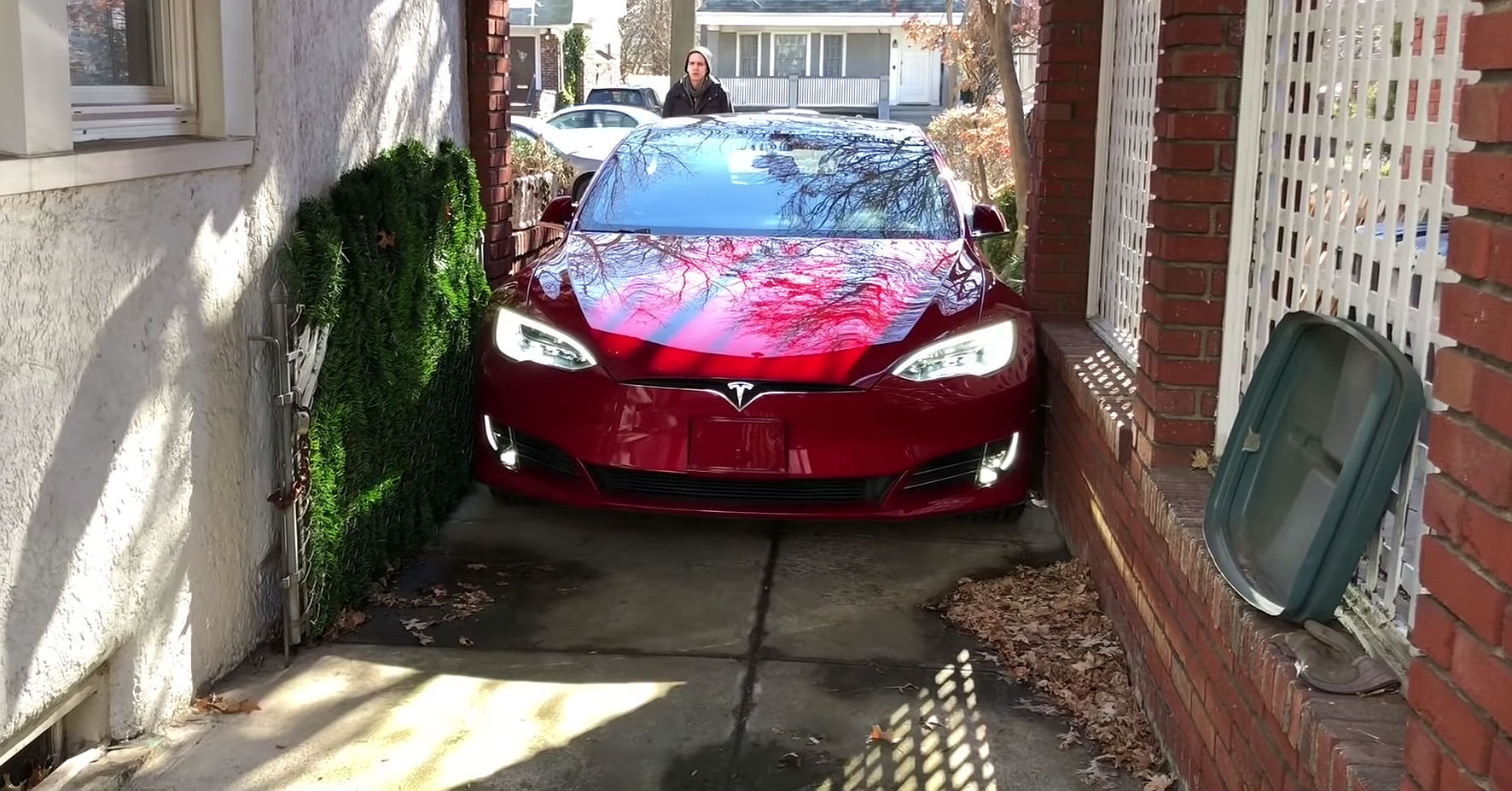
Summon is more than a party trick; it is a functional tool designed to solve specific urban mobility challenges, such as tight garage parking, flooded pathways, or retrieving a vehicle from a crowded lot in inclement weather. As the Model S has transitioned through various hardware iterations—moving from ultrasonic sensors to the pure Tesla Vision system—the way Summon operates has fundamentally changed. Understanding these nuances is critical for safe and effective operation.
The Evolution of Summon: From Basic to "Actually Smart"
The Summon feature set is categorized into three distinct functional tiers, depending on the vehicle's hardware suite and software version. While the primary goal remains moving the car without a driver, the complexity of the maneuvers varies significantly between these tiers.
Basic Summon
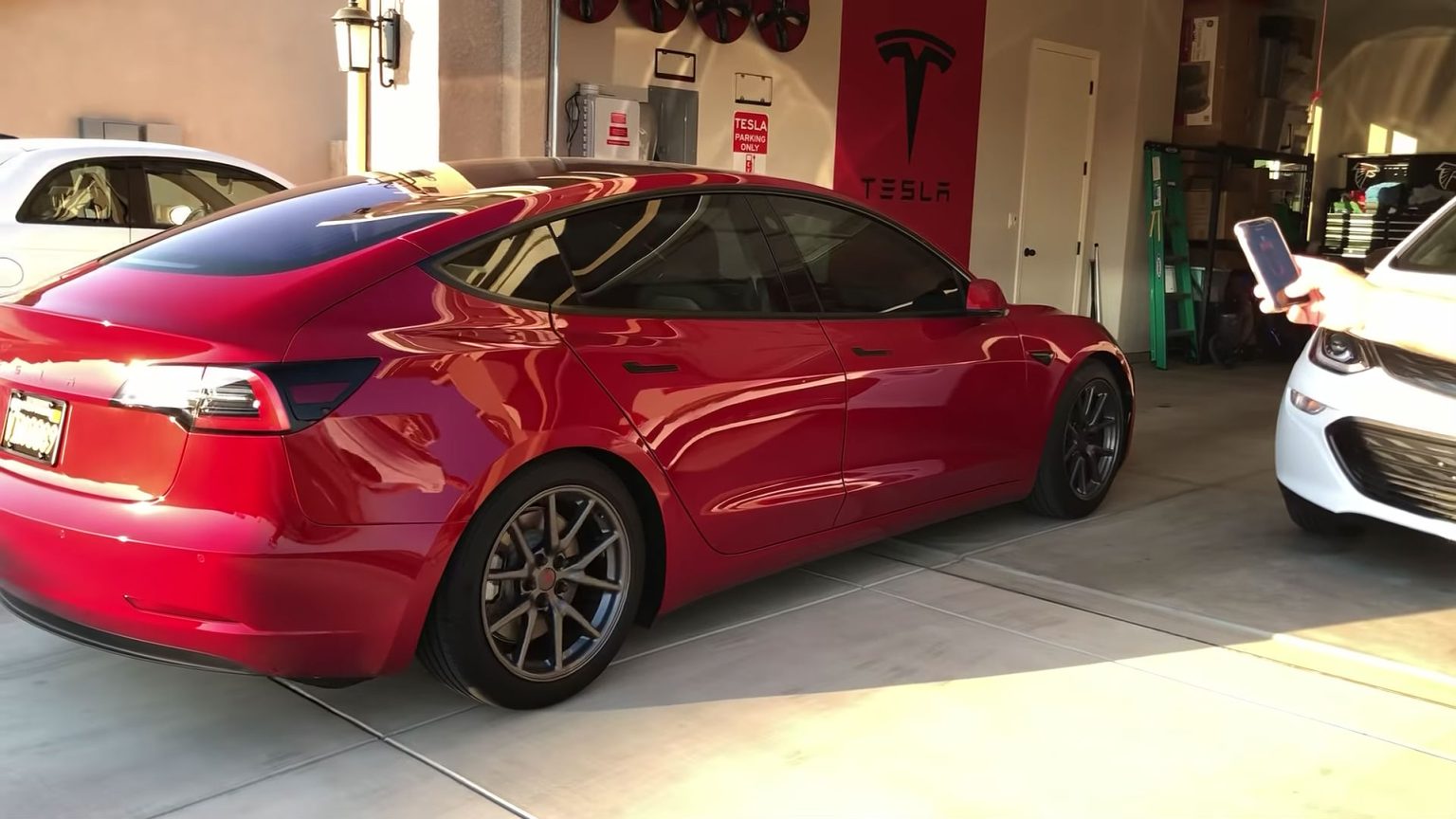
Basic Summon is the foundation of the technology. It allows the Model S to move in a straight line, forward or backward, for a limited distance (typically up to 39 feet or 12 meters). This is primarily used for moving the car into or out of a narrow garage or a tight parking spot where opening the doors would be difficult. In this mode, the car can also control HomeLink-enabled garage doors, opening them before exiting and closing them once the maneuver is complete.
Smart Summon
Introduced as an expansion for vehicles equipped with Enhanced Autopilot or Full Self-Driving (FSD), Smart Summon enables the vehicle to navigate more complex environments, such as a private parking lot. It can navigate around obstacles, steer through turns, and find its way to the user’s location (using the "Come to Me" feature) or a designated target pin on a map.
Actually Smart Summon (ASS)
By 2026, the standard for newer Model S units is "Actually Smart Summon" (ASS). This iteration represents a total rewrite of the original Smart Summon code. Unlike the earlier versions that often exhibited "jerky" steering or hesitant acceleration, ASS leverages the end-to-end neural networks found in the latest FSD builds. It provides much smoother path planning, better recognition of environmental hazards, and a more "human-like" approach to navigating parking lot etiquette, such as yielding to pedestrians and other moving vehicles.
Hardware and Software Requirements in 2026
Operating Summon requires a specific combination of hardware and software. As of 2026, the Model S lineup is divided between legacy vehicles with Ultrasonic Sensors (USS) and newer "Vision-only" vehicles.
The Shift to Tesla Vision
Early Model S versions relied on 12 ultrasonic sensors located in the front and rear bumpers to detect nearby objects. However, all Model S units produced since late 2022 utilize Tesla Vision, a camera-based system. Tesla Vision uses eight high-resolution cameras and a powerful onboard computer to create a 360-degree, high-fidelity occupancy network. For Summon to work on these newer models, the software must be calibrated to "see" and interpret the 3D world purely through visual data.
Software Packages
Summon is not a standard feature on the base Model S unless specifically optioned. It is included in the following packages:
- Enhanced Autopilot (EAP): Includes Basic Summon and Smart Summon.
- Full Self-Driving (FSD) Capability: Includes all Summon features, including the latest ASS updates and improvements.
Users must also ensure they have the latest version of the Tesla Mobile App (iOS or Android) installed, as the smartphone acts as the remote controller and the "dead man's switch" for the vehicle’s movement.
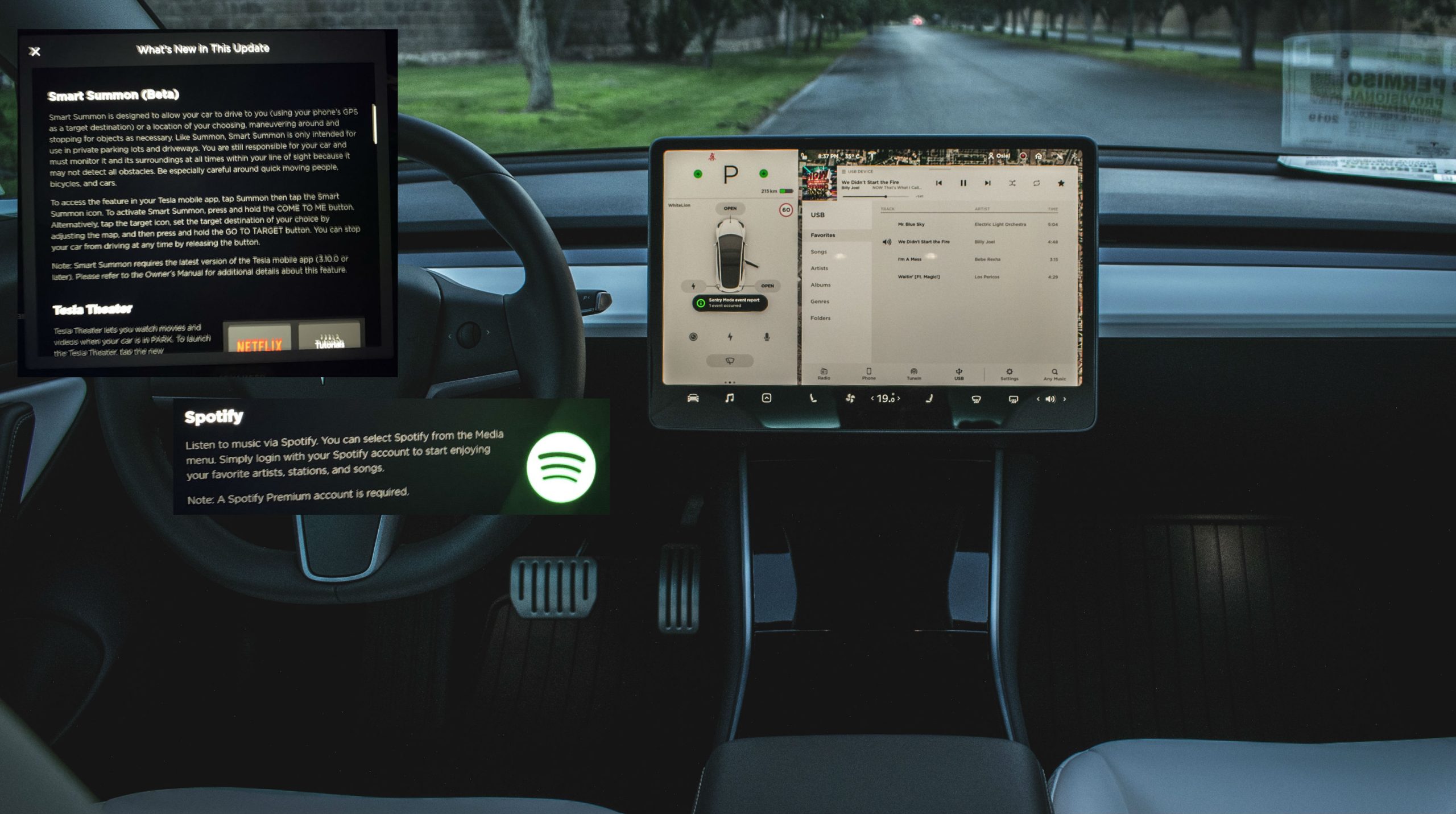
Step-by-Step Guide to Using Basic Summon
Basic Summon is the most frequently used version of the tool. It requires the user to be within approximately 10 feet (3 meters) of the vehicle.
- Preparation: Ensure the Model S is in Park and all doors/trunks are closed. Check the surroundings for any obstacles that might be too low or too thin for the cameras/sensors to detect (e.g., thin poles, low curbs, or dangling wires).
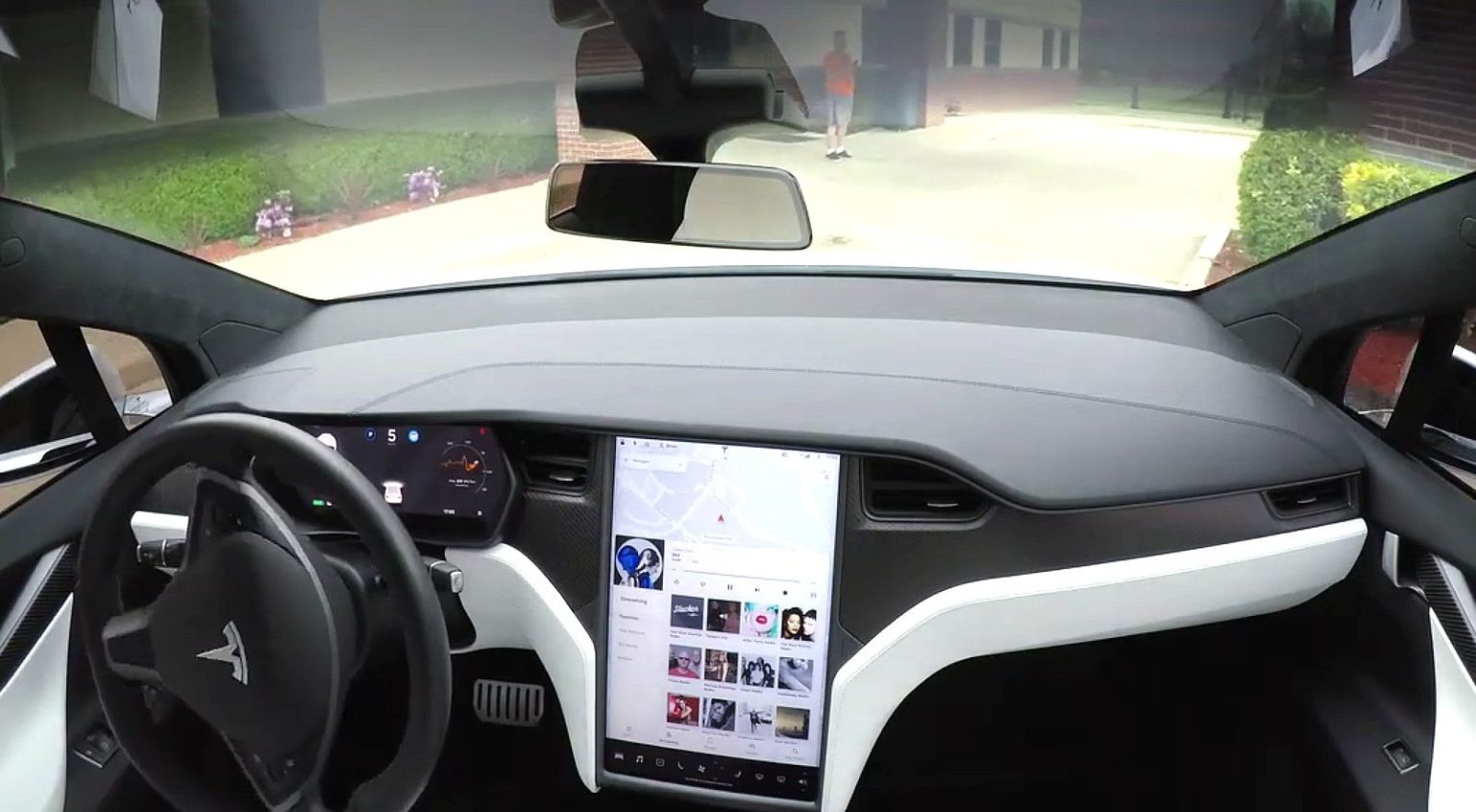
- Open the App: Launch the Tesla app and navigate to the "Summon" menu.
- Authentication: The app will establish a Bluetooth connection with the car. This provides a low-latency link to ensure the car stops immediately if the connection is lost.
- Initiate Movement: Press and hold either the "Forward" or "Reverse" button. The car will engage the parking brake, shift into gear, and begin moving.
- Monitor Constantly: You must maintain a continuous press on the button. If you release the button, the car will stop instantly. This is a safety requirement to ensure the operator is always supervising the maneuver.
- Completion: Once the car reaches the desired position, release the button. The car will shift back into Park and engage the electronic parking brake.
Utilizing Actually Smart Summon (ASS) and Target Pins
For navigating across a parking lot, ASS provides a more autonomous experience. Note that this feature is intended only for use on private property, such as shopping center lots or private driveways.
Using "Come to Me"
When you select "Come to Me," the Model S uses your phone's GPS coordinates as its destination. The vehicle will calculate a path from its parking spot to your current location. In 2026, the ASS system is much more adept at handling "nits"—small, complex obstacles like shopping carts or stray traffic cones—than previous iterations.
Using the Target Pin
If you want the car to move to a specific spot (for example, under a covered awning while you wait), you can press and hold the "Target" icon on the map within the Summon interface. You can move the pin to any location within a roughly 210-foot (65-meter) radius of the car.
Key Operational Rules for ASS:
- Line of Sight: You must maintain a clear line of sight to the vehicle at all times. Using Summon when you cannot see the car is a violation of the terms of use and significantly increases the risk of a collision.
- Dead Man's Switch: Like Basic Summon, you must hold the button in the app throughout the duration of the trip.
- Environmental Awareness: While ASS is advanced, it may struggle with very dark environments, heavy fog, or extremely reflective surfaces (like deep puddles or mirrors) that can confuse the vision system.
Comparison of Summon Features and Compatibility
The following table outlines the differences in Summon capabilities based on the hardware and software configuration of the Tesla Model S as of 2026.
| Feature | Basic Summon | Smart Summon (Legacy) | Actually Smart Summon (ASS) |
|---|---|---|---|
| Primary Movement | Straight line (Fwd/Rev) | Complex turns/Navigation | Advanced Pathing/Yielding |
| Hardware Required | USS or Tesla Vision | Hardware 3.0 / 4.0 | Hardware 4.0 (AI4) Preferred |
| Max Distance | ~39 feet (12m) | ~210 feet (65m) | ~210 feet (65m) |
| Driver Location | Within 10 feet of car | Within 210 feet (Line of Sight) | Within 210 feet (Line of Sight) |
| Obstacle Handling | Stops for obstacles | Navigates around obstacles | Smoothly navigates/yields |
| Primary Use Case | Garages/Tight spots | Empty parking lots | Busy/Complex private lots |
Technical Limitations and Environmental Factors
Despite the sophistication of the Model S software, Summon is not infallible. Several factors can degrade its performance or cause it to fail to initiate.
Lighting and Visibility
Because the 2026 Model S relies heavily on Tesla Vision, lighting is the most significant factor. In pitch-black conditions without ambient streetlights, Summon may refuse to operate or may move much more slowly as it struggles to build a high-confidence occupancy map. Similarly, direct sunlight hitting the camera lenses at a low angle (sun glare) can temporarily "blind" the system.
Surface and Incline
Summon is designed for relatively flat surfaces. If the car is parked on a steep incline, it may struggle to overcome the initial resistance to move, or it may disable the feature to prevent the vehicle from rolling. Additionally, very slippery surfaces (ice or thick mud) can cause wheel slip, leading the car to abort the maneuver for safety.
Connectivity Issues
Summon requires two layers of connectivity:
- LTE/5G: The car and the phone both need a cellular signal to communicate with Tesla’s servers.
- Bluetooth: For Basic Summon and the "Dead Man's Switch" functionality, a local Bluetooth Low Energy (BLE) connection is often required to ensure low-latency stopping commands. In areas with high electromagnetic interference, the connection may drop, causing the car to stop mid-maneuver.
Troubleshooting Common Summon Issues
If Summon is not working as expected, the cause is usually related to environmental constraints or system requirements.
- "Summon Disconnected": This is usually a Bluetooth range issue. Move closer to the vehicle. If the problem persists, toggle your phone's Bluetooth off and on, or restart the Tesla app.
- "Vision Degraded": Ensure all eight cameras are clean. Even a small smudge of road salt or a dried water spot on a side-pillar camera can prevent Smart Summon from engaging.
- Car Not Moving (Spinning Loading Icon): Check if the car is in "Sentry Mode" or if there is an active software update pending. Sometimes, a simple "Two-Scroll Wheel" reset of the infotainment system can resolve persistent software glitches.
- Garage Door Not Opening: Ensure your HomeLink or myQ account is properly integrated and that the "Auto-open" setting is toggled on within the Summon settings menu in the car's "Autopilot" tab.
Safety Guidelines and Legal Responsibility
It is a common misconception that Summon makes the car "liable" for its own actions. Per Tesla's owner's manual and the legal agreements signed upon activating FSD or EAP, the driver is 100% responsible for the vehicle while using Summon.
Best Practices for Safe Operation:
- Check the Path Physically: Before using Summon to exit a garage, walk the path to ensure no small objects (like a bicycle kickstand or a pet) are in the blind spots.
- Avoid Public Roads: Never use Smart Summon on public streets. It is designed for private parking lots. Using it on public roads can lead to traffic citations or unpredictable behavior near high-speed traffic.
- Be Ready to Release: Keep your finger poised on the button but be prepared to release it the instant you see a potential conflict.
- Weather Caution: In 2026, while Vision-based ASS is highly capable, heavy rain can create "visual noise." It is always safer to manually drive the car in extreme weather if the Summon path is complex.
For more information on vehicle safety and autonomous standards, you can visit the National Highway Traffic Safety Administration (NHTSA) or review the latest Tesla Support documentation.
Frequently Asked Questions
Does Summon work on all Model S versions?
No. Summon requires specific hardware. While Basic Summon was available on older models with Autopilot 1.0 (Mobileye), Smart Summon and ASS require Hardware 3.0 or Hardware 4.0 (AI4). Additionally, you must have purchased the Enhanced Autopilot or Full Self-Driving software packages. Standard Autopilot does not include Summon.
Can I use Summon to park my car while I am inside a store?
No. You must be within a specific range (approximately 210 feet for Smart Summon) and maintain a clear line of sight to the vehicle. Summon is intended for retrieval and short-range maneuvering, not for independent long-distance parking.
What happens if Summon hits something?
As the operator, you are legally and financially responsible for any damage caused by the vehicle during a Summon maneuver. Tesla’s software logs the event, but insurance companies typically treat Summon incidents as "at-fault" driver errors since the driver is required to supervise the car.
Is Actually Smart Summon (ASS) better than the original version?
Yes, significantly. ASS uses the V12+ neural network architecture, which allows the car to make more fluid decisions. It eliminates the "hesitation" seen in older versions where the car would stop for no apparent reason, and it handles steering with much higher precision, making it more viable for daily use in 2026.
Does the Model S need a cellular connection for Summon?
Yes. Both your smartphone and the Model S must have an active internet connection (via LTE, 5G, or Wi-Fi) to communicate with the Tesla command servers. If you are in an underground parking garage with no signal, Summon will likely fail to initialize.
Final Recommendation
To get the most out of your Tesla Model S Summon feature, start by practicing in an empty, level parking lot. Familiarize yourself with the latency between releasing the button and the car coming to a complete stop. By understanding the transition to Tesla Vision and the capabilities of Actually Smart Summon, you can use this technology to turn a difficult parking situation into a seamless, automated experience. Always prioritize visibility and safety over convenience, and ensure your vehicle’s cameras are kept clean to maintain peak system performance.
Image Gallery
Select an image to open it in a new tab.


Celine Dubois
Contemporary Living and Global Arts Columnist
