
Choosing a PHP website hosting plan requires balancing your application’s resource demands, security requirements, and long-term scalability. Because PHP powers a vast majority of the web, hosting environments are ubiquitous, but performance and stability vary significantly based on the server configuration, PHP version support, and the underlying infrastructure architecture.
Understanding the Role of PHP in Your Hosting Environment
PHP is a server-side scripting language, meaning your hosting provider executes your code before sending the resulting HTML to the user’s browser. When you select a hosting plan, you are effectively choosing the "computer" that will interpret your PHP scripts. The quality of this environment directly impacts your site’s Time to First Byte (TTFB), concurrent user capacity, and database interaction speed.
In 2026, modern PHP development relies heavily on PHP 8.x, which introduced JIT (Just-In-Time) compilation and improved type safety. A high-quality hosting plan must support the latest stable versions of PHP and provide an easy interface—such as a control panel or command-line utility—to switch between versions. This is critical because legacy applications may break under newer versions, while modern frameworks like Laravel or Symfony require the latest releases for optimal performance and security.
Core Hosting Types and PHP Performance
The structure of your hosting environment dictates how your PHP code interacts with system resources. Understanding these distinctions is the first step in making an informed decision.
Shared Hosting
In a shared hosting environment, your PHP processes compete for resources (CPU, RAM, and I/O) with hundreds of other accounts on the same physical server. While this is the most cost-effective option, it is prone to "noisy neighbor" issues where another site’s traffic spikes can slow down your PHP execution. If you choose this route, look for providers that implement strict resource isolation (such as CloudLinux) to prevent one user's poor code from affecting yours.
Virtual Private Servers (VPS)
A VPS provides dedicated resources within a virtualized container. This is the industry-standard choice for professional PHP applications. You receive a guaranteed amount of RAM and CPU cycles, which ensures that your PHP-FPM (FastCGI Process Manager) settings remain stable. With a VPS, you can also optimize the server stack—for example, by tuning your OPCache settings or choosing between Nginx and Apache to better serve your specific PHP application structure.
Managed Cloud Hosting
Managed cloud platforms offer the convenience of shared hosting with the scalability of a VPS. These services handle the technical heavy lifting, such as configuring PHP versions, managing object caching (like Redis or Memcached), and setting up automated backups. This is ideal for developers who want to focus on writing code rather than managing server security patches or kernel updates.
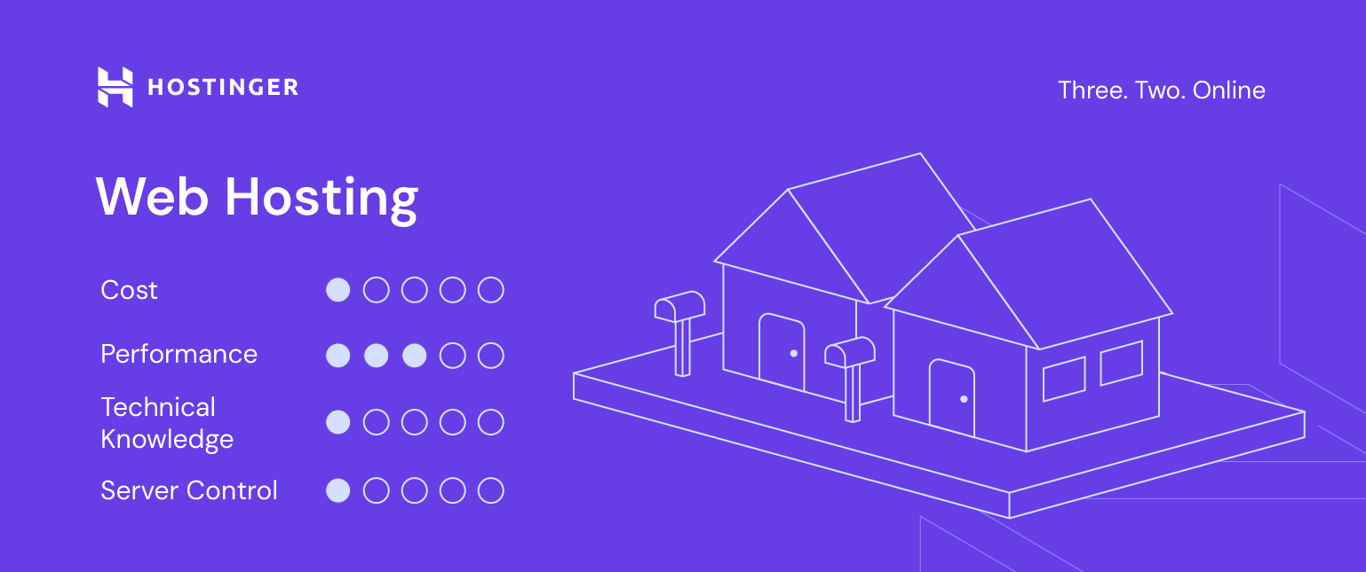
Critical Technical Specifications to Evaluate
Before finalizing your hosting provider, you must examine specific technical metrics that influence how PHP runs. Do not rely solely on advertised "unlimited" features, which often obscure limitations on concurrent PHP processes.
- Memory Limit: PHP applications, especially those using complex frameworks, can be memory-intensive. Ensure your plan allows for at least 256MB or 512MB of RAM per PHP process to avoid "Fatal error: Allowed memory size exhausted" messages.
- OPCache Support: OPCache stores precompiled script bytecode in shared memory, preventing PHP from needing to load and parse scripts on every single request. Ensure your host supports enabling and tuning OPCache.
- Database Integration: PHP often relies on MySQL or MariaDB. Check if the hosting plan offers dedicated database storage or if your database queries share the same disk I/O as your web files.
- I/O Limits: High-traffic PHP sites suffer if the server’s input/output throughput is capped. Persistent bottlenecks here will result in slow page loads regardless of how optimized your code is.
Comparison of PHP Hosting Environments
| Feature | Shared Hosting | Managed VPS | Dedicated Cloud |
|---|---|---|---|
| PHP Version Control | Limited / Shared | Full / Root Access | Full / Managed |
| Resource Isolation | Basic (or none) | High | Absolute |
| Maintenance | Handled by host | Manual or Managed | Managed |
| Performance | Variable | Predictable | High (Scalable) |
| Typical Use Case | Small blogs / Portfolios | SMB sites / E-commerce | High-traffic Apps |
The Impact of Server-Side Caching
Your choice of hosting plan should prioritize support for modern caching mechanisms. PHP is inherently dynamic, which is its strength, but that dynamic nature is taxing on a server if you rebuild the page on every refresh.
Look for hosting providers that integrate Redis or Memcached. These systems allow your PHP code to store temporary data—like user session information or database query results—in RAM. Accessing data from RAM is orders of magnitude faster than querying a disk-based database. If your hosting plan does not allow for persistent object caching, your PHP application will struggle to scale as your user base grows.
Security Considerations for PHP Hosting
Because PHP is a widely used language, it is a frequent target for automated exploits. A secure hosting plan is as important as a well-coded application.
- File System Isolation: Ensure that your host uses technologies like CageFS or similar solutions to prevent one account from viewing or modifying files in another user's directory.
- Web Application Firewall (WAF): A good host will provide a WAF to filter out malicious requests (like SQL injection or Cross-Site Scripting) before they reach your PHP scripts.
- Regular Backups: Verify the backup frequency and, more importantly, the restore process. Test your ability to restore a site from an automated backup; in a crisis, a backup is only as good as its accessibility.
- Disabled Functions: Check if the host disables dangerous PHP functions (e.g.,
exec(),shell_exec(),system()). While some developers need these, they are common vectors for remote code execution (RCE) attacks.
Common Mistakes to Avoid
The most frequent error when choosing a PHP plan is underestimating the "concurrency" factor. Many hosts advertise that they can handle thousands of visits, but they do not mention how many concurrent PHP processes your account can run. If your site processes 20 requests simultaneously but your host limits you to 10 active PHP workers, the 11th user will receive a 503 error, even if the server itself is not overloaded. Always ask the provider about the maximum concurrent process limit.
Additionally, avoid choosing a plan based solely on storage capacity. In the context of PHP web development, disk space is rarely the primary constraint; CPU and memory availability are the factors that will ultimately define your user's experience.
Frequently Asked Questions
Does my PHP version affect my site speed?
Yes. Every major release of PHP includes performance improvements. As of 2026, PHP 8.x versions are significantly faster than older versions like 7.4. Running your site on an outdated version not only hurts performance but also leaves you vulnerable to security flaws that are no longer patched by the PHP group.
What is PHP-FPM and why should I care?
PHP-FPM (FastCGI Process Manager) is an alternative PHP FastCGI implementation with some additional features useful for sites of any size, especially busier sites. It handles requests more efficiently than traditional Apache mod_php, providing better resource management and stability. Ensure your host utilizes PHP-FPM.
Can I upgrade my plan later?
Most reputable providers allow for seamless vertical scaling. If you start on a shared plan, you should be able to migrate to a VPS as your traffic increases. Clarify the migration process with the support team before purchasing to ensure there is no unnecessary downtime during a future transition.
How do I verify my host’s PHP configuration?
You can create a simple file named info.php containing and upload it to your web directory. Accessing this file via your browser will display your current PHP version, active modules, memory limits, and other crucial settings. Warning: Delete this file immediately after you are done, as it exposes sensitive information about your server configuration to anyone who visits the page.
Is unlimited bandwidth really unlimited?
"Unlimited" is a marketing term. In reality, bandwidth is limited by the server's port speed and the provider’s fair usage policy. For standard websites, you will likely never hit these limits, but if you run a high-traffic media application, you should look for specific bandwidth quotas rather than "unlimited" claims.
Next Steps
To begin your selection process, audit your current PHP application. Identify the framework version you are using and its specific dependencies. Contact the sales teams of your top three hosting candidates and ask specifically for their "maximum concurrent PHP worker limit" and their "supported PHP versions." Compare their responses against the needs of your application. Once you select a provider, perform a baseline speed test immediately after setup to ensure the environment is optimized according to your expectations.
Image Gallery
Select an image to open it in a new tab.


Vivian Cho
Executive IT and Emerging Technologies Reporter
