Choosing Between Carbonite and IDrive: Which Backup Solution Is Right for You in 2026?

To choose between Carbonite and IDrive, evaluate your total device count and technical requirements. Carbonite is best for individuals seeking automated, unlimited backup for a single computer with minimal configuration. IDrive is the superior choice for users who need to protect multiple computers, mobile devices, and servers under one cost-effective, high-capacity storage plan.
The landscape of data protection in 2026 demands more than just simple file copying. With the rise of sophisticated ransomware and the increasing volume of high-resolution media, your choice of cloud backup provider serves as the final line of defense for your digital life. Carbonite and IDrive have long been the titans of this industry, but they cater to fundamentally different philosophies of data management.
One prioritizes simplicity and "set-it-and-forget-it" peace of mind, while the other offers a robust, feature-rich toolkit designed for maximum flexibility across various hardware platforms. Understanding these nuances is essential to ensuring your data is not only stored but also recoverable when disaster strikes.
The Core Philosophy: Simplicity vs. Versatility
When analyzing Carbonite and IDrive, the most immediate distinction lies in their operational approach. Carbonite, now a key part of the OpenText cybersecurity portfolio, has historically focused on the consumer who wants a backup solution that runs invisibly in the background. Its interface is streamlined, and its primary selling point is the lack of a storage cap on its "Safe" plans for a single PC or Mac.
In contrast, IDrive positions itself as a "universal" backup solution. Instead of limiting the account to a specific number of computers with unlimited data, IDrive provides a massive data silo (typically 5TB, 10TB, or more) that you can fill with data from an unlimited number of devices. This includes desktops, laptops, smartphones, tablets, and even network-attached storage (NAS) devices.
For a household with four laptops and three iPhones, IDrive is inherently more logical. For a writer with one workstation containing 10TB of research files, Carbonite’s unlimited single-device model may be more economical.
Feature Breakdown and Technical Specifications
To make an informed decision, one must look beyond the marketing slogans and examine the technical capabilities of each platform. Both services offer essentials like 256-bit AES encryption and incremental backups, but their execution differs significantly.
Carbonite’s Approach to Automation
Carbonite uses a "colored dot" system on your file explorer to show backup status. A green dot means the file is backed up; yellow means it is pending. This visual integration makes it incredibly easy for non-technical users to verify their protection status.
- Version Retention: Carbonite keeps previous versions of your files for up to 30 days. This is useful for reverting accidental changes or recovering from a file corruption event.
- External Drive Support: It is important to note that Carbonite’s entry-level "Safe" plan does not back up external hard drives. You must upgrade to the "Plus" or "Prime" tiers to include external storage, which is a critical consideration for photographers or videographers.
- Courier Recovery: If you experience a total system failure, Carbonite offers a service to ship a physical hard drive containing your data to your doorstep (available in higher-tier plans), bypassing the bottleneck of slow internet download speeds.
IDrive’s Power-User Toolkit
IDrive is packed with features that appeal to users who want more control over their backup sets and schedules.
- Snapshots and Versioning: IDrive retains up to 30 previous versions of every file backed up to your account. Unlike many competitors, these versions do not count against your total storage quota, providing a significant "buffer" for data recovery.
- IDrive Express: Similar to Carbonite’s courier service, IDrive Express allows you to request a physical drive for both the initial upload (seeding) and the final restoration. This is often provided free once per year for personal accounts, making it a highly accessible feature for those with multi-terabyte datasets.
- Disk Image Backup: IDrive can perform a sector-level backup of your entire hard drive, including the operating system and applications. This allows for a "bare-metal" restore, meaning you can get a new computer up and running exactly like your old one without reinstalling every piece of software.

Performance and Upload Speeds
In 2026, internet speeds have improved globally, but the "bottleneck" often remains the backup provider’s server-side throttling. In controlled testing environment, IDrive consistently outperforms Carbonite in raw upload and download speeds. This is largely due to IDrive’s use of multiple data centers and optimized block-level transfer algorithms, which only upload the specific portions of a file that have changed.
Carbonite is generally slower, particularly on the initial backup. Carbonite’s software is designed to be "polite," meaning it intentionally uses fewer system resources and less bandwidth to ensure it doesn't interrupt your daily work. While this is great for system performance, it can result in an initial backup taking weeks rather than days for large datasets.
Security and Privacy Considerations
Both providers utilize industry-standard 256-bit AES encryption. However, the management of the encryption key is a pivotal security decision.
- Private Key Encryption: Both services allow you to create a "Private Key" that only you know. If you choose this option, the provider cannot reset your password or help you recover data if you lose the key. This "Zero-Knowledge" framework is the gold standard for privacy.
- Compliance: For business users, both Carbonite and IDrive offer settings to help maintain compliance with regulations such as HIPAA, FERPA, and GDPR. IDrive tends to be slightly more transparent about its data center locations and physical security audits (SOC 2 reporting).
Comparison of Key Specifications
The following table summarizes the primary differences between Carbonite and IDrive based on 2026 service standards for personal/prosumer tiers.
| Feature | Carbonite (Safe Plans) | IDrive (Personal) |
|---|---|---|
| Storage Limit | Unlimited (Single Computer) | 5TB, 10TB, or 20TB Capped |
| Device Count | 1 Computer per license | Unlimited Computers & Mobiles |
| Mobile Backup | View/Access only (No backup) | Full Backup (Photos, Videos, Contacts) |
| External Drives | Only on Plus/Prime Tiers | Included in all plans |
| NAS/Mapped Drives | Business plans only | Supported in Personal plans |
| Physical Seeding | Not available for Personal | IDrive Express (Physical Drive) |
| Versioning | 30 Days | 30 Versions (Does not count vs. quota) |
| Linux Support | No | Yes |
Cost Analysis and Value Proposition
Pricing in 2026 remains competitive, but the structures are vastly different. Carbonite charges a flat annual fee per computer. This is predictable and excellent for users with a single machine and a massive amount of data. If you have 5TB of data on one PC, Carbonite is one of the cheapest ways to secure it.
IDrive operates on a tiered storage model. You pay for a bucket of data (e.g., 5TB). If you have three computers and two phones that total 4TB of data, IDrive is significantly cheaper than buying three separate Carbonite licenses. Furthermore, IDrive frequently offers aggressive first-year discounts, sometimes reducing the price of a 5TB plan to under $20 for the initial term, making it the most budget-friendly entry point in the market.
Addressing Common Limitations
Neither service is perfect, and users should be aware of specific drawbacks before committing.
Carbonite Limitations: Carbonite’s biggest hurdle is its "Unlimited" claim, which comes with a caveat. Once your backup exceeds 200GB, Carbonite may significantly throttle your upload speeds. While they do not stop the backup, it can become agonizingly slow for users trying to protect 5TB or 10TB of data. Additionally, the lack of mobile backup means you still need a separate solution (like iCloud or Google Photos) for your phone.
IDrive Limitations: The primary drawback of IDrive is the "hard cap" on storage. If you exceed your 5TB or 10TB limit, you will face overage charges or be required to upgrade to a more expensive tier. Furthermore, IDrive's interface, while powerful, is cluttered. It has a steeper learning curve compared to Carbonite’s "install and forget" design.
Frequently Asked Questions
Does Carbonite back up my iPhone or Android device?
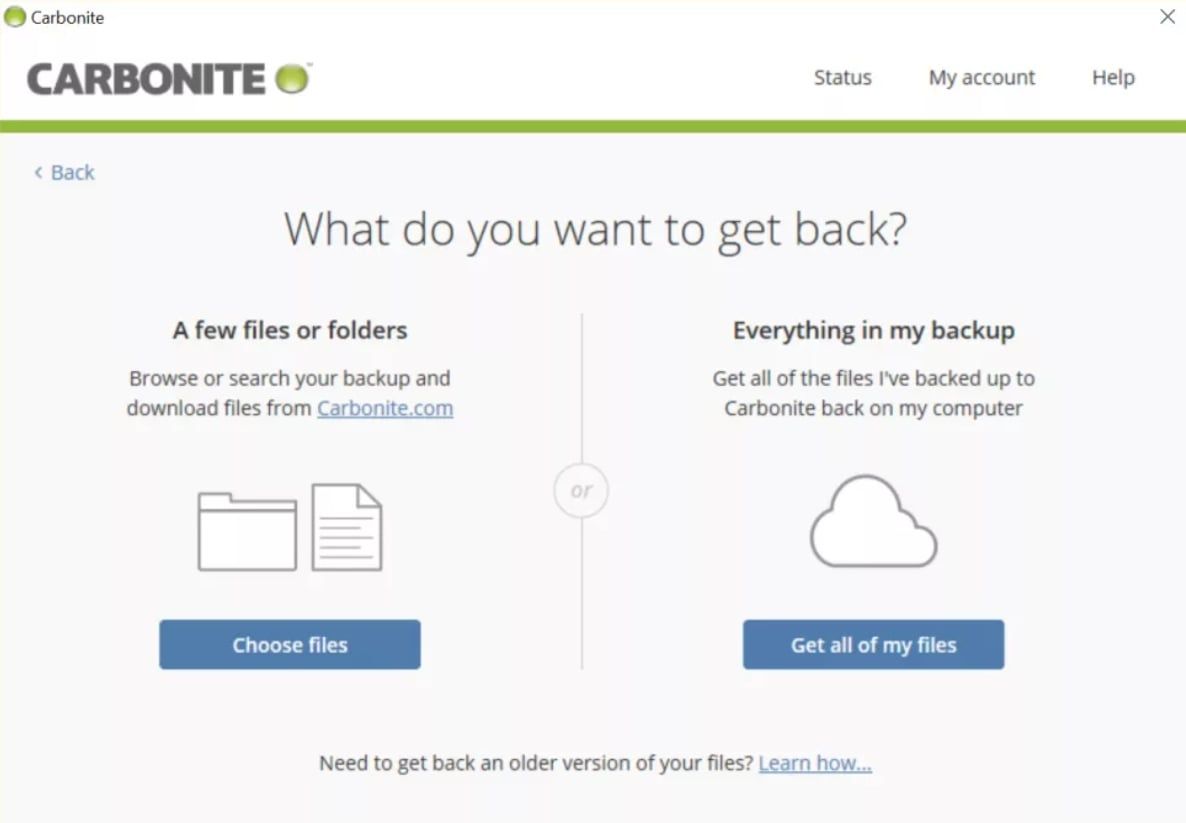
No, Carbonite’s personal plans do not support mobile device backup. The Carbonite mobile app allows you to browse, view, and share files that have already been backed up from your computer to the cloud, but it will not automatically save the photos or videos stored on your phone. For comprehensive mobile protection, IDrive is the better option as it includes dedicated apps for both iOS and Android that back up contacts, photos, videos, and calendar events.
Is IDrive really "unlimited" devices?
Yes, under a single IDrive Personal account, you can back up an unlimited number of PCs, Macs, iPhones, Androids, and tablets. However, the total data combined across all those devices must stay within your purchased storage quota (e.g., 5TB). This makes IDrive exceptionally valuable for families or individuals with multiple gadgets.
Can I use Carbonite to back up my NAS (Network Attached Storage)?
Carbonite’s "Safe" (Personal) plans do not support the backup of NAS devices or mapped network drives. If you need to back up a NAS, you must upgrade to a Carbonite Business plan. IDrive, conversely, allows NAS backup even on its standard Personal plans, making it a favorite for home media enthusiasts.
What happens if I accidentally delete a file?
Both services offer protection against accidental deletion. When you delete a file on your computer, both Carbonite and IDrive retain a copy in their "trash" or "archive" folders for a set period (usually 30 days). You can log into the web interface or use the desktop software to "undelete" the file and restore it to its original location.
How does the encryption work if I lose my private key?
If you choose the "Private Key" (Ultra-Safe) encryption option during setup, the provider does not store your key on their servers. This means that if you lose that key, your data is mathematically unrecoverable by anyone, including Carbonite or IDrive staff. It is vital to store your private key in a secure physical location or a password manager.
Final Recommendation: Which One Should You Buy?
Your decision should be based on your hardware ecosystem.
Choose Carbonite if:
- You only have one primary computer to back up.
- You have a massive amount of data (over 2TB) on that single machine.
- You are not tech-savvy and want the simplest possible interface.
- You do not need to back up mobile devices or NAS drives.
Choose IDrive if:
- You have multiple computers and mobile devices in your household.
- You want the fastest possible upload and download speeds.
- You need to back up external drives, NAS devices, or create disk images.
- You want the most storage for the lowest price (especially during the first year).
For the majority of modern users in 2026, IDrive offers the better balance of features, performance, and multi-device support. However, Carbonite remains a legendary "safety net" for single-PC users who want to ensure their data is protected without ever having to think about it.
To get started, visit the official websites of IDrive or Carbonite to compare their latest 2026 promotional rates and system compatibility requirements.
Image Gallery
Select an image to open it in a new tab.
Mateo Castillo
Decentralized Finance and E-Payments Strategist
