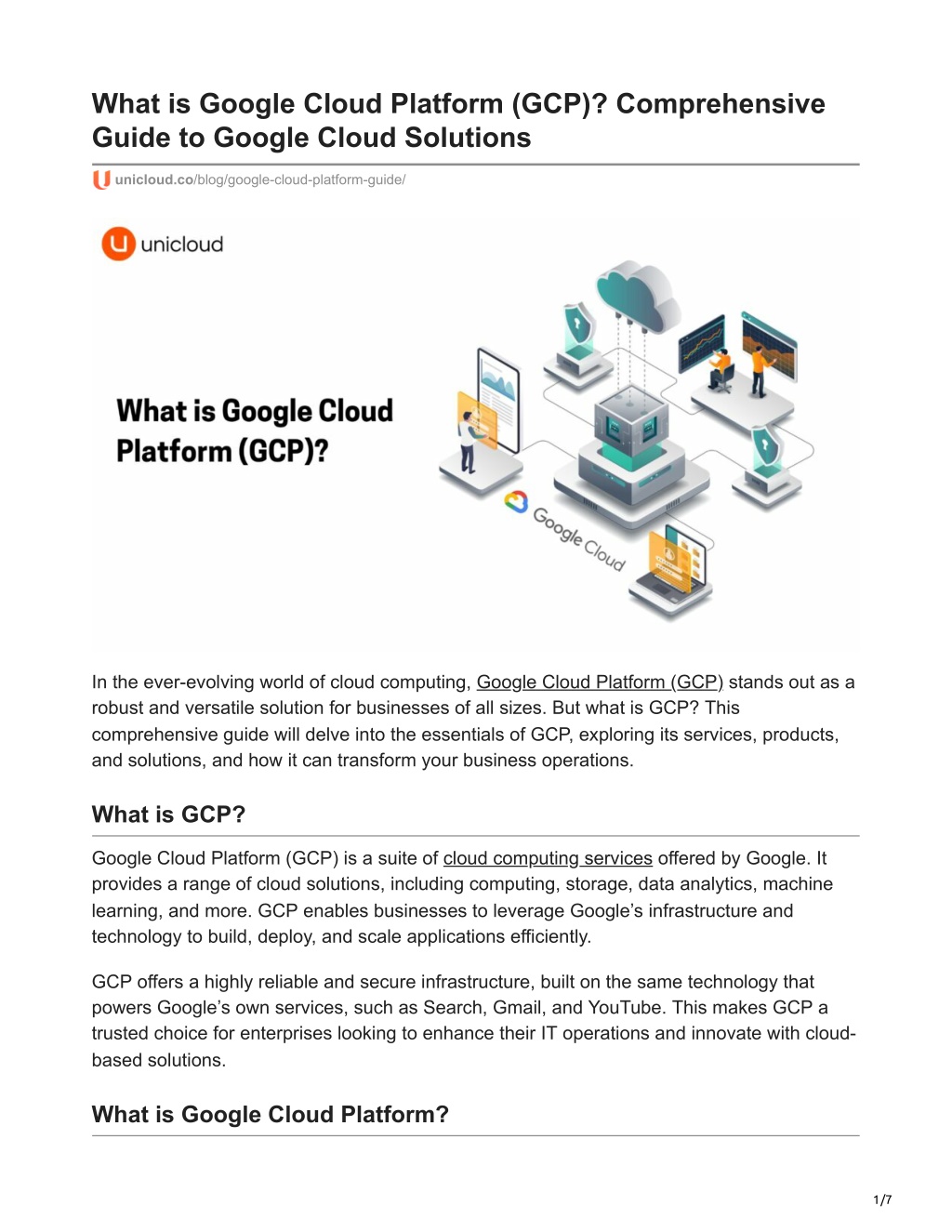
Securing an environment in the Google Cloud Platform (GCP) requires a layered strategy that moves beyond traditional perimeter defenses to embrace a Zero Trust architecture. By leveraging identity-centric access controls, hardware-level encryption, and automated compliance tools, organizations can protect data integrity and operational availability across complex cloud-native infrastructures.
Understanding the Shared Responsibility Model
In the Google Cloud environment, security is a collaborative effort. Unlike on-premises infrastructure where the organization manages the entire stack, GCP operates on a Shared Responsibility Model. Google is responsible for the security of the cloud—including the physical infrastructure, global network, and the virtualization layer. The customer is responsible for security in the cloud, which encompasses the configuration of virtual machines, management of identity and access, data encryption settings, and network firewall policies.
Understanding this boundary is the first step toward effective risk mitigation. If an organization neglects to configure Cloud Identity and Access Management (IAM) properly, the data remains exposed regardless of how robust Google’s underlying hardware security may be. As of 2026, this model remains the foundation for all compliance certifications, including SOC 2, HIPAA, and PCI DSS.
Identity and Access Management (IAM) Foundations
The core of GCP security is IAM. This service determines who can perform which actions on specific resources. Organizations should adhere strictly to the principle of least privilege, ensuring that users and service accounts are granted only the minimum permissions necessary for their functions.
Key IAM Components
- Identities: These consist of individual user accounts or service accounts assigned to applications or compute instances.
- Resources: These are the specific entities, such as BigQuery datasets, Cloud Storage buckets, or Compute Engine instances, that require protection.
- Roles: Roles are collections of permissions. Instead of assigning permissions to individuals, administrators assign roles to identities.
- Policies: These are the documents that bind identities to roles at a specific resource level.
To optimize IAM, security administrators should utilize Conditional IAM, which allows for context-aware access. By incorporating requirements like source IP addresses, device status, or time-of-day constraints, organizations can reduce the blast radius of compromised credentials.
Network Security Architecture
Google Cloud’s network is designed for isolation and granularity. By default, resources are not publicly accessible unless explicitly configured otherwise.
Virtual Private Cloud (VPC) Service Controls
VPC Service Controls represent a critical security layer. They allow administrators to define a security perimeter around sensitive data, preventing data exfiltration from Google-managed services—such as Cloud Storage or BigQuery—even if an identity has valid credentials. This provides a defense-in-depth strategy that prevents an attacker from moving data to a non-authorized project or external entity.
Firewall Rules and Hierarchical Policies
In 2026, enterprise-grade deployments rely heavily on Hierarchical Firewall Policies. Rather than managing rules on a per-instance basis, administrators can set policies at the Organization or Folder level. This ensures that essential security guardrails—such as denying inbound SSH or RDP access from the public internet—are enforced globally across all projects.
Data Protection and Encryption
Data in Google Cloud is encrypted by default, both at rest and in transit. However, organizations often need to implement additional controls to meet specific regulatory or internal mandates regarding data sovereignty and key ownership.
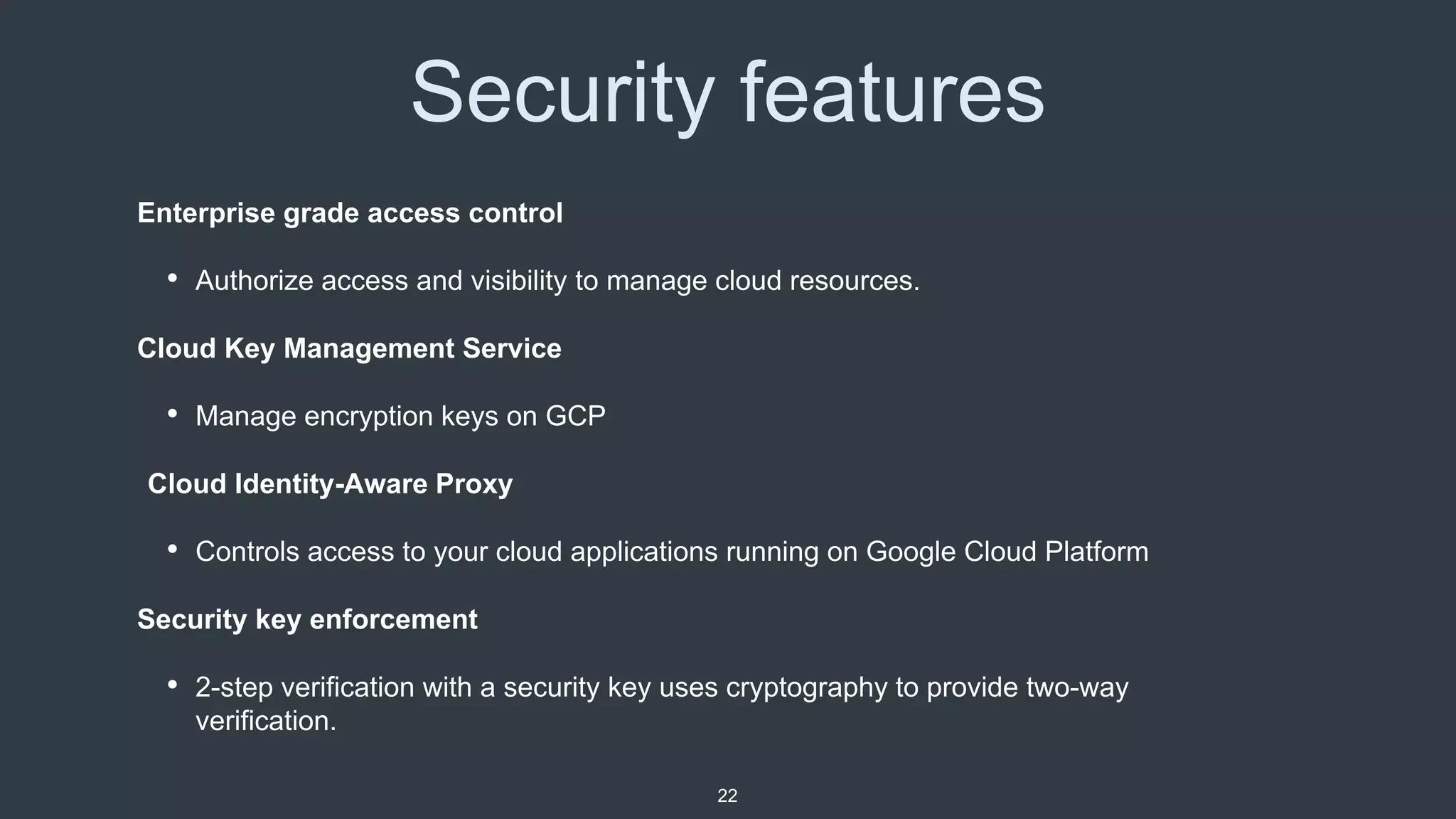
- Encryption at Rest: All data written to persistent disks or Cloud Storage is encrypted using AES-256. For higher security requirements, Customer-Managed Encryption Keys (CMEK) via Cloud Key Management Service (KMS) allow organizations to maintain control over the key lifecycle.
- Encryption in Transit: Traffic between GCP services stays within Google’s private global network. For public-facing traffic, Google employs Transport Layer Security (TLS) to protect data moving between the user and the cloud provider.
- Secret Management: Sensitive credentials, such as API keys or database passwords, should never be stored in source code. Use Secret Manager to programmatically access these values, ensuring they are audited and rotated regularly.
Monitoring and Incident Response
Security visibility is the bridge between a configuration and a functional defense. Without active monitoring, even the best firewall rules may become obsolete or misconfigured over time.
Security Command Center (SCC)
SCC serves as the primary dashboard for security posture management. It aggregates alerts from various services, including Cloud Asset Inventory, Event Threat Detection, and Web Security Scanner. For enterprise customers, the Premium tier of SCC provides deep insights into misconfigurations and potential vulnerabilities, offering automated remediation suggestions.
Logging and Auditing
Cloud Logging provides the paper trail necessary for forensic analysis. Every API call made within the project is recorded in the Admin Activity logs. Organizations should export these logs to a dedicated, write-once-read-many (WORM) storage bucket or a third-party SIEM (Security Information and Event Management) system to ensure that logs remain untampered with in the event of an account compromise.
Security Comparison: Basic vs. Enterprise Controls
| Feature | Basic/Default Security | Enterprise-Grade Security |
|---|---|---|
| Access Control | Basic IAM roles (Owner/Editor) | Conditional, Context-Aware IAM |
| Encryption | Google-managed keys | Customer-Managed (CMEK) / HSM |
| Visibility | Standard project logs | SCC Premium with threat intelligence |
| Network | Default VPC rules | VPC Service Controls & Hierarchies |
| Secrets | Environment variables | Secret Manager integration |
Common Security Mistakes to Avoid
- Over-privileged Service Accounts: The most common point of failure is assigning the "Editor" role to a service account used by a virtual machine. If the application is compromised, the attacker inherits the ability to modify all resources within the project.
- Publicly Accessible Buckets: Misconfiguring Cloud Storage buckets to be "public" remains a leading cause of data leaks. Always use Public Access Prevention policies at the organization level to block this behavior globally.
- Ignoring VPC Service Controls: Relying solely on IAM to protect data leaves the organization vulnerable to credential theft. Always wrap sensitive data in a service perimeter.
- Static Keys: Managing long-lived service account keys is dangerous. Use Workload Identity Federation to allow applications to access GCP resources without needing to export and store sensitive key files.
Frequently Asked Questions
Is my data safe in Google Cloud by default? Google provides a secure underlying infrastructure, but your data is only as safe as your configuration. Encryption is applied by default, but you are responsible for managing access, firewall rules, and security policies to prevent unauthorized usage.
What is the difference between Cloud IAM and VPC Service Controls? IAM focuses on who can access a service. VPC Service Controls focus on where the data can go. Even if an identity has permission to access a bucket, VPC Service Controls can block the movement of that data to an unauthorized network or project.
How often should I rotate my encryption keys? For keys managed in Cloud KMS, industry best practices for 2026 suggest rotating keys at least annually. For high-sensitivity data, more frequent rotation intervals are recommended to limit the impact of potential key compromise.
Can I use my own hardware security module (HSM) with GCP? Yes, Google Cloud offers Cloud HSM, which allows you to store and manage cryptographic keys in FIPS 140-2 Level 3 validated hardware modules while maintaining the convenience of a managed cloud service.
How do I detect if my GCP environment has been compromised? Utilize Security Command Center to monitor for suspicious activity, such as unusual API call patterns, creation of new service accounts, or unauthorized network configuration changes.
Next Actions
Begin your security improvement journey by enabling Organization Policy Service to enforce constraints across all current and future projects. Immediately audit existing IAM roles, identifying and downgrading any service accounts with excessive permissions. Finally, configure a centralized logging bucket in a separate, isolated security project to ensure audit integrity.
Image Gallery
Select an image to open it in a new tab.



Lars Thomsen
Global Labor Markets and Economic Strategy Editor
