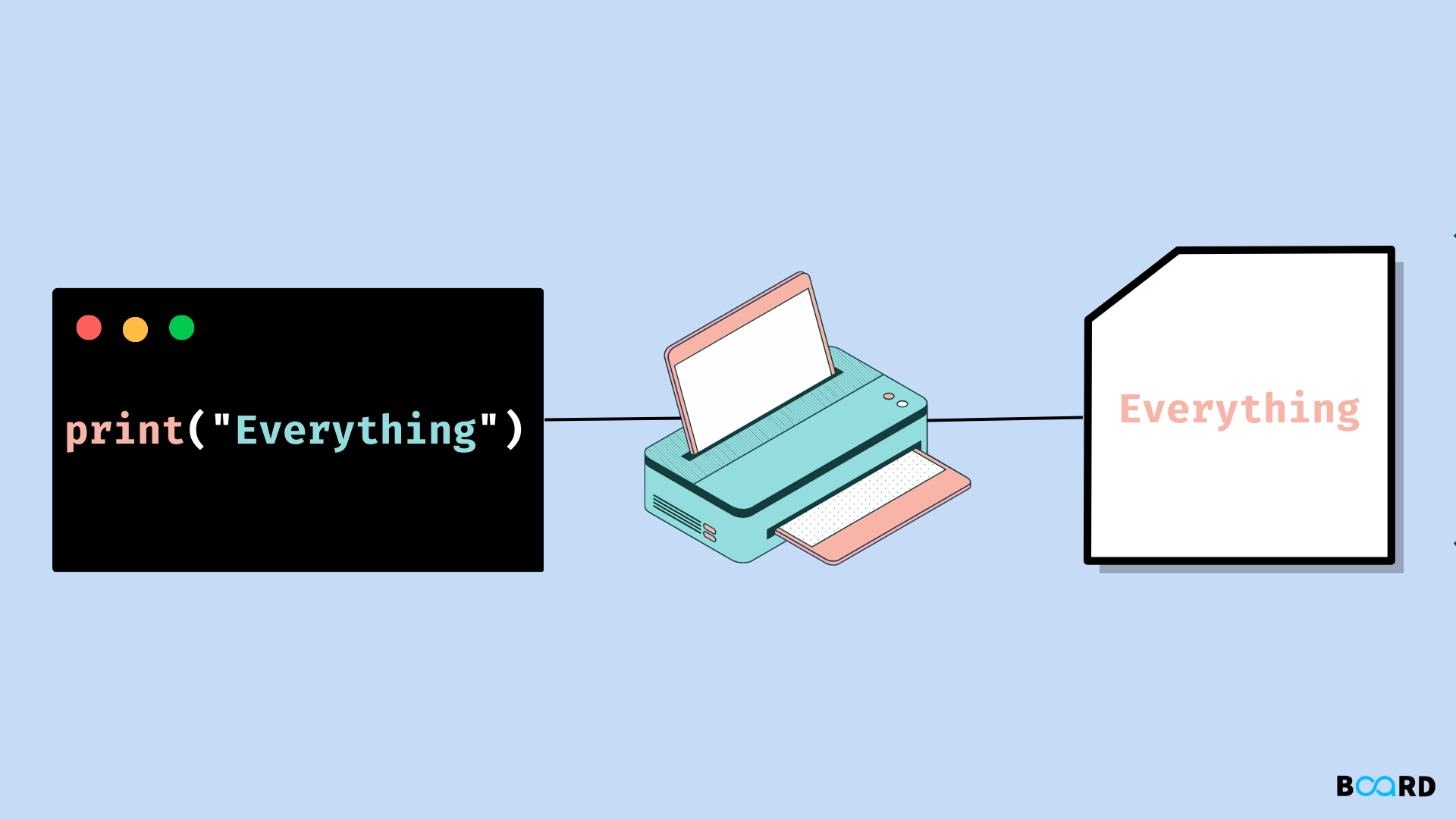
The Python print() function translates objects into human-readable text strings, formats them according to specified parameters, and transmits that byte stream to a standard output destination, typically your terminal screen or a command-line interface. Underneath its deceptively simple syntax lies a robust mechanism that handles string conversion, internal buffer management, and stream redirection via the underlying operating system.
The Core Mechanics of Output Generation
To understand how print() works in Python, you must look beneath the high-level syntax and examine how the interpreter communicates with the host operating system. When you execute a print statement, Python does not immediately push pixels to your monitor. Instead, it engages a carefully orchestrated sequence involving object representation, string formatting, and stream buffers.
Every value passed into print() is first converted into its text equivalent. Python achieves this by invoking internal representation methods. For user-defined classes, it relies heavily on the __str__() or __repr__() magic methods.
Once converted, the text is directed to sys.stdout, which is a file-like object representing standard output. The interpreter writes the data to a memory buffer before flushing it to the actual console or file destination. This buffering mechanism optimizes performance by reducing the frequency of costly input-output (I/O) system calls to the operating system kernel.
import sys # Demonstrating how print interacts directly with sys.stdout sys.stdout.write("Hello, World via stdout!\n") # This is functionally identical to: print("Hello, World via stdout!")
Anatomy of the print() Signature
Python's built-in print() function accepts a flexible signature that gives developers granular control over how text is presented and where it goes. Examining the function signature reveals its parameters and default behaviors:
print(*objects, sep=' ', end='\n', file=sys.stdout, flush=False)
Each parameter serves a distinct purpose in formatting and routing output:
*objects: A variable-length argument list allowing you to pass zero or more objects to be printed. Multiple objects are separated by a space by default.sep: The string inserted between objects, defaulting to a single space (' ').end: The string appended after the final object is printed, defaulting to a newline character ('\n').file: A writeable file-like object where the output is sent. It defaults tosys.stdout.flush: A boolean flag that forces the output buffer to clear immediately when set toTrue.
Detailed Parameter Comparison
| Parameter | Default Value | Purpose | Customization Example |
|---|---|---|---|
sep |
' ' (space) |
Defines the separator between multiple arguments. | print('A', 'B', 'C', sep=' - ') results in A - B - C |
end |
'\n' (newline) |
Defines what is appended at the end of the print call. | print('Loading', end='...') keeps cursor on the same line |
file |
sys.stdout |
Directs output to a specific stream or file. | print('Error!', file=sys.stderr) routes text to error stream |
flush |
False |
Controls whether output is buffered or written instantly. | print('Processing...', flush=True) forces immediate display |
Advanced Usage and Parameter Configuration
Mastering print() requires looking past simple string output and exploring how its parameters can be leveraged for advanced formatting, logging, and performance monitoring.
Custom Separators and Endings
By default, passing multiple arguments to print() joins them with a space. If you are constructing file paths, printing tabular data, or formatting logs, changing the sep parameter eliminates the need for manual string concatenation.
# Constructing a date with a custom separator day, month, year = 15, 8, 2026 print(day, month, year, sep='/') # Output: 15/8/2026
Similarly, modifying the end parameter allows you to control cursor movement in the terminal. This is exceptionally useful for creating dynamic progress bars, status updates, or waiting animations where you want subsequent output to overwrite or append directly to the current line.
# Creating a simple loading animation for i in range(3): print("Loading", "." * (i + 1), end="\r") time.sleep(0.5) print("\nComplete!")
Directing Output to Files and Streams
Because the file parameter accepts any object with a write() method, you are not restricted to printing solely to the console. You can seamlessly redirect output to log files, text documents, or error streams.
# Writing output directly to a text file with open("output.log", "w") as log_file: print("Application started successfully.", file=log_file) print("Initializing modules...", file=log_file)
This capability is vital for separating standard program output from diagnostic error messages. By routing errors to sys.stderr, monitoring tools and containerization engines can distinguish between normal operational logs and critical failures.
Understanding the Flush Mechanism
Python buffers standard output to enhance execution efficiency. When a program runs, text written via print() accumulates in a memory buffer before being written to the disk or terminal display. In most standard scripts, this buffer flushes automatically when the program terminates or when a newline character is encountered.
However, in long-running background scripts, real-time logging applications, or interactive command-line utilities, you may need output to appear immediately without waiting for the buffer to fill. Setting flush=True forces the underlying stream to empty its buffer instantly.
import time print("Processing critical transaction...", end="", flush=True) time.sleep(2) print("Done.")
Behind the Scenes: From Python Code to Machine Execution
To fully grasp how print() works, it helps to understand where it sits in the Python architecture. Python is implemented in C (CPython). Built-in functions like print() are written in C for maximum performance and are exposed directly to the global namespace of the Python runtime.
When the Python parser encounters a print() call during execution, it translates the high-level bytecode instructions into C-level function calls. The CPython implementation of print() iterates through the provided positional arguments, checks their types, extracts their string representations using internal C APIs (such as PyObject_Str), handles formatting constraints, and dispatches the resulting character sequence to the operating system's standard output file descriptor.
Because this entire pipeline is optimized at the interpreter level, developers rarely need to worry about the underlying memory allocations unless they are writing high-throughput logging frameworks or handling massive volumes of data streams.
Frequently Asked Questions
What is the difference between Python 2 and Python 3 print syntax?
In Python 2, print was a keyword, meaning it was written as a statement without parentheses (e.g., print "Hello"). In Python 3, print() was redesigned as a built-in function, requiring parentheses for all arguments. This change standardized syntax, improved extensibility, and allowed for flexible parameter passing like sep and end.
How can I print without adding a newline character?
You can prevent Python from adding a trailing newline by explicitly defining the end parameter as an empty string or any other character of your choice: print("Hello", end="").
Can I print directly to a text file using the print function?
Yes. By utilizing the file parameter, you can pass any open file object in write mode. For example: print("Log entry", file=open("log.txt", "a")). This writes the text directly into the specified file instead of the terminal window.
Why is my output not showing up immediately in the terminal?
Python buffers output written to sys.stdout to optimize performance. If your program crashes or runs in the background, text might remain trapped in the buffer. You can bypass this behavior by passing flush=True inside your print function or by running Python with the unbuffered binary flag (python -u).
How does print handle complex objects like lists or dictionaries?
When complex objects are passed to print(), Python automatically invokes the object's __str__() method or falls back to __repr__() to generate a string representation. For lists, tuples, and dictionaries, this means printing the entire collection formatted with brackets, braces, and commas.
Next Actions and Practical Recommendations
To deepen your proficiency with output management in Python, experiment with redirecting sys.stdout dynamically within a script to capture output programmatically for unit testing. Additionally, explore Python's built-in logging module for production environments, as print() is best suited for debugging, scripting, and command-line interfaces rather than enterprise-grade application monitoring.
Image Gallery
Select an image to open it in a new tab.
Vivian Cho
Executive IT and Emerging Technologies Reporter
