Enterprise Resource Planning (ERP) Solutions for Contractors

Selecting and implementing an ERP for contractors requires balancing robust financial tracking, field operations management, and project accounting to support specialized construction workflows. Construction businesses deal with unique variables such as job costing, change orders, subcontractor management, and multi-state compliance that standard, out-of-the-box business software cannot adequately handle.
Understanding the Landscape of Construction ERP Software
Contractors face operational challenges that differ vastly from standard retail or manufacturing enterprises. Traditional software typically focuses on inventory turnover or point-of-sale transactions. In contrast, construction requires managing mobile workforces, fluctuating material costs, complex AIA (American Institute of Architects) billing formats, and extensive equipment tracking across various job sites.
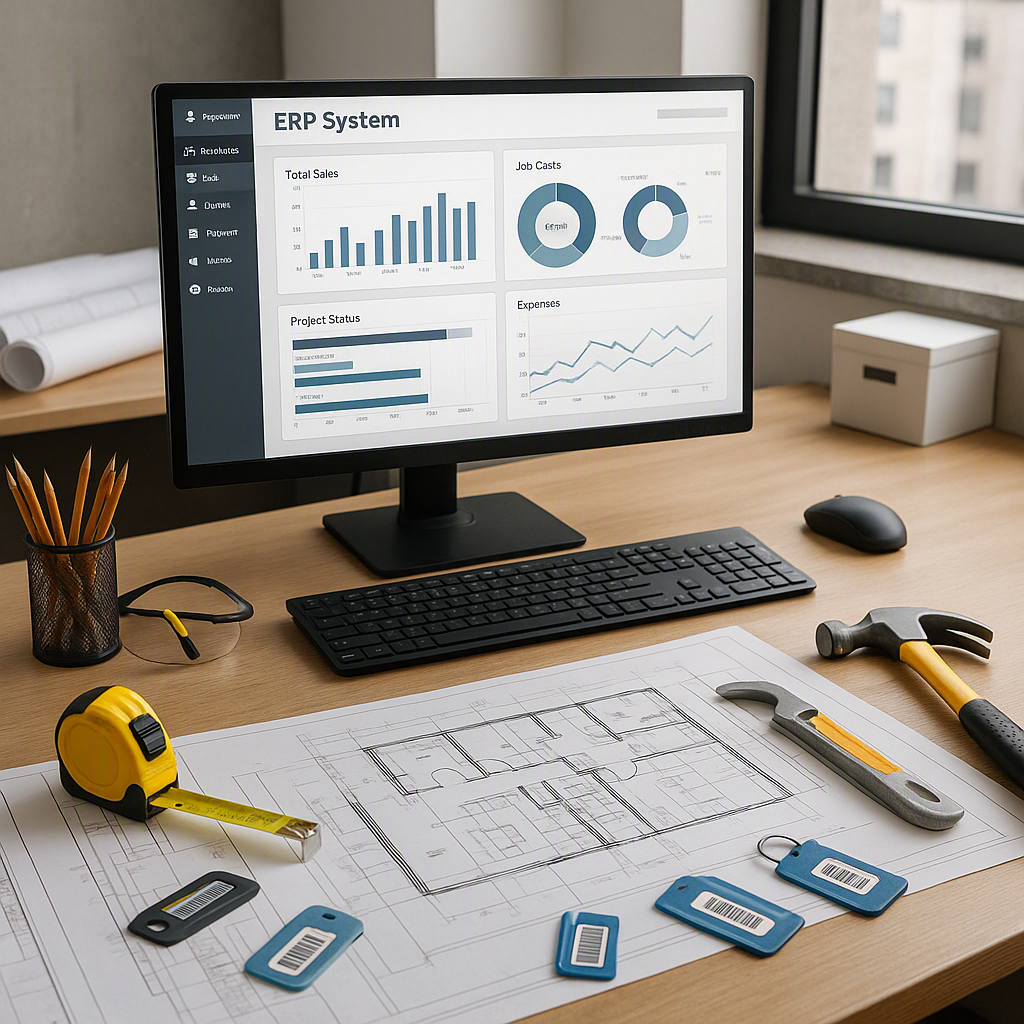
An enterprise resource planning system tailored for contractors acts as a centralized database. It integrates core operational pillars—accounting, project management, estimating, human resources, and equipment tracking—into a single platform. When a field supervisor logs hours or a project manager issues a purchase order from a job site, that data updates financial records, project budgets, and labor forecasts in real time. This visibility prevents cost overruns, improves cash flow, and eliminates the data siloes that plague growing construction firms.
Core Features Required in a Contractor ERP
Evaluating software options requires looking past generic business features to identify functionality built specifically for the construction industry. Contractors must verify that a prospective platform includes native tools for the following core areas:
Job Costing and Project Accounting
Job costing is the lifeblood of construction financial management. A dedicated contractor ERP must track estimated costs against actual expenses for every line item, phase, and cost code. It should handle complex billing structures like time-and-materials, unit price, cost-plus, and fixed-price contracts seamlessly. Furthermore, the system must support retainage tracking (withholding a percentage of payment until project completion) and generate Work-in-Progress (WIP) reports required by sureties and financial institutions.
Field-to-Office Communication
Construction happens on the job site, not just behind a desk. Modern systems require robust mobile applications that empower field personnel to submit daily logs, request materials, record time, and view up-to-date project blueprints or change orders directly from a smartphone or tablet. Real-time synchronization ensures project managers and executives can spot labor inefficiencies or material delays immediately rather than discovering them weeks later during billing cycles.
Subcontractor and Vendor Management
Managing tiers of subcontractors requires rigorous compliance tracking. An effective platform maintains electronic records of subcontractor licenses, general liability insurance, workers' compensation certificates, and lien waivers. Automated alerts can block payments to vendors whose compliance documentation has expired, mitigating severe legal and financial risks for the general contractor.
Equipment and Asset Tracking
Heavy machinery, tools, and fleet vehicles represent significant capital investments. A construction-specific ERP tracks equipment utilization, maintenance schedules, fuel consumption, and depreciation. Project managers can allocate equipment costs directly to specific jobs based on internal rental rates, ensuring accurate job costing and preventing idle machinery from eroding project margins.

Comparing Construction ERP Architecture and Deployment Models
Contractors must choose between different deployment models and software architectures. The decision often hinges on IT infrastructure, security requirements, and budget constraints.
| Deployment Model | Primary Advantage | Primary Consideration | Best Suited For |
|---|---|---|---|
| Cloud-Based (SaaS) | Lower upfront hardware costs, automatic updates, accessible anywhere via mobile or web. | Ongoing subscription fees, reliance on reliable internet connectivity at job sites. | Small to mid-sized contractors, distributed teams, firms with limited internal IT staff. |
| On-Premise | Complete control over data security, highly customizable infrastructure. | High initial capital expenditure, requires dedicated IT personnel for maintenance and backups. | Enterprise-level contractors with strict compliance mandates and existing data centers. |
| Hybrid | Balances local data control for sensitive financials with cloud accessibility for field teams. | Complex integration requirements, potential synchronization bottlenecks. | Mid-to-large contractors transitioning legacy systems to modern cloud infrastructures. |
Evaluating Cost Considerations and Return on Investment
Implementing an enterprise resource planning system is a major capital investment. Beyond the initial software license or subscription fees, contractors must account for hidden costs that influence total cost of ownership (TCO).
Implementation and Data Migration Fees
Software vendors or third-party consultants charge professional services fees for setup, workflow configuration, and data migration. Moving historical accounting data, active project schedules, and customer records from legacy spreadsheets or older software into a new database requires meticulous planning. Inadequate data migration is a primary driver of project delays and cost overruns during implementation.
Training and Change Management
Construction professionals are often resistant to new technology, preferring familiar paper workflows or standalone spreadsheets. Allocating budget and time for comprehensive employee training is non-negotiable. Field workers, project managers, and accountants require role-specific training to ensure high adoption rates. Low user adoption results in "shadow systems," where employees revert to manual tracking, rendering the ERP data inaccurate and incomplete.
Quantifying the Return on Investment (ROI)
A properly implemented contractor ERP generates returns by reducing administrative overhead, accelerating billing cycles, preventing costly billing errors, and improving labor productivity. By gaining real-time visibility into project margins, estimators can bid more accurately on future projects, and executives can cut unprofitable service lines or operational bottlenecks.
Implementation Steps for Construction Firms
A successful software rollout follows a structured methodology to minimize operational disruption and ensure long-term system adoption.
- Needs Assessment and Requirements Gathering: Assemble an internal steering committee comprising representatives from accounting, project management, field operations, and executive leadership to define mandatory features and workflow bottlenecks.
- Vendor Shortlisting and Demonstrations: Request software demonstrations tailored to your specific trade (e.g., heavy civil, specialty subcontractor, residential homebuilder, or commercial general contractor) rather than generic sales pitches.
- Pilot Testing and Customization: Test the software with a subset of real data and pilot projects. Configure custom approval workflows, user permissions, and report templates.
- Data Cleansing and Migration: Audit existing spreadsheets and legacy databases to remove duplicate or outdated records before transferring clean data into the new platform.
- Staff Training and Phased Go-Live: Roll out the system in phases—often starting with core accounting before expanding to field operations—while providing continuous support and training to all user groups.
Common Pitfalls to Avoid
Many technology transformations fail due to avoidable strategic errors during the selection and rollout phases.
- Buying Generic Software: Selecting a horizontal ERP (such as standard enterprise solutions designed for manufacturing or retail) and attempting to force-fit construction workflows through expensive custom coding almost always results in project failure.
- Ignoring Field User Experience: If a mobile app is clunky, slow, or difficult to navigate, field supervisors will ignore it. Software must be intuitive enough for workers in the field to use with minimal friction.
- Underestimating Change Management: Treating software implementation as a purely IT project rather than an organizational change initiative leads to employee pushback and low adoption rates. Leadership must champion the transition and explain how the tools will make daily tasks easier.
Frequently Asked Questions
What is the difference between standard ERP and construction-specific ERP?
Standard ERP platforms focus on supply chain, manufacturing, and inventory management. Construction-specific ERP solutions include native modules for job costing, subcontractor compliance tracking, AIA billing, certified payroll, and field-to-office mobile synchronization, which standard platforms lack.
How long does it take to implement a contractor ERP?
Implementation timelines vary based on company size, data complexity, and operational scope. Small-to-midsize contractors typically complete implementations in three to six months, while large enterprise contractors with complex multi-entity structures may require twelve months or longer.
Can cloud-based ERP systems operate without internet access on remote job sites?
Most modern construction ERP mobile applications feature offline capabilities. Field personnel can enter daily logs, record time, and capture photos without a signal; the app automatically synchronizes and updates the central database once an internet connection is re-established.
How do ERP systems handle union and prevailing wage payroll?
Construction ERPs feature specialized payroll modules capable of calculating complex multi-state tax jurisdictions, union dues, fringe benefits, and certified payroll reports (such as federal Davis-Bacon Act requirements) automatically based on employee classifications and job site locations.
What size construction company needs an ERP?
While small subcontractors often rely on basic accounting software paired with spreadsheets, growing contractors managing multiple concurrent projects, complex lien waivers, and expanding field crews typically benefit from an ERP once annual revenue surpasses mid-market thresholds or when administrative bottlenecks stall growth.
Next Actions for Contractors
Begin by conducting an internal audit of your current software stack and identifying the specific operational bottlenecks—such as delayed billing, inaccurate job costing, or disconnected field communication—that cost your business the most time and money. Use these findings to build a detailed request for proposal (RFP) and schedule targeted demonstrations with construction software vendors that match your specific operational scale and trade requirements.
Image Gallery
Select an image to open it in a new tab.

Zara El-Hashem
Sociocultural Dynamics and Academics Writer
